Top 10 Keysmith Alternatives for macOS in 2026
Looking for a Keysmith alternative? Compare the best tools for text expansion, automation, and productivity across Mac, Windows, and Chrome.

Typing the same messages, emails, or snippets over and over can slow down your workflow more than you realize. That’s why tools like Keysmith have become popular for automating repetitive typing on macOS.
But Keysmith isn’t the only option. Depending on how you work, you might want something that’s easier to set up, works across more platforms, or offers more flexibility for automation.
If you’re exploring other options, you’re in the right place. In this article, we’ll cover the 10 best Keysmith alternatives to help you automate typing, reduce manual work, and stay consistent across everything you write in 2026.
What Is Keysmith?
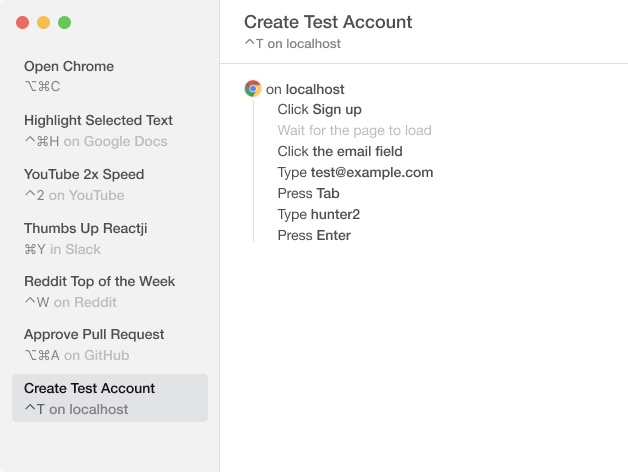
Keysmith is a Mac app that helps you speed up repetitive typing and tasks using shortcuts. It allows you to create custom triggers that expand into text, run actions, or automate sequences inside apps.
While it’s often used as a text expander, Keysmith goes beyond simple snippets by supporting workflows like clicking buttons, filling fields, and interacting with applications. This makes it useful for people who want lightweight automation without writing code.
However, Keysmith is primarily built for macOS and focuses heavily on local automation, which may not fit every workflow or setup.
Keysmith Pricing
One aspect to consider with Keysmith is its pricing structure. Keysmith offers a free plan, but you can only use up to 5 macros. After that, you have to upgrade to a paid plan.
A single Keysmith license is $54/user. They also offer a subscription for teams, which costs $5/seat/month or $50/user/year.
Why Look for a Keysmith Alternative?
Keysmith can be useful, but it’s not always the best fit depending on how and where you work.
Here are some things to consider:
You need cross-platform support: Keysmith is mainly designed for macOS, which can be limiting if you also use Windows, Chrome, or multiple devices.
You want simpler setup: Some workflows in Keysmith can take time to configure, especially if you’re trying to automate more than basic text expansion.
You rely heavily on browser-based work: If most of your work happens in tools like Gmail, CRMs, or web apps, you may prefer something that works directly in your browser.
You want built-in collaboration or sharing: Keysmith is more focused on individual automation rather than team-based workflows or shared templates.
You’re looking for different pricing or features: Some alternatives offer free plans, AI features, or different approaches to automation that may better match your needs.
Exploring alternatives can help you find a tool that fits more naturally into your workflow instead of adjusting your workflow to fit the tool.
10 Best Keysmith Alternatives for macOS
If Keysmith doesn’t fully match how you work, there are several other tools worth considering. Some are better for simple text expansion, while others are a better fit for broader automation or cross-platform workflows.
Here’s our list of the 10 best Keysmith alternatives in 2026:
1. Text Blaze
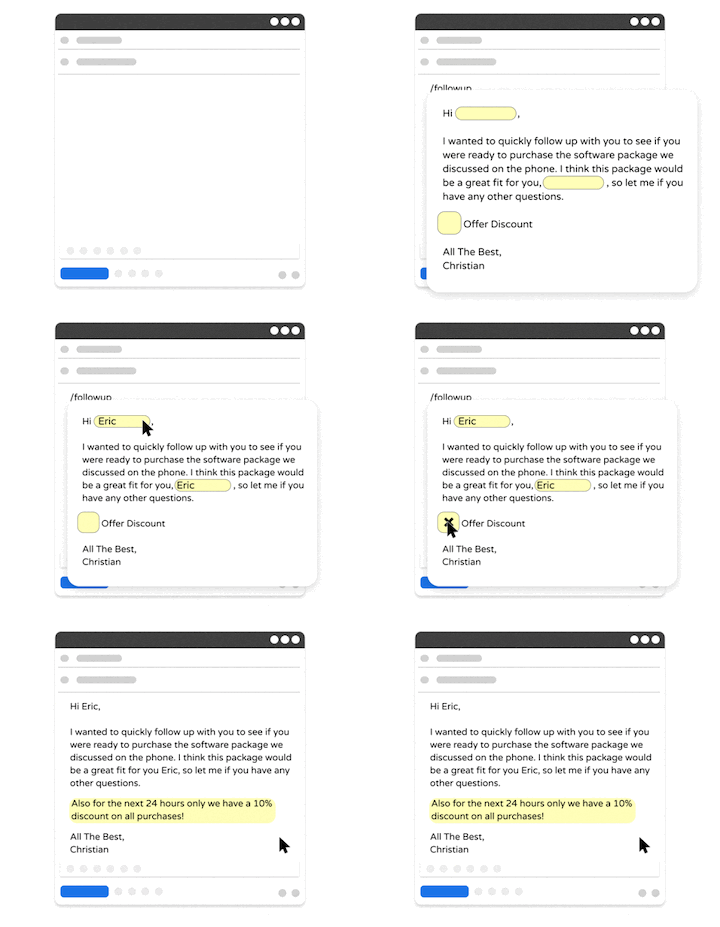
Text Blaze is a text expander that helps you automate repetitive typing with templates and keyboard shortcuts. Unlike tools that stay tied to one operating system, Text Blaze works across Chrome, Windows, and Mac, which makes it more flexible if your work happens in different places.
Plus, Text Blaze is trusted by 800,000+ users and has a 4.9 rating on the Chrome Web Store.
Text Blaze Features
Create dynamic templates with placeholders, drop-down menus, toggle fields, if/else rules, autopilot, data transfer, and more.
Text Blaze works anywhere and is available on Chrome, Windows, and Mac!
Automate workflows by streamlining data transfer, form-filling, repetitive typing, and much more.
Text Blaze is perfect for teams. Guide your team's communication & workflows with shared templates. Learn more here.
Text Blaze Pricing: Free forever. Get started and save time instantly for free.
Want a free text expander that works anywhere?
Join over 800,000+ others who are using Text Blaze templates.
2. Alfred
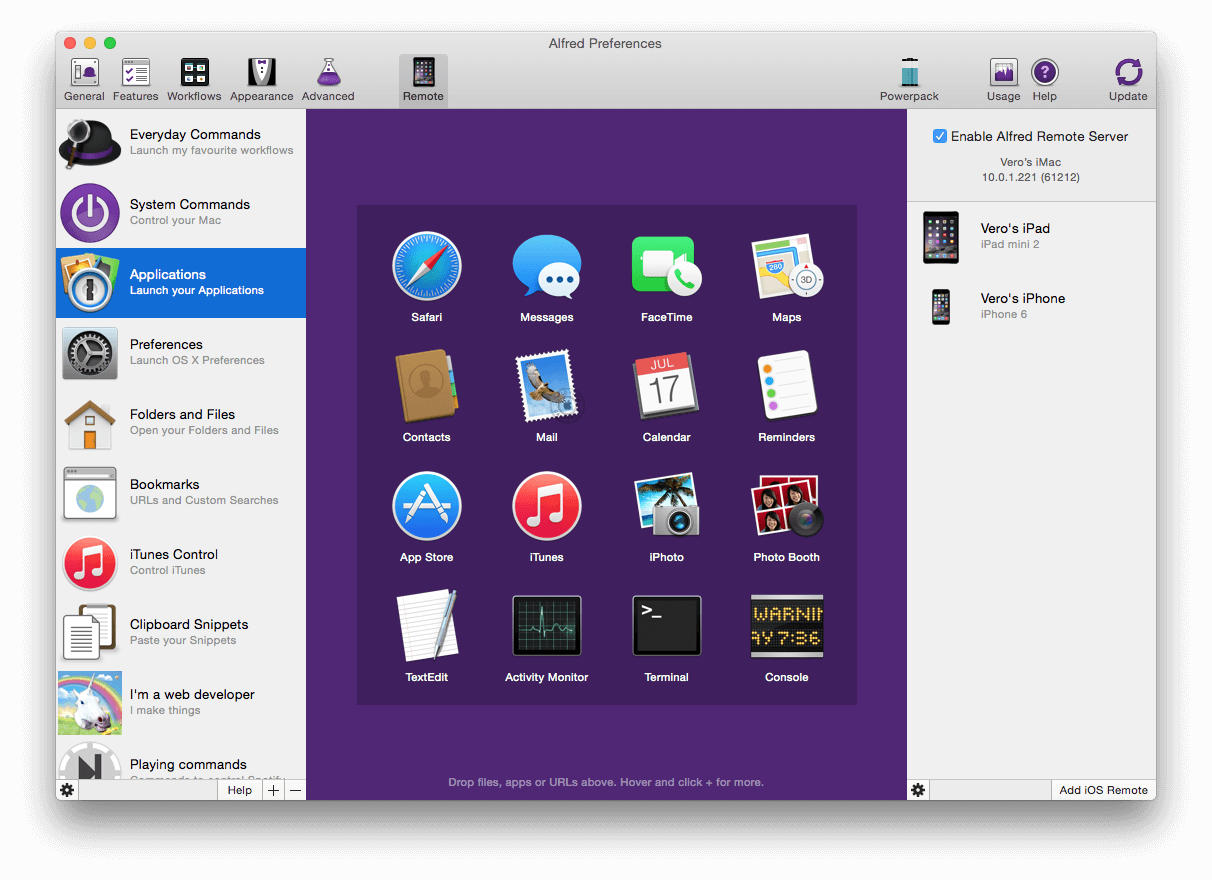
Alfred is a macOS productivity app that combines app launching, search, shortcuts, and lightweight automation. It is often used for speeding up navigation and creating quick keyword-based actions. Compared to Keysmith, it is less focused on step-by-step automation inside apps, but it can still be useful if you want a faster way to work on Mac.
Alfred Features
- Quickly launch applications and find files using Alfred.
- Hotkeys and keywords help you search faster.
- Clipboard history makes copying and pasting simple.
- Only available for MacOS.
Alfred Pricing
- Free version available; Powerpack starts at £34/user.
3. Keyboard Maestro
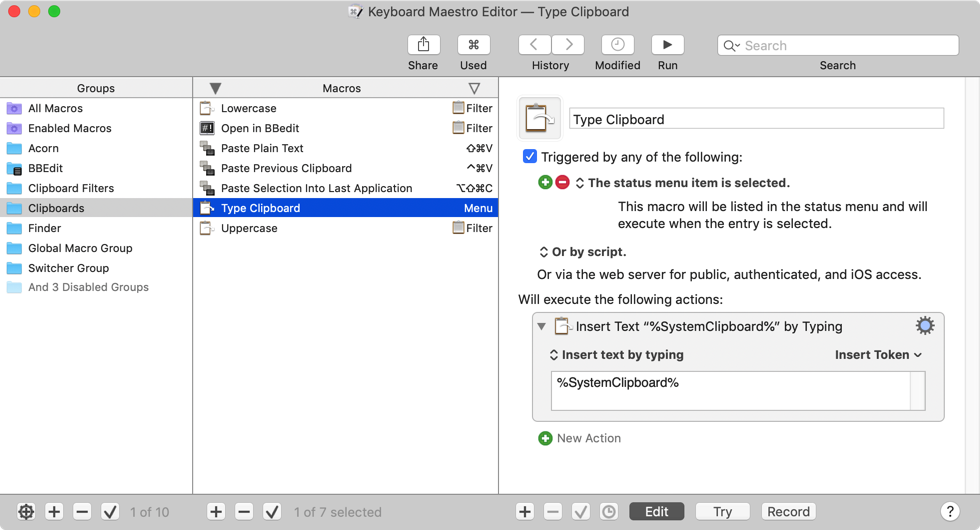
Keyboard Maestro is a more advanced macOS automation tool for people who want to automate more than text. You can use it to trigger macros, control apps, move files, and reduce repetitive steps across your workflow. Apps like Keyboard Maestro overlap with Keysmith in some ways, but generally offer more depth and complexity.
Keyboard Maestro Features
- Build multi-step automations on macOS
- Trigger actions with hotkeys, conditions, or events
- Control apps, files, and browser actions
- Use a large library of built-in actions
- Customize workflows in a detailed way
Keyboard Maestro Pricing
- One-time purchase of $36/user.
4. Typinator
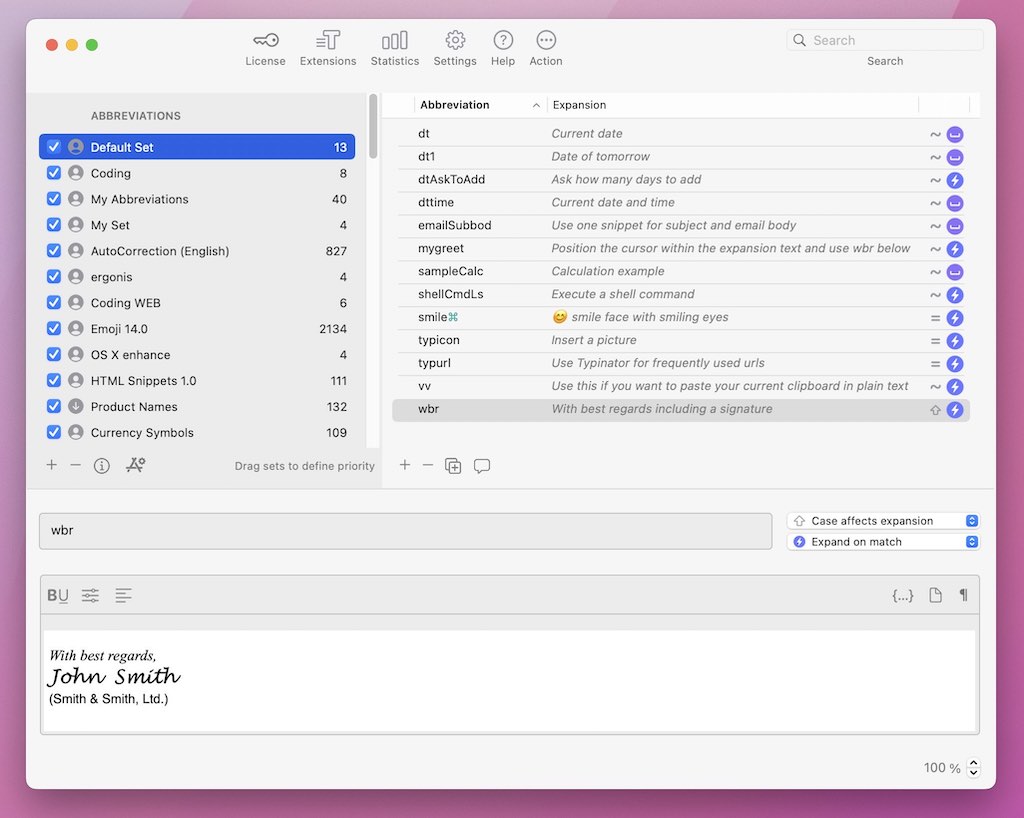
Typinator is a dedicated text expander for macOS that focuses on replacing repetitive typing with shortcuts and reusable snippets. It is a more traditional text expansion tool than Keysmith, so it will feel simpler if you mainly care about speeding up writing rather than automating app actions. It is often a good fit for people who want something dependable and easy to maintain over time.
Typinator Features
- Expand abbreviations into longer text instantly
- Organize snippets into sets and categories
- Insert formatted text, images, and dynamic content
- Reduce repetitive typing across emails and documents
- Built specifically for macOS
Typinator Pricing
- Paid license starting at $29.99/user.
5. Rocket Typist
Rocket Typist is a lightweight text expander for macOS and iOS. It keeps things fairly simple, which can be appealing if you do not need the broader automation features that Keysmith offers. For everyday shortcuts, repeated phrases, and common replies, tools like Rocket Typist give you a more straightforward setup.
Rocket Typist Features
- Create shortcuts for frequently used text
- Organize snippets into folders and groups
- Sync content across Apple devices with iCloud
- Expand text in everyday writing workflows
- Use a simple interface with minimal setup
Rocket Typist Pricing
- Free plan available; paid version unlocks additional features.
6. AutoHotkey
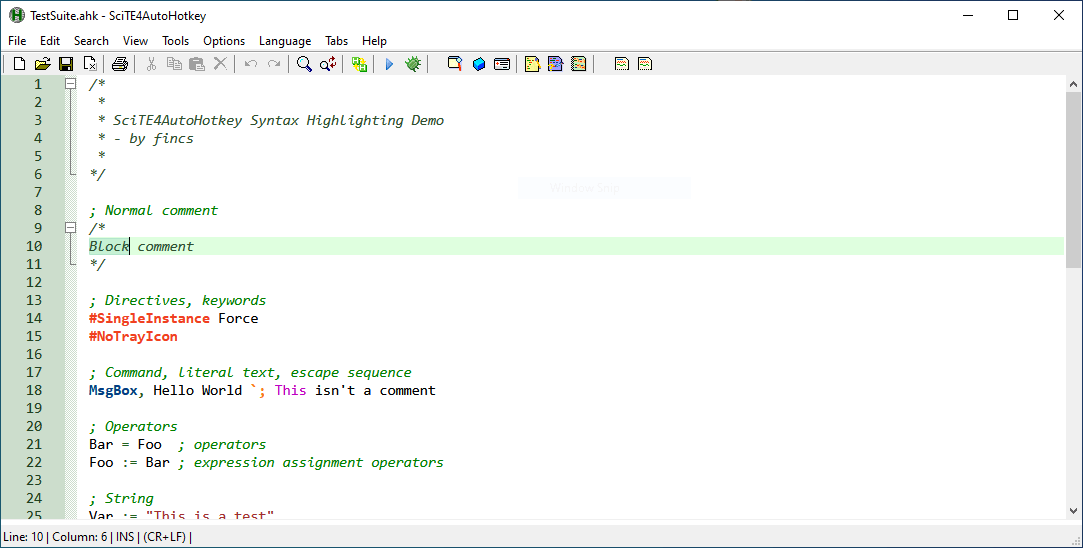
AutoHotkey is a Windows automation tool that relies on scripting. It can handle text expansion, hotkeys, and more advanced automations, but it is mainly geared toward people who are comfortable writing or editing scripts. Compared to Keysmith, it offers more raw flexibility, though it is much less beginner-friendly.
AutoHotkey Features
- Create scripts for text expansion and task automation
- Automate keyboard shortcuts, mouse actions, and workflows
- Build complex logic-based automations
- Customize Windows behavior in detailed ways
- Free and open-source
AutoHotkey Pricing
- Free + open-source.
7. Espanso
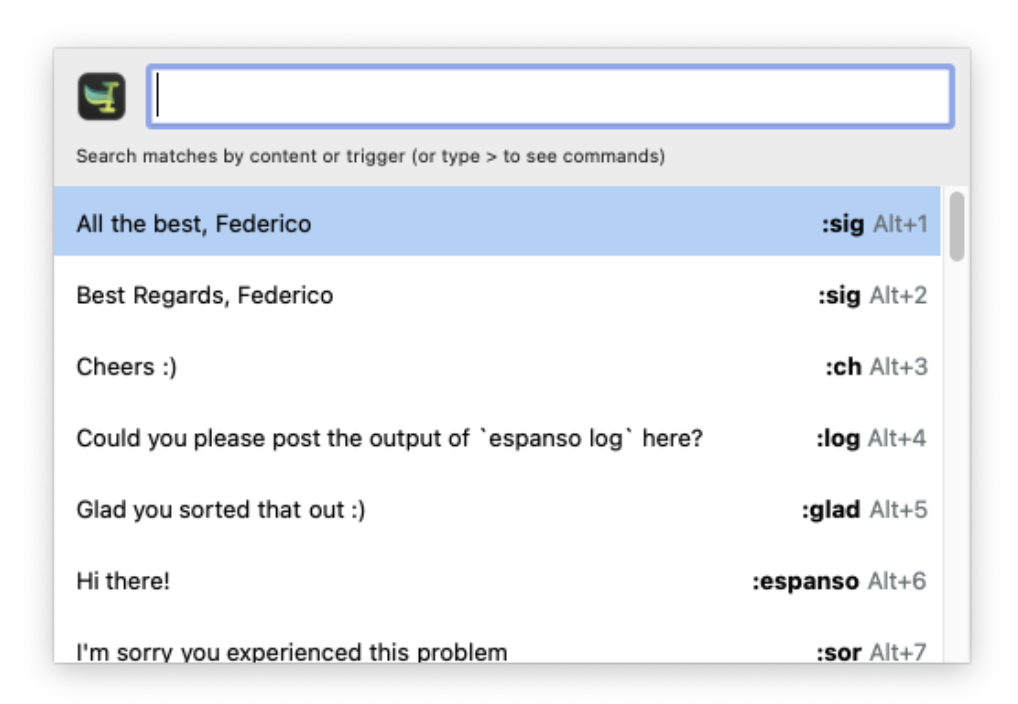
Espanso is an open-source text expander for Mac, Windows, and Linux. It is more configurable than many traditional snippet tools and supports things like variables, scripts, and forms. If you want more control than a simple text expander gives you, Espanso can be appealing, though it has more of a technical feel than Keysmith.
Espanso Features
- Expand text across multiple operating systems
- Use variables, scripts, and forms in snippets
- Customize behavior through config files
- Reuse and share snippet packages
- Support more advanced text expansion setups
Espanso Pricing
- Free + open-source.
Want a free text expander that works anywhere?
Join over 800,000+ others who are using Text Blaze templates.
8. aText
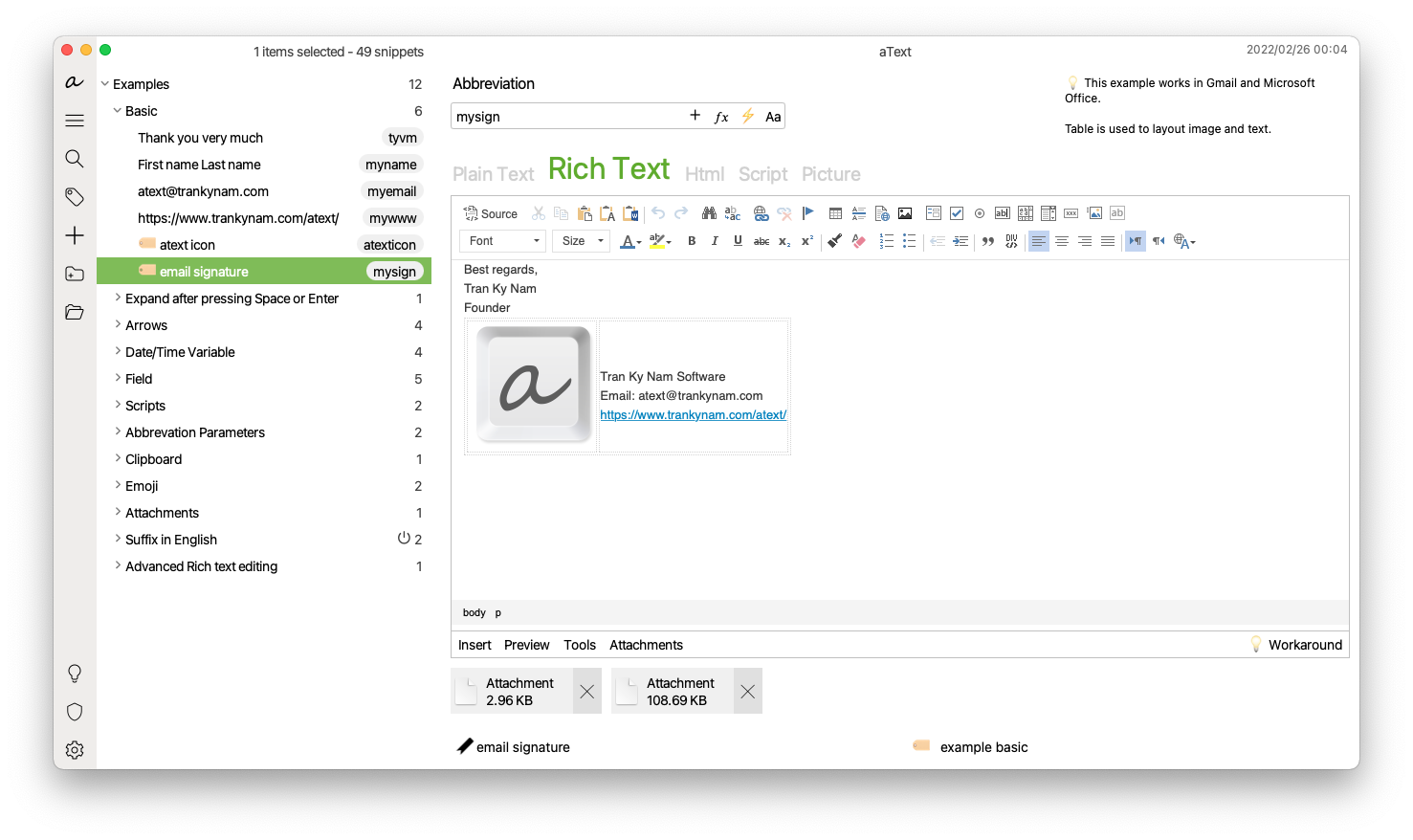
aText is a simpler text expander that helps replace abbreviations with phrases, templates, and other repeated text. It works across multiple platforms and stays focused on core text expansion features rather than broad automation. Compared to Keysmith, it is more limited, but it may feel easier to adopt if your needs are straightforward.
aText Features
- Replace abbreviations with full text and templates
- Automate repetitive typing across common workflows
- Use rich text and autocomplete features
- Sync snippets across devices
- Keep setup relatively simple
aText Pricing
- One year license for $4.99/user.
9. TextExpander
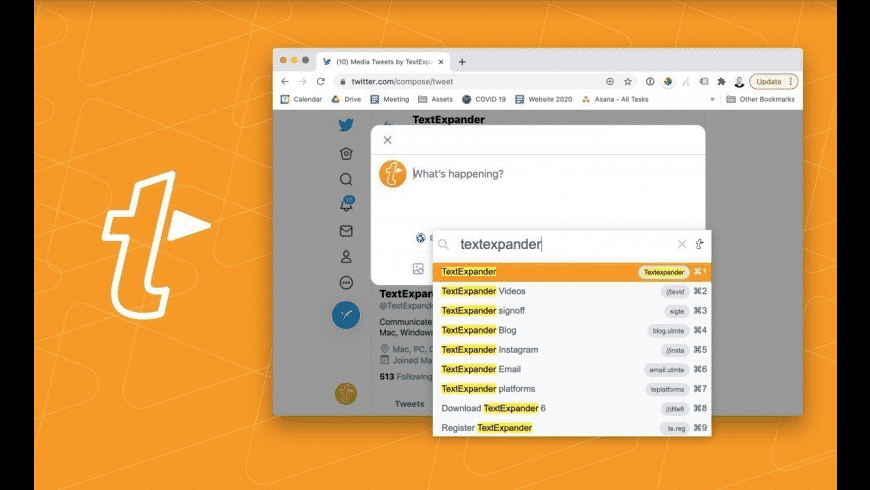
TextExpander is one of the better-known tools in this category and is often used by teams that want shared snippets and more consistent communication. Its focus is more on structured text expansion than app automation, so it is not a one-to-one replacement for every Keysmith use case. Still, tools like TextExpander are common options for people who want templates, forms, and collaboration features.
TextExpander Features
- Create snippets for repeated writing tasks
- Use forms to customize templates before inserting
- Share snippet libraries across teams
- Keep messaging consistent across users
- Manage updates to shared content more easily
TextExpander Pricing
- Individual plans starting at $4.16 USD per user per month.
10. PhraseExpress
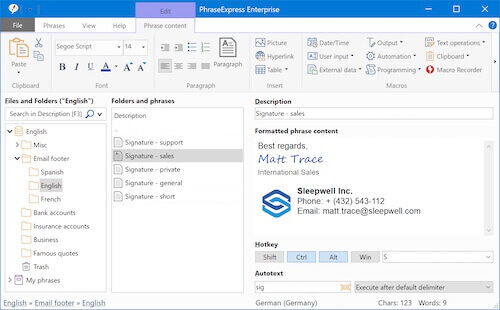
PhraseExpress is a text expansion and autotext tool that supports Windows, Mac, and iOS. It sits somewhere between a basic snippet manager and a more structured automation tool, which makes it broader than some simpler alternatives. If you want cross-platform support with room for more advanced templates, it is one to consider.
PhraseExpress Features
- Create reusable text templates and autotext shortcuts
- Use macros inside snippets for more structured workflows
- Share templates across teams
- Work across multiple operating systems
- Support repetitive team communication in different apps
PhraseExpress Pricing
- Standard version starts at $75.59 USD per year.
What Is the Best Keysmith Alternative?
The best Keysmith alternative for you depends on how you work and what you want to automate.
If your main goal is to save time on repetitive typing, a simple text expansion tool may be enough. But if you’re trying to streamline larger workflows, you might need something that can handle more structured templates, dynamic inputs, or multi-step actions.
Another thing to consider is where you do most of your work. If you’re constantly switching between apps, browsers, or devices, choosing something that works across environments can make a noticeable difference over time.
If you want a balance between flexibility, ease of use, and more advanced template capabilities, Text Blaze is a strong option to consider. It works across Chrome, Windows, and Mac, and helps you automate repetitive typing with structured templates that fit into your existing workflow.