10 Best Active and Passive Voice Checkers in 2026
Discover the 10 best tools to check for active and passive voice and automatically convert your writing in 2026.

If you’ve ever been told your writing sounds unclear, indirect, or harder to read than it should be, passive voice is often part of the problem. Many people struggle to spot passive sentences on their own, especially when editing longer documents, emails, or blog posts.
Active voice clearly shows who is doing the action in a sentence, while passive voice focuses on the action itself and often leaves the subject unclear.
An active and passive voice checker can help you quickly identify these issues and decide when active voice would make your writing stronger.
In this article, we’ll cover the 10 best active and passive voice checkers that you can use to improve your writing and sound more confident in 2026.
What is Passive Voice?
Passive voice happens when the subject of a sentence receives the action instead of doing it. This often makes sentences longer and less direct, which can weaken clarity in everyday writing.
Passive voice is not always "wrong," but it can make your message feel vague or impersonal when overused. Many writers rely on a passive voice detector to catch these sentences during editing.
Passive Voice Examples
In passive voice, the focus shifts away from who is doing the action. This can make responsibility or intent harder to understand.
Examples include:
The report was written by the team.
The email was sent late.
The meeting was canceled.
What is Active Voice?
Active voice places the subject at the center of the action. It clearly shows who is doing what, which usually makes sentences easier to read.
Most writing guides recommend active voice for clarity, especially in emails, articles, and instructions. An active voice checker helps writers keep sentences direct and confident.
Active Voice Examples
Active voice makes sentences shorter and clearer. The subject performs the action, leaving less room for confusion.
Examples include:
The team wrote the report.
She sent the email late.
They canceled the meeting.
Want a free AI grammar & punctuation checker?
Use Grammit to improve your writing anywhere with AI.
Passive Voice vs Active Voice
Knowing when to use each is more important than avoiding passive voice completely. For example:
The key is being intentional, using active voice by default, and choosing passive voice only when it genuinely improves clarity or tone.
How to Detect & Convert Passive to Active Voice
Spotting passive voice can be tricky because the sentences often sound natural at first read.
Here's how to detect and convert passive to active voice:
Read the sentence and look for forms of “to be” followed by a past participle. For example, in the sentence “The report was written yesterday,” the phrase “was written” is a common signal of passive voice.
Ask who is performing the action in the sentence. If the answer is missing or pushed to the end, the sentence is likely passive. In “The report was written yesterday,” it’s unclear who wrote the report.
Identify or add the subject doing the action. In this example, the subject could be “the team” or “the manager,” depending on the context.
Rewrite the sentence so the subject comes first and performs the action. “The team wrote the report yesterday” is the active version and is clearer and more direct.
Read the revised sentence to make sure it still fits the tone and purpose of your writing. If the active version sounds more natural and specific, it’s usually the better choice.
Using active and passive voice checkers that rely on AI can make this process much faster. These tools automatically flag passive sentences and suggest clear active rewrites, saving you time while editing longer documents.
They're also great for checking punctuation in real-time, like commas and colons.
10 Best Free Active and Passive Voice Checkers
If you are tired of trying to figure out whether your sentences are in active or passive voice, there are plenty of tools out there that can do it for you (and even help you rewrite them).
Here's our list of the 10 best free active and passive voice checkers:
1. Grammit
First up on our list of the best active and passive voice checkers is Grammit.
Grammit is your own personal AI grammar checker that helps you catch mistakes and improve your writing anywhere you work.
Here's how Grammit stands out:
AI-powered grammar & punctuation checking - Grammit helps you check your grammar, catch mistakes, and suggest improvements using AI.
AI writing assistant - Use Grammit to paraphrase, rewrite, and improve your writing. Ask questions and give it custom prompts to get the best results.
Grammit works anywhere - Take Grammit with you anywhere you work to improve your writing.
Privacy first - Grammit puts privacy first and checks your writing directly on your computer using a local, on-device LLM, It never sends your writing to external servers.
Price - Grammit is free!
Want a free AI grammar & punctuation checker?
Use Grammit to improve your writing anywhere with AI.
2. Grammarly
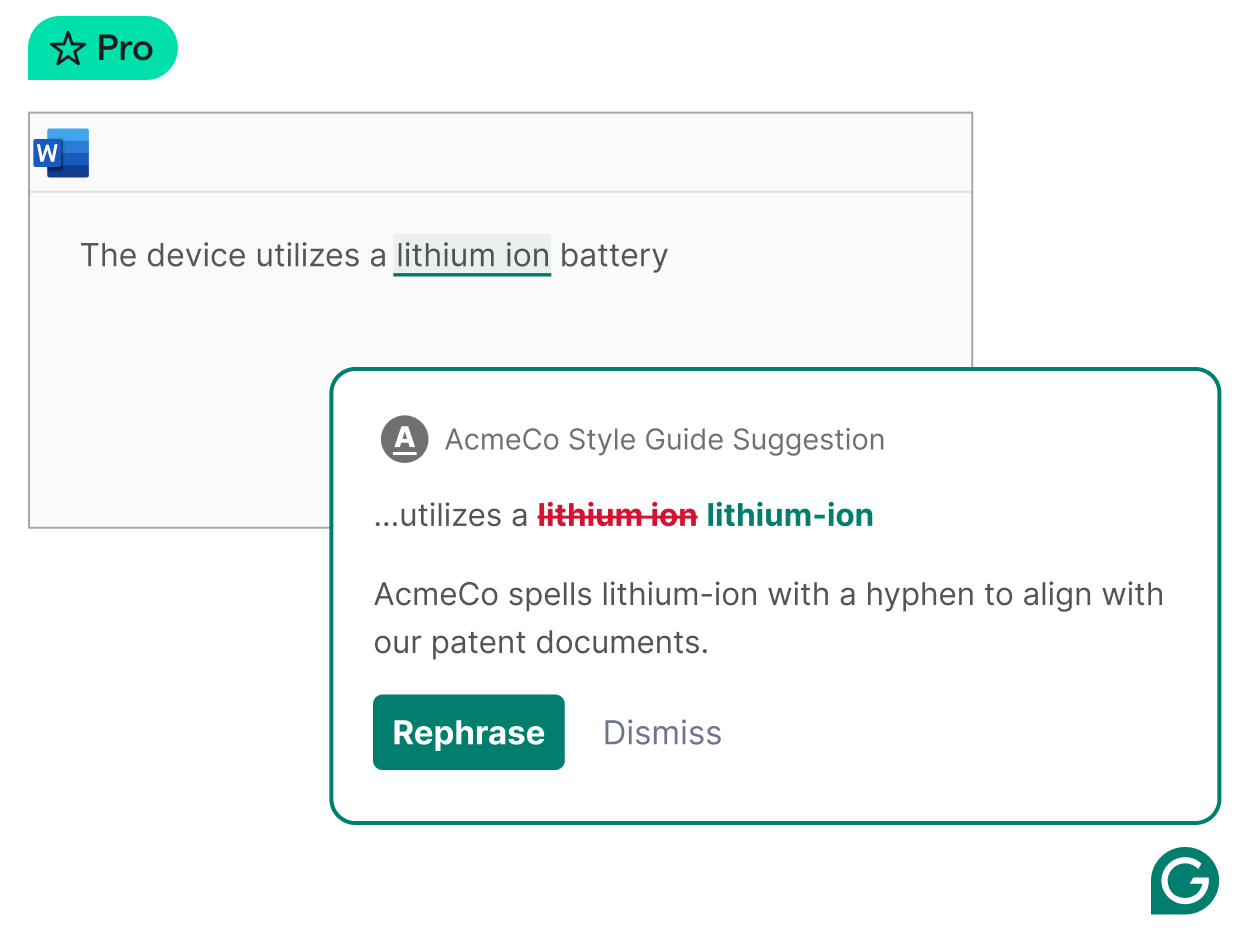
Grammarly includes a built-in passive voice detector as part of its grammar suggestions. It highlights passive sentences and explains how they affect clarity.
Writers can choose whether to keep the sentence as is or rewrite it in active voice. Tools like Grammarly typically work across browsers, documents, and email tools.
3. Sapling AI
Sapling AI is designed for clear and professional communication. It detects passive voice in real time and suggests more direct alternatives.
The tool is often used for business writing, customer support messages, and documentation. Sapling AI focuses on improving clarity rather than rewriting entire paragraphs.
4. ProWritingAid
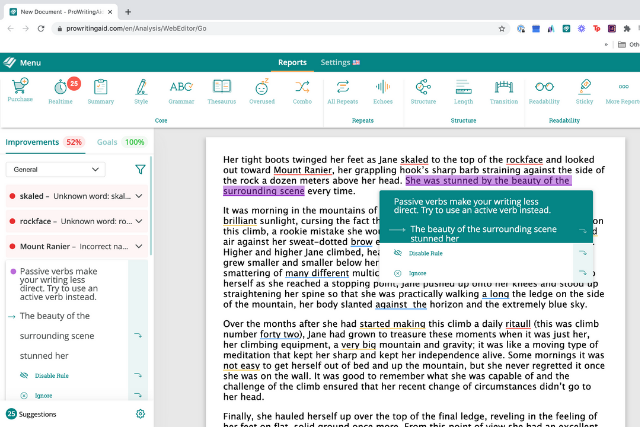
ProWritingAid offers detailed writing reports, including passive voice usage. It shows how often passive voice appears and where it may hurt readability.
The tool provides suggestions but leaves the final decision to the writer. Sites like ProWritingAid are helpful for longer pieces like essays or blog posts.
5. Originality AI
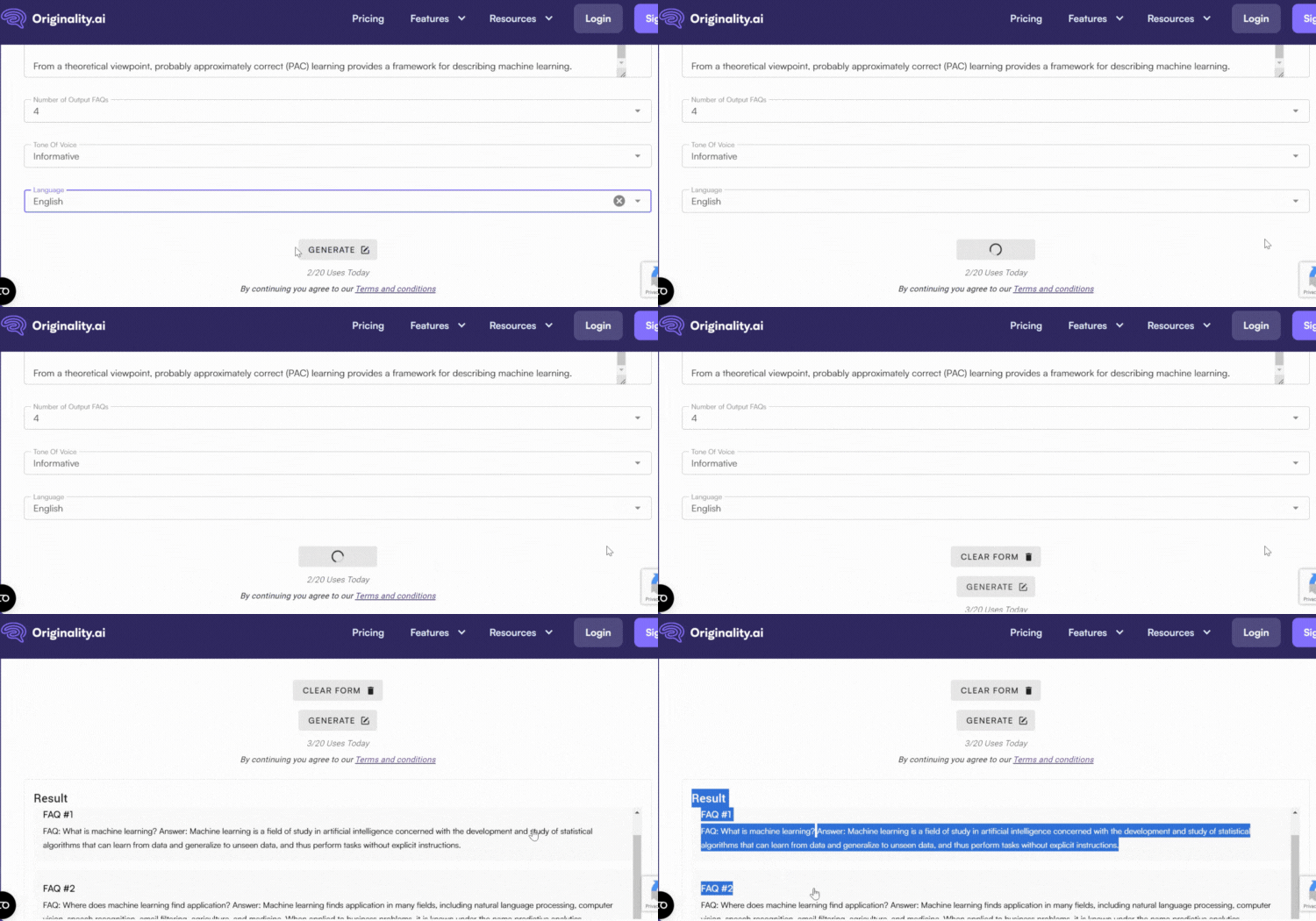
Originality AI includes grammar and style checks alongside other writing tools. Its passive voice checker highlights sentences that may feel indirect or unclear.
The suggestions are concise and focus on improving sentence structure. Originality AI is commonly used by content writers and editors.
6. Trinka AI
Trinka AI is designed for formal and academic writing. It detects passive voice and explains whether it is appropriate in context.
The tool helps writers decide when passive voice is acceptable and when active voice would be clearer. Trinka AI is often used for research papers and technical documents.
7. Outwrite
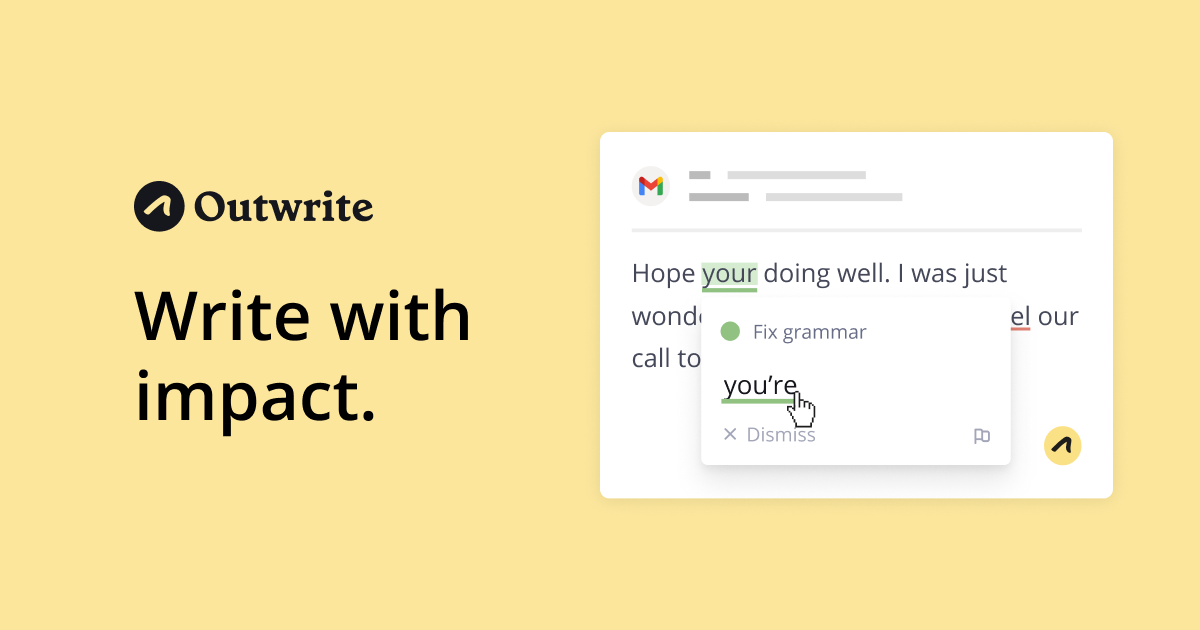
Outwrite focuses on improving writing style and clarity. It flags passive voice and suggests direct alternatives that sound natural.
The tool works well for emails, blog posts, and social media writing. Outwrite emphasizes readability rather than strict grammar rules.
8. Hemingway Editor
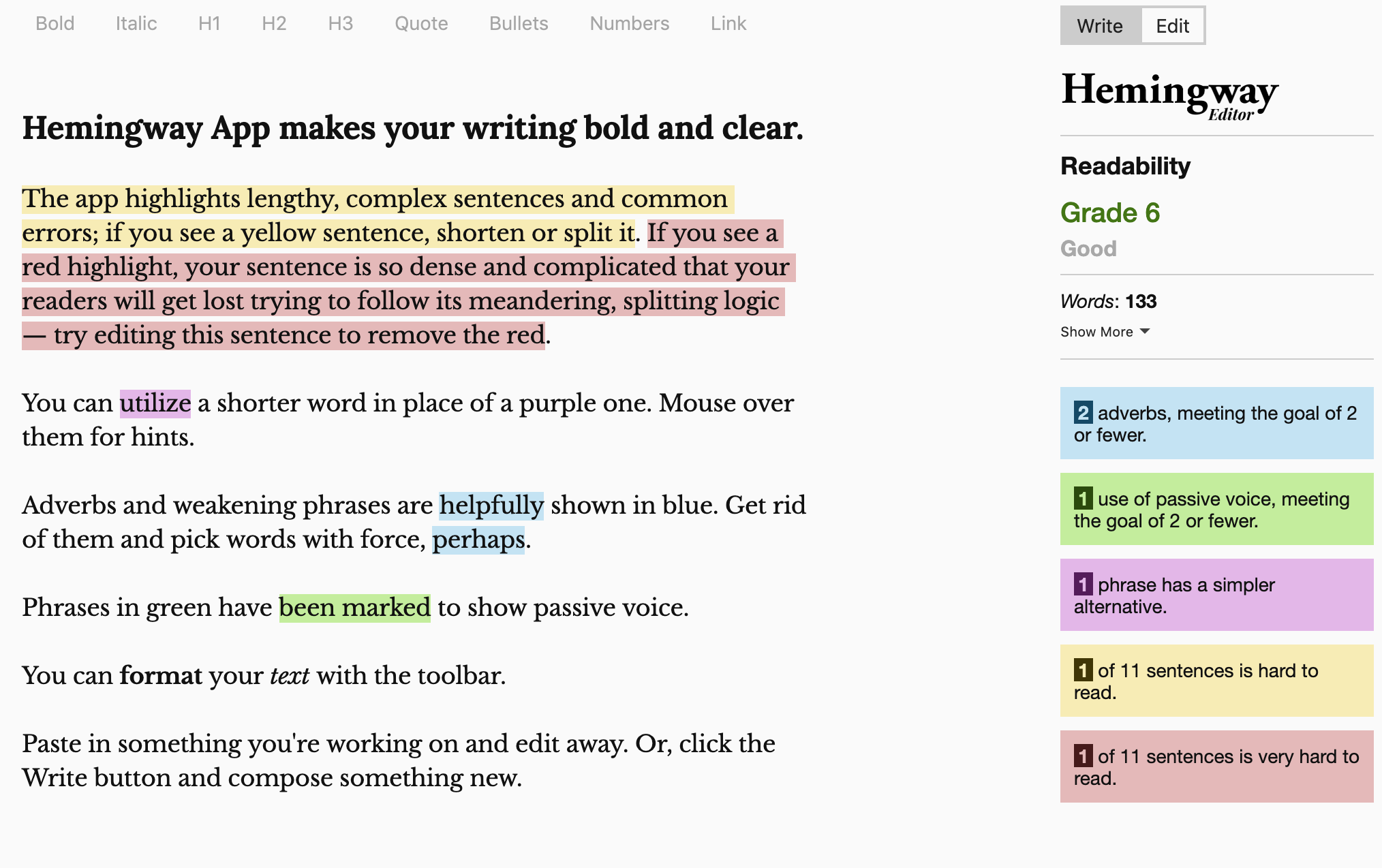
Hemingway Editor highlights passive voice directly in the text. It uses simple color coding to show where sentences may be weak or indirect.
The tool does not rewrite sentences automatically but encourages manual editing. Tools like Hemingway Editor work best for short-form writing and quick edits.
Want a free AI grammar & punctuation checker?
Use Grammit to improve your writing anywhere with AI.
9. Quillbot AI
Quillbot AI includes a passive voice detector within its writing tools. It identifies passive constructions and offers rephrased versions in active voice.
Writers can adjust the tone and structure of suggestions. Quillbot AI is often used for rewriting and paraphrasing tasks.
10. LanguageTool
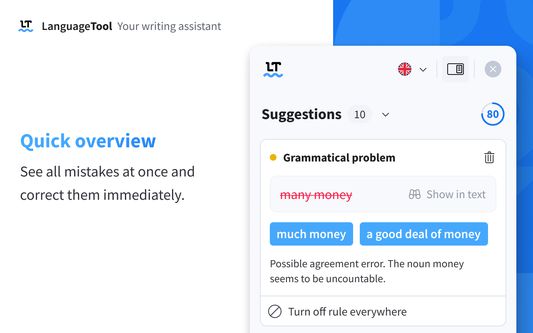
LanguageTool provides grammar and style suggestions across many languages. Its passive voice checker highlights indirect sentences and explains why they may be unclear.
The tool allows users to accept or ignore suggestions easily. Sites like LanguageTool work in browsers, documents, and desktop apps.
What is the Best Passive Voice Checker?
The best passive voice checker depends on what you want help with and where you do most of your writing. If you mainly write emails or short documents, you may only need quick reminders when a sentence sounds indirect.
For longer pieces or important work, deeper feedback can help you decide whether active voice or passive voice fits your goal better.
Since active voice makes it clearer who is doing the action and passive voice shifts the focus to the action itself, the right checker is the one that helps you make that choice intentionally.
With the right support, improving your writing becomes less about rules and more about communicating clearly and confidently.
To recap, use Grammit to check your grammar and punctuation to catch mistakes anywhere you write in real-time. Grammit is your personal AI grammar checker and writing assistant that works on any website.
Give Grammit a try for free today!