7 Best Free Activepieces Alternatives in 2026
Discover the best free Activepieces alternatives for automating workflows and streamlining processes in 2026.

Getting into workflow automation sounds exciting, but it can also feel overwhelming at the same time. You know there are ways to save time and reduce manual work, but figuring out where to start is not always clear.
Building workflows from the ground up can feel technical, confusing, and a little intimidating, especially if you have never done it before. You might be worried about choosing the wrong tool or setting something up that breaks instead of helping.
That is why many people look for simpler ways to start automating without committing to something too complex right away. If that's you, you're in the right place!
In this article, we'll cover the 7 best Activepieces alternatives you can use in 2026. Let's dive in!
What is Activepieces?
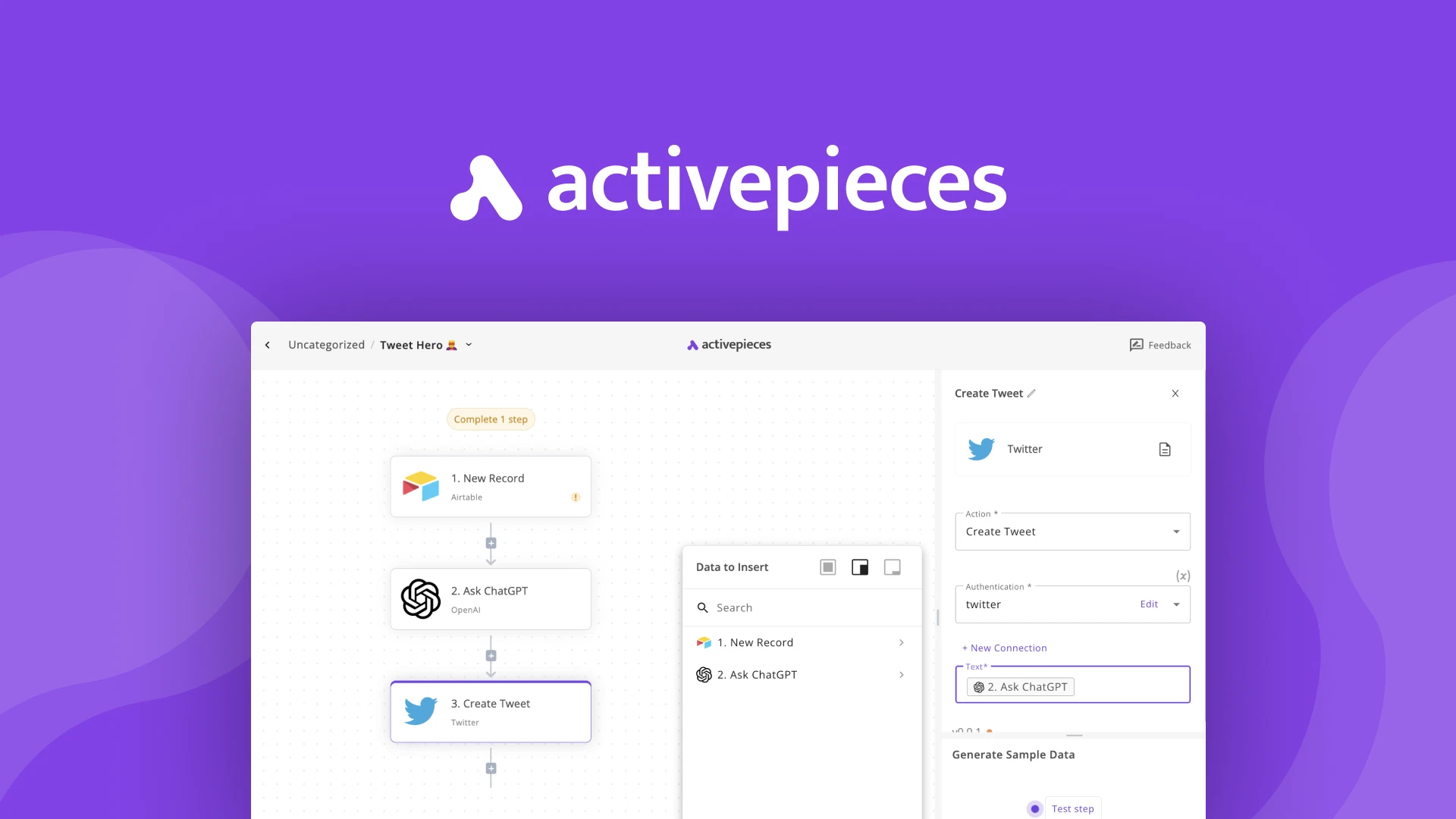
Activepieces is a workflow automation tool that lets you connect apps and create automated processes using visual workflows. It focuses on helping users build automations without needing deep technical skills.
You can trigger actions based on events, pass data between steps, and create simple logic for decision making. It is often used for tasks like syncing data between tools, automating form submissions, or sending notifications.
ActivePieces Pricing
Activepieces offers a free plan, but it only includes 10 active flows. After that, it's $5/active flow/month.
For some people, the free plan is enough for personal projects or light automation. Others may feel constrained as their workflows grow more complex. That is one of the main reasons people explore Activepieces alternatives.
How to Choose an Activepieces Alternative
When you are comparing Activepieces alternatives, it helps to focus on tools that make workflow automation feel easier to start and easier to build on.
Here are a few things to keep in mind while evaluating the tools below:
Free usage that lasts - Look for a tool that gives you enough access to actually test real workflows. A strong free plan should let you build, run, and adjust automations without immediately running into limits.
Works where you already work - The tool should connect naturally with the apps and websites you use every day. When automation fits into your existing workflow, it feels much more practical to use.
Hassle-free setup - Getting started should be simple and straightforward. You should be able to create your first workflow without spending hours on setup or troubleshooting.
Works well for teams - If you collaborate with others, shared workflows and consistent processes matter. This makes it easier for everyone to stay aligned and reduces duplicated effort.
Customizable as you grow - As your automation needs change, you will want more control. Being able to tweak logic, add steps, and personalize workflows keeps the tool useful long term.
Keeping these things in mind helps you choose workflow automation software that feels supportive instead of intimidating. The right option should make it easier to start now and still feel powerful later on.
7 Best Free Activepieces Alternatives
If you are looking for different integrations, better control, or a simpler way to manage workflows, these tools cover a range of needs, and you should be able to find one that works for you.
Here's our list of the 7 best free Activepieces alternatives in 2026:
1. Text Blaze

First up on our list of the best Activepieces alternatives is Text Blaze. With Text Blaze, you can automate form-filling and data transfer on any website with dynamic templates!
Text Blaze allows you to create smart text templates and insert them anywhere you work to automatically fill out forms, transfer data, automate repetitive typing, and much more.
With Text Blaze, you can:
Automate repetitive typing anywhere you work! Text Blaze works on Chrome, Windows, and Mac.
Streamline workflows like transferring data, filling out forms, sending an email, or any other repetitive workflow.
Create dynamic templates that you can customize for any situation. Use placeholders and advanced commands to create powerful templates.
Save time for free! Text Blaze is free forever, no licenses or upgrades necessary.
Want to save hours by automating repetitive typing & workflows?
Join over 700,000+ others who are automating workflows with Text Blaze.
2. Zapier

Zapier is a well-known workflow automation platform that connects thousands of apps. It allows you to create automations called Zaps that trigger actions when something happens in another app.
It is often used for syncing data, sending notifications, and moving information between tools. Tools like Zapier are useful when you want quick automation without deep customization.
3. Make
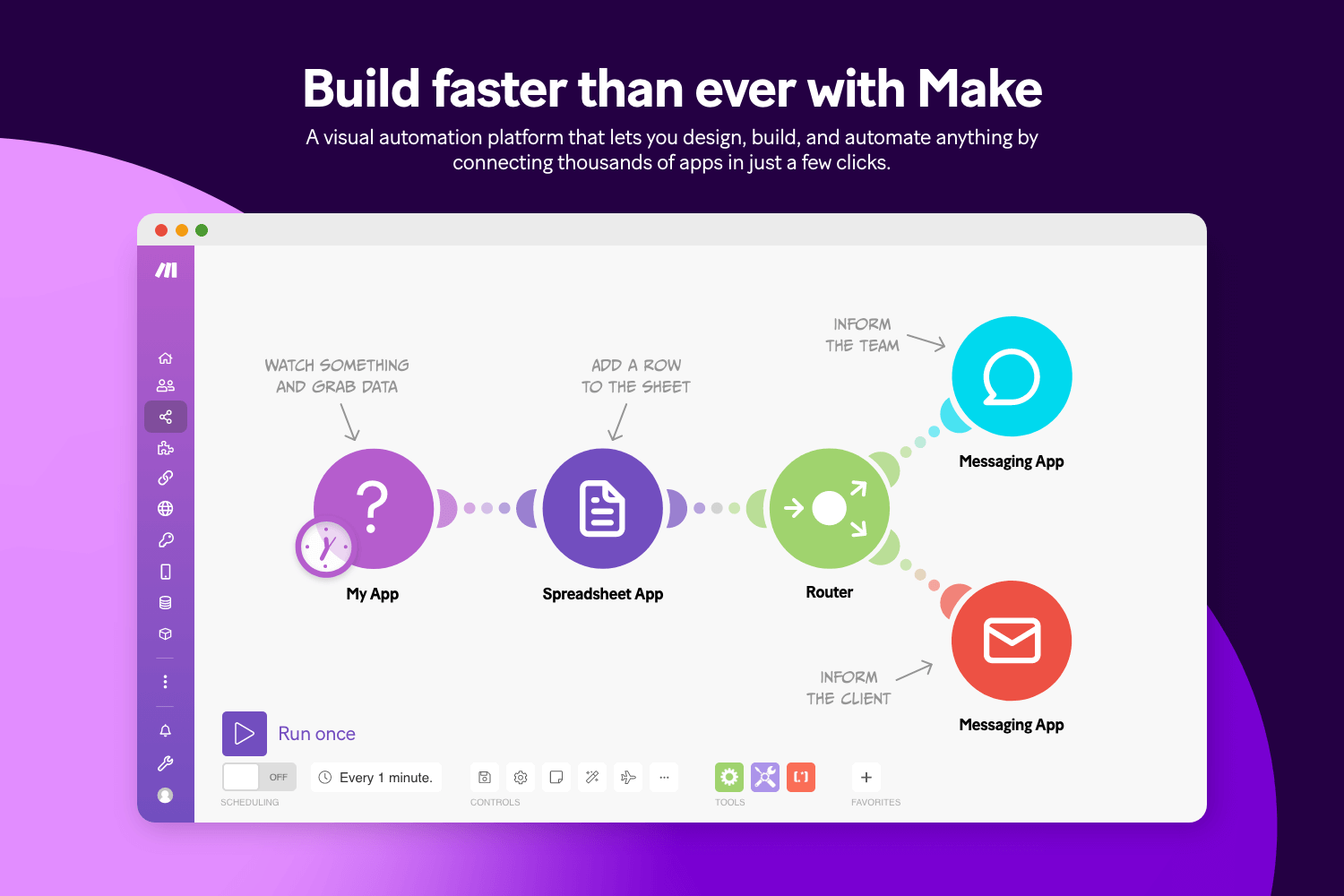
Make.com provides a visual builder that shows each step of your workflow in detail. It is designed for people who want more control over data handling and logic. You can create complex scenarios with branching, filters, and transformations.
This makes it suitable for advanced workflow automation software use cases. Tools like Make can handle detailed processes like data cleanup, multi-step approvals, or custom API calls.
4. Albato

Albato focuses on connecting popular business tools and building automated workflows between them. It offers a clean interface and supports both simple and more advanced automation scenarios. Users can move data between apps, trigger actions, and handle conditional logic.
It is often used for CRM automation, marketing workflows, and data syncing. Tools like Albato focus on being approachable while still being flexible.
5. Automatisch
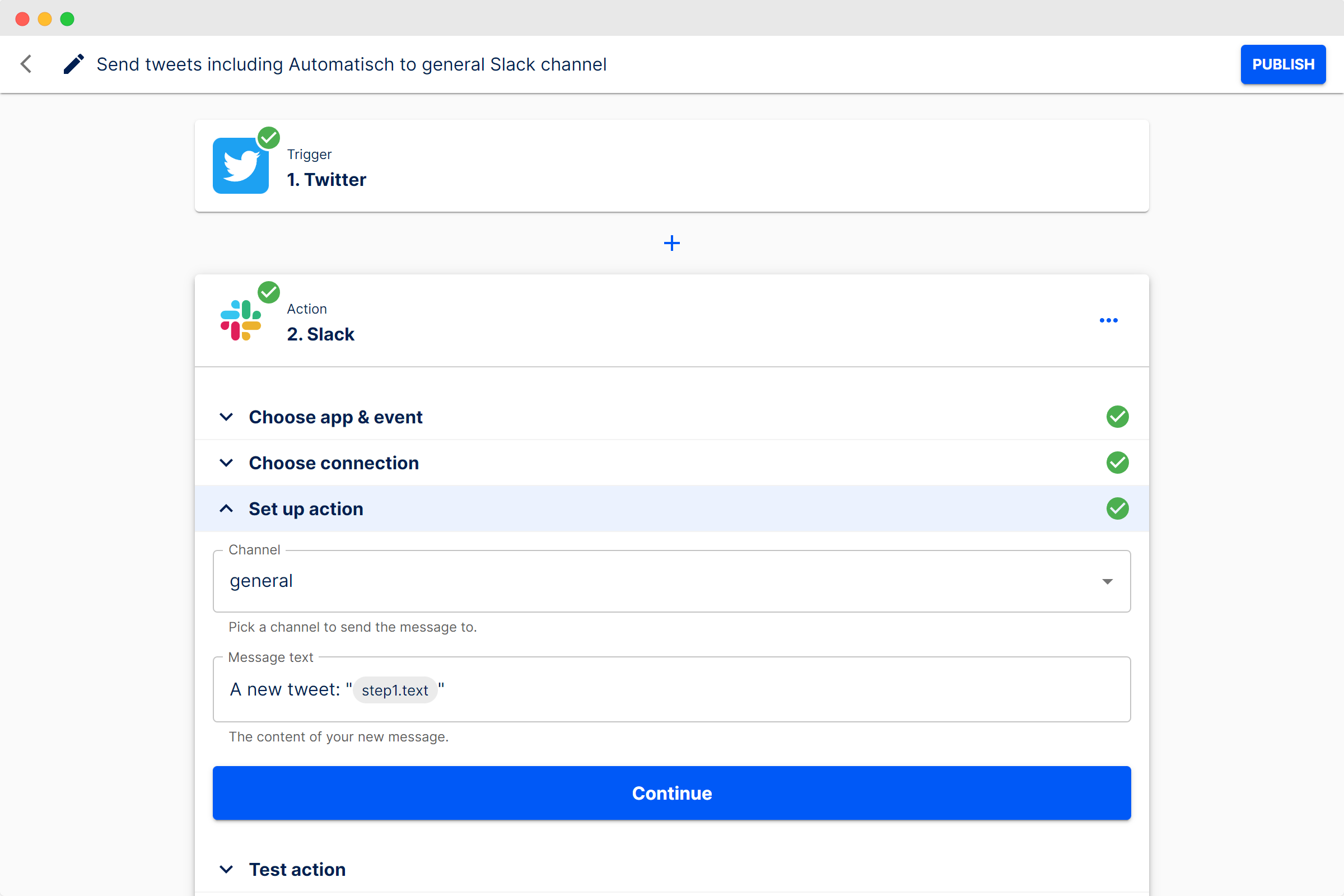
Automatisch is an open-source workflow automation tool that can be self-hosted. It allows users to connect apps and build workflows using a visual interface. This makes it appealing to teams that want full control over their automation infrastructure.
It supports custom integrations and advanced workflows when needed. Because it is open source, users can adapt it to fit their environment. It works well for people comfortable managing their own servers.
Want to save hours by automating repetitive typing & workflows?
Join over 700,000+ others who are automating workflows with Text Blaze.
6. N8N
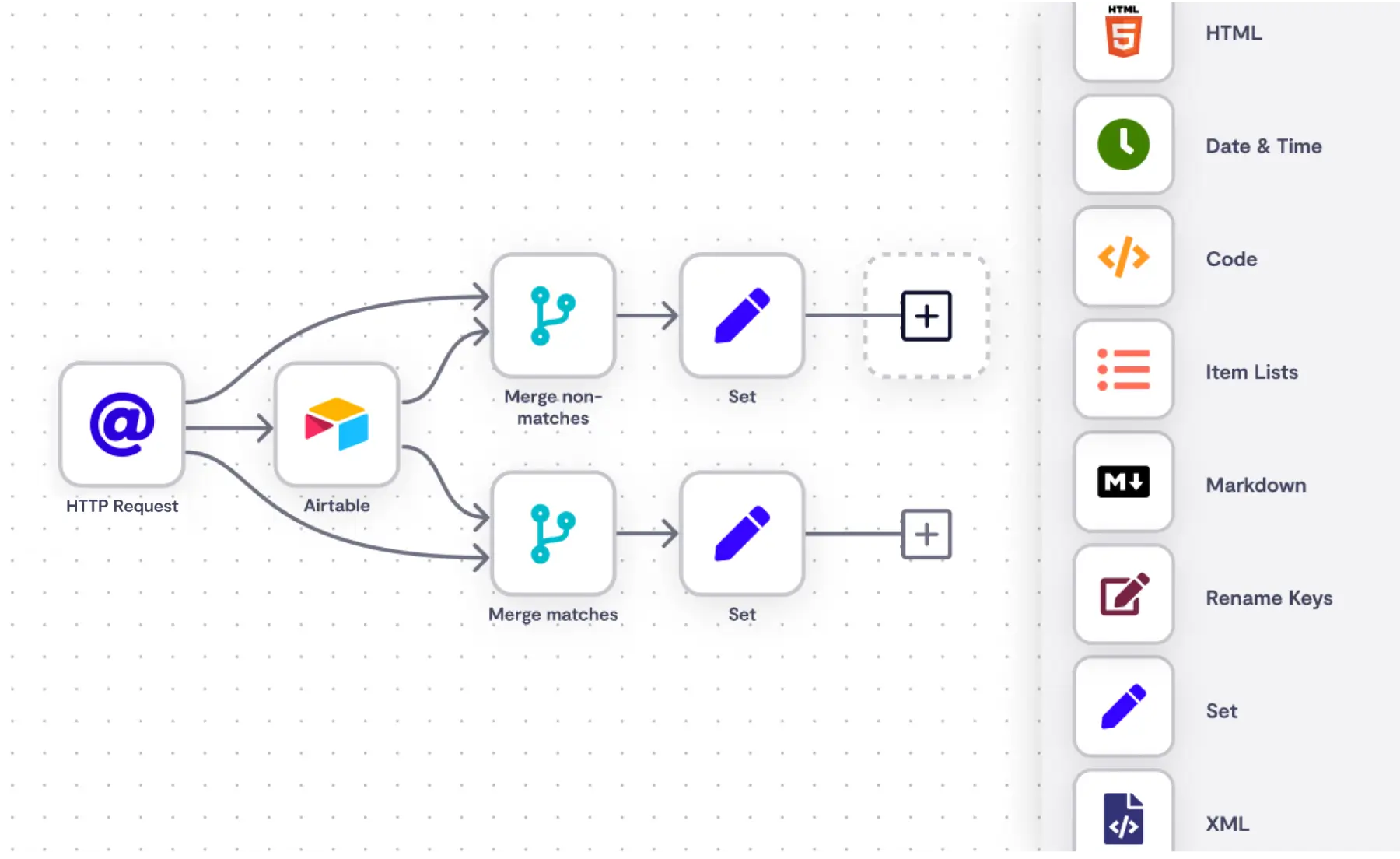
N8N is a powerful workflow automation platform designed for flexibility. Tools like N8N support both cloud hosting and self-hosting, giving users control over how they deploy it. Workflows can include advanced logic, custom code, and API integrations.
It is often used for technical automation projects and data-heavy workflows, like in healthcare. N8N fits well when you need full control over how data flows between systems.
7. Konnectify
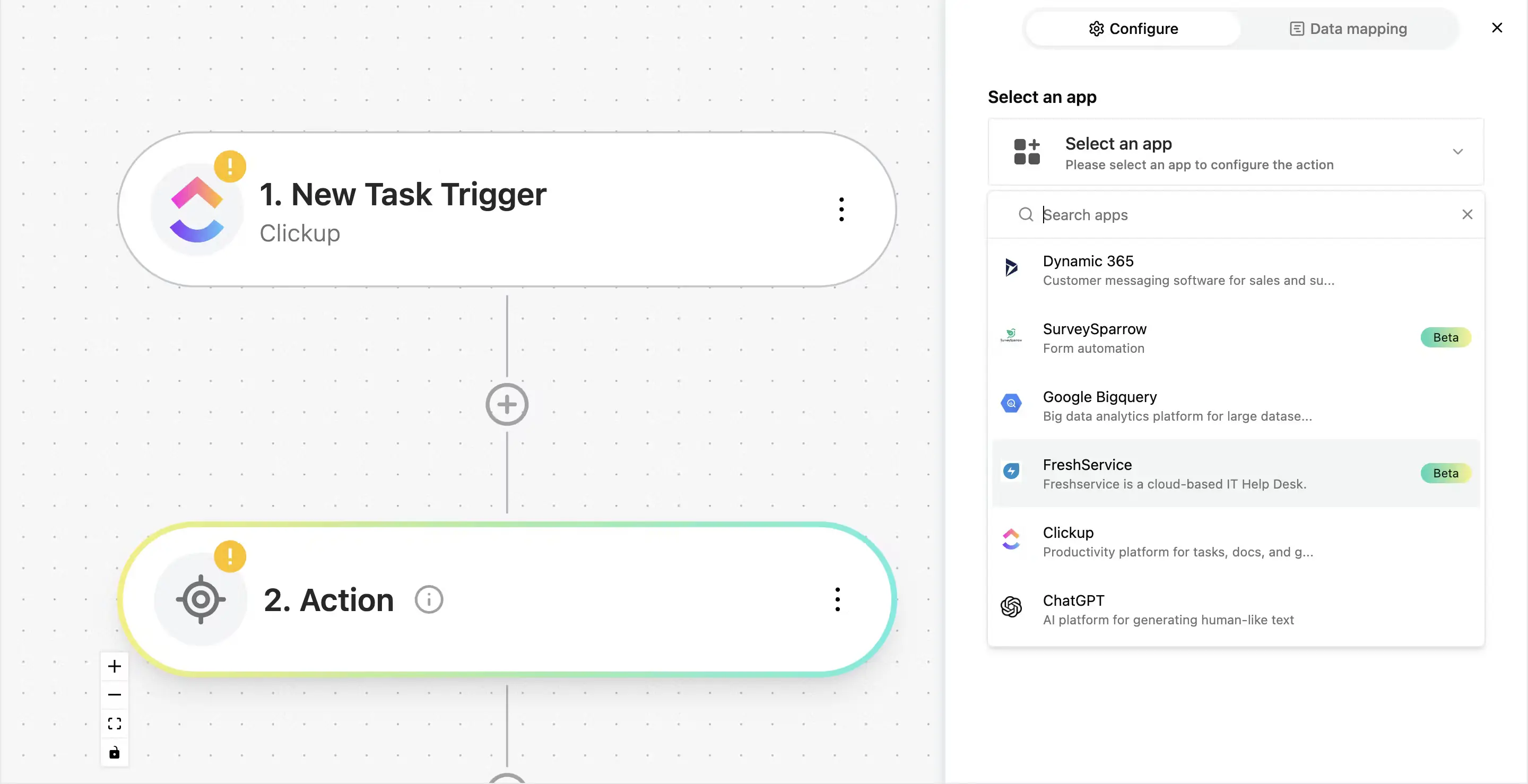
Konnectify is designed to help teams automate connections between SaaS tools and internal systems. It focuses on reducing manual integration work and simplifying data flow between platforms. Workflows are built visually and can be adjusted as needs change.
It works well for teams managing multiple tools that need consistent syncing. Konnectify is often used in business environments where data reliability matters. The free tier is helpful for testing and basic automation use cases.
What is the Best Tool for Workflow Automation?
The best tool for workflow automation really depends on how big your team is and how much you are trying to automate. A solo user setting up a few simple workflows will need something very different from a team that wants to automate large parts of their operations.
If your team is small, you may want something that is quick to set up and easy to manage on your own. If you work with a larger team, collaboration, shared workflows, and consistency become much more important.
The more you plan to automate, the more flexibility and customization you will likely need.
It is normal for the initial setup to feel a little scary, especially when you are building things from the ground up. The important part is starting small and letting your workflows grow as your confidence grows.
Once you get past that first step, automation starts to feel less intimidating and more empowering.
To recap, our suggestion for the best free Activepieces alternatives is Text Blaze. Text Blaze helps you automate repetitive typing. data transfer, form-filling, and workflows on any website. Plus, Text Blaze is free forever!
Give Text Blaze a try today!