10 Best AI Tools for Document Analysis in 2026
Discover the 10 best AI tools for document analysis, summarizing, and chatting with documents or PDFs in 2026.

If you regularly deal with long PDFs, research papers, contracts, or reports, it can feel overwhelming trying to pull out the key points quickly. Reading everything line by line takes time, and searching for specific answers inside large documents can get frustrating fast.
AI document analysis makes this easier by helping you summarize content, ask questions, and understand documents without digging through every page. It gives you faster access to the information that actually matters.
In this article, we'll cover the 10 best AI tools for document analysis in 2026.
How to Use AI for Document Analysis
Using AI for document analysis works best when you have a clear goal and guide the tool with focused questions. Treat it like a research assistant that needs direction to give you useful results.
Here are a few steps to follow:
1. Upload a clean, readable document
Make sure your file is easy to read, especially if it’s a PDF or scanned document. Text-based PDFs work better than image-only files. A clear document helps the AI understand the content more accurately.
2. Start with a high-level summary
Ask for a short overview like “Summarize this document in 5 bullet points” or “Give me a brief explanation of this file.” This helps you understand the main idea and confirms the AI is reading the document correctly.
3. Ask specific and practical questions
Once you understand the document, ask targeted questions based on your goal. There are plenty of tools that let you chat with documents, and asking good questions helps get better results.
Examples include “What are the main conclusions?”, “List any deadlines or action items,” or “Explain section 3 in simple terms.” Clear questions lead to clearer answers.
4. Use follow-up questions and verify details
If something feels unclear, ask for clarification or ask where the information appears in the document. Always double-check important facts, especially for legal, academic, or financial content.
5. Turn answers into usable notes or summaries
Use the AI’s responses as working notes. Edit or combine them into summaries you can save, share, or study from. For long documents, summarize by section and then ask for a final combined summary.
How to Choose an AI Tool for Document Analysis
When picking an AI tool for document analysis, it helps to focus on how flexible it is and how well it supports your everyday workflow.
Here are a few things to keep in mind when browsing AI tools for document analysis:
Portability that fits your workflow - The tool should work anywhere you do, whether that’s in your browser, on different websites, or across multiple platforms. This makes it easier to analyze documents without constantly switching apps or downloading files.
Free access you can rely on - Look for tools that allow generous free usage without strict upload limits. Being able to analyze multiple documents without worrying about caps makes testing and daily use much smoother.
Questions and chat that feel natural - A strong chat system lets you ask follow-up questions, clarify answers, and explore specific sections of a document. This is what turns basic summaries into real document understanding.
Summarizing quality you can trust - The summaries should be clear, accurate, and easy to read. A good AI document summarizer captures the main ideas without skipping important context or adding confusion.
When these four areas are solid, the tool becomes easier to trust and more useful in real work. It also means you can rely on it for both quick checks and deeper document analysis.
10 Best AI Tools for Document Analysis
AI document analysis tools reduce manual reading and note-taking and make your workflows more efficient. They are worth using and investing in.
Here's our list of the 10 best AI tools for document analysis:
1. AI Blaze
First up on our list of the best AI tools for document analysis is AI Blaze.
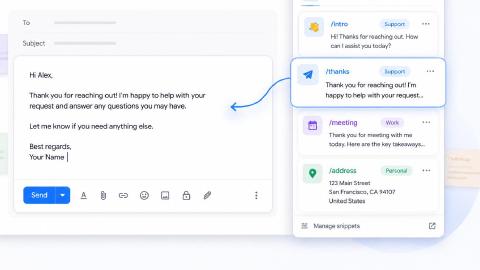
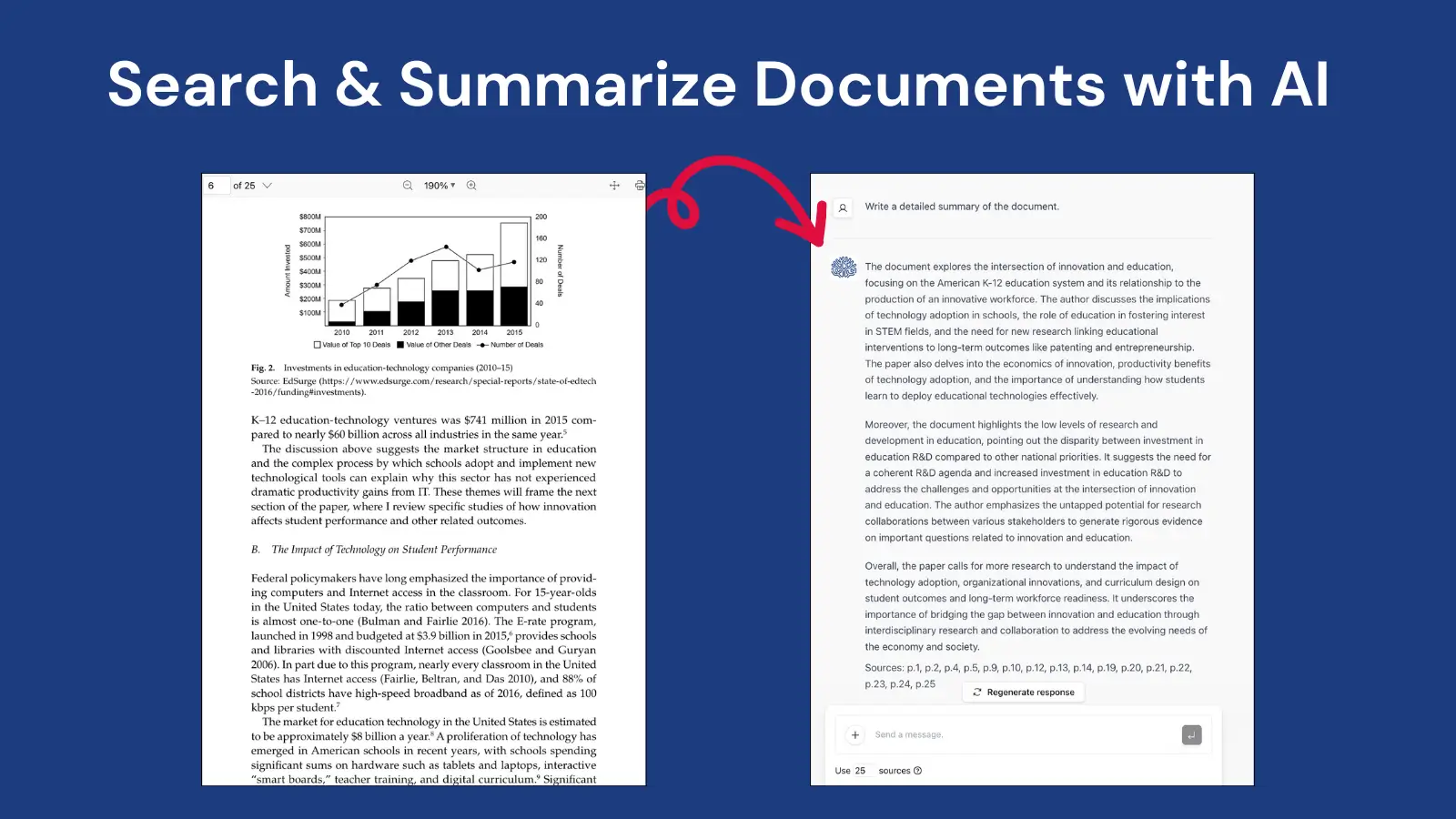
AI Blaze is an all-in-one AI summarizing and writing assistant that helps you quickly read & summarize documents and PDFs and generate summaries in any format and on any site.
Here's why AI Blaze stands out:
Summarize any document or PDF with AI - Quickly chat with & summarize PDFs with AI.
Answer questions with AI - Have a question about something in a PDF, document, article, or anything else? AI BLaze can help you answer it in seconds!
No file uploads necessary! - AI Blaze can read any PDF or document, no file upload necessary. Plus, it works with any file type in Chrome!
Save & manage AI prompts, use them anywhere - With AI Blaze, you can save and manage your AI prompts and use them anywhere without having to copy/paste.
AI Blaze is free! - Forget about annoying licenses or subscriptions.
Want to summarize documents with AI?
Use AI Blaze to chat with documents and PDFs for free!
2. docAnalyzer.ai

docAnalyzer.ai is built to turn uploaded documents into interactive content you can chat with. It can be used to summarize long reports, answer detailed questions, and locate specific information inside files.
The tool keeps conversations connected to each document for better context. Tools like docAnalyzer.ai also support reviewing structured data such as tables and sections. This helps with deeper document exploration and validation.
3. Sharly AI

Sharly AI focuses on understanding large documents and organizing information clearly. It can be used to generate structured summaries and break down complex topics into smaller parts.
It supports targeted questions about specific sections or ideas. It also helps identify recurring themes across a document. This is useful for research papers, technical documentation, and long reports.
4. ChatDoc
ChatDoc allows users to upload documents and interact with them through a conversational format. It can be used to summarize content, explain technical terms, and extract key facts.
It offers quick follow-up questions for deeper understanding. Tools like ChatDoc also work well for scanning long files for specific details. This makes them practical for fast document review.
5. ChatPDF
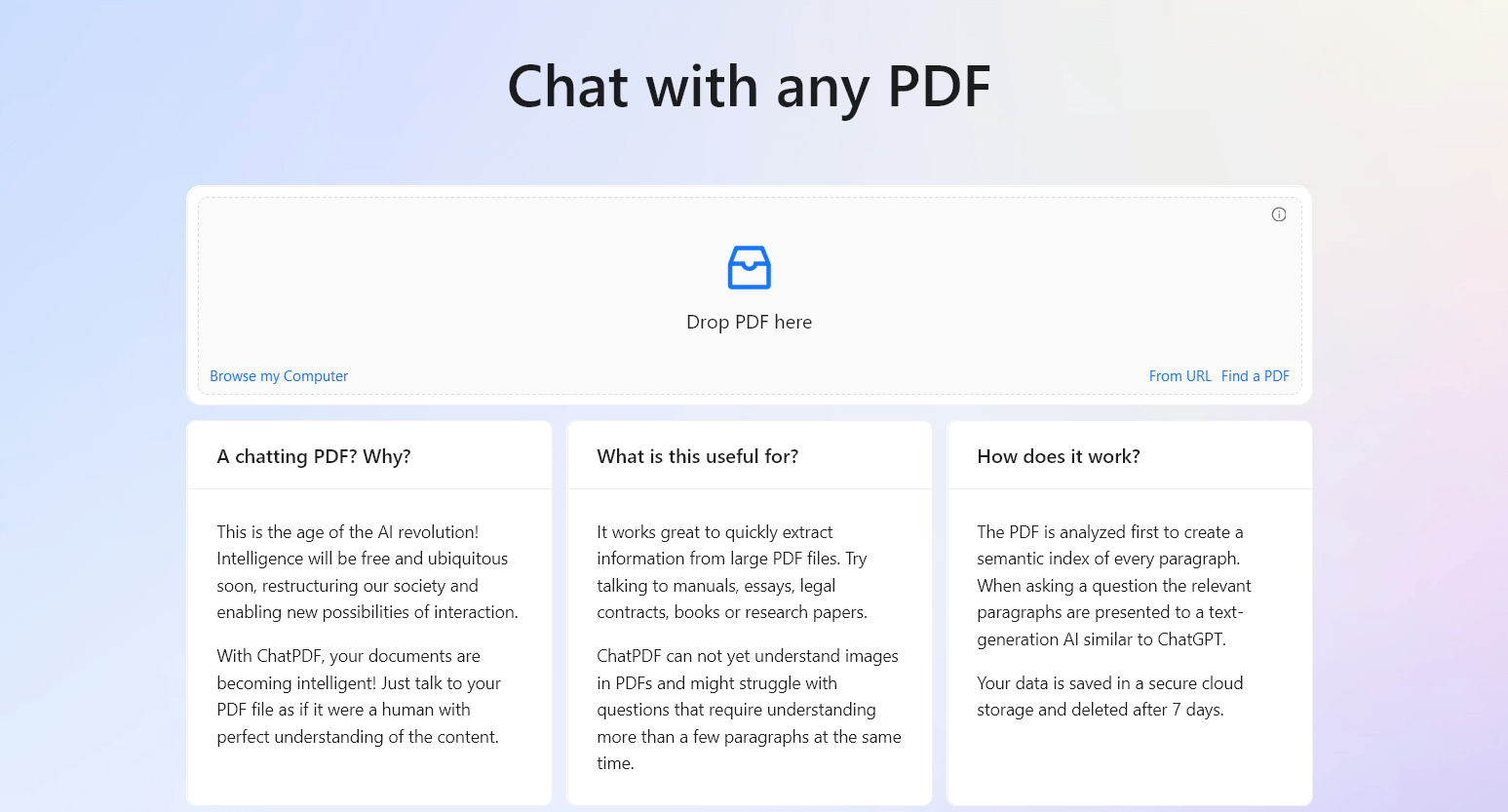
ChatPDF is designed specifically for working with PDF files. It can be used to answer questions, summarize chapters, and explain complex sections. The tool processes large PDFs such as textbooks, manuals, and research papers.
It also helps extract examples and important definitions. This is useful for both studying and professional document review.heavy workflows. It is often used in education and research settings.
6. LightPDF
LightPDF combines document handling with AI document analysis features. It can be used to summarize files, answer questions, and extract structured information.
It supports different document formats including PDFs and Word files. It also helps review long documents by breaking them into manageable parts. This supports workflows that involve both reading and organizing content.
7. Coral AI
Coral AI is built to quickly summarize and interpret documents. It can be used to generate concise overviews and respond to direct questions about the content.
It typically works with both short and long files. It also helps identify key sections and important statements. This is helpful for fast reviews and general understanding.
Want to summarize documents with AI?
Use AI Blaze to chat with documents and PDFs for free!
8. Harvey AI

Harvey AI is designed for legal document analysis. It can be used to review contracts, case documents, and regulatory text.
People in the legal field use it to summarize complex legal language into clearer explanations. It also supports detailed questions about clauses and obligations. This makes it suitable for legal research and compliance work.
9. Legalreview.ai

Similar to Harvey AI, Legalreview.ai focuses on analyzing contracts and legal documents. It can be used to highlight important clauses and summarize long agreements.
It also supports question-based exploration of legal text. It helps break down dense language into simpler explanations. This assists with reviewing and understanding legal materials.
10. Chatize
Chatize allows users to upload documents and analyze them through chat. It can be used to summarize content, extract keywords, and explain sections.
These types of tools support working with reports, essays, and internal documentation. It also helps organize information into clear answers. This makes it useful for everyday document analysis tasks.
What is the Best AI Document Analyzer?
The best AI document analyzer is one that helps you pull out key points quickly without making the process feel complicated. It should make long documents easier to understand, not add extra steps or confusion.
Look for something that works wherever you already handle documents, so you don’t have to change your workflow. It should let you upload and analyze files freely and give you enough flexibility to explore your documents through chat and questions.
When an AI tool helps you move from a long document to clear answers in just a few minutes, that’s when it becomes truly useful. Once you find a setup that fits how you work, document analysis stops feeling like a chore and starts feeling manageable again.
To recap, our suggestion for the best AI tool for document analysis is AI Blaze. AI Blaze is an all-in-one summarizing and writing assistant that you can use to chat with documents and generate summaries in seconds!
Give AI Blaze a try for free today!