15 Best AI Tools for Boosting Productivity in 2026
Discover our list of the best AI tools for boosting your productivity for work in 2026.

If you’re trying to stay productive in 2026, it can feel like you’re constantly juggling tabs, messages, meetings, and half-finished tasks.
You might start the day with a clear plan, then lose it to interruptions, context switching, and a never-ending list of small follow-ups.
The right AI tools can help by organizing your workload, turning messy info into clear next steps, and handling the repetitive parts of work so you can focus.
In this article, we’ll cover 15 best AI tools for boosting productivity in 2026.
How to Use AI to Boost Productivity
AI is most useful when you apply it to everyday tasks that quietly eat up your time. Instead of trying to use one tool for everything, focus on specific use cases that show up in your workday again and again.
Here are a few different ways that AI can boost or hack your productivity:
Writing and responding faster - Use AI to draft emails, messages, feedback, and internal updates so you are not rewriting the same things every day. This is especially helpful for work communication, teaching tasks, and documentation-heavy roles.
Planning your time and tasks - AI scheduling and planning tools can turn task lists into realistic calendars and protect focus time. This helps when meetings constantly interrupt your day or priorities change often.
Managing projects and work in one place - AI inside project management tools can summarize updates, turn notes into tasks, and keep work moving without extra meetings. This is useful for both solo work and team collaboration.
Capturing and summarizing meetings - Meeting transcription and summaries help you retain decisions and action items without taking detailed notes. This reduces follow-up confusion and keeps projects from stalling.
Automating repetitive workflows - Use AI and automation tools to connect productivity apps and handle routine steps like moving data, sending notifications, or creating tasks. These small automations remove friction from daily work.
When you match AI tools to these use cases, productivity gains feel more natural and sustainable. Start with one or two areas that cause the most friction, then expand once the habit sticks.
There are lots of tools out there (like productivity extensions) that can help you be more productive if you use them effectively.
15 Best AI Tools for Productivity
Here's our list of the 15 best AI tools for productivity in 2026:
1. AI Blaze
First up on our list of the best AI tools for productivity is AI Blaze.
AI Blaze is an all-in-one AI writing assistant that helps you improve your writing & messages, quickly read & summarize documents, and generate content anywhere you work.
Here's why AI Blaze stands out:
Write emails & messages with AI - AI Blaze can write context-aware emails & messages to save you time.
Summarize any document with AI - Quickly chat with & summarize documents and PDFs with AI.
Improve your writing with AI - AI Blaze can rewrite and proofread your writing anywhere you work.
Answer questions with AI - Have a question about something in a PDF, article, email, or anything else? AI Blaze can help you answer it in seconds!
No file uploads necessary! - AI Blaze can read any PDF or document, no file upload necessary. Plus, it works with any file type in Chrome!
AI Blaze is free! - Forget about annoying licenses or subscriptions.
Want a free AI assistant that works anywhere?
Use AI Blaze to summarize docs & improve your writing for free!
2. Motion AI

Motion AI focuses on planning your day by automatically arranging tasks and meetings on a calendar. If you struggle with deciding what to work on next, it can turn a list of tasks into a schedule you can follow.
It’s also helpful when your day changes often, because it can reshuffle priorities when meetings move. Many people use it to protect focus time by blocking work sessions around fixed events.
3. ClickUp
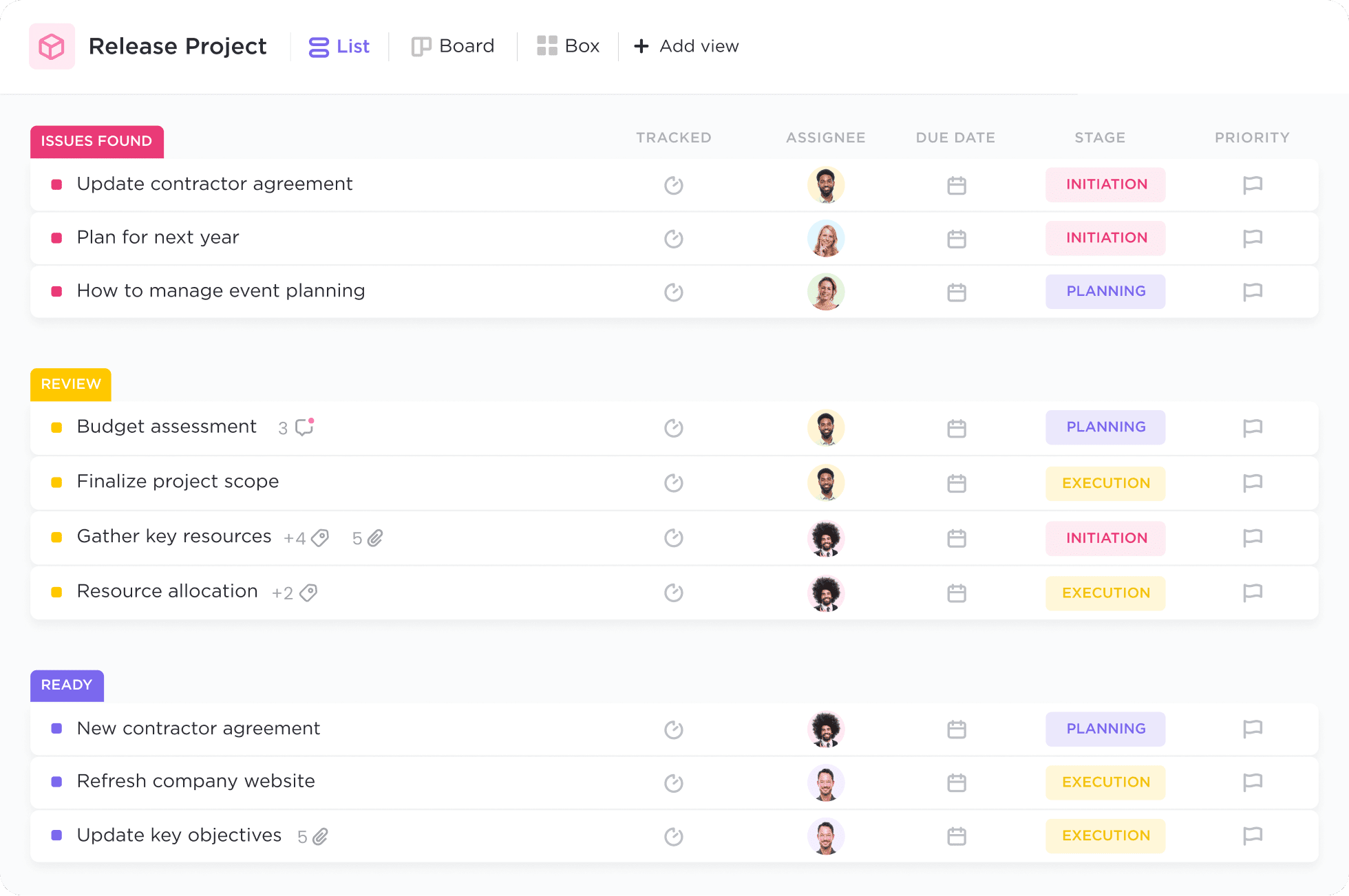
ClickUp is a work management platform where you can track tasks, docs, goals, and projects in one place.
Its AI features can help with drafting updates, summarizing comments, and turning notes into task lists. It works well if you’re coordinating work with others and need a central source of truth.
4. Notion AI

Notion AI is built into Notion, which many people use for notes, docs, and lightweight project tracking.
It’s useful for turning rough notes into clean summaries, outlines, or action plans. If you store a lot of information in one place, it can help you quickly turn that info into something you can act on.
5. Monica AI
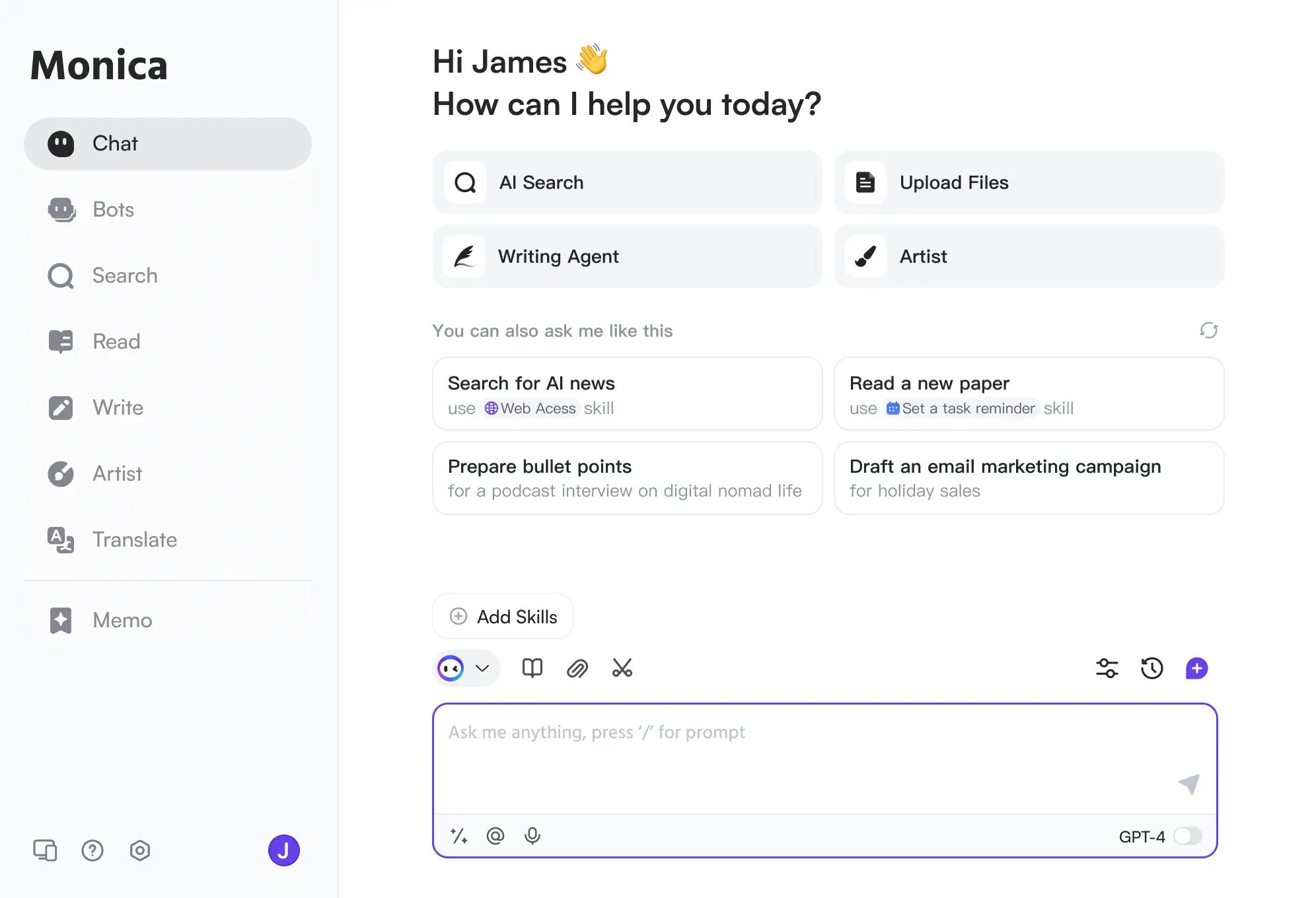
Monica AI is a browser assistant that can help with writing, summarizing, and quick Q&A while you work online. It’s a practical choice if you spend most of your day in a browser and want help without switching tabs.
You can use it to summarize web pages, rewrite paragraphs, and generate first drafts for emails or posts. Tools like Monica AI help when you’re researching, because you can quickly turn scattered reading into a short set of notes.
6. Otter AI
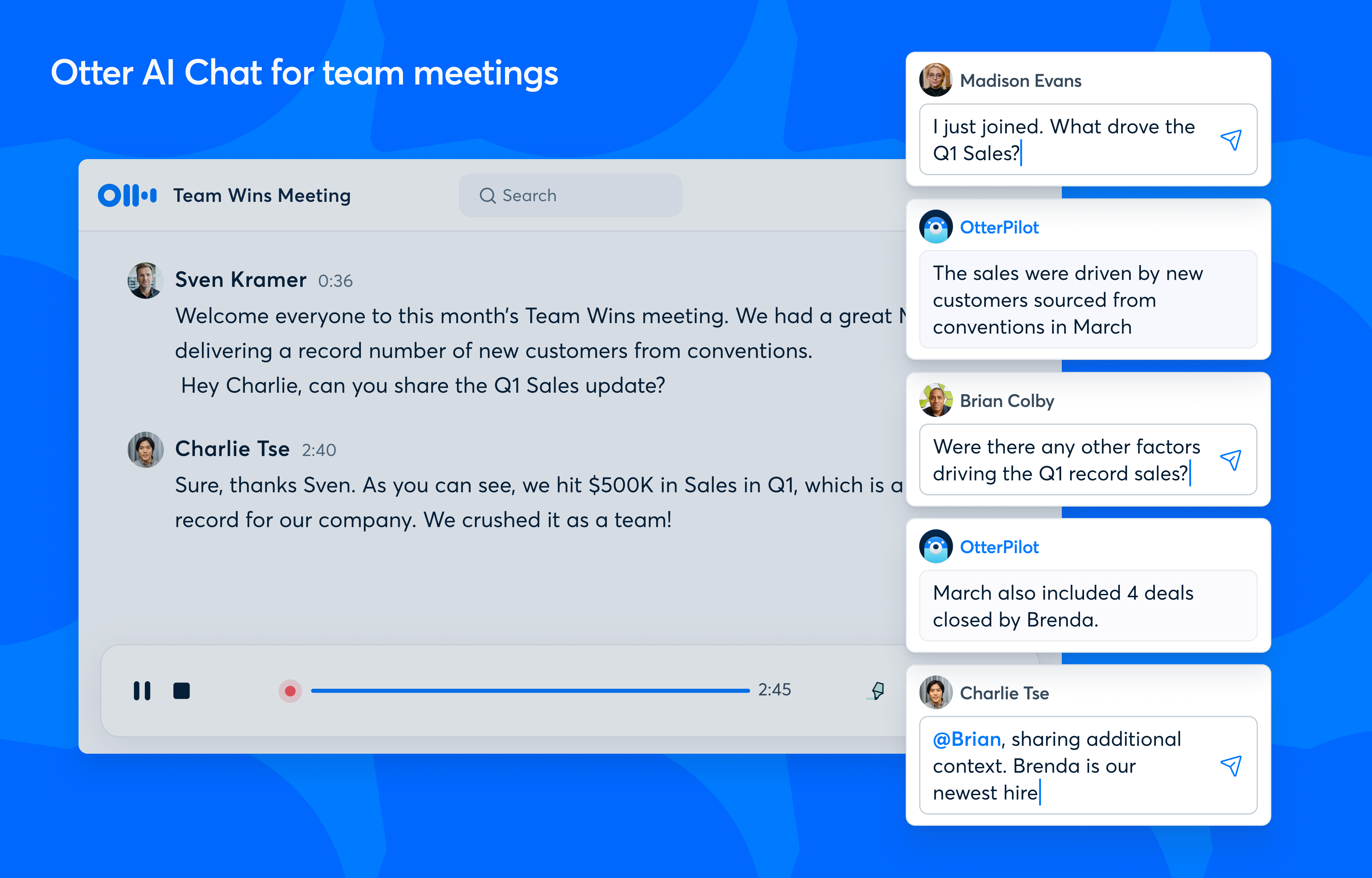
Otter AI is built for meeting transcription, summaries, and searchable notes. If you leave meetings with vague notes or forget action items, it can reduce that problem quickly.
You can use it for work meetings, interviews, lectures, and even quick voice notes. If you're tired of taking notes after meetings manually, this is a solid tool to automate that.
7. Coworker AI
Coworker AI is designed to act like a helper for common workplace tasks, such as drafting, summarizing, and organizing information. It can be useful when you need quick internal communications, status updates, or structured documents.
If you regularly turn messy inputs into clean outputs, tools like this can reduce the effort of getting started. It’s also helpful for turning meeting notes into next steps and follow-ups.
Want a free AI assistant that works anywhere?
Use AI Blaze to summarize docs & improve your writing for free!
8. Reclaim AI
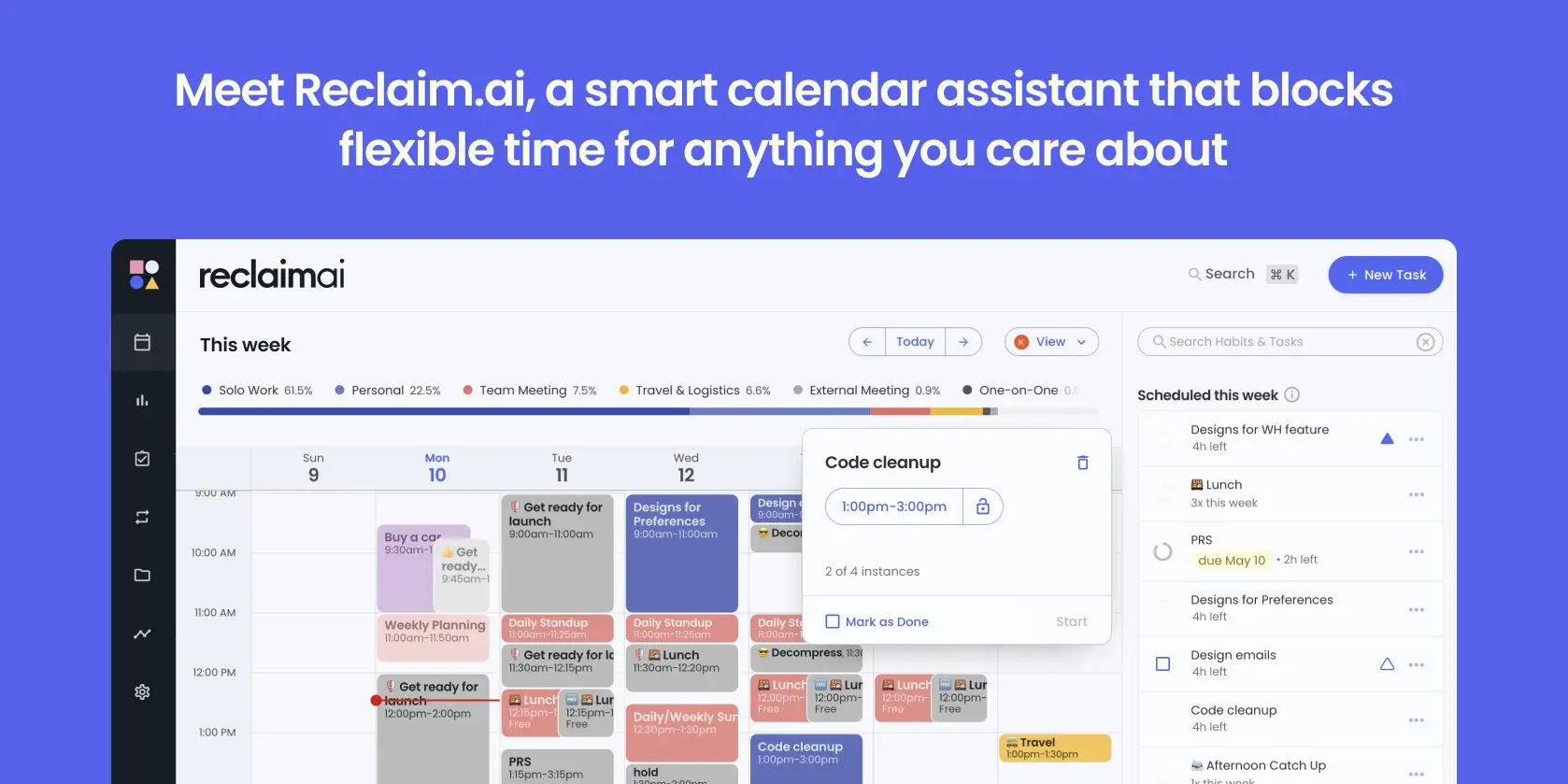
Reclaim AI helps you manage your calendar by automatically scheduling habits, focus time, and flexible tasks. If your calendar gets taken over by meetings, it can help you rebuild time for deep work.
It’s useful for routines like “review email twice a day” or “prep for tomorrow,” because it can find open slots and protect them. Teams also use it to make scheduling less painful when people have different time constraints.
9. Saner AI
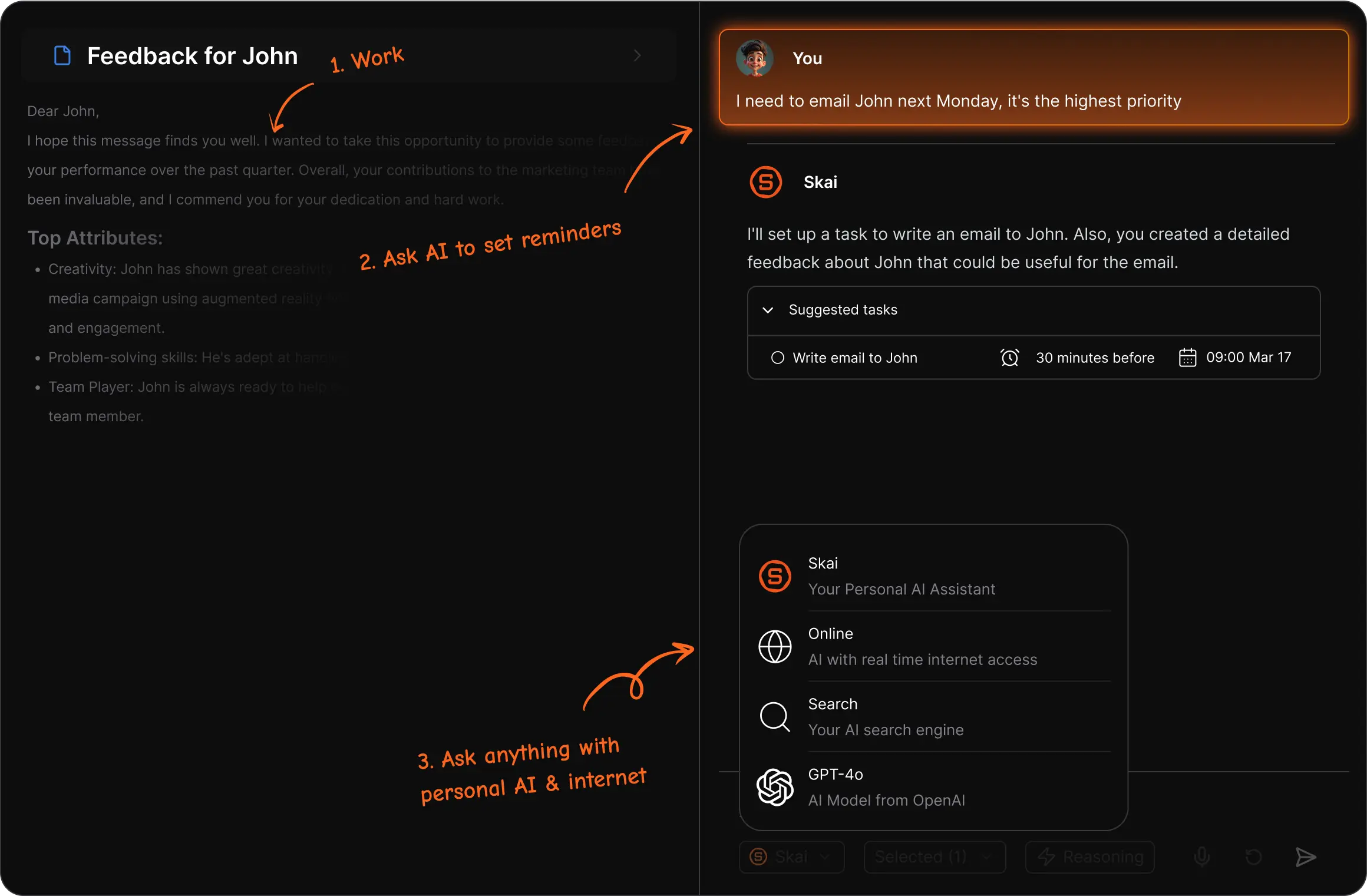
Saner AI is focused on turning scattered notes into something organized and searchable.
If you capture ideas throughout the day but never turn them into action, a tool like this can help. It’s typically used for quick notes, summaries, and creating structure from messy inputs.
10. Lindy AI
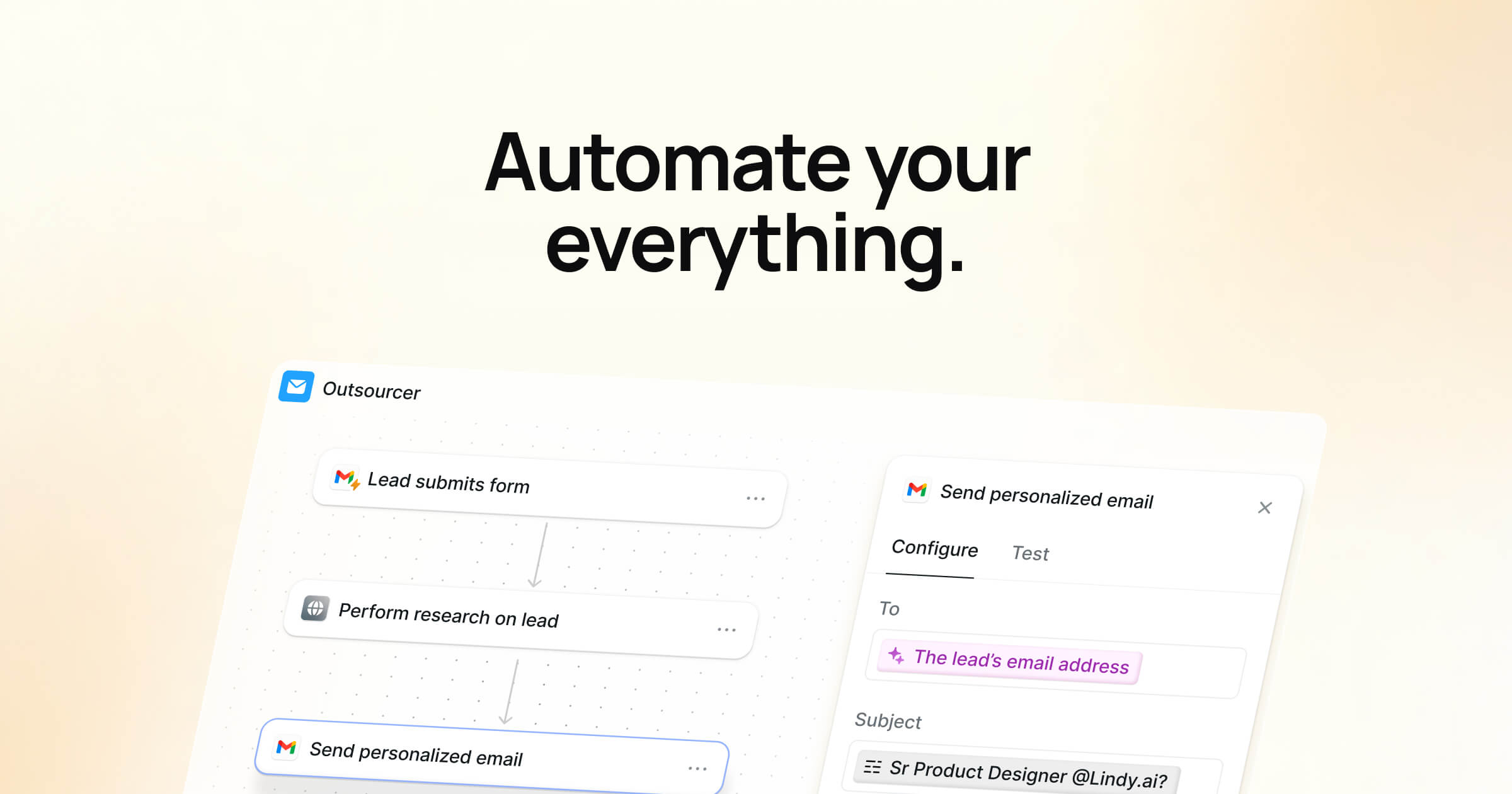
Lindy AI is an assistant tool that can help automate parts of scheduling, follow-ups, and routine communication. It’s useful when you have repeated processes that involve sending messages, collecting information, and coordinating timing.
You might use it to handle basic outreach, reminders, or internal coordination tasks. If your productivity problem is the “glue work” between real tasks, a tool like Lindy AI can help reduce the back-and-forth.
11. Gamma AI
Gamma AI helps you create presentations, docs, and simple visual pages from a prompt or outline.
It’s a good fit when you need to communicate an idea clearly but don’t want to spend hours formatting slides. You can use it to generate a first draft, then edit for accuracy and tone.
12. Zapier

Zapier connects your apps so you can automate repetitive workflows without building your own integrations. It’s useful for tasks like saving form entries to a spreadsheet, posting alerts to Slack, or creating tasks from emails.
If you do the same steps across tools every day, automations can reduce the mental load and help you avoid mistakes. Tools like Zapier act more like a bridge that connects your various workspaces.
Want a free AI assistant that works anywhere?
Use AI Blaze to summarize docs & improve your writing for free!
13. Templafy

Templafy focuses on keeping documents and templates consistent across a team. It’s helpful when people frequently create proposals, reports, presentations, or branded documents.
Instead of rebuilding formats each time, you start with approved templates and fill in the details. This can improve productivity by reducing edits, rework, and last-minute formatting fixes. It’s especially useful for teams that care about brand consistency and compliance.
14. Magic School AI
Magic School AI is built for teacher productivity and classroom workflows. It can help generate lesson plans, worksheets, quizzes, and classroom communication drafts.
It’s useful when you need a quick starting point that you can tailor to your grade level and teaching style. You can also use sites like Magic School AI to rewrite instructions at different reading levels or create variations for differentiation.
15. Jellyfish AI

Jellyfish AI focuses on engineering and developer productivity, often with an emphasis on understanding how work flows through a team. It can help leaders and teams see patterns around delivery, workload, and process.
If you’re trying to reduce blockers and improve planning, this kind of tool can help you spot where work slows down. It’s useful for engineering managers who need visibility without chasing updates.
What is the Best AI Tool for Productivity?
The best AI tool for productivity is one that fits naturally into how you already work and removes friction from your day. Look for tools that handle repetitive tasks like communication, responses, writing, and proofreading, since those are the things that quietly drain time and focus.
The tool you pick should work where you already spend your time, whether that’s your browser, documents, calendar, or project space, so you’re not constantly switching contexts.
It also helps if the tool is easy to customize, since productivity looks different for everyone. A good AI tool should save you time without adding complexity or forcing you to change your entire workflow.
When you find a tool that consistently takes care of the repetitive stuff, you get more space to focus on meaningful work. That’s where productivity starts to feel less stressful and more sustainable.
To recap, our suggestion for the best AI tool for productivity is AI Blaze. AI Blaze is your personal AI assistant that helps you summarize documents, improve your writing, answer questions, and more on any website!
Give AI Blaze a try for free today!