7 Great Albato Alternatives for Automating Work in 2026
Discover the best Albato alternatives that you can use to automate workflows and boost productivity in 2026.

If you're trying to automate your work, it can feel overwhelming to figure out where to start. You might know that automation could save you time and reduce repetitive tasks, but choosing the right tool is not always simple.
Some platforms feel too technical, while others have limits that make them hard to use long-term. Albato is one option people explore, but it is not always the right fit for every workflow.
In this article, we'll cover the 7 best free Albato alternatives for automating work in 2026.
What is Albato?

Albato is a workflow automation tool that helps you connect different apps and services together. It lets you create automated workflows where one action triggers another, such as moving data, sending messages, or updating records.
People use it to reduce manual work and keep systems in sync. It's solid for simple and mid-level automation tasks without needing deep technical skills.
Albato Pricing
Albato offers a free plan, but it includes limitations, such as: 100 tasks, 15 min automation update time, only 5 active automations, and only 2 steps per automation.
To get increased limits, you'd have to upgrade to one of Albato's paid plans:
- Basic ($19/month) - 1k tasks, 20 active automations, unlimited steps/automation.
- Standard ($53/month) - 5k tasks, unlimited active automations, unlimited steps/automation.
- Pro ($130/month) - 15k tasks, unlimited active automations, unlimited steps/automation.
For some users, these limits can feel restrictive as their workflows grow. That is one reason people start looking for Albato alternatives.
How to Choose an Albato Alternative
Good workflow automation software should let you build, test, and expand your workflows without constantly feeling restricted.
Here are a few things to choose when looking into Albato alternatives:
Full use of the free plan - A strong free plan should let you build and run real workflows, not just explore features in a limited demo mode.
Ability to create unlimited workflows - You should be able to make as many automations or sequences as you need without worrying about hitting hard limits.
Simple setup process - Building sequences should feel clear and manageable, even when they have multiple steps. You should be able to follow what is happening without getting overwhelmed.
Works wherever you work online - Tools that function on any website give you more flexibility across different platforms.
Grows with your needs - As your automation becomes more advanced, the platform should still feel stable and easy to manage. You should not have to switch tools just because your workflows evolve.
Keeping these points in mind makes it easier to choose an Albato alternative that supports both simple automation now and more complex workflows later.
7 Best Free Albato Alternatives in 2026
If you need more flexibility, better integrations, or a free plan that fits your workload better, one of the tools listed below might work better for you.
Here's our list of the 7 best free Albato alternatives in 2026:
1. Text Blaze

First up on our list of the best free Albato alternatives is Text Blaze. With Text Blaze, you can automate form-filling and data transfer on any website with dynamic templates!
Text Blaze allows you to create smart text templates and insert them anywhere you work to automatically fill out forms, transfer data, automate repetitive typing, and much more.
With Text Blaze, you can:
Automate repetitive typing anywhere you work! Text Blaze works on Chrome, Windows, and Mac.
Streamline workflows like transferring data, filling out forms, sending an email, or any other repetitive workflow.
Create dynamic templates that you can customize for any situation. Use placeholders and advanced commands to create powerful templates.
Save time for free! Text Blaze is free forever, no licenses or upgrades necessary.
Want to save hours by automating repetitive typing & workflows?
Join over 700,000+ others who are automating workflows with Text Blaze.
2. Workato
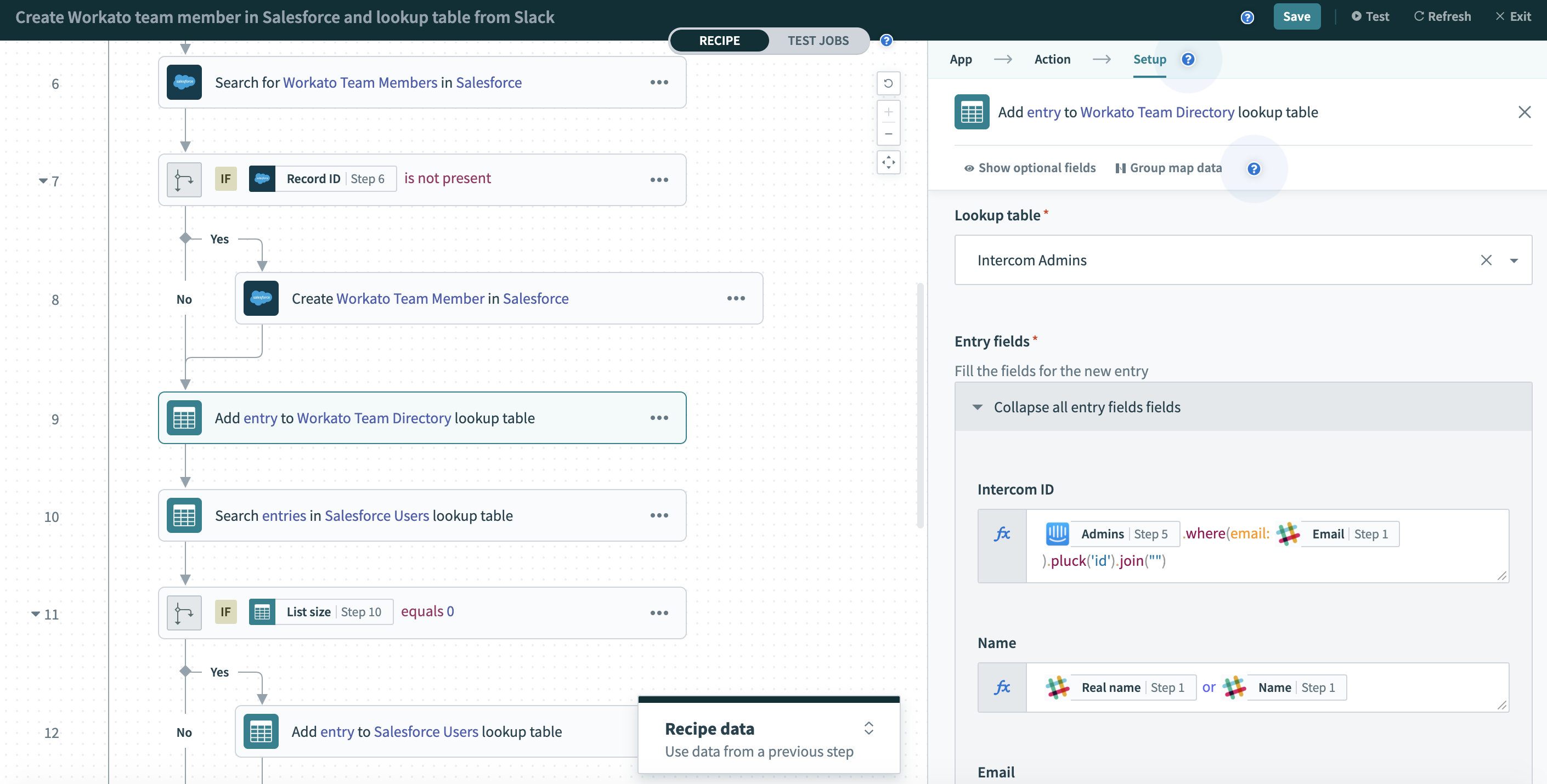
Workato is a workflow automation platform built for connecting apps and managing business processes. It supports complex workflows that involve data transformation and multi-step logic.
It is often used by teams that want more control over how data moves between systems. If your automation needs are growing, it can handle more advanced setups.
3. Lindy AI

Lindy AI focuses on building automated assistants that handle tasks like scheduling, email processing, and data handling. Instead of only connecting apps, it helps automate workflows that involve communication and decision-making.
You can use it to manage inbox tasks, organize information, and automate small operational processes. It is useful if your automation work involves a lot of communication.
4. Zapier

Zapier is one of the most well-known workflow automation tools. It allows you to connect thousands of apps and create workflows called Zaps.
People use Zapier to test automation ideas before committing to paid plans. Tools like Zapier are often a good starting point for learning how workflow automation works.
5. Make
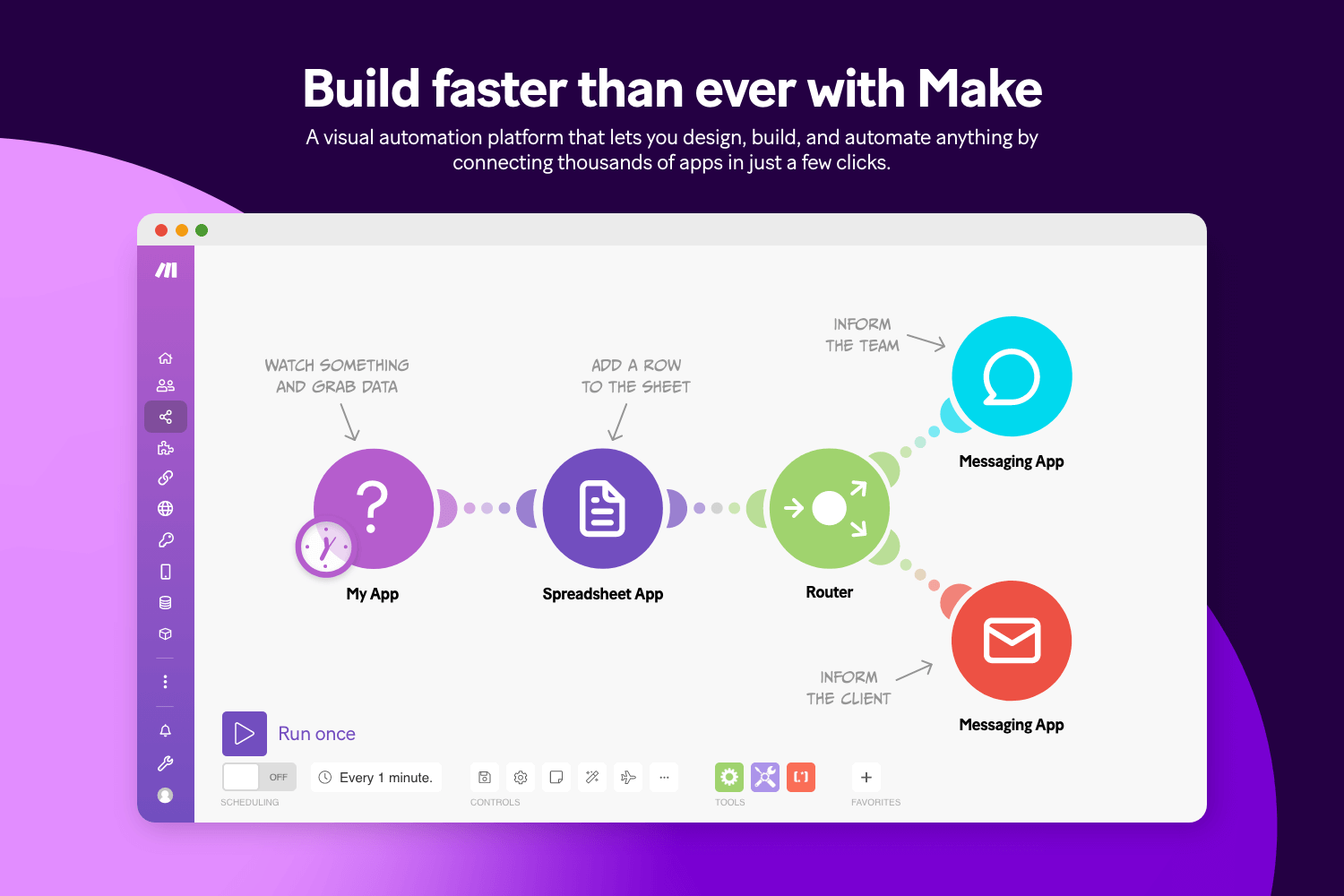
Make.com, previously known as Integromat, offers visual workflow automation with a strong focus on flexibility. You can build detailed automation scenarios using a drag-and-drop interface.
It is especially useful when you need more control over how data moves between apps. Tools like Make work well for users who want deeper customization.
Want to save hours by automating repetitive typing & workflows?
Join over 700,000+ others who are automating workflows with Text Blaze.
6. Power Automate
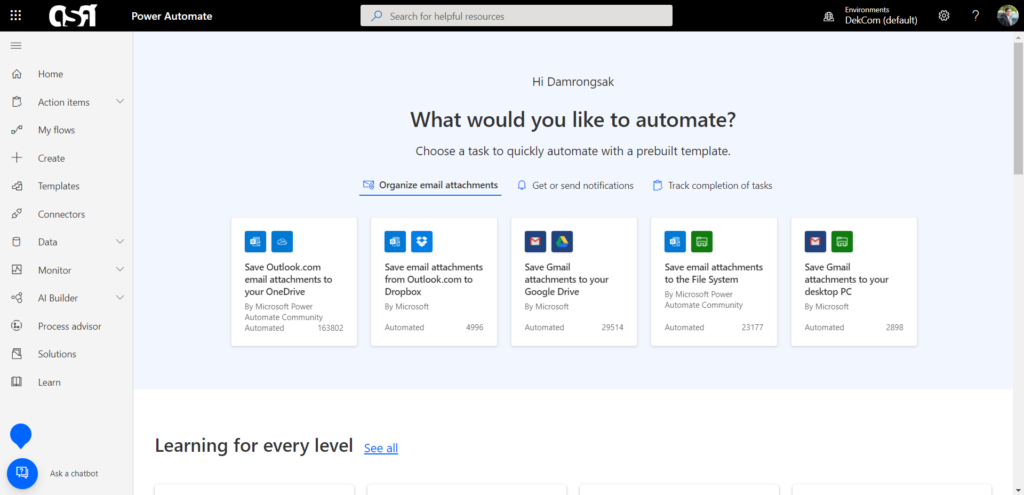
Microsoft Power Automate is a workflow automation platform that integrates deeply with Microsoft 365 and other business applications.
Tools like Power Automate to streamline processes across Microsoft tools like Outlook, Teams, SharePoint, and Excel. It works well if you already use the Microsoft ecosystem and want automation that stays within that environment.
7. Gumloop
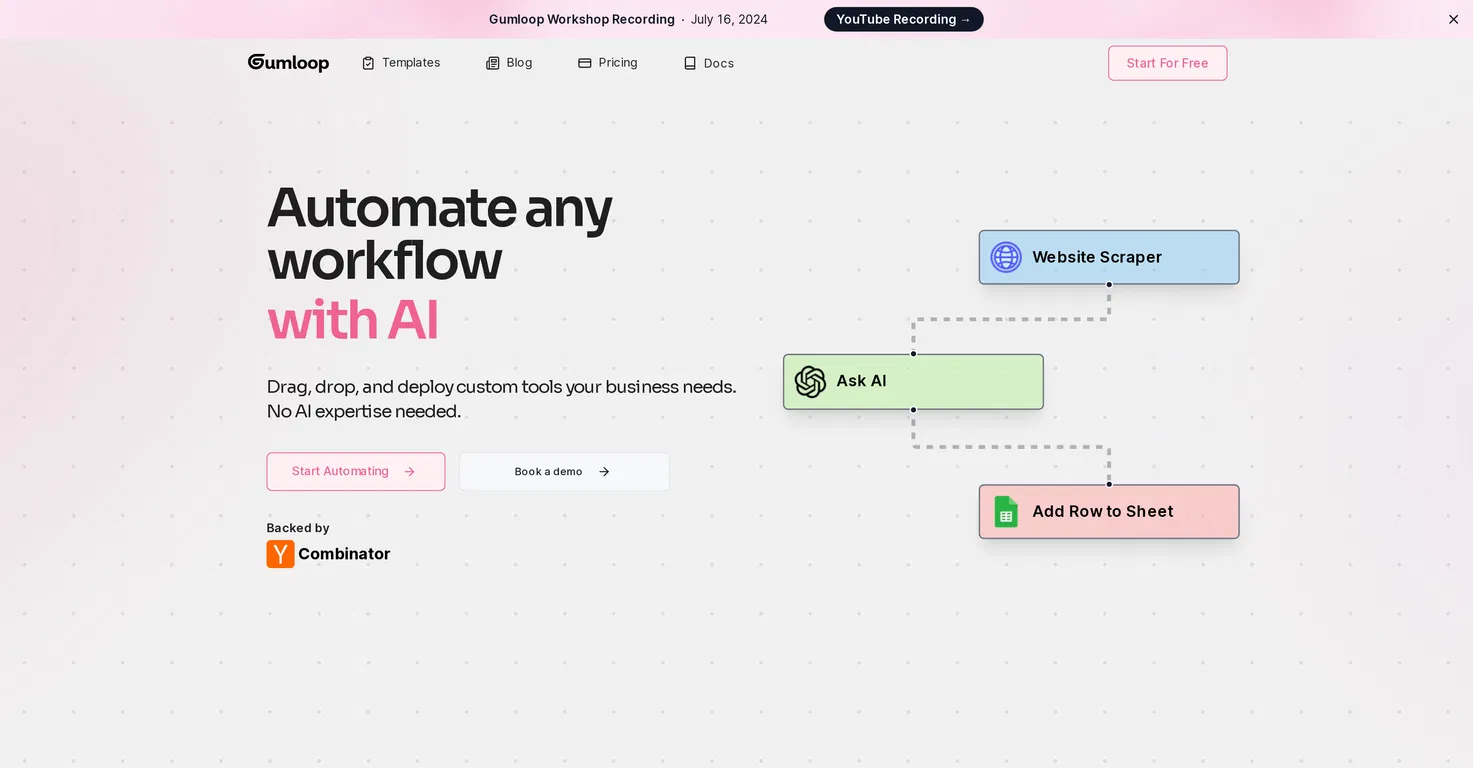
Gumloop helps you create AI-driven workflows without heavy coding. It allows you to connect tools and build automation flows using a visual interface.
It works well for people who want automation that includes reasoning and content processing. Gumloop is helpful when your workflows involve data analysis or text-based tasks.
What is the Best Workflow Automation Software?
The best workflow automation software depends on the type of workflows you want to build and how much control you need over them. Some people want simple automations that handle small, repetitive tasks, while others want more detailed workflows that connect many steps and systems together.
You should be able to decide how simple or advanced your workflows become over time. A good platform makes it possible to start small and gradually build more complex sequences as you get comfortable.
Workflow creation should not have to be overly technical, and the right tool is one that feels approachable from the start. When building automation feels manageable, it becomes easier to experiment and improve your processes.
To recap, our suggestion for the best free Albato alternatives is Text Blaze. Text Blaze helps you automate repetitive typing. data transfer, form-filling, and workflows on any website. Plus, Text Blaze is free forever!
Give Text Blaze a try today!