8 Best Free Automation Anywhere Alternatives in 2026
Discover the best free Automation Anywhere alternatives to help you automate workflows and streamline your team's processes in 2026.

If you’re responsible for keeping business processes running smoothly, automation can feel both necessary and overwhelming. You know repetitive tasks are slowing teams down, but complex tools, pricing tiers, and setup time make it hard to move forward.
Workflow automation tools can help you find simpler or more flexible ways to automate workflows without overcommitting.
Automation tools can reduce manual work, cut down on errors, and help teams focus on higher-value tasks. The right option depends on how technical your team is and which workflows you want to automate first.
In this article, we'll cover the 8 Best Free Automation Anywhere Alternatives in 2025.
What is Automation Anywhere?
Automation Anywhere is a workflow automation software focused on robotic process automation, often called RPA. Businesses use it to automate repetitive, rule-based tasks that would otherwise require manual effort.
It is commonly used by operations, finance, HR, and IT teams to handle high-volume processes. The platform is designed for both attended and unattended automation scenarios.
It's primarily intended for enterprise-level organizations, which can often leave smaller teams wanting more.
What Does Automation Anywhere Do?
Automation Anywhere allows teams to build software bots that interact with applications the same way a human would. These bots can log into systems, move data between tools, and trigger actions based on predefined rules.
Organizations use it for tasks like invoice processing, data entry, and report generation. It also supports workflow automation that connects multiple systems together.
Automation Anywhere Pricing
Automation Anywhere requires you to book a demo to get learn their updated pricing.
For many small businesses who want to automate workflows, this price is too steep. It's mainly geared toward teams who are ready to implement enterprise-level automation.
If you work for a small team and are looking for ways to automate workflows, the tools below might work better for you.
8 Best Free Automation Anywhere Alternatives
If Automation Anywhere feels too complex or costly for your needs, there are other tools worth considering. Some focus more on workflow automation, while others aim to simplify task automation for non-technical teams.
Here's our list of the 8 best free Automation Anywhere alternatives in 2026:
1. Text Blaze

First up on our list of the best Automation Anywhere alternatives is Text Blaze. With Text Blaze, you can automate form-filling and data transfer on any website with dynamic templates!
Text Blaze allows you to create smart text templates and insert them anywhere you work to automatically fill out forms, transfer data, automate repetitive typing, and much more.
Why we chose Text Blaze: Text Blaze helps with automating a wide variety of work, such as repetitive typing, communication, data transfer, form-filling, workflows, calculations, and more.
Best for: Text Blaze works well for individuals as well as teams. Read more about how teams use Text Blaze here.
Price: Text Blaze has a free plan, and it is free forever.
Want to save hours by automating repetitive typing & workflows?
Join over 700,000+ others who are automating workflows with Text Blaze.
2. UiPath

UiPath is a robotic process automation platform designed to automate rule-based tasks across desktop and web applications. It enables teams to build bots that interact with systems the same way a person would.
Business teams use UiPath to automate data entry, system integrations, and back-office processes. It supports complex workflows that span multiple applications and systems.
Why we chose UiPath: It offers a free community edition and strong RPA capabilities for testing and structured automation needs.
Best for: Full RPA workflows, enterprise processes, and system-level automation.
Price: Basic tier for Automation Cloud is $25/month. You must contact their sales team for pricing for other plans.
3. N8N
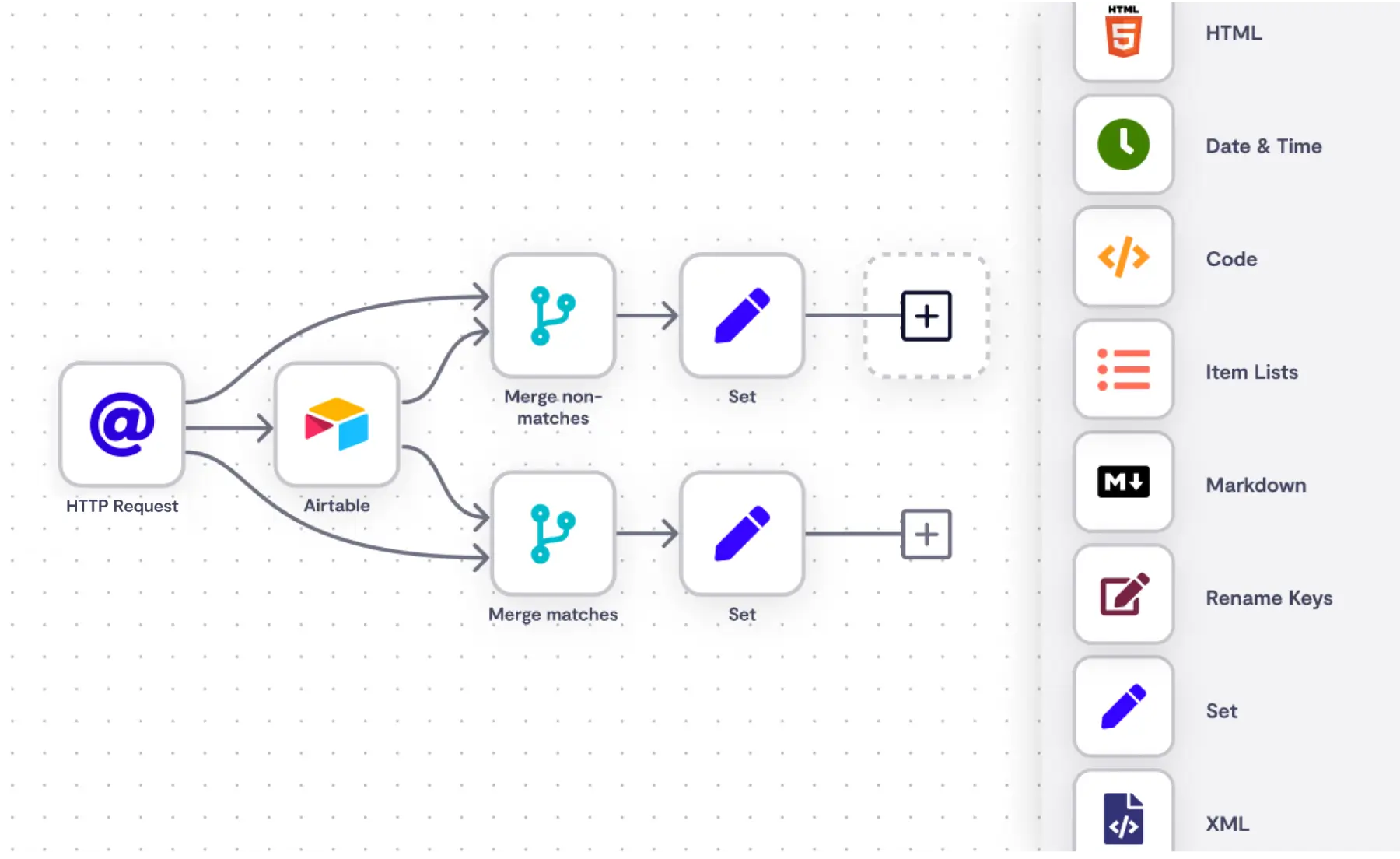
N8N is an workflow automation tool built for connecting apps and automating business processes. It allows users to create custom workflows using triggers, conditions, and actions.
Business teams use N8N to sync data between tools, automate internal notifications, and manage operational workflows. It can be self-hosted, giving teams more control over data and customization.
Why we chose N8N: Tools like N8N are great if your team is more on the technical side and able to deploy within your current systems.
Best for: Custom workflows, integrations, and self-hosted automation.
Price: Starter plan is $24/month, Pro is $60/month, Business is $960/month.
4. Zapier

Zapier is a workflow automation platform that connects cloud-based apps through triggers and actions. It focuses on automating straightforward processes between commonly used business tools.
Business teams use Zapier to automate tasks like sending notifications, updating records, and passing data between apps. It is often used for marketing, sales, and operations workflows.
Why we chose Zapier: Apps like Zapier provide an easy entry point into workflow automation with a wide range of app integrations.
Best for: Simple cross-app workflows and lightweight automation.
Price: Free plan with 100 tasks/month. Professional is $19.99/month. Team is $69/month.
5. Moveworks
Moveworks is an automation platform focused on handling internal employee requests and support workflows. It uses AI to route issues, answer questions, and trigger backend processes.
Business teams use Moveworks to automate IT, HR, and workplace service requests. It helps reduce manual ticket handling and speeds up response times.
Why we chose Moveworks: It addresses automation use cases centered on employee support rather than traditional RPA.
Best for: IT support, HR workflows, and internal service automation.
Price: Unavailable. You have to schedule a demo to get their pricing.
6. Beam AI
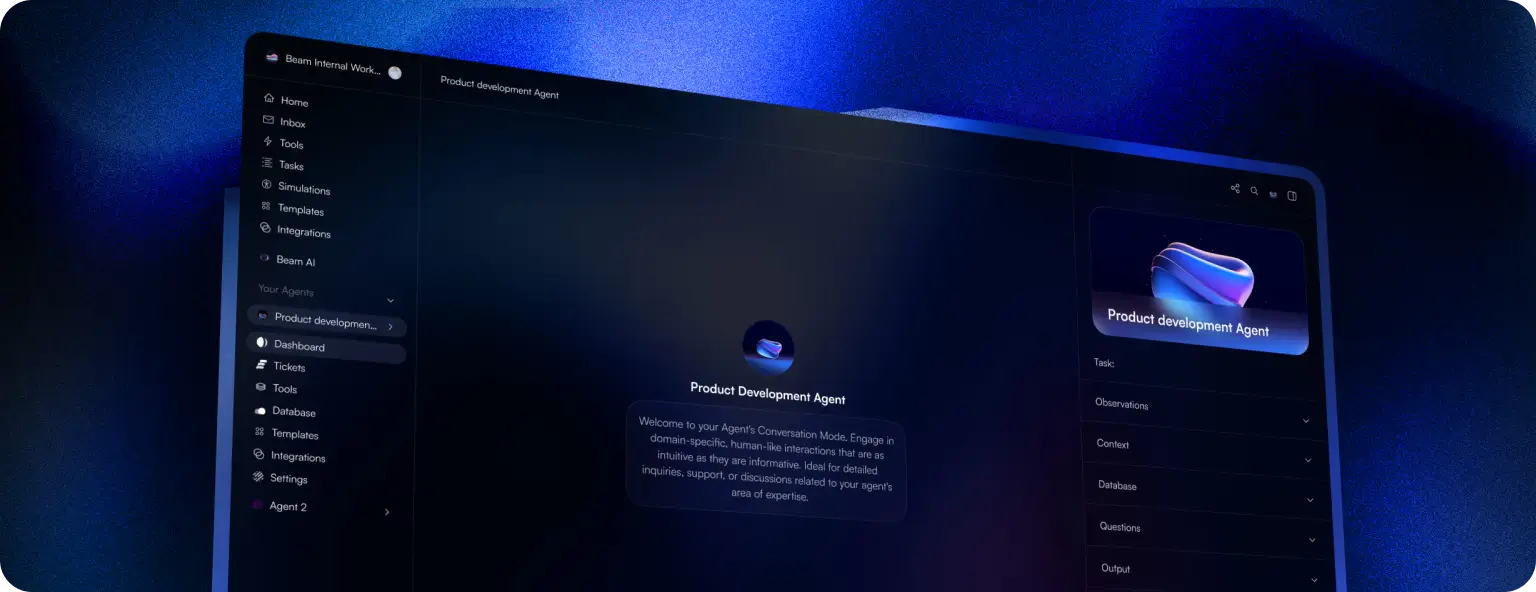
Beam AI is a workflow automation platform designed to automate business processes that involve documents and decisions. It focuses on reducing manual steps across operational workflows.
Business teams use Beam AI for tasks like approvals, document handling, and process routing. It supports workflows that require logic and structured decision-making.
Why we chose Beam AI: It supports automation beyond basic task execution and focuses on decision-driven workflows.
Best for: Document workflows, approvals, and operational processes.
Price: Unavailable. You have to schedule a demo to get their pricing.
Want to save hours by automating repetitive typing & workflows?
Join over 700,000+ others who are automating workflows with Text Blaze.
7. Make
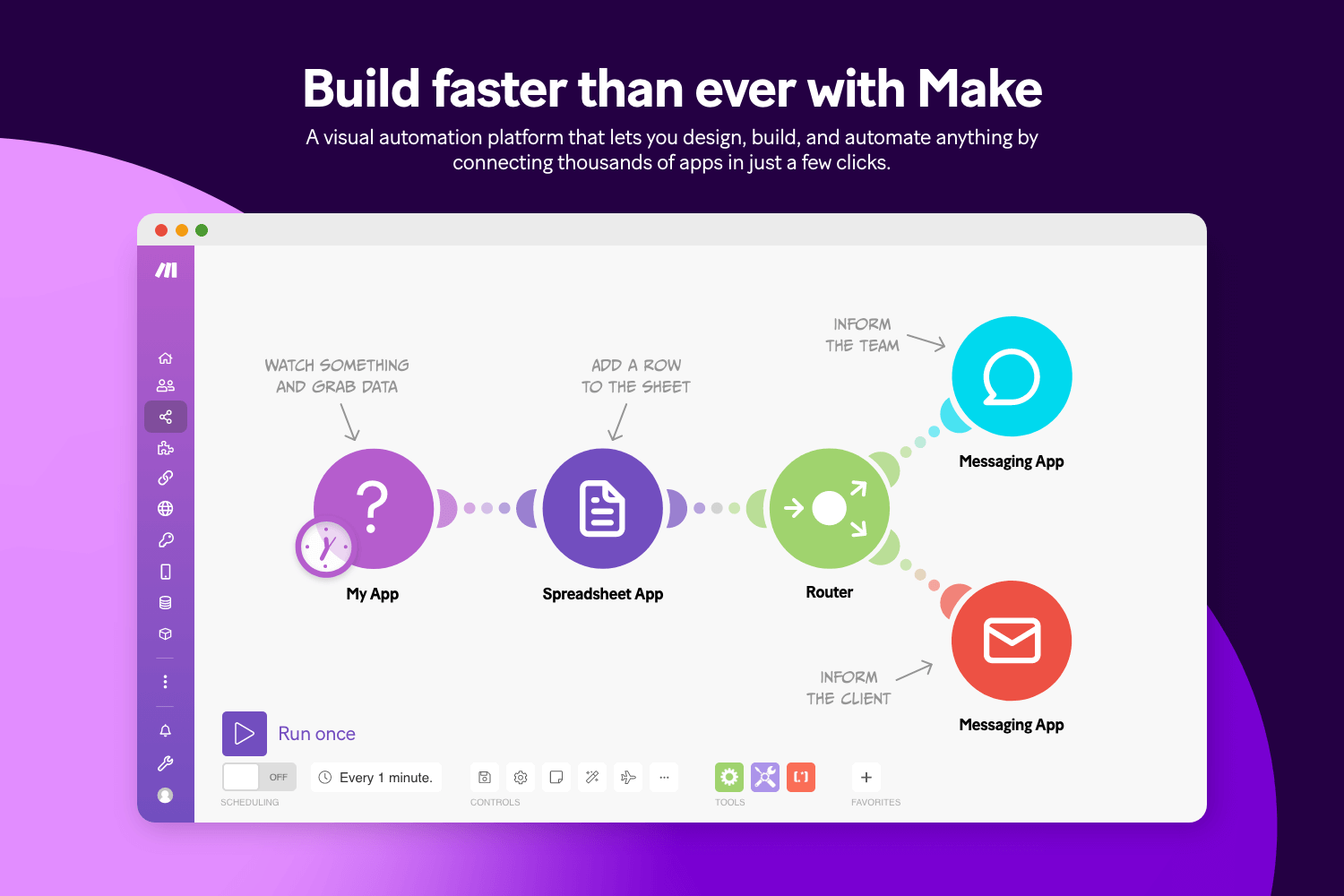
Make.com (formerly Integromat) is a visual workflow automation platform that allows users to build multi-step automations across apps. It provides detailed control over how data flows between systems.
Business teams use Make to design complex workflows that require branching logic and data transformation. It is commonly used for operations, marketing, and data-related workflows.
Why we chose Make: Sites like Make offer more control than basic automation tools while remaining accessible to non-developers.
Best for: Multi-step workflows and advanced integrations.
Price: Free plan with 1,000 credits/month. Core is $9/month, Pro is $16/month, Teams is $29/month.
8. Microsoft Power Automate
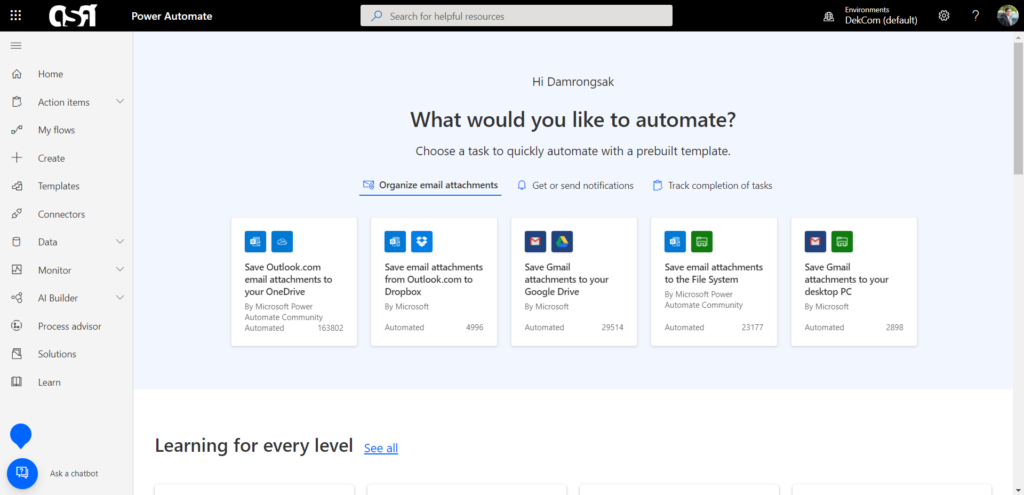
Microsoft Power Automate is a workflow automation tool within the Microsoft Power Platform. It integrates closely with Microsoft services like Excel, Outlook, and SharePoint.
Business teams use tools like Microsoft Power Automate to automate approvals, notifications, and data movement within Microsoft-based environments.
Why we chose Microsoft Power Automate: It integrates naturally with Microsoft products that many businesses already rely on.
Best for: Microsoft-based workflows and internal business automation.
Price: 30 day free trial. Premium is $180/user/year.
What is the Best Automation Anywhere Alternative?
The best Automation Anywhere alternative depends on your workflows and what you are actually trying to improve. Some teams need help with highly technical, system-level automation, while others are simply trying to reduce repetitive work that slows people down.
How technical your team is matters, since some solutions require ongoing setup and maintenance while others are easier to adopt and manage.
It helps to step back and identify where work feels most frustrating or manual right now. Starting with automation that fits your team’s skills and day-to-day processes can make the transition smoother and more effective.
When automation matches how your team actually works, it becomes a tool that supports progress instead of adding complexity.
To recap, our suggestion for the best Automation Anywhere alternative is Text Blaze. Text Blaze helps you automate repetitive typing. data transfer, form-filling, and workflows on any website. Plus, Text Blaze is free forever!
Give Text Blaze a try today!