12 Best Task Automation Software + Examples (2026)
Explore task automation software that actually fits how you work. Compare tools, see real examples, and find the right way to automate your daily tasks.

If you’re constantly switching between tools, copying data between systems, or repeating the same steps throughout the day, that work adds up quickly. A lot of it is predictable, but it still takes time to get through.
Task automation software helps you offload those repetitive tasks so your workflows run without manual input. Instead of updating systems, sending the same messages, or managing routine steps yourself, you can set up processes that handle it for you.
In this guide, we’ll break down what task automation actually means, show real examples, and walk through the 12 best software based on how you work.
What is Task Automation?
Task automation software refers to tools that help you complete repetitive work automatically instead of doing it manually each time. This can include moving data between apps, updating records, sending messages, or triggering actions based on specific conditions.
Not all task automation software works the same way. Most tools fall into a few distinct categories, depending on how they automate work:
Integration-based automation - Connects apps and moves data between them automatically
Task/project automation - Automates workflows inside task or project management tools
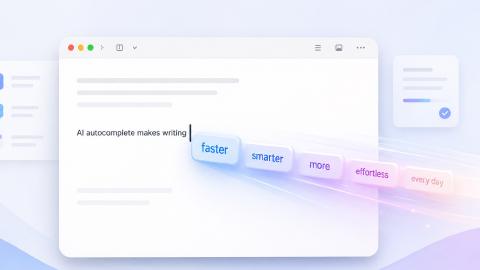
Text + workflow automation - Automates repetitive typing, forms, and communication
AI task automation - Uses AI to plan, prioritize, or generate work
Understanding these categories makes it easier to choose the right tool based on what you actually need to automate.
What Types of Tasks Should You Automate? Task Automation Examples
If you’re spending time repeating the same steps across tools or writing the same content over and over, those are usually strong candidates for business-level automation. The most effective use cases are clear, repeatable, and happen often enough to justify setting something up once.
Here are a few practical examples across different workflows:
CRM and sales - Automatically log new leads, update deal stages, and send follow-up emails after form submissions or calls.
Customer support - Route tickets, send templated replies, and update internal notes without switching between tools.
HR and recruiting - Move candidate data between systems, send interview confirmations, and standardize onboarding workflows.
Operations and admin work - Transfer data between spreadsheets, generate reports, and keep records updated across systems.
Internal communication - Reuse consistent messaging, fill out forms faster, and reduce repetitive typing across tools.
The more consistent the process, the easier it is to automate. Once you identify those patterns, the next step is choosing the right type of tool.
How to Choose Task Automation Software
Choosing the right task automation software starts with understanding what kind of work you’re trying to automate. Not all tools solve the same problem, so picking the right type makes a big difference.
If your work involves moving data between tools, look for integration-based automation. These tools connect apps and trigger actions when something happens.
If you’re managing tasks within a team, project-based automation is usually the better fit. These tools help automate assignments, updates, and recurring workflows.
If your main challenge is planning and prioritizing work, AI-based automation tools can help organize your schedule and adjust tasks automatically.
If you spend a lot of time writing messages or filling out forms, text and workflow automation is often the most efficient approach. These tools reduce repetitive typing and help standardize communication.
The goal isn’t to find the most powerful tool. It’s to find the one that matches how your work actually gets done.
12 Best Task Automation Software & Tools
If you’re evaluating task automation software, you’ll quickly notice that tools solve different types of problems. Some focus on connecting apps, others automate work inside projects, and some handle communication and text-heavy workflows.
The tools below were selected based on how well they handle different types of automation, including integrations, task management, AI-driven workflows, and text-based processes. Our goal was to cover a range of real-world use cases rather than focus on a single type of tool.
Here's our list of the 12 best task automation software & tools:
| Tool | Type | Best For | Automation Style |
|---|---|---|---|
| Zapier | Integration-based automation | Connecting apps and workflows | Trigger → action workflows |
| Make | Integration-based automation | Complex multi-step workflows | Visual workflow builder |
| n8n | Integration-based automation | Custom automation with flexibility | API + logic-based workflows |
| Asana | Task/project automation | Team task management | Rule-based task automation |
| Monday.com | Task/project automation | Workflow tracking and coordination | Built-in automation rules |
| ClickUp | Task/project automation | Centralized team workflows | Task triggers and conditions |
| Text Blaze | Text + workflow automation | Repetitive typing, workflows, communication | Snippets, templates, dynamic fields |
| PhraseExpress | Text + workflow automation | Reusable content and messaging | Text expansion |
| AutoHotKey | Text + workflow automation | Custom automation via scripts | Script-based automation |
| Motion | AI task automation | Scheduling and prioritization | AI scheduling |
| Lindy | AI task automation | AI-driven task execution | Prompt-based automation |
| Reclaim AI | AI task automation | Calendar and time management | AI time blocking |
Integration-Based Automation
1. Zapier

Zapier is one of the most widely used tools for connecting apps and automating workflows between them. It focuses on triggering actions based on events, like sending data from one app to another. Most people use it to reduce manual updates across tools they already rely on. It works well for simple to moderately complex workflows.
Type: Integration-based automation
What it does:
- Connects apps and triggers actions based on events
- Moves data between tools automatically
- Automates multi-step workflows across platforms
- Supports a large library of integrations
Best for: Teams that need to connect multiple tools without coding
Zapier is straightforward to get started with, especially for common workflows. As processes become more complex, setup can take more planning, which is the primary setback of tools like Zapier.
Want to save hours by automating repetitive typing & workflows?
Join over 700,000+ others who are automating workflows with Text Blaze.
2. Make
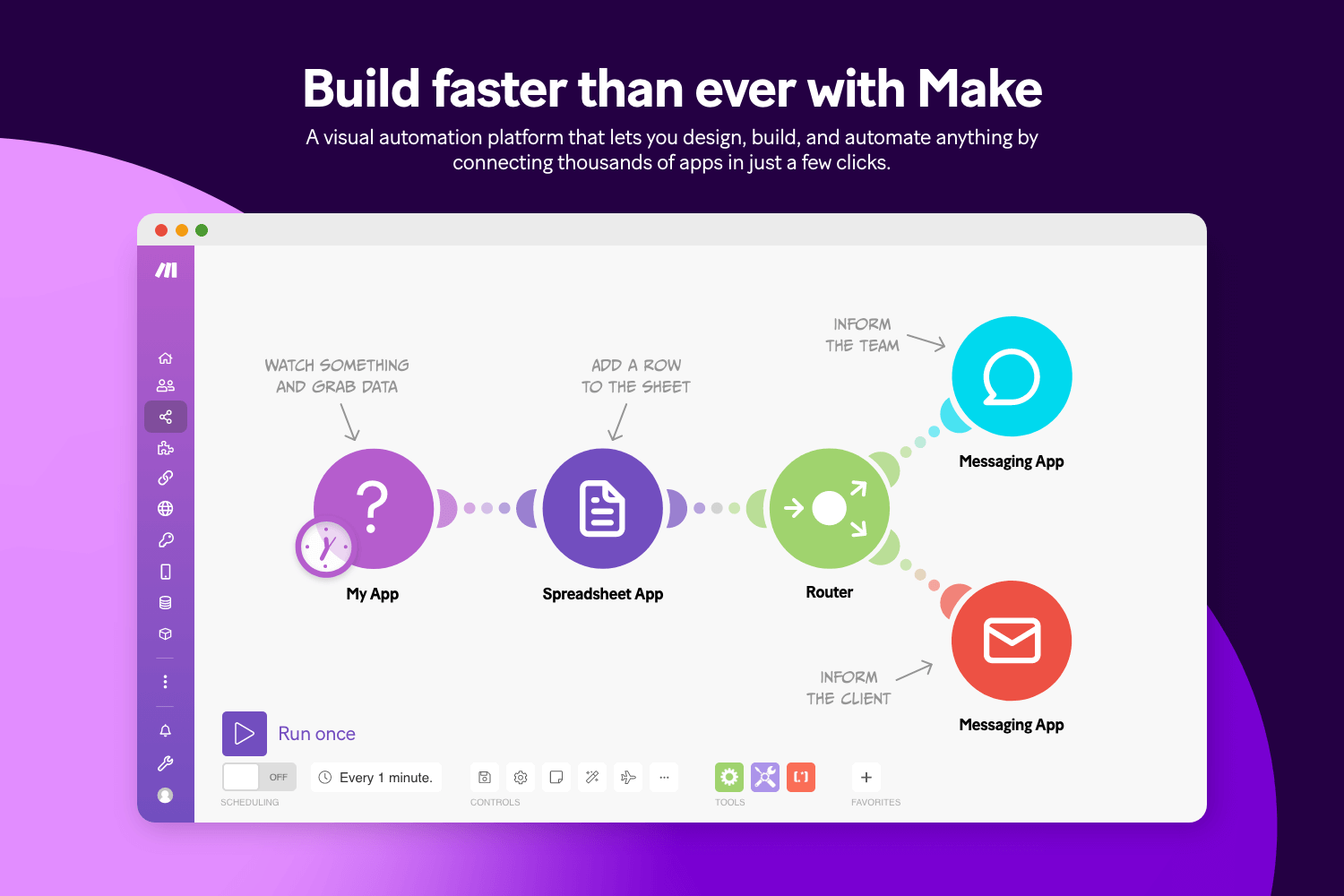
Make provides a more visual way to build automation workflows using a drag-and-drop interface. It allows for more detailed control over how data moves and how conditions are handled. Compared to simpler tools, it gives users more flexibility in building logic-heavy workflows. This can be useful when processes involve multiple steps or branches.
Type: Integration-based automation
What it does:
- Builds workflows using a visual editor
- Handles conditional logic and branching
- Connects apps and processes data between them
- Supports complex, multi-step automations
Best for: Users who want more control over workflow logic
Make is often used when basic automation tools feel too limited. It requires more setup and understanding of workflow structure. Once configured, it can handle more complex scenarios reliably.
3. n8n
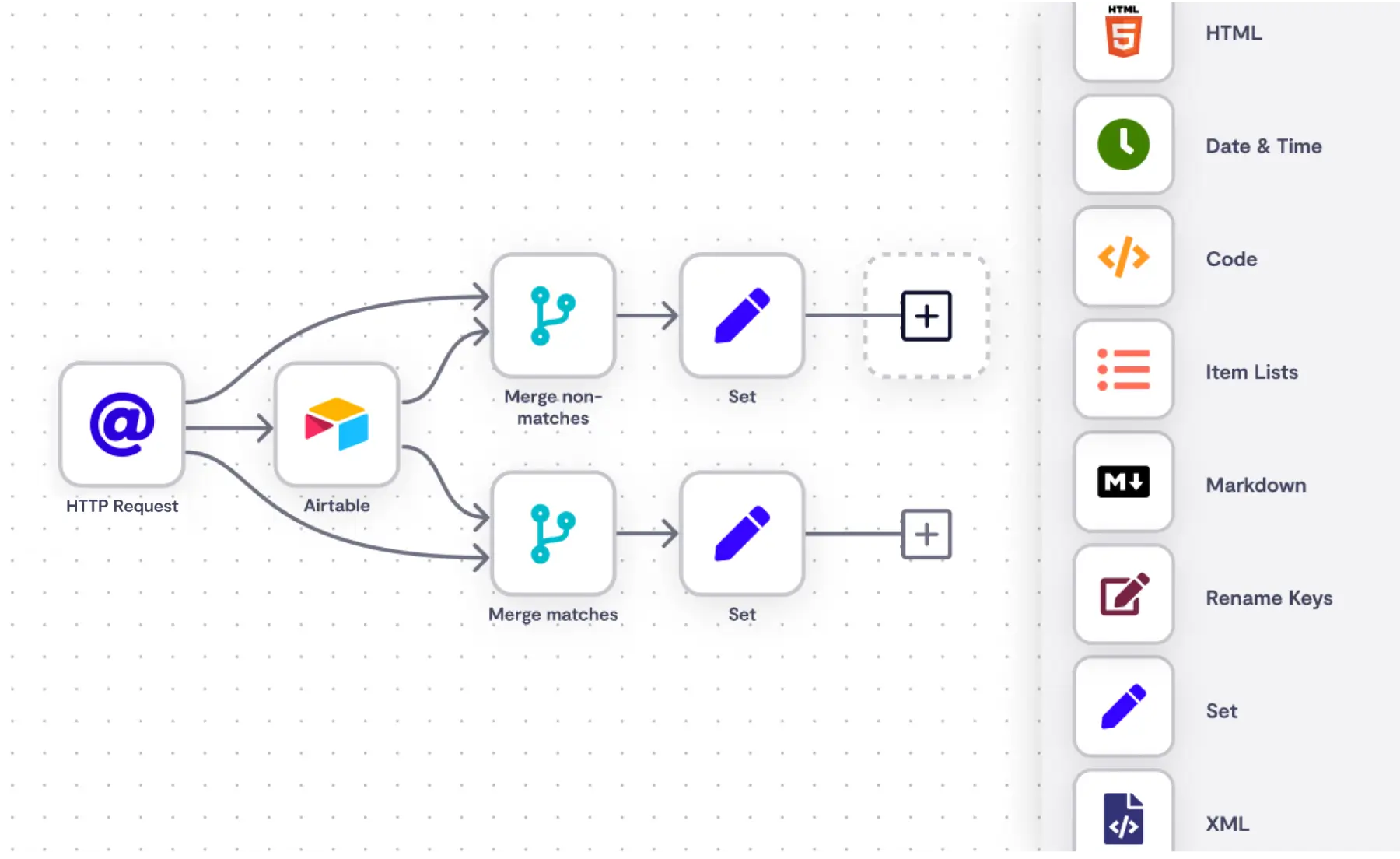
n8n is an automation tool that focuses on flexibility and customization. It allows users to build workflows with a mix of pre-built integrations and custom logic. Many teams use it when they want more control over how automation runs. It also appeals to those who prefer open-source or self-hosted options.
Type: Integration-based automation
What it does:
- Connects apps and APIs through custom workflows
- Supports conditional logic and advanced triggers
- Allows for self-hosting and customization
- Automates data movement across systems
Best for: Technical users who want more customization
n8n gives more control than most plug-and-play tools, but it may require some setup and technical familiarity. It’s useful when workflows don’t fit standard templates. Teams with specific requirements often use it to build tailored automation.
Task / Project Automation
4. Asana
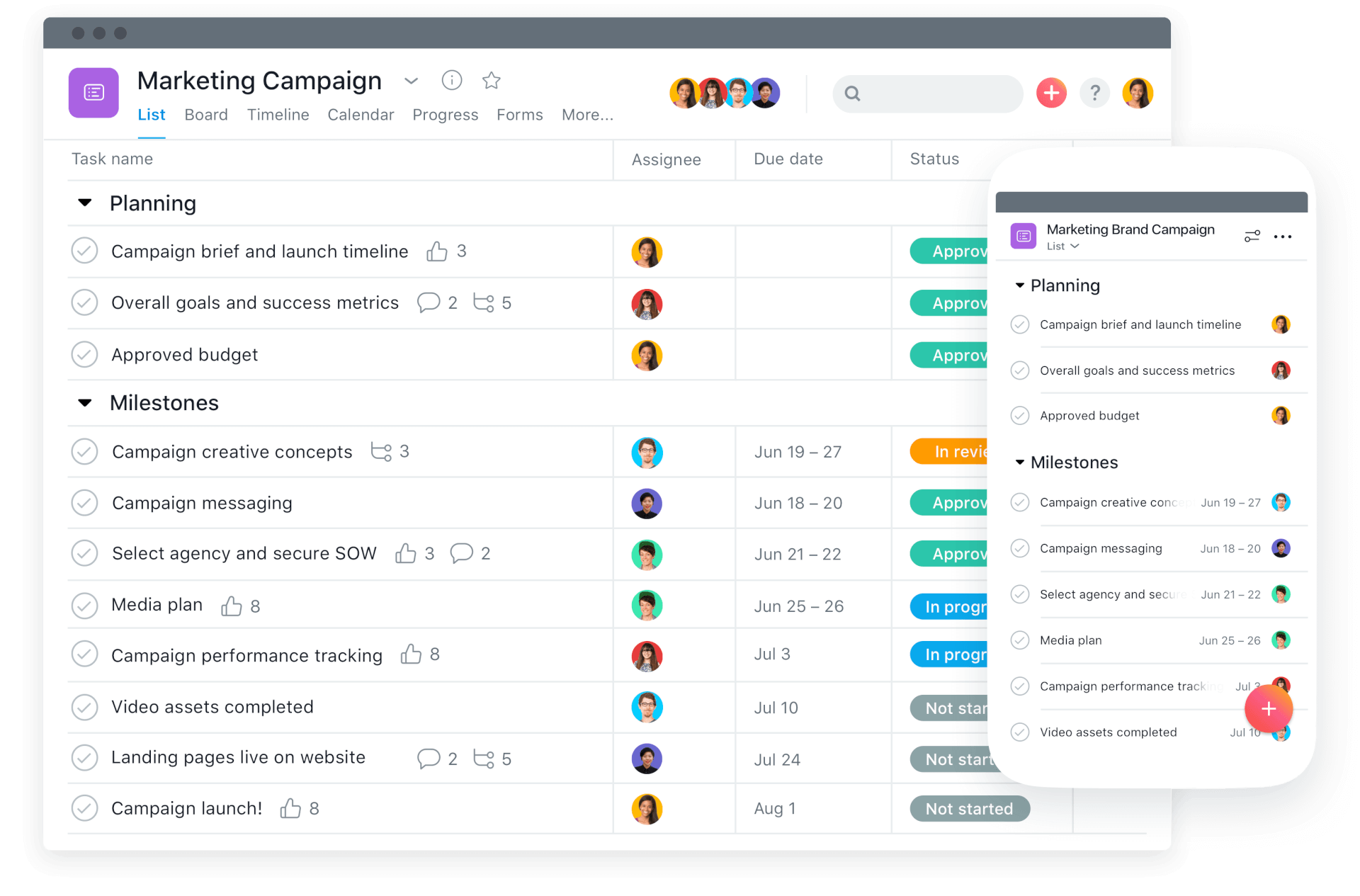
Asana is a project management tool that includes built-in automation features. It allows users to create rules that trigger actions within projects, such as assigning tasks or updating statuses. Automation is typically used to keep workflows organized without manual updates. It fits well into structured team processes.
Type: Task/project automation
What it does:
- Automates task assignments and status updates
- Creates rules based on project activity
- Triggers actions when conditions are met
- Helps maintain consistent workflows
Best for: Teams managing structured projects and recurring workflows
Asana’s automation works best within its own environment. It reduces repetitive project management tasks but does not replace integration tools. For teams already using Asana, it adds efficiency without extra complexity.
5. Monday.com

monday.com combines project management with workflow automation features. Users can set up automations to move tasks, notify team members, or update data automatically. It’s often used to keep teams aligned without constant manual coordination. The platform is flexible across different types of workflows.
Type: Task/project automation
What it does:
- Automates task movement and updates
- Sends notifications based on triggers
- Syncs data across boards
- Supports recurring workflows
Best for: Teams that want automation built into their project management tool
Monday’s automation is designed to simplify common workflows. It works well for internal processes but is less focused on connecting external tools. It’s a practical option for teams centralizing work in one platform.
6. ClickUp
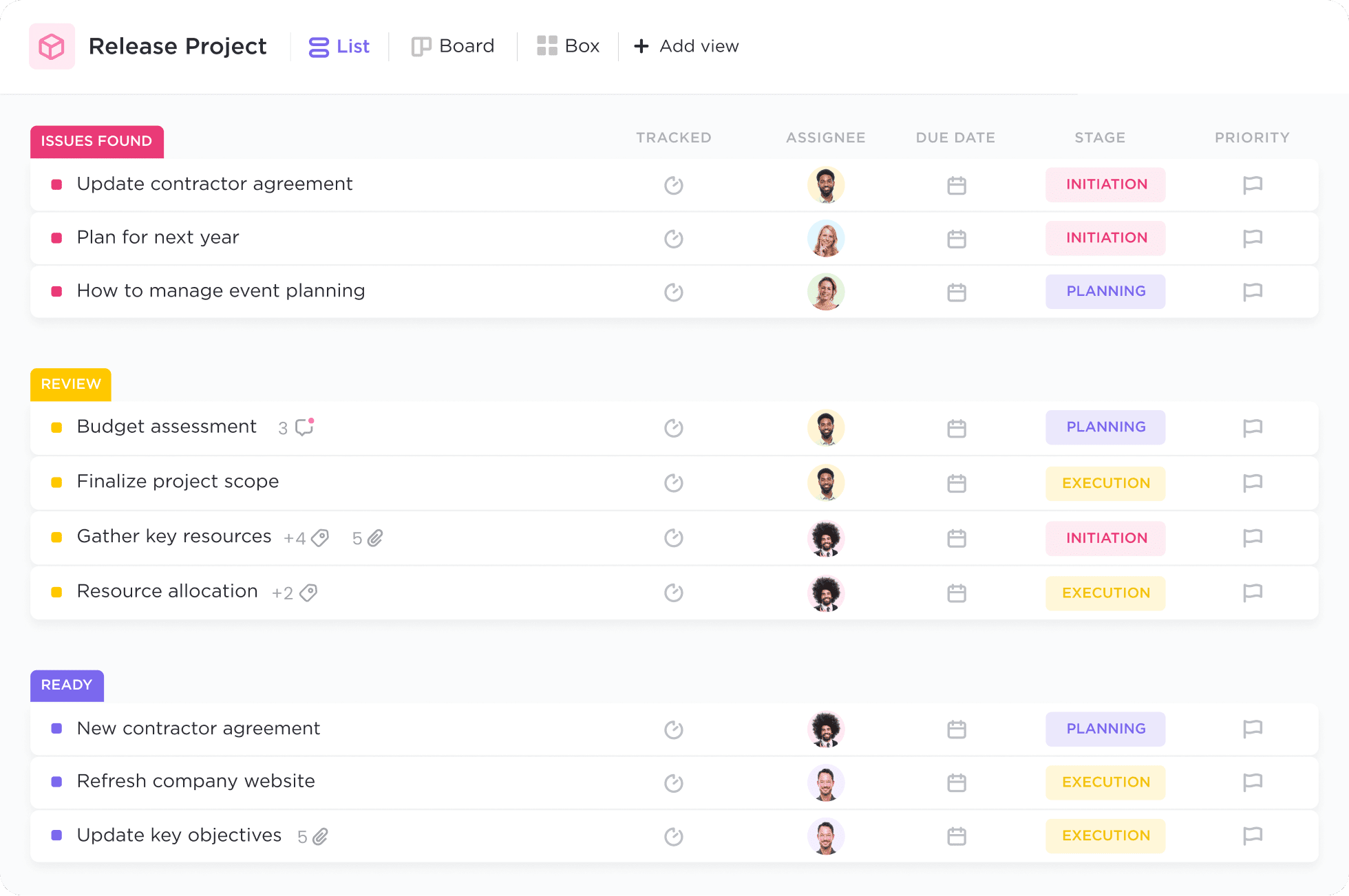
ClickUp includes automation features alongside task and project management. Users can create rules to automate routine actions like updating statuses or assigning tasks. It’s commonly used to reduce manual steps in team workflows. The platform aims to consolidate multiple work processes.
Type: Task/project automation
What it does:
- Automates task updates and assignments
- Triggers actions based on workflow conditions
- Supports recurring tasks and processes
- Helps standardize team workflows
Best for: Teams looking to centralize work and automate processes in one tool
ClickUp’s automation is most effective when workflows are already organized within the platform. It reduces repetitive actions but doesn’t replace external automation tools. For teams using ClickUp heavily, it can streamline daily operations.
Text + Workflow Automation
7. Text Blaze

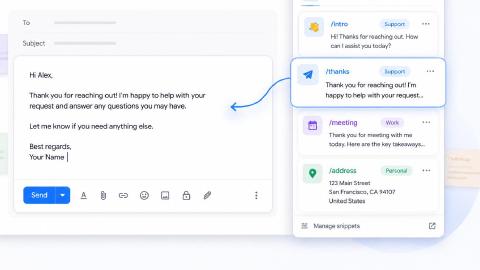
Text Blaze is a low-code productivity tool that allows you to create smart text templates and insert them anywhere you work to automatically fill out forms, transfer data, automate repetitive typing, and much more.
Type: Text + workflow automation
What it does:
Automate repetitive typing anywhere you work! Text Blaze works on Chrome, Edge, Windows, and Mac.
Streamline workflows like sending emails or messages, transferring data across websites, filling out forms, selecting from menus, and much more.
Create dynamic templates that you can customize for any situation. Use placeholders and advanced commands to create powerful templates.
Save time for free! Text Blaze is free forever, no licenses or upgrades necessary.
Best for: Individuals and teams handling repetitive writing and communication-based tasks.
Text Blaze is often used in workflows where typing and communication take up a large portion of time. It works across many tools without needing integrations. For processes that involve consistent messaging, it can reduce effort and improve consistency.
Want to save hours by automating repetitive typing & workflows?
Join over 700,000+ others who are automating workflows with Text Blaze.
8. PhraseExpress
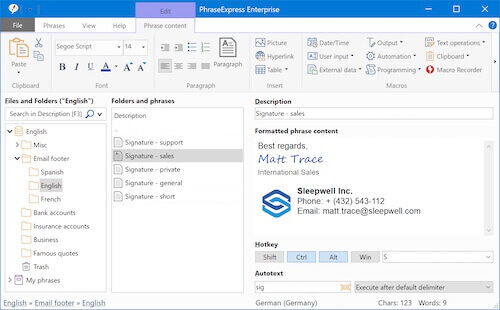
PhraseExpress is a text expansion tool that helps automate repetitive typing. Users create snippets that expand into longer content when triggered. It’s commonly used for writing emails, documents, or internal communication. The tool also supports some level of organization and structure.
Type: Text + workflow automation
What it does:
- Expands text shortcuts into longer content
- Stores reusable templates
- Helps standardize written communication
- Reduces repetitive typing
Best for: Users who frequently reuse written content
PhraseExpress is focused on text automation rather than broader workflows. It’s useful for individuals or teams that rely on consistent messaging. It does not connect apps or automate data movement.
9. AutoHotKey
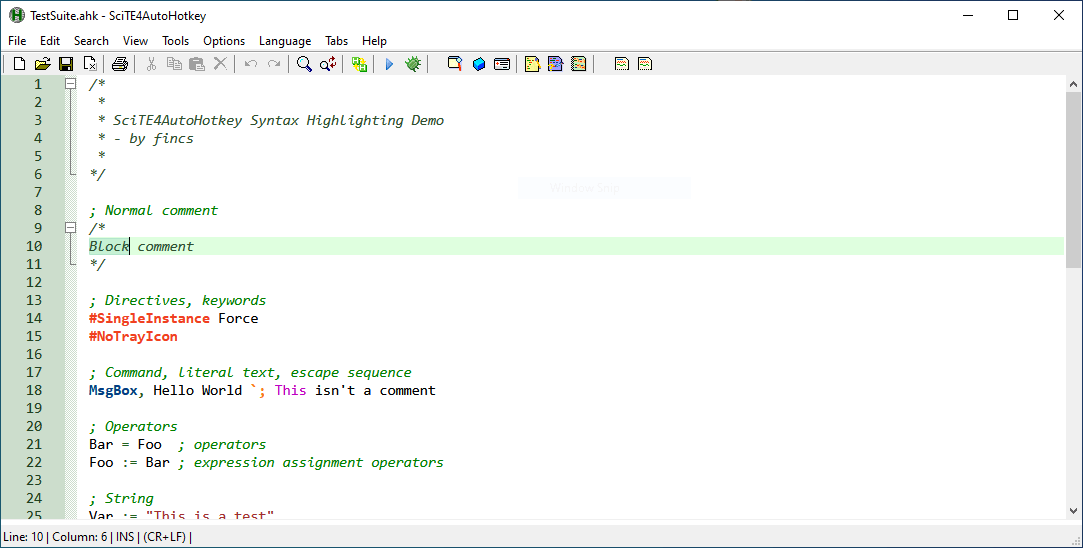
AutoHotKey is a scripting tool that allows users to automate tasks using custom scripts. It can handle text expansion, keyboard shortcuts, and more complex actions. Many users rely on it for highly customized workflows. It offers flexibility but requires manual setup.
Type: Text + workflow automation
What it does:
- Automates actions through scripts
- Creates custom keyboard shortcuts
- Expands text and triggers commands
- Supports complex workflow automation
Best for: Users comfortable with scripting and customization
AutoHotKey can handle a wide range of desktop automation tasks, but it requires time to set up and maintain. It’s often used when other tools don’t provide enough flexibility. For technical users, it can be a powerful option.
AI Task Automation
10. Motion

Motion AI combines task management with AI-driven scheduling and prioritization. It automatically plans tasks on your calendar based on deadlines and availability. Users often rely on it to manage workload without manual scheduling. It focuses on optimizing how time is spent.
Type: AI task automation
What it does:
- Automatically schedules tasks on a calendar
- Prioritizes work based on deadlines
- Adjusts schedules as tasks change
- Helps manage workload dynamically
Best for: Individuals who want automated scheduling and prioritization
Motion is designed to reduce the need for manual planning. It works best when tasks are clearly defined. For users managing many deadlines, it can simplify day-to-day scheduling.
11. Lindy
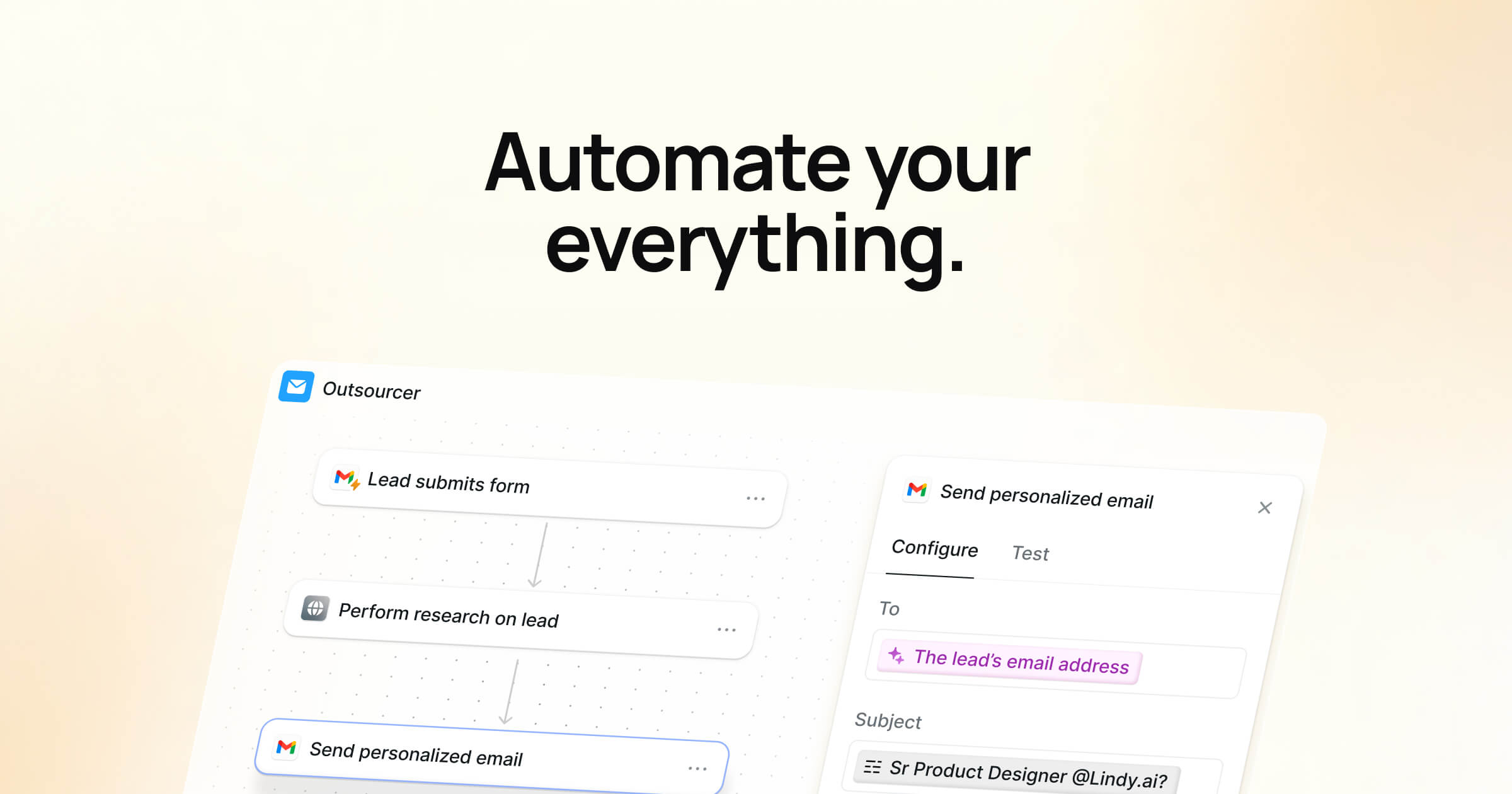
Lindy is an AI-based automation tool that focuses on handling tasks through conversational interfaces. It can automate workflows by interpreting instructions and taking action. This includes tasks like sending messages or retrieving information. It aims to reduce manual input through AI assistance.
Type: AI task automation
What it does:
- Automates tasks through AI-driven instructions
- Handles communication and data retrieval
- Executes workflows based on prompts
- Reduces manual interaction
Best for: Users exploring AI-driven workflow automation
Lindy is still evolving, and its capabilities depend on how workflows are structured. It’s useful for experimenting with AI-based automation. It may require some adjustment to fit into existing processes.
Want to save hours by automating repetitive typing & workflows?
Join over 700,000+ others who are automating workflows with Text Blaze.
12. Reclaim AI
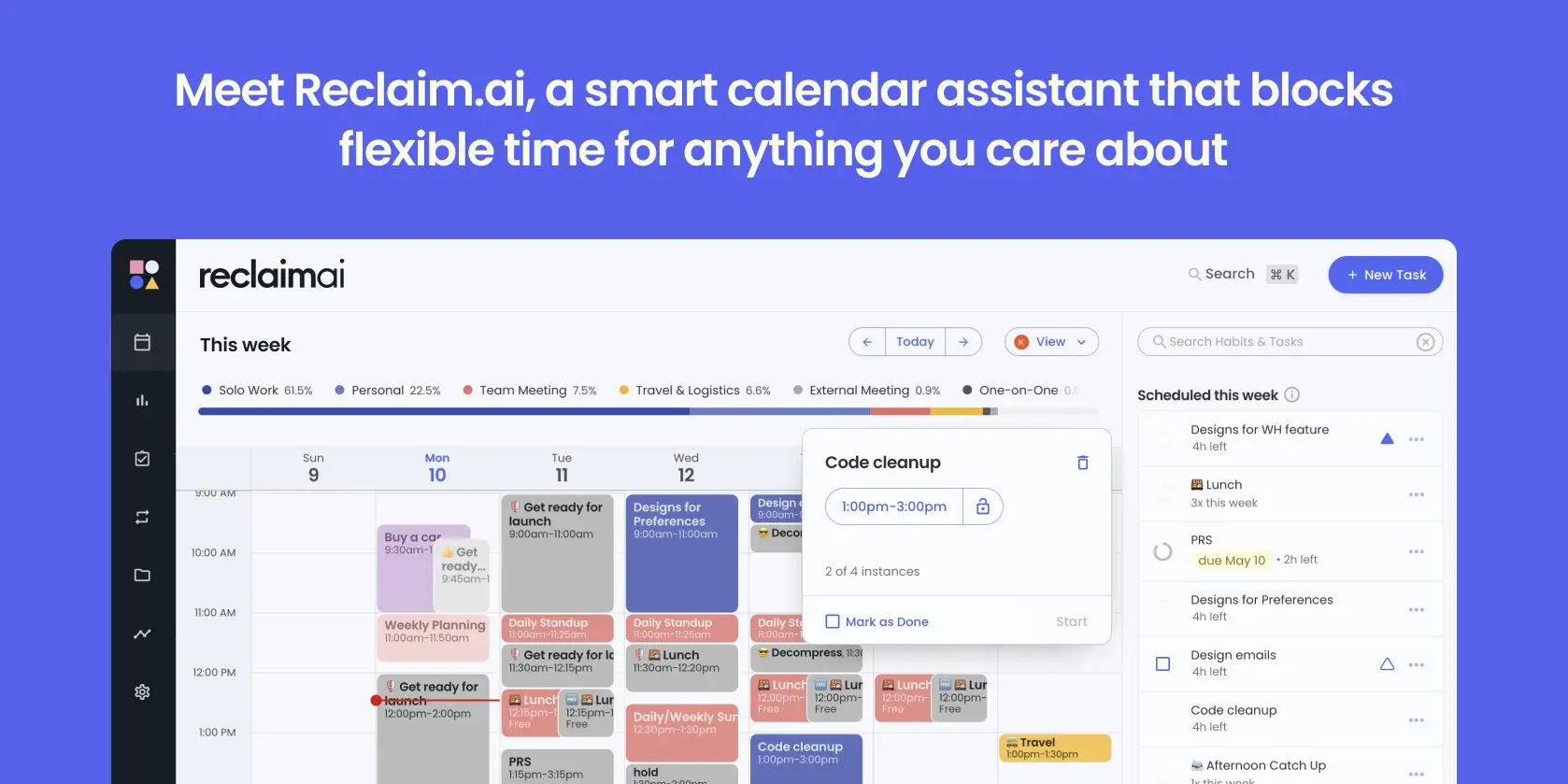
Reclaim AI focuses on managing time and tasks automatically within a calendar. It schedules tasks, habits, and meetings while adjusting based on availability. Users often use it to balance workload and priorities. It integrates with calendar tools to keep schedules updated.
Type: AI task automation
What it does:
- Schedules tasks and habits automatically
- Adjusts plans based on availability
- Integrates with calendars
- Helps manage time and priorities
Best for: Users who want automated time and task management
Reclaim AI works best when tasks and priorities are clearly defined. It reduces manual scheduling but depends on accurate input. For users managing busy schedules, it can help maintain balance.
What is the Best Task Automation Software?
The best task automation software depends on what you’re actually trying to automate. Different tools are built for different types of work, so the starting point is identifying where your time is going.
Here’s a simple way to think about it:
Moving data between apps usually calls for integration-based automation. This includes syncing a CRM, updating spreadsheets, or triggering actions when something happens in another tool.
Managing team tasks and workflows is better handled by project-based automation. These tools help automate assignments, status updates, and recurring processes.
Planning and prioritizing work can be handled by AI-based automation. These tools focus on scheduling, deadlines, and adjusting workloads automatically.
Repeating the same writing or form-based work is often best solved with text and workflow automation. This includes sending similar messages, filling out forms, and standardizing communication.
In many cases, the right solution isn’t just one tool. It’s choosing the type of automation that matches your workflow and using it where it has the most impact.
For workflows that are heavily text-based, especially in areas like support, recruiting, or operations, tools like Text Blaze can help automate repetitive writing and form-based tasks while keeping everything consistent.