15 Best Business Automation Tools for Any Team in 2026
Discover the best business automation tools that your team can use to automate workflows, processes, and tasks to save time in 2026.

If you're running a business or working on a team, it can feel frustrating to juggle repetitive tasks, manual processes, and constant follow-ups. A lot of time gets lost switching between tools, copying information, or doing work that feels like it should already be automated.
Business automation tools help reduce that busywork by streamlining workflows, connecting systems, and handling routine tasks for you.
Research shows that more than 50% of tasks & work hours can be automated, showing how much time can be saved with automation tools.
In this article, we'll cover 15 of the best business automation tools you can use in 2026 to improve workflow automation across your team.
What Do Business Automation Tools Do?
Business automation tools help teams cut down on repetitive work and make everyday processes more consistent. They are commonly used to connect tools, standardize workflows, and reduce the amount of manual effort required to keep things moving.
Here are a few of the most common use cases for business automation tools:
Task automation - Automatically assign tasks, update statuses, and trigger follow-ups when something changes.
Data movement between tools - Sync information between apps like CRMs, spreadsheets, forms, and databases without manual copying.
Internal documentation - Generate consistent notes, reports, templates, and internal messages using predefined rules.
Approval workflows - Route requests, reviews, and approvals to the right people based on clear conditions.
Customer communication - Automate emails, responses, and updates tied to customer actions or milestones.
Marketing workflows - Trigger campaigns, messages, or follow-ups based on user behavior or lifecycle stages.
Operational processes - Standardize onboarding, offboarding, scheduling, and internal requests.
For most teams, these use cases add up to fewer interruptions, fewer mistakes, and more predictable workflows across the business.
15 Best Business Automation Tools in 2026
Before diving into the list, it helps to know that these tools serve different needs. Some focus on business process automation, others lean more toward AI-driven workflows, and some are built specifically for marketing automation for small business teams.
Now, without further ado, here's our list of the 15 best business automation tools in 2026:
Business Process Automation Tools
These tools focus on automating repeatable internal processes, documentation, and task flows that teams deal with every day.
Text Blaze

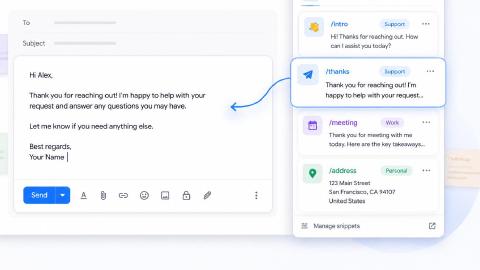
First up on our list of the best business automation tools is Text Blaze. With Text Blaze, you can automate form-filling and data transfer on any website with dynamic templates!
Text Blaze allows you to create smart text templates and insert them anywhere you work to automatically fill out forms, transfer data, automate repetitive typing, and much more.
With Text Blaze, you can:
Automate repetitive typing anywhere you work! Text Blaze works on Chrome, Windows, and Mac.
Streamline workflows like transferring data, filling out forms, sending an email, or any other repetitive workflow.
Create dynamic templates that you can customize for any situation. Use placeholders and advanced commands to create powerful templates.
Save time for free! Text Blaze is free forever, no licenses or upgrades necessary.
Want to save hours by automating repetitive typing & workflows?
Join over 800,000+ others who are automating workflows with Text Blaze.
monday.com

monday.com is a work management platform that includes workflow automation features for teams. It lets you automate actions such as task assignments, status updates, and notifications based on specific triggers.
Teams use it to keep projects organized and reduce manual coordination. Automation helps make sure work keeps moving without constant check-ins. It’s useful when multiple people need visibility into the same workflows.
Zapier

Zapier is a workflow automation tool that connects different apps and systems. It works by triggering actions in one tool when something happens in another, which helps reduce manual handoffs.
Teams often use tools like Zapier to move data between forms, spreadsheets, CRMs, and email tools. It supports both simple and more detailed workflows. Apps like Zapier are helpful when your existing tools don’t naturally integrate.
IFTTT
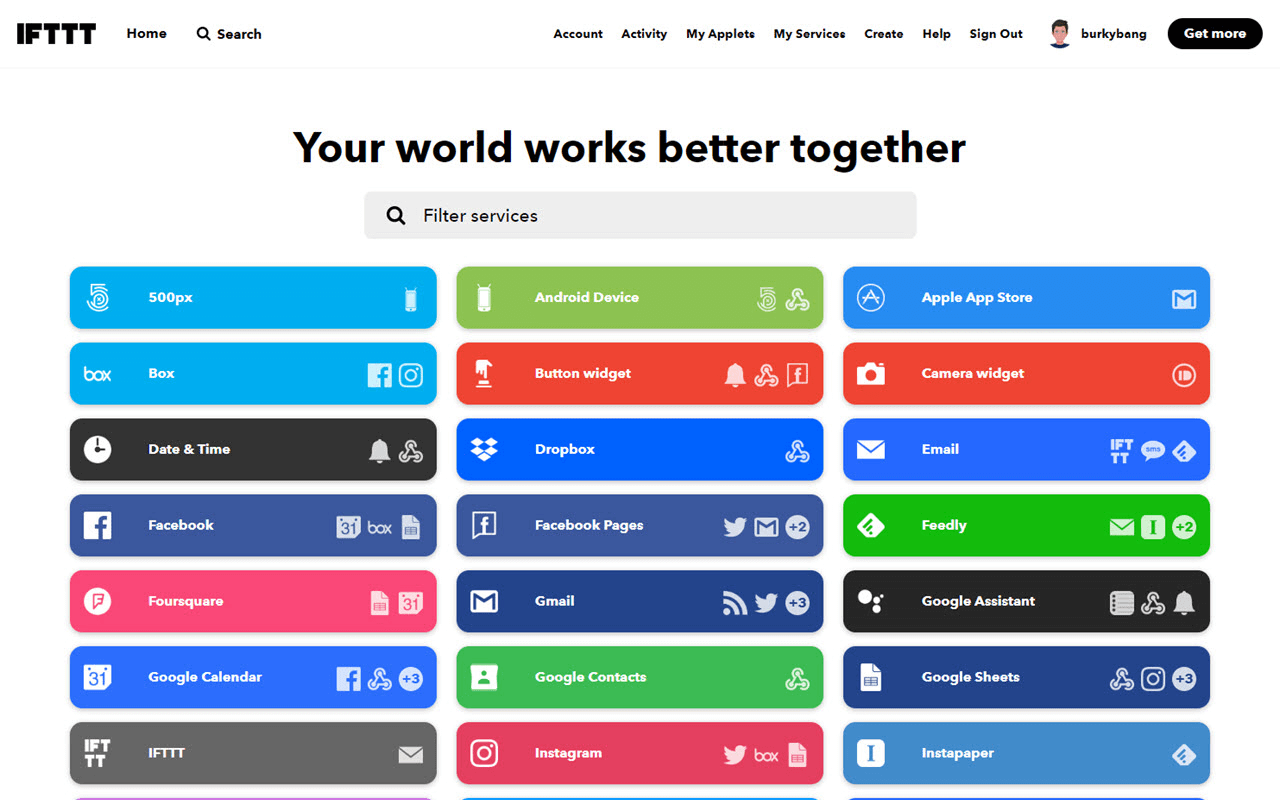
IFTTT (If This Then That) is built around simple conditional automation rules. It allows teams to create basic workflows that run when a specific event occurs.
These automations are easy to set up and follow a clear logic. It’s best suited for straightforward processes that don’t require complex branching (like form-filling).
Tools like IFTTT work well when a team wants lightweight automation without a lot of setup.
ProcessMaker
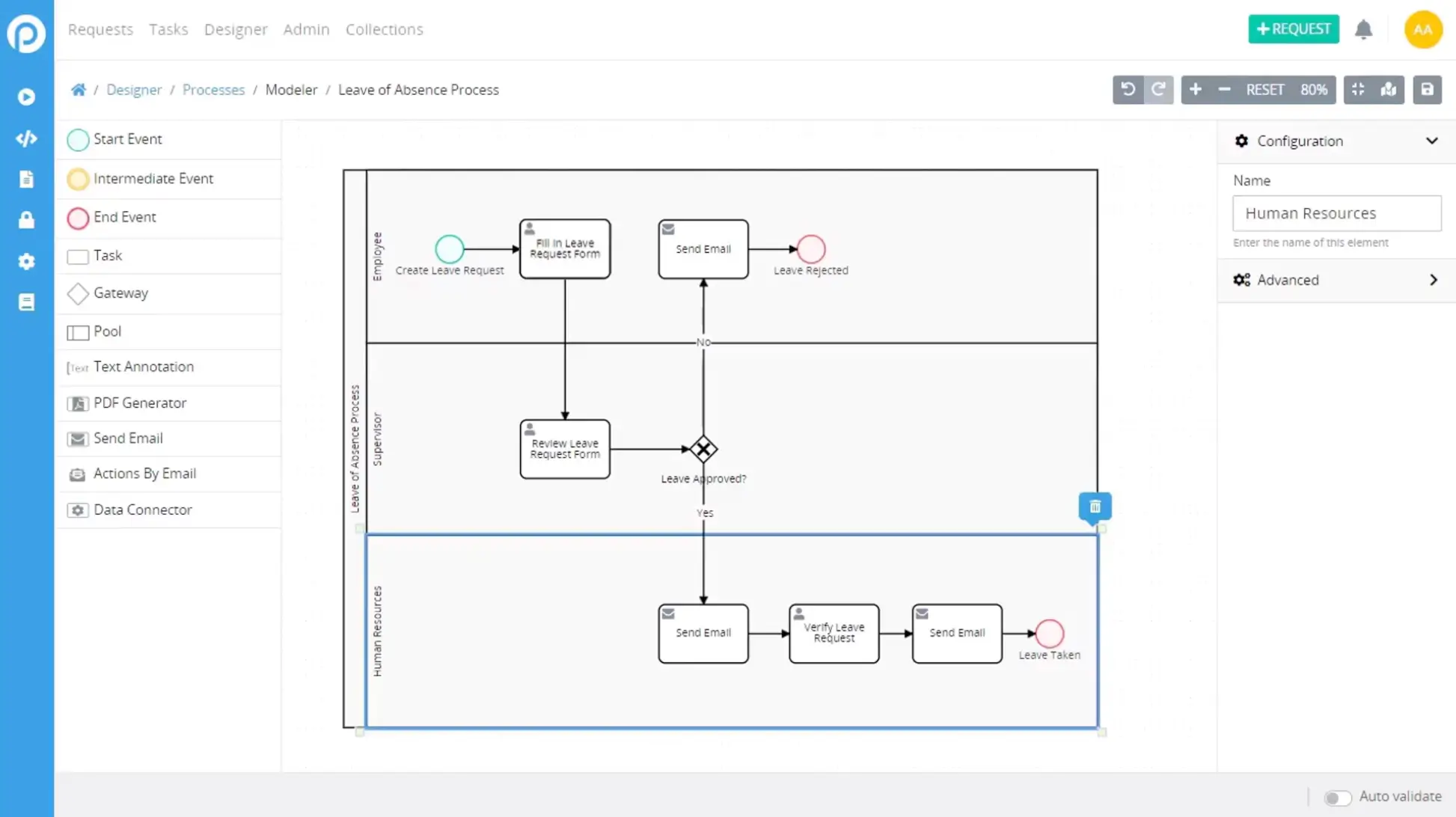
ProcessMaker focuses on structured business process automation. It helps teams design workflows that include forms, approvals, and defined steps.
These workflows are often used for internal requests, onboarding, and operational processes. The tool provides visibility into where each task sits within a process. It’s useful when teams need consistency and clear ownership across steps.
Want to save hours by automating repetitive typing & workflows?
Join over 800,000+ others who are automating workflows with Text Blaze.
AI Tools for Business Automation
These tools use AI to help automate workflows, handle decisions, or connect systems in more flexible ways.
N8N
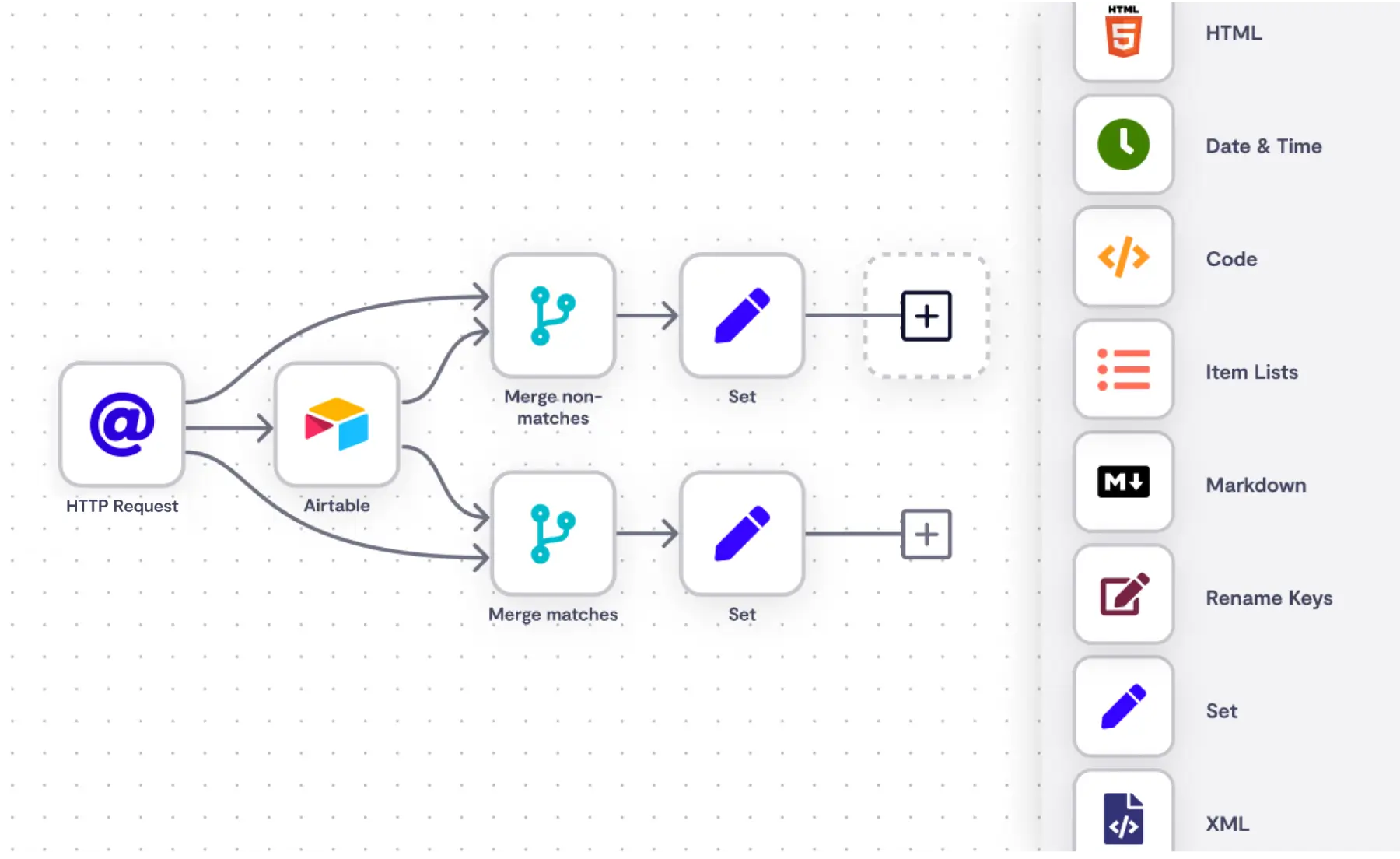
N8N is a workflow automation tool that gives teams more control over how automations are built. It supports complex logic, custom integrations, and API-based workflows.
Teams use it to automate internal systems or technical processes that need flexibility. It allows workflows to be tailored closely to specific business needs. Sites like N8N work well when simpler automation tools feel limiting.
Lindy AI
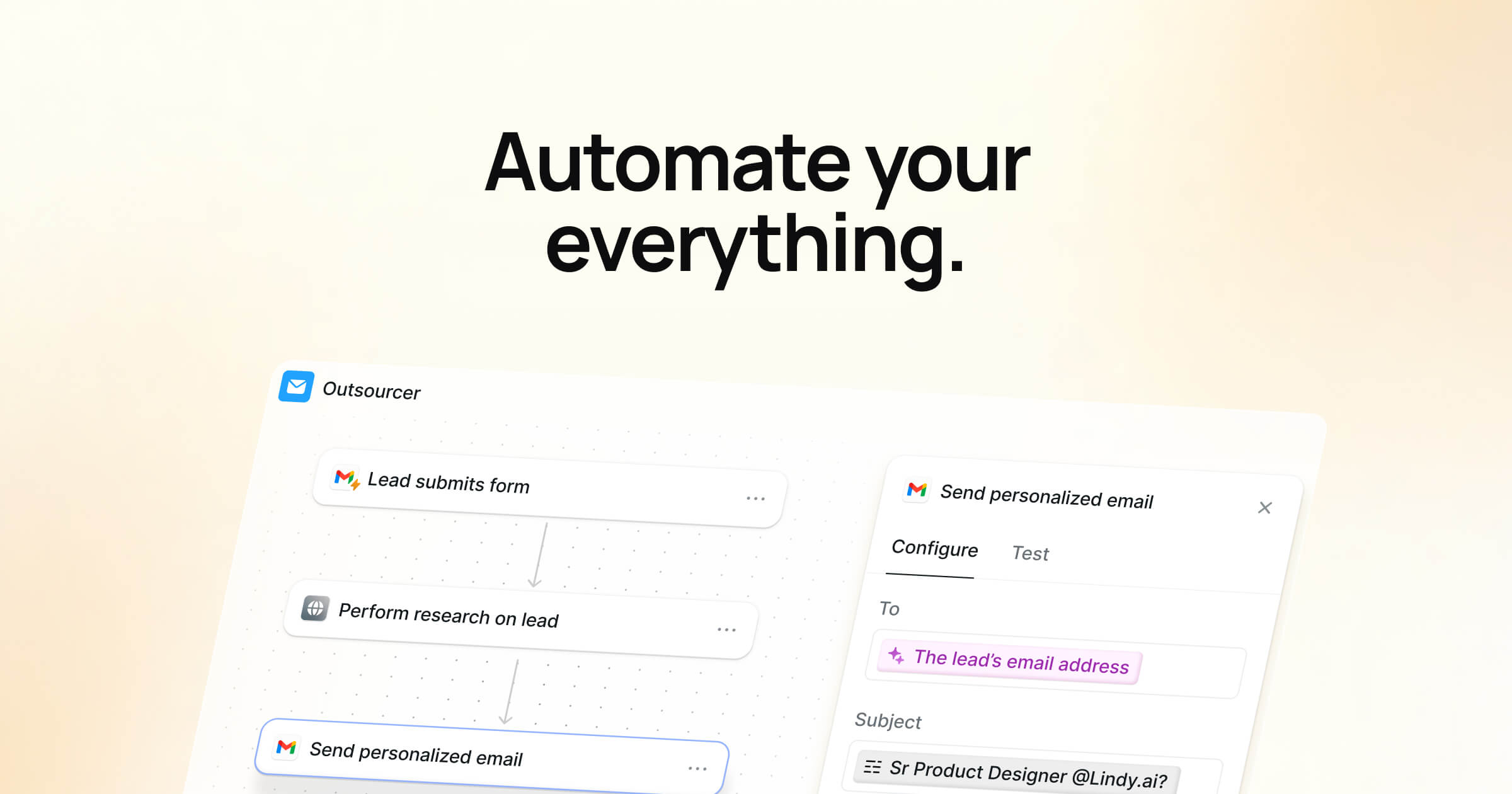
Lindy AI is designed to automate everyday business tasks using AI-driven workflows. It’s commonly used for handling emails, scheduling meetings, and managing follow-ups.
Teams use it to reduce time spent coordinating routine communication. The tool fits into existing workflows rather than forcing a new system. It's helpful for auto-filling repetitive forms that you don't want to fill out manually.
Gumloop
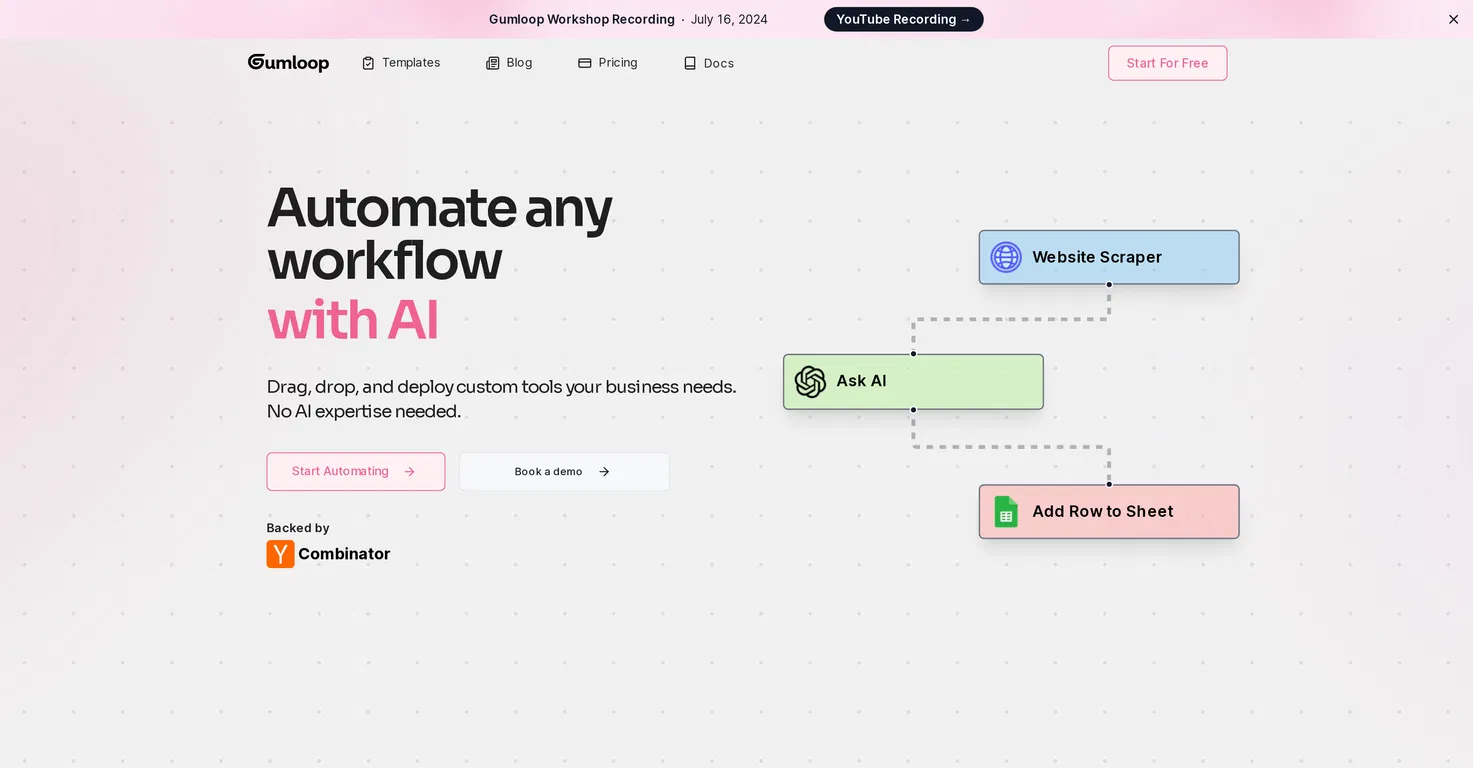
Gumloop is an AI-focused automation tool built for workflows that involve reasoning and data handling. Teams use it for tasks like research, internal operations, and content-related processes.
It combines traditional automation steps with AI actions. This makes it useful for workflows that aren’t fully predictable. Gumloop is often used when teams want to experiment with AI-driven automation.
Make
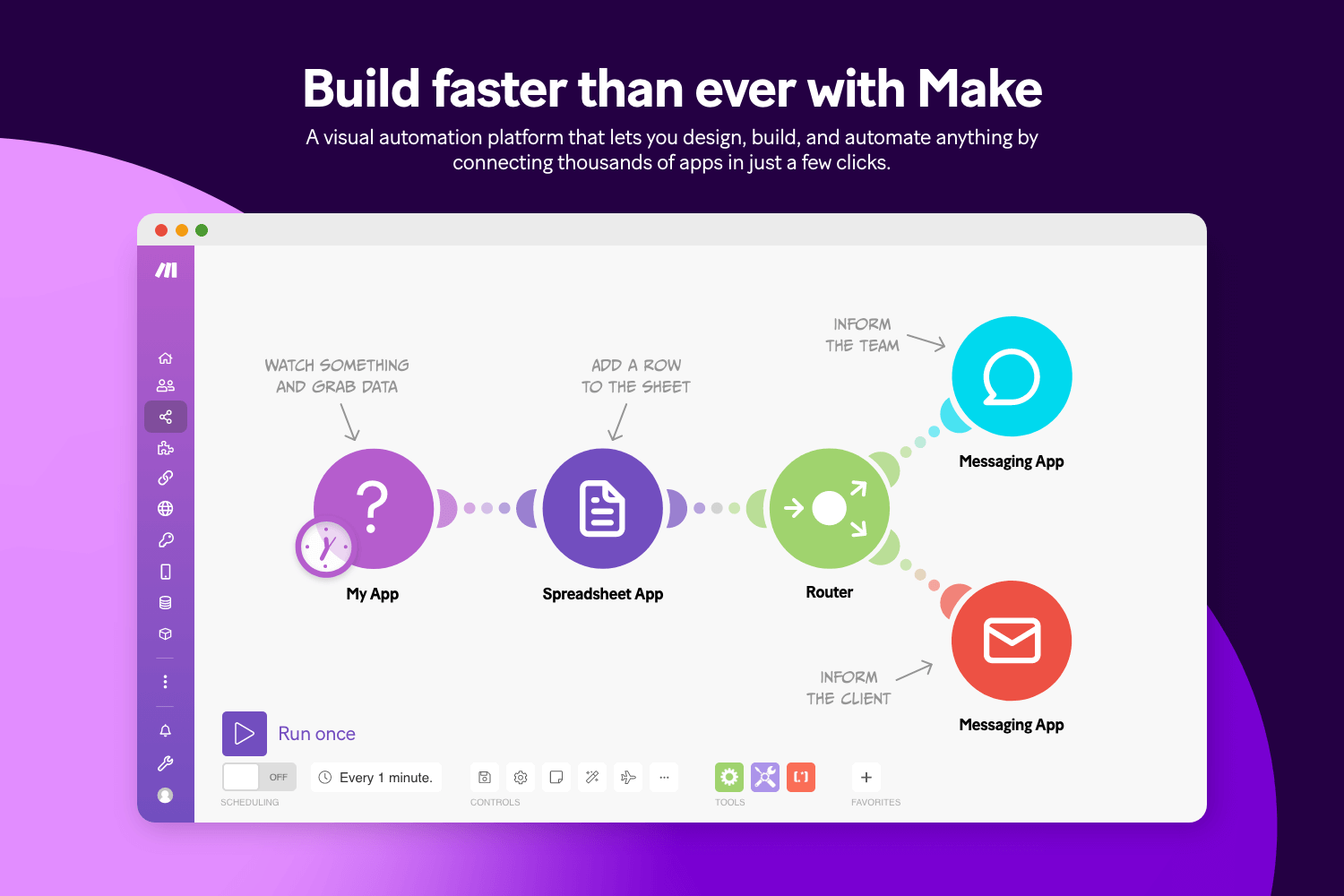
Make.com (formerly Integromat) is a visual workflow automation tool for building multi-step processes. It allows teams to define conditions, branches, and data transformations within a workflow.
They're often used to sync systems, manage internal operations, or automate reporting. The visual builder helps teams understand how information moves between tools. Tools like Make are a good fit when workflows require more detail and control.
Want to save hours by automating repetitive typing & workflows?
Join over 800,000+ others who are automating workflows with Text Blaze.
Relay App

Relay App is designed for workflows that combine automation with human input. It helps teams manage processes that include approvals, reviews, or handoffs.
Automation keeps work moving while still involving the right people at the right time. The tool emphasizes clarity around ownership and next steps. It’s useful when full automation isn’t realistic.
Marketing Automation Tools for Small Business
These tools for small business focus on automating marketing workflows, customer communication, and lifecycle messaging.
HubSpot
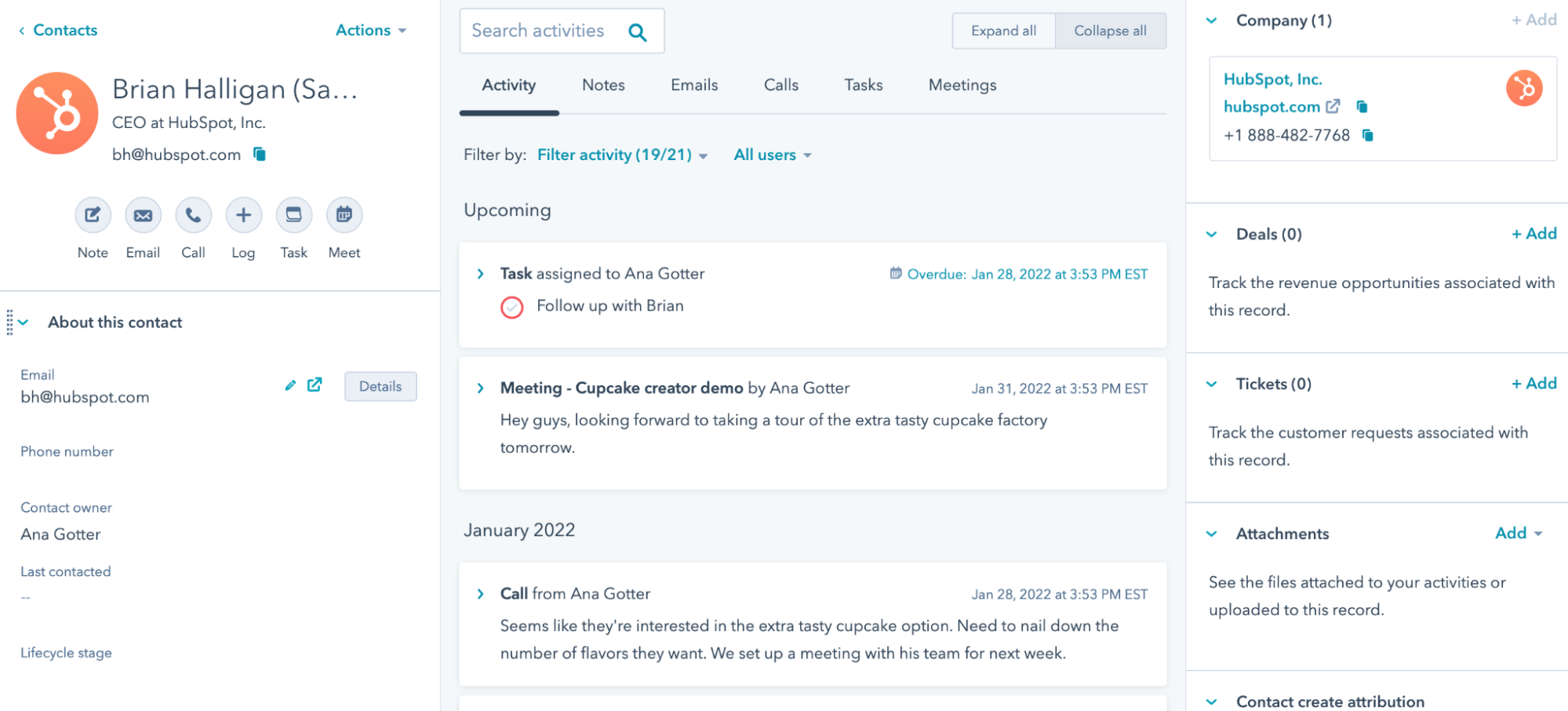
HubSpot's is a platform that combines CRM, marketing automation, and workflow tools. Teams use it to automate lead management, follow-ups, and customer communication.
It helps keep marketing and sales workflows aligned. Automation reduces manual tracking and data entry. HubSpot often serves as a central system for customer-related processes.
Customer.io
Customer.io focuses on behavior-based marketing automation. It allows teams to send messages triggered by user actions or events.
They help align communication with how customers interact with a product or service. The tool supports detailed logic for messaging sequences. It’s commonly used for lifecycle and retention workflows.
Ortto
Ortto combines customer data with marketing automation workflows. Teams use it to build campaigns based on customer behavior and attributes.
It helps manage customer journeys across different channels. The platform provides a connected view of marketing activity. It’s useful when teams want more control over how and when messages are triggered.
Want to save hours by automating repetitive typing & workflows?
Join over 800,000+ others who are automating workflows with Text Blaze.
Keap
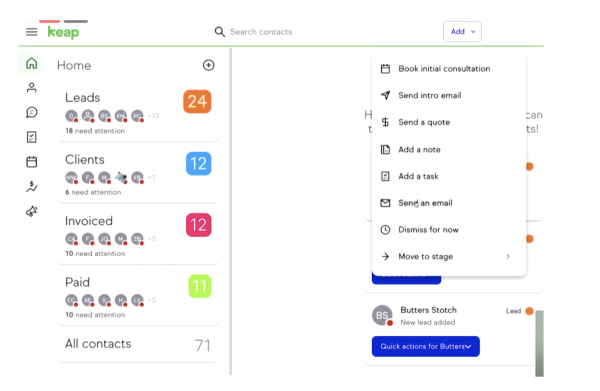
Keap is designed to help small businesses automate customer communication and follow-ups. It supports workflows for lead management, appointments, and ongoing engagement.
Teams use it to reduce administrative work tied to sales and marketing. Automation helps keep communication consistent over time. It’s a good fit for service-oriented workflows.
Braze

Braze is a customer engagement platform that supports marketing automation across multiple channels. Teams use it to automate messages based on customer behavior and timing.
It’s typically used for digital and app-based experiences. The tool helps coordinate communication across touchpoints. Braze works well for detailed engagement workflows.
What is the Best Business Automation Tool?
The best business automation tool depends on your workflows and what you’re trying to improve. Some teams want to spend less time on repetitive tasks, while others are focused on smoother handoffs, fewer errors, or clearer ownership across processes.
Earlier, we touched on how a significant portion of everyday work can be automated, which is a good reminder that there is often more opportunity here than it first appears. That potential looks different for every team.
The key is identifying where automation would actually make your work easier instead of more complicated. When you focus on the friction points in your day, the right solution becomes clearer.
Even small improvements can add up to meaningful time savings over time. With the right approach, automation can help your team reclaim time, reduce stress, and build workflows that feel more sustainable.
To recap, our suggestion for the best business automation tool is Text Blaze. Text Blaze helps you automate repetitive typing. data transfer, form-filling, and workflows on any website. Plus, Text Blaze is free forever!
Give Text Blaze a try today!