15 Best Business Communication Tools for Any Team in 2026
Discover some of the best business communication tools to help your team stay on the same page, communicate effectively, and reach customers in 2026.

If you're managing a team, you’ve probably felt how messy communication can get. Messages are spread across email, chat, help desks, and documents, and important details get missed. This slows decisions, creates confusion, and makes it harder to serve customers well.
Business communication tools help bring everything together so your team can respond faster, stay organized, and work with more clarity. They give you better ways to talk to customers and better ways for your team to collaborate internally.
In this article, we'll cover the 15 best business communication tools for both customer and internal communications in 2026. Let's dive in!
What are Business Communication Tools?
Business communication tools are software platforms that help teams communicate with customers and with each other. Some focus on customer communication tools like email support, live chat, and call handling.
Others are internal communication tools that help teams message, plan work, and stay aligned. Most companies use a mix of both to cover daily operations.
These tools centralize conversations, reduce manual work, and make it easier to track what is happening across the business. Instead of relying on scattered inboxes and personal messages, everything becomes shared and visible. That helps teams move faster and avoid miscommunication.
How Do Business Communication Tools Help Teams?
Business communication tools make daily communication faster, clearer, and easier to manage. They help teams stay aligned while keeping customer conversations consistent and personal.
Here are a few key benefits your team will see if you implement a business communication tool:
Respond faster and more efficiently - Messages are easier to find, assign, and reply to, so customers and teammates do not wait longer than necessary. This helps reduce backlogs and keeps work moving.
Keep everyone on the same page - Shared conversations and visibility into tasks make it clear who is doing what. This prevents duplicate work and missed responsibilities.
Maintain consistent messaging - Templates and shared responses help your team communicate with a unified tone and accurate information. This is especially important when multiple people talk to the same customers.
Create unified processes - Communication tools support automating workflows so your team handles requests the same way every time. This makes training easier and reduces mistakes.
Support personalized communication - Even with templates and business automation, messages can still be customized with customer details and context. This keeps communication human while saving time.
Together, these benefits help teams work more smoothly and communicate with confidence.
15 Best Business Communication Tools
Business communication tools are popular because managers want better ways to talk to customers and better systems for internal collaboration. The tools below are split between customer communication tools and internal business communication tools to reflect those needs.
Here's our list of the 15 best business communication tools in 2026:
Customer Communication Tools
Customer communication tools help teams manage conversations with customers across email, chat, calls, and support tickets. They keep messages organized, make it easier to respond quickly, and help teams avoid missing important requests.
For example, many of these tools support canned responses, a way to respond to customers quickly.
These tools also support consistency by using shared templates for common workflows while still allowing for personalized replies. The goal is to make customer interactions smoother, faster, and more reliable.
1. Text Blaze
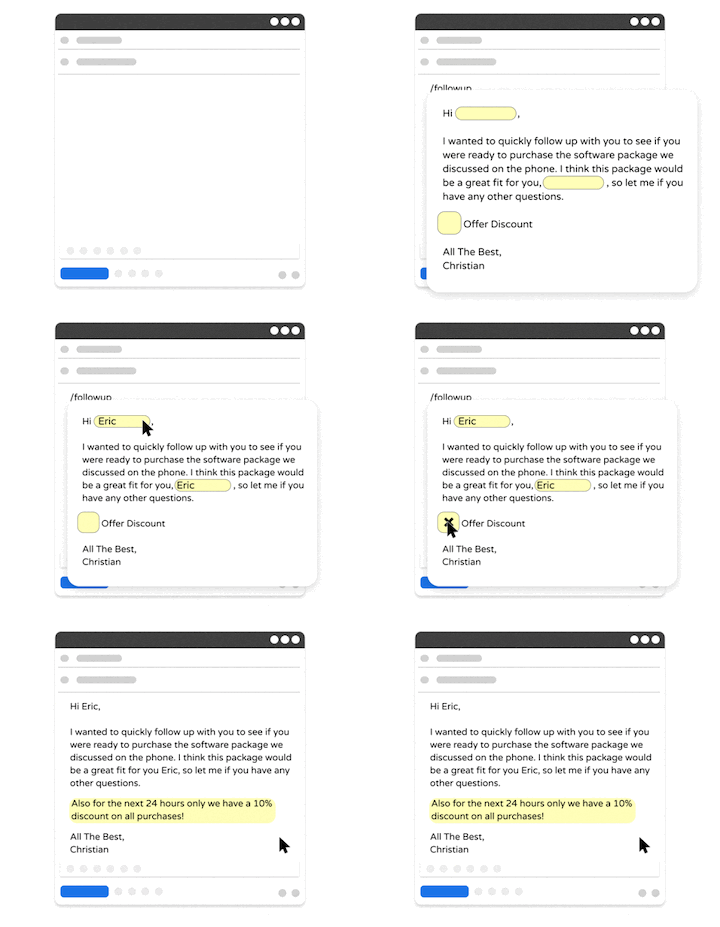
First up on our list of the best business communication tools is Text Blaze. With Text Blaze, you can create smart text templates to automate repetitive typing and workflows anywhere your team works.
With Text Blaze, your team can use shared, smart text templates to align your team's communications & workflows and send personalized, relevant messages in every interaction, every time.
Here's what sets Text Blaze apart:
Guide your team's communication anywhere you work! Text Blaze works on Chrome, Windows, and Mac.
Streamline repetitive workflows - Text Blaze can automate: transferring data, filling out forms, sending an email, or any other repetitive workflow.
Get the right message every time - Text Blaze helps teams stay on-brand, consistent, and get the right message in every interaction.
Personalization at scale - With Text Blaze, you can use placeholders and logic to create dynamic templates that help you personalize your communication for any situation.
Text Blaze is free forever! Give Text Blaze a try for free and start saving time at no cost.
Want to save hours by automating repetitive typing & workflows?
Join over 700,000+ others who are automating workflows with Text Blaze.
2. Zendesk
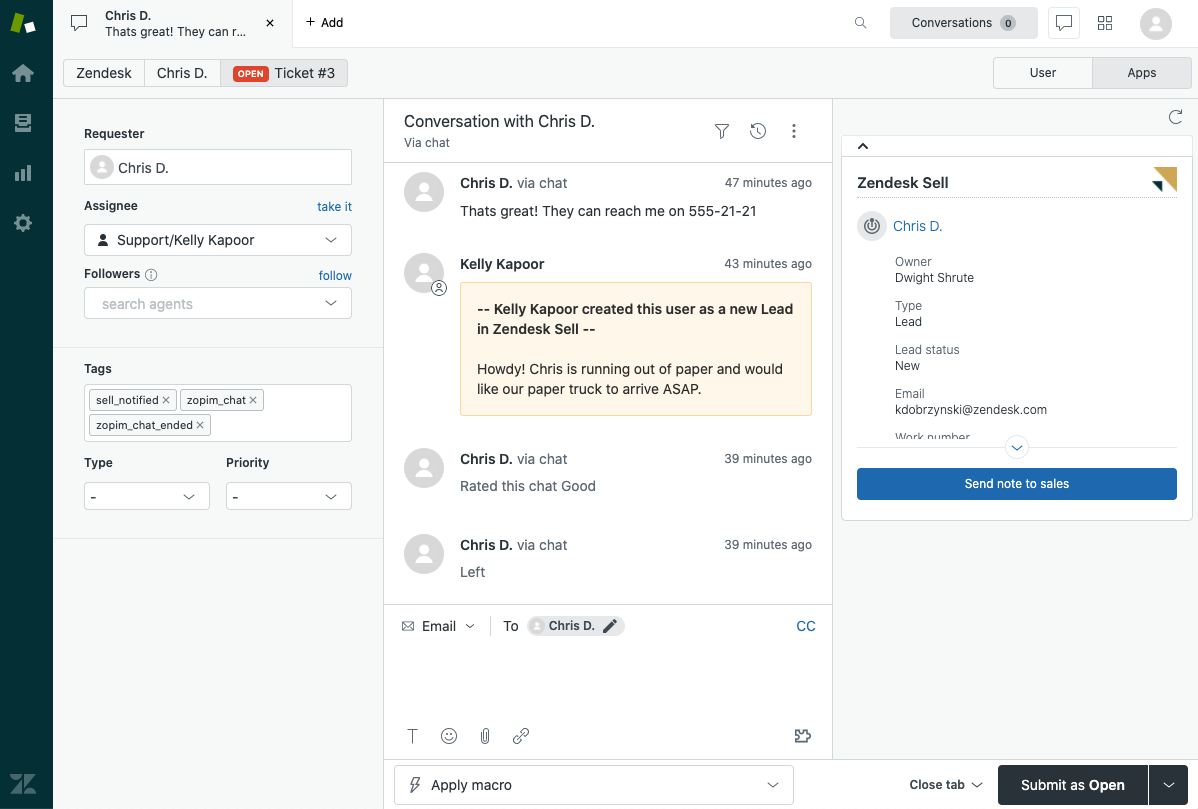
Zendesk is a customer support platform that centralizes email, chat, and help desk requests. It organizes customer conversations into tickets that can be assigned and tracked.
Teams use it to manage support workloads and follow up on unresolved issues. It also provides reporting features that help managers see response times and performance trends. This makes it easier to manage customer communication at scale.
3. Front
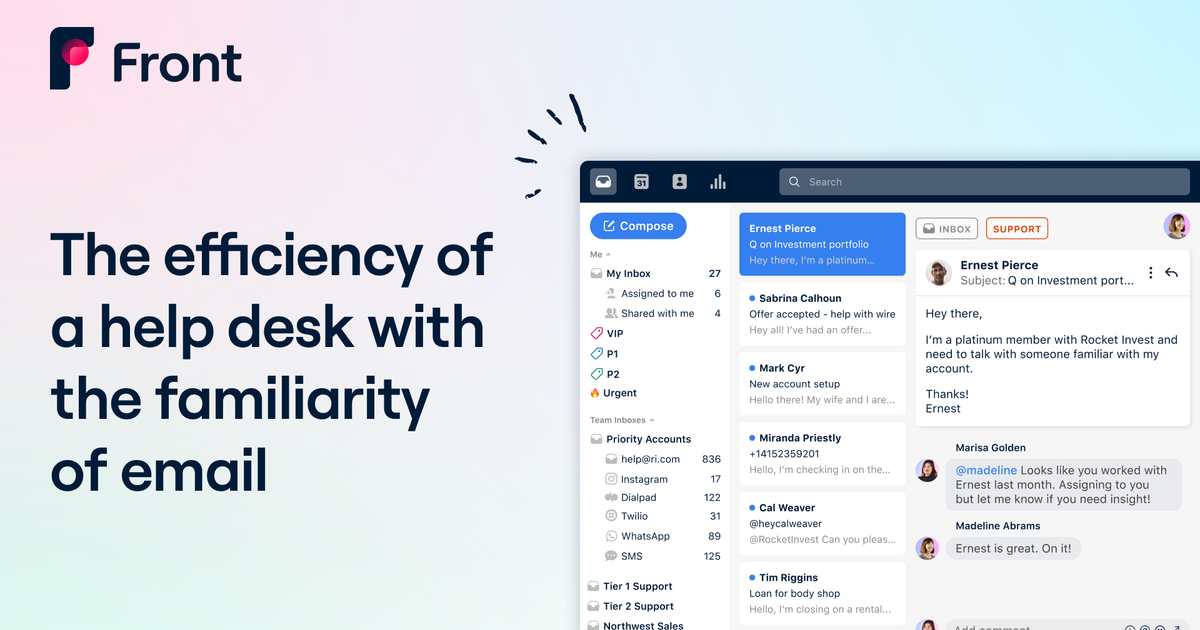
Front combines email and messaging into a shared inbox for teams. It allows multiple people to collaborate on the same customer conversations without confusion.
Managers can see who is handling what and step in when needed. It also supports internal notes so teams can discuss responses privately. This setup helps maintain clarity while working through high volumes of customer messages.
4. Dialpad
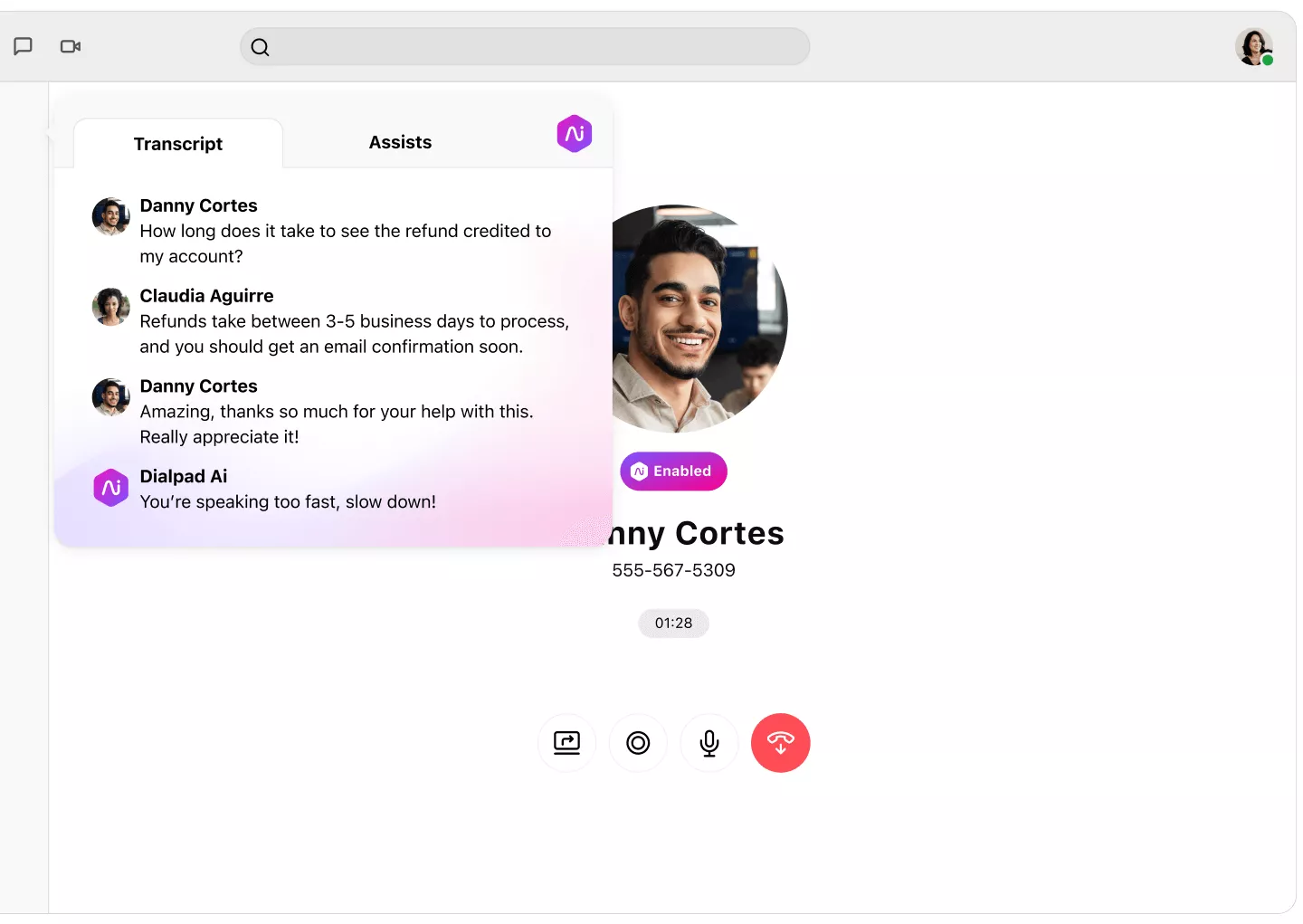
Dialpad is a business communication tool focused on calls and voice communication. It supports phone systems, video meetings, and messaging in one platform.
Teams can use it to manage customer calls and internal conversations from a single place. Call logs and transcripts help keep records organized. This is useful for teams that rely heavily on phone communication.
5. Intercom
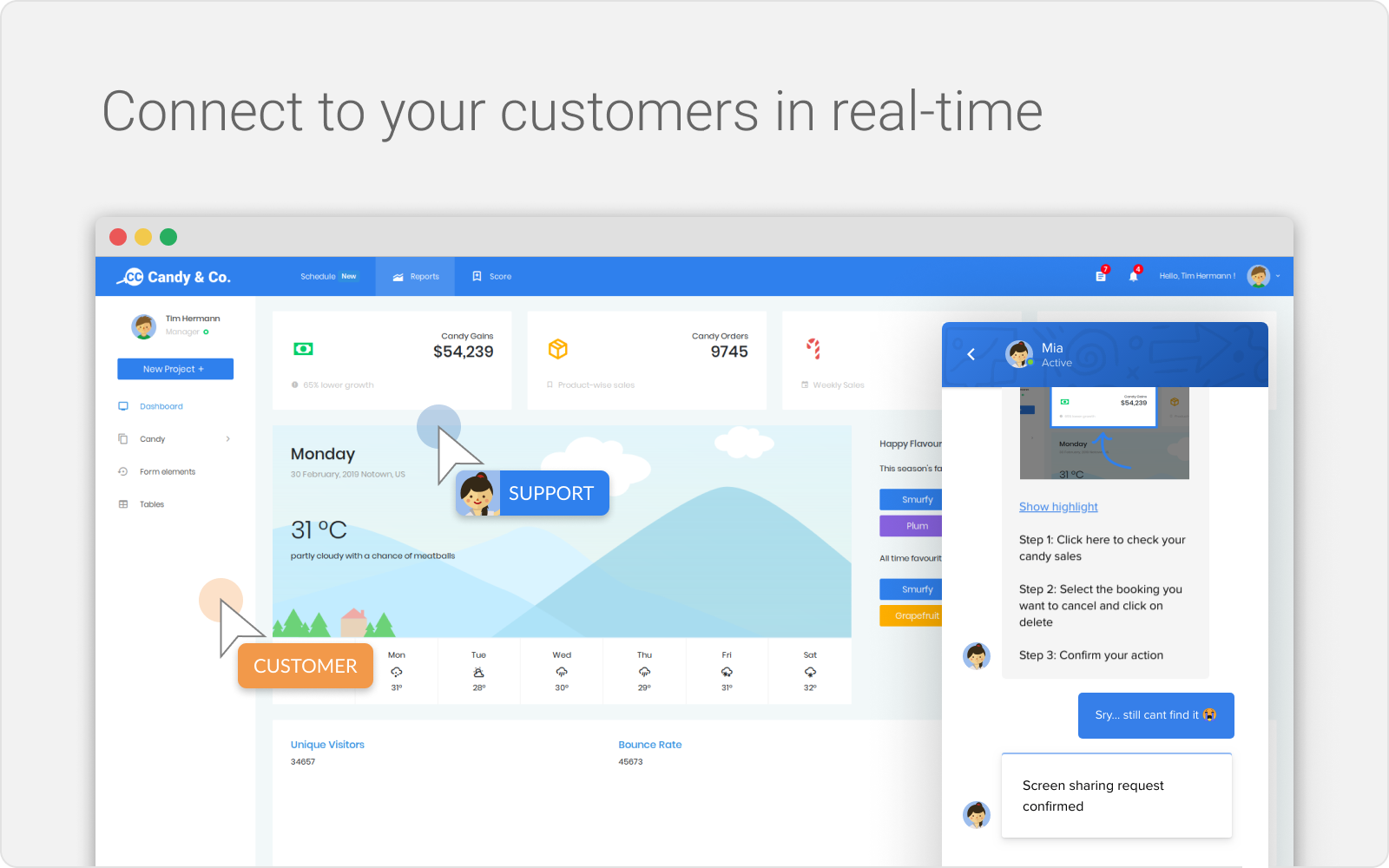
Intercom is a customer messaging platform that supports live chat, bots, and in-app communication. It helps teams engage with customers directly inside products or websites.
Messages can be routed to the right team members automatically. It also supports proactive outreach for onboarding and support. This makes customer communication more structured and responsive.
6. Freshdesk
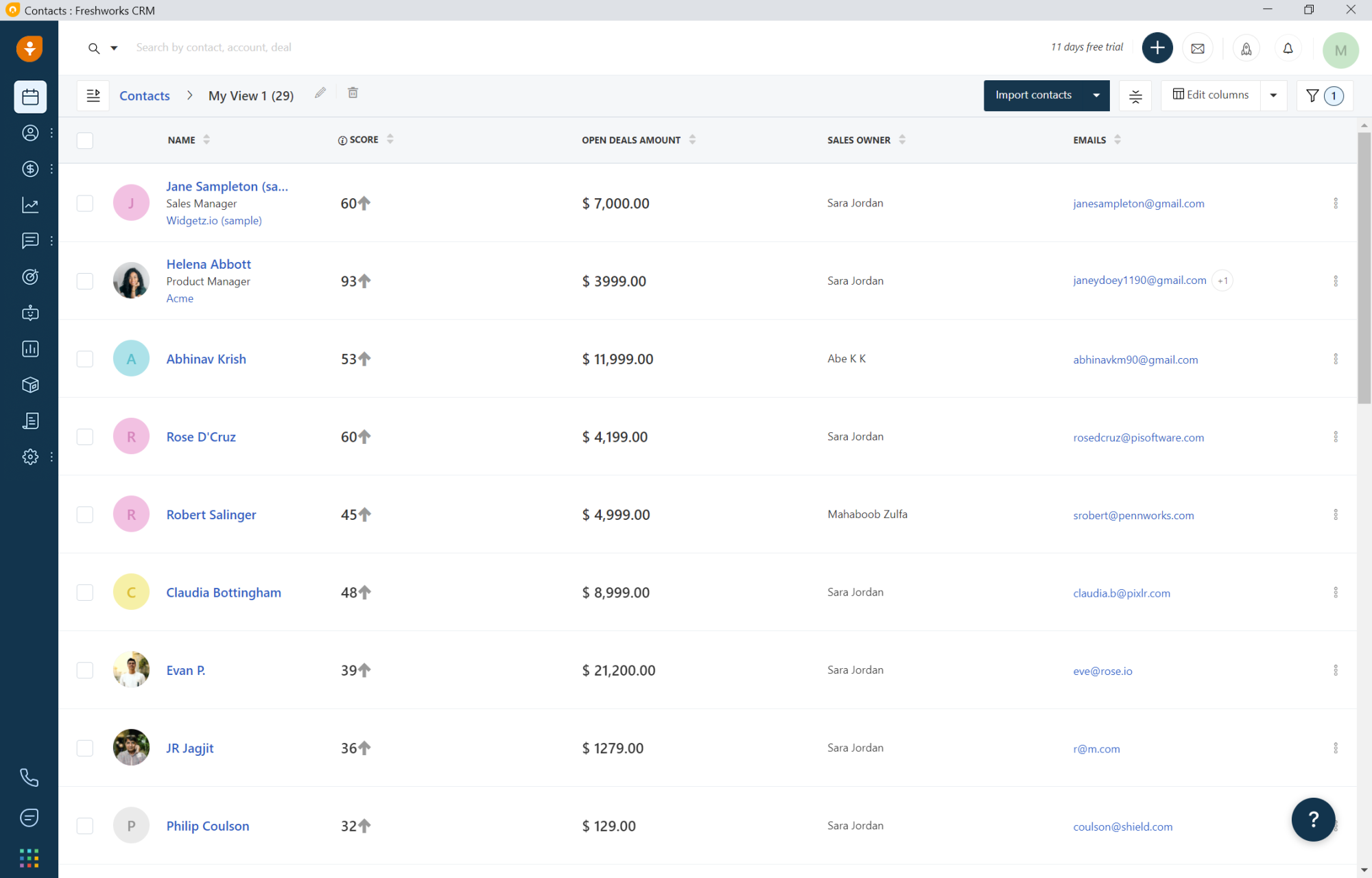
Freshdesk is a help desk tool that helps manage customer support tickets. It brings email, chat, and social messages into one workspace.
Teams can track issues from start to resolution. Automation features help route tickets to the right people. This improves response time and keeps customer communication more organized.
7. Mixmax
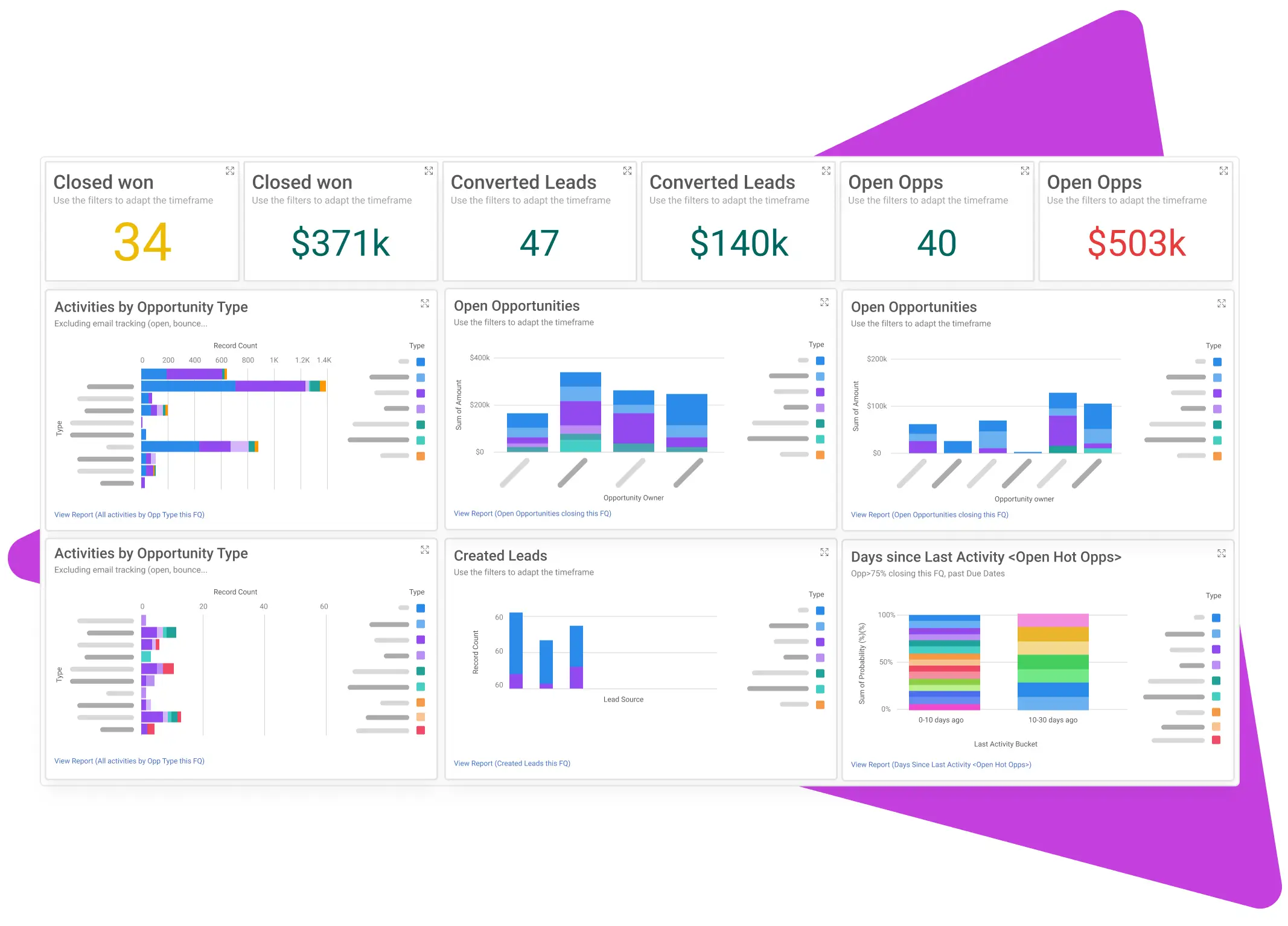
Mixmax is an email productivity tool designed for sales and customer communication. It adds scheduling, templates, and tracking to standard email.
Teams use it to manage outreach and follow-ups more efficiently. Templates help maintain consistency in customer messages. It is especially useful for teams that rely heavily on email.
8. Superhuman

Superhuman is an email client focused on speed and workflow efficiency. It helps teams manage large volumes of email with shortcuts and automation.
Messages can be handled faster, which improves customer response times. Teams often use it to stay on top of customer conversations without falling behind. It offers AI for business to help streamline customer communication.
Want to save hours by automating repetitive typing & workflows?
Join over 700,000+ others who are automating workflows with Text Blaze.
Internal Business Communication Tools
Internal business communication tools help teams stay aligned and work together more efficiently. They support messaging, collaboration, task updates, and project coordination in one place.
These tools reduce the need for long email chains and make it easier to see progress and responsibilities. They are designed to keep everyone informed and moving in the same direction.
9. Slack
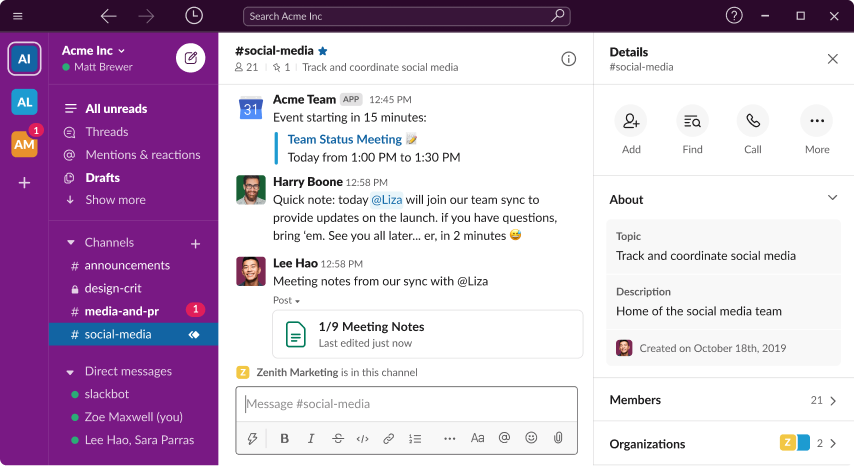
Slack is an internal communication tool built around channels and real-time messaging. Teams use it to discuss projects, share updates, and make quick decisions.
Conversations stay organized by topic or team. It also supports file sharing and integrations with other work tools. This helps reduce reliance on long email threads.
10. Microsoft Teams
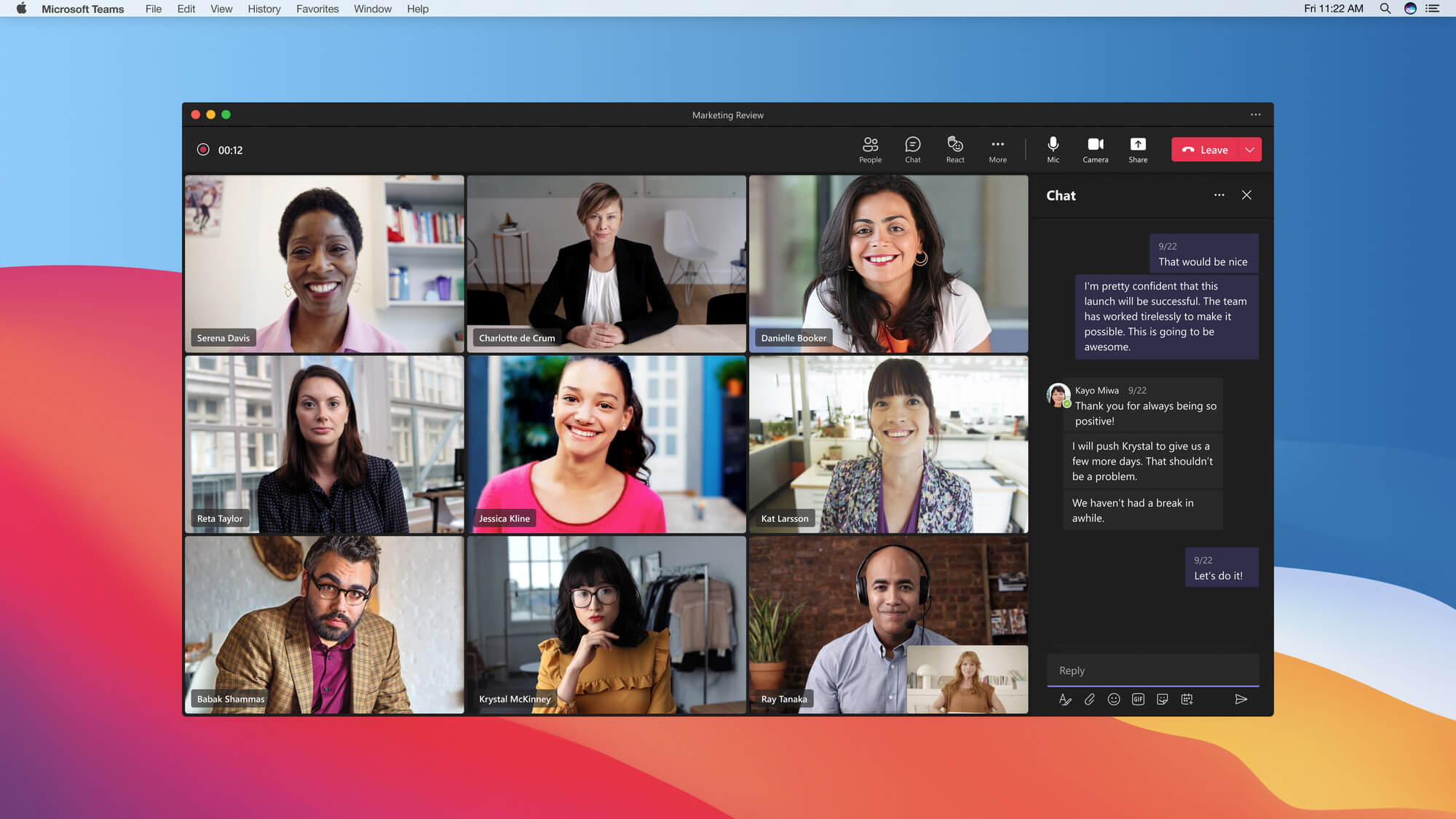
Microsoft Teams combines chat, video meetings, and file collaboration. It is commonly used for internal communication and daily team coordination.
Messages, meetings, and documents are connected in one workspace. Teams can create channels for different departments or projects. This makes collaboration easier to manage.
11. Google Chat
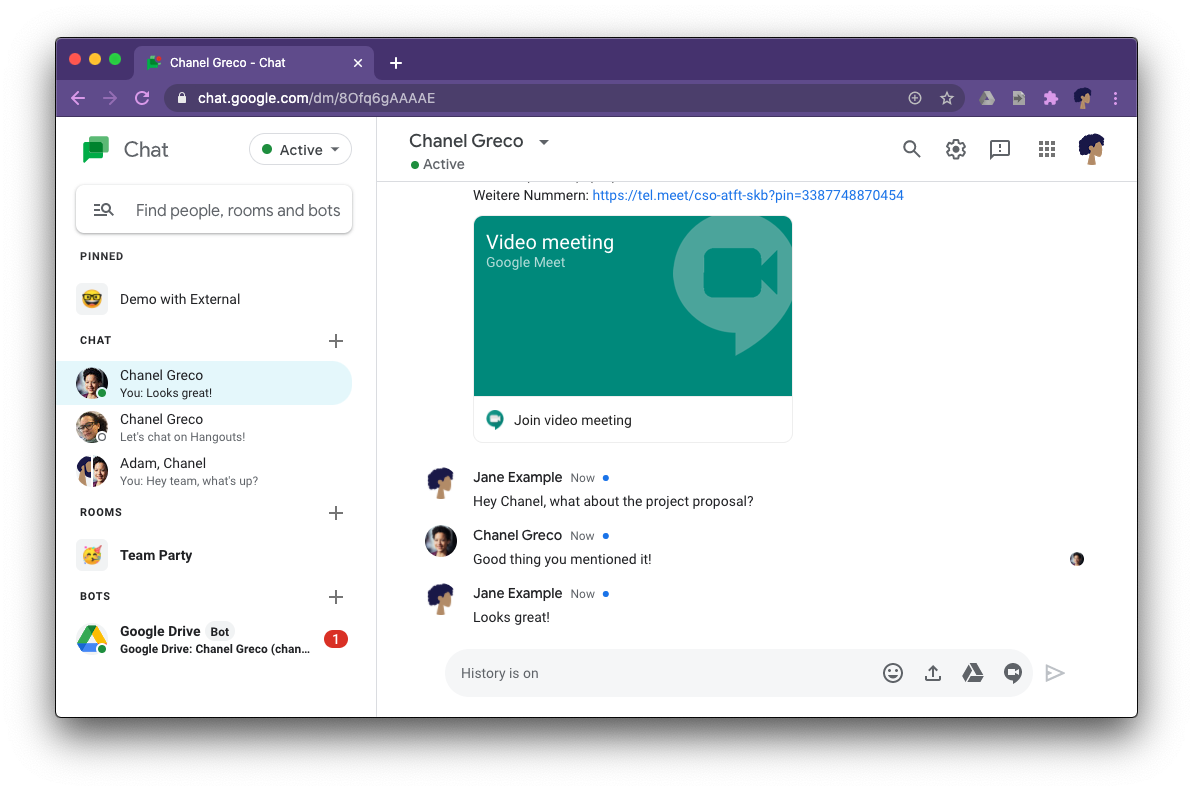
Google Chat is a messaging tool integrated with Google Workspace. It supports team conversations, file sharing, and collaboration around documents.
Teams can move quickly from chat to video meetings when needed. It fits well into workflows that already use Google Docs and Gmail. This keeps internal communication simple and connected.
12. Mattermost
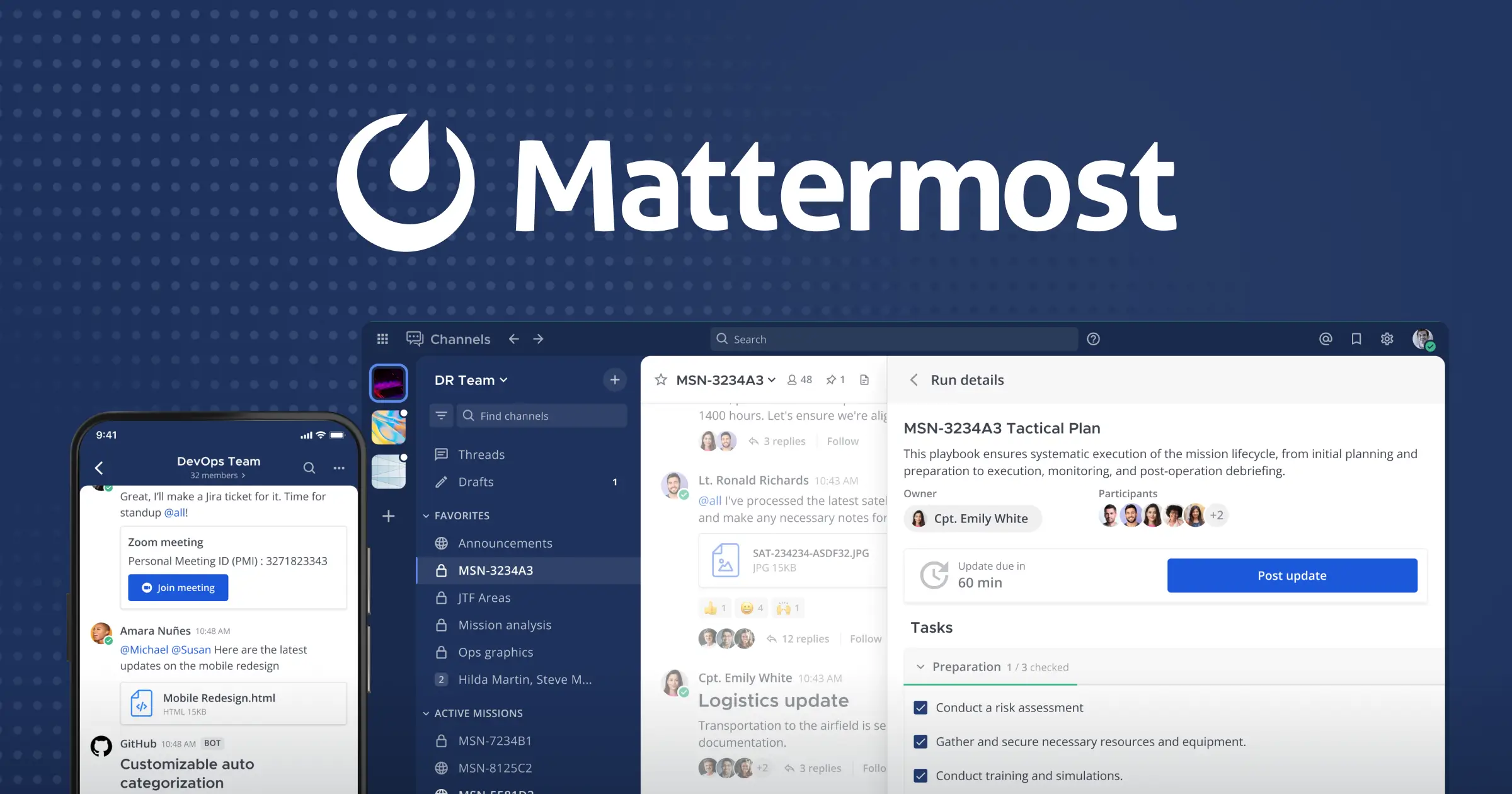
Mattermost is an internal communication platform designed for secure team messaging. It gives organizations more control over how communication is hosted and managed.
Teams use it to collaborate in channels similar to chat-based tools. It supports integrations and automation. This is helpful for companies with strict security requirements.
Want to save hours by automating repetitive typing & workflows?
Join over 700,000+ others who are automating workflows with Text Blaze.
13. Chanty
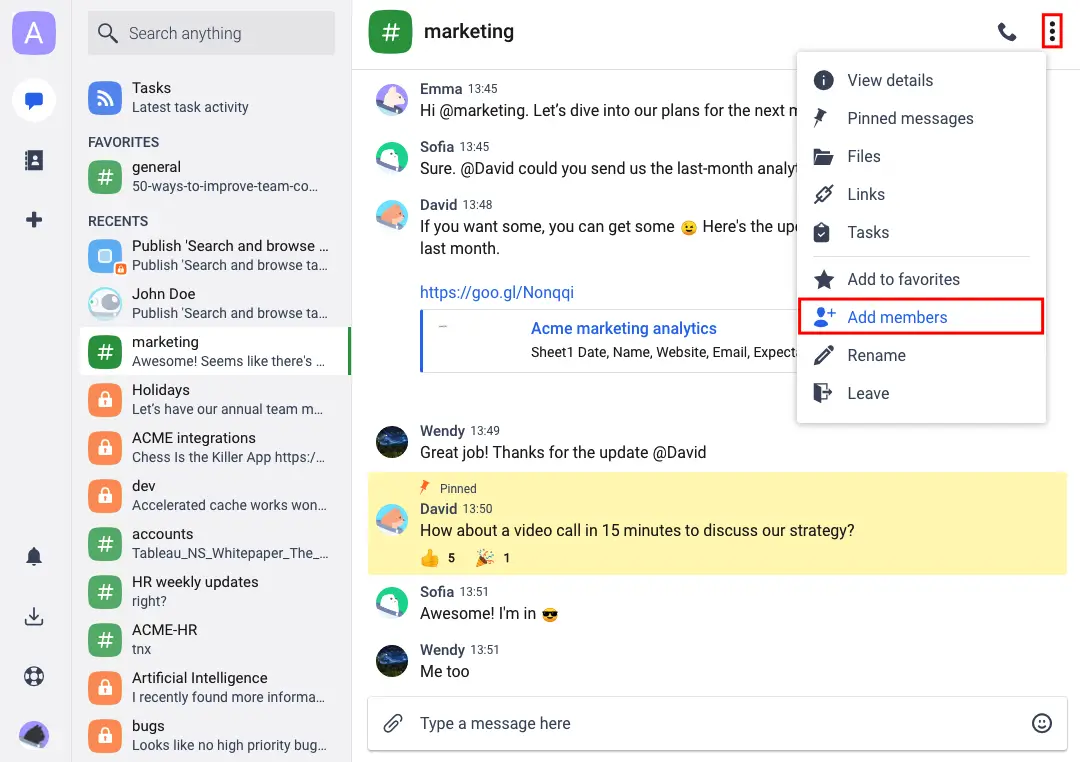
Chanty is a team chat tool that focuses on simplicity and task management. It allows teams to communicate and track work in one place.
Messages can be turned into tasks for better organization. This helps reduce the gap between discussion and action. It works well for smaller businesses that want fewer tools.
14. Pumble
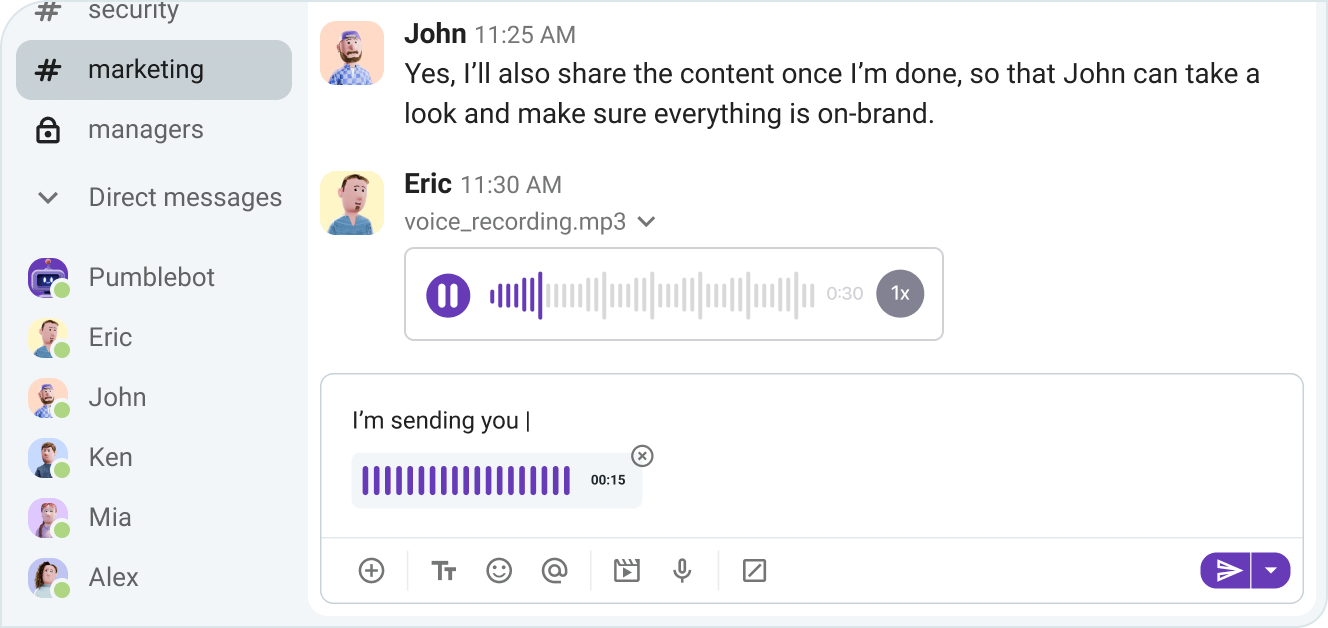
Pumble is a business messaging app for internal team communication. It supports channels, direct messages, and file sharing. Teams use it to keep conversations organized and accessible.
It also helps create a searchable history of decisions and updates. This is useful for long-term team clarity.
15. Asana
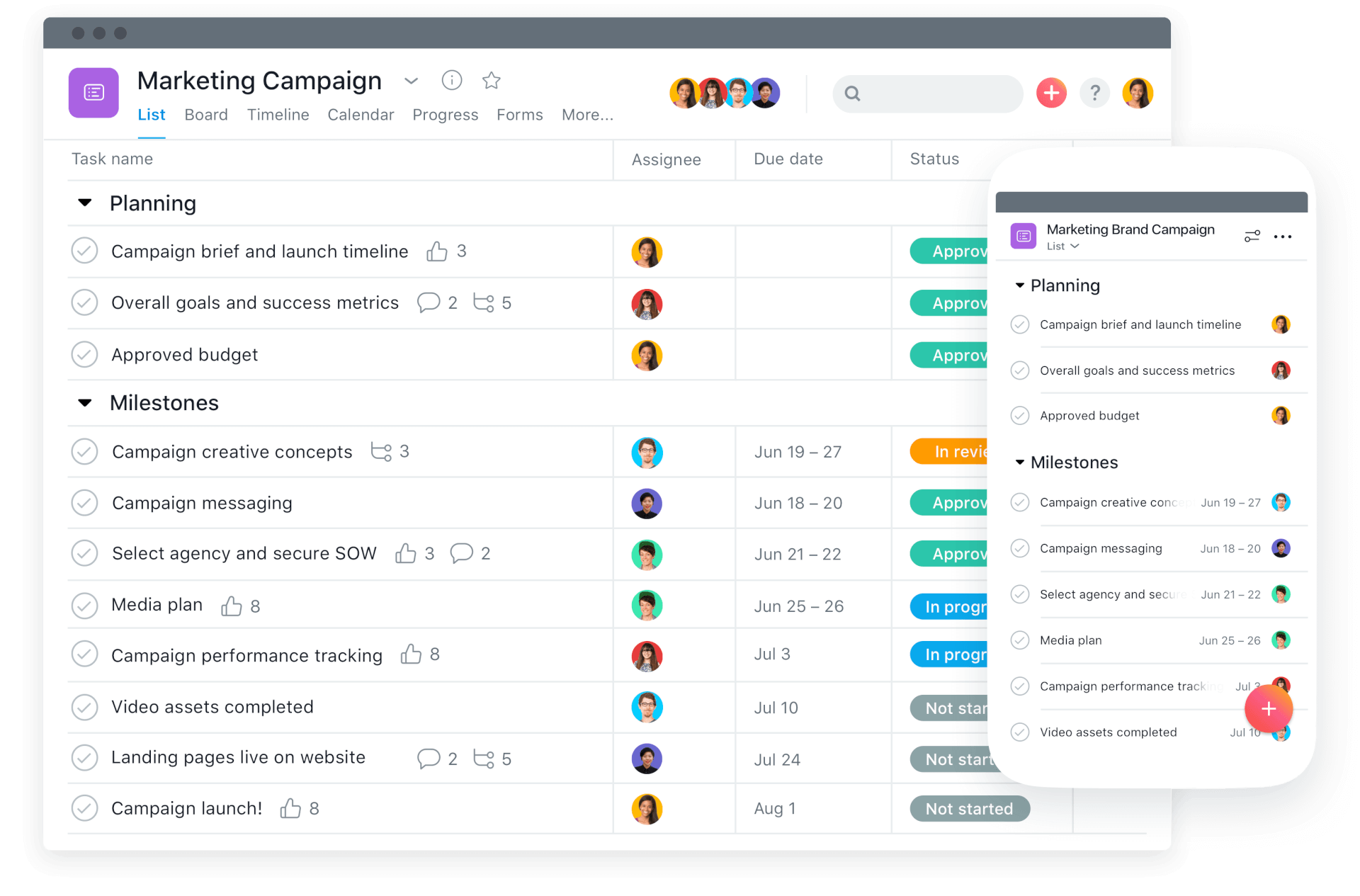
Asana is a project management tool that also supports internal communication around tasks. Teams use it to plan, assign, and track work.
Comments and updates are tied directly to tasks, which keeps communication focused. This reduces the need for separate message threads. It works well for teams that want communication tied closely to execution.
What is the Best Business Communication Tool?
The best business communication tool really depends on what kind of communication your team needs to improve. Some teams need stronger systems for talking to customers, keeping responses fast, consistent, and personal. Others need better internal communication tools to keep everyone aligned, organized, and clear on responsibilities.
Many businesses end up using a mix of both because customer communication and internal communication solve different problems.
What matters most is choosing tools that help your team stay consistent in how they communicate. When everyone follows the same processes and speaks with the same clarity, work feels more organized and less stressful.
To recap, our suggestion for the best business communication tool is Text Blaze. Text Blaze helps you automate repetitive typing, data transfer, form-filling, and workflows on any website. Plus, Text Blaze is free forever!
Give Text Blaze a try today!