12 Best CRM Automation Tools (With Examples) in 2026
Discover the best tools to help you automate workflows within your CRM, along with examples to help you get started in 2026.

Keeping track of leads, follow-ups, campaign touchpoints, and deal updates can quickly turn into a full-time job.
Many sales reps and marketers spend more time maintaining their CRM than actually using it to move opportunities forward, and that can be frustrating when your focus should be on building relationships and driving revenue.
Automation helps shift that balance by handling repetitive work in the background so your pipeline stays active without constant manual effort. When your CRM runs more efficiently, your team gains back time to focus on strategy, outreach, and conversations that actually close deals.
In this guide, we'll cover what CRM automation is, provide some examples, and cover the 12 best CRM automation tools in 2026.
What is CRM Automation?
CRM automation refers to using software to handle repetitive tasks inside your customer relationship management system (CRM).
Instead of manually entering data, assigning leads, or sending reminders, automation ensures these actions happen consistently in the background.
CRM automation tools help teams stay organized while reducing human error. When workflows run automatically, you spend less time maintaining your CRM and more time acting on the insights it provides.
Examples of CRM Automation
CRM automation shows up in several parts of the customer lifecycle. Here are some common examples you’ll likely recognize:
Marketing automation - Automatically send campaigns based on user behavior, score leads, and segment audiences without constant manual updates.
Salesforce automation - Assign leads, update opportunity stages, and create tasks when deals move forward so reps never miss the next step.
Sales automation - Trigger follow-ups, schedule meetings, and log interactions to keep pipelines active without extra administrative work.
Email automation - Send welcome sequences, nurture emails, and renewal reminders at the right time without drafting each message individually.
When these processes run on their own, your CRM becomes a system that supports your workflow instead of slowing it down.
12 Best CRM Automation Tools
If you find that working in your CRM is getting to repetitive and time-draining, that's a sign that you should start implementing some automation tools or processes to speed things up. If that's you, you're in the right place!
Here's our list of the 12 best CRM automation tools in 2026:
1. Text Blaze

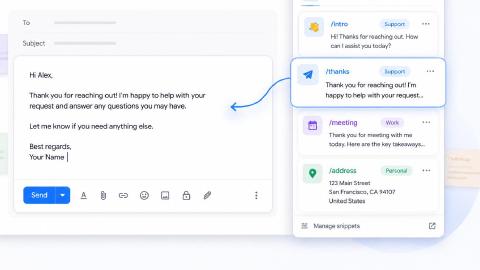
First up on our list of the best free CRM automation tools is Text Blaze. With Text Blaze, you can automate form-filling and data transfer on any website with dynamic templates!
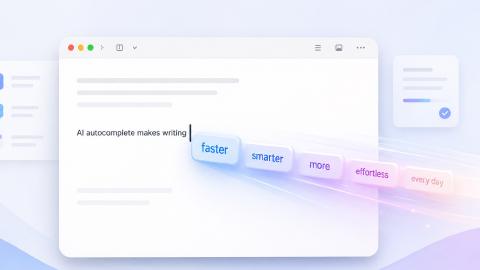
Text Blaze allows you to create smart text templates and insert them anywhere you work to automatically fill out forms, transfer data, automate repetitive typing, and much more.
Here's how Text Blaze stands out:
Turn every seller into a top performer by automating emails & messages to customers with dynamic, smart templates that work in any site or app.
Streamline repetitive workflows (no integration required), like transferring data, filling out forms, sending an email, or any other repetitive workflow.
Connect your CRM with any other website by transferring data and filling out forms in seconds!
Text Blaze integrates seamlessly with any CRM! Start saving time instantly without worrying about integrations.
Text Blaze is perfect for teams! Learn more about using Text Blaze for teams to supercharge your team's communication and productivity!
Key features:
- Automate repetitive typing with smart templates.
- Streamline workflows and automate processes.
- Automate form-filling and common tasks.
- Quickly pull data from any open tab and use it on any page in seconds.
- Standardize repeatable processes across teams.
Who should use Text Blaze: Teams that want to improve messaging consistency and reduce manual typing without changing their CRM system.
Want to save hours by automating repetitive typing & workflows?
Join over 800,000+ others who are automating workflows with Text Blaze.
2. Salesforce
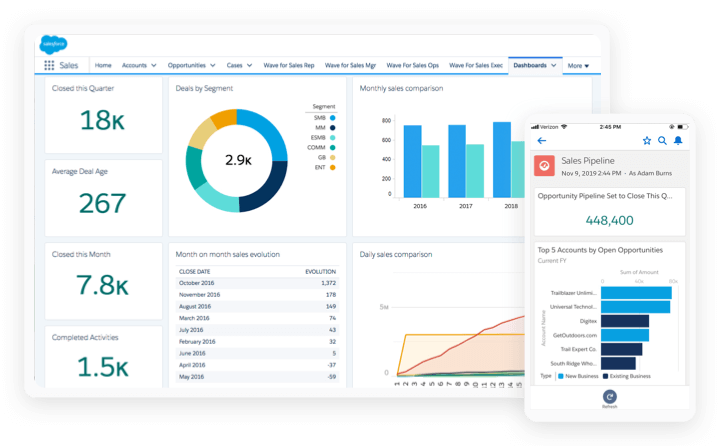
Salesforce is a widely adopted CRM platform designed to manage customer relationships, pipelines, and forecasting. Its automation tools allow teams to build workflows that handle lead assignments, task creation, and deal updates automatically. Plus, there are lots of Salesforce automation software to help you get the most out of Salesforce.
Key features:
- Workflow and approval automation
- Lead routing based on rules
- Customizable sales pipelines
- Reporting and forecasting tools
- Integration with marketing platforms
Who should use Salesforce: Organizations that need a highly customizable CRM capable of supporting complex sales processes.
3. Zapier

Zapier connects your CRM with thousands of other apps so data can move automatically between systems. Instead of manually transferring information, teams can use tools like Zapier to create workflows that trigger actions across their tech stack.
Key features:
- No-code workflow builder
- Thousands of app integrations
- Multi-step automations
- Trigger-based actions
- Conditional logic
Who should use Zapier: Teams that rely on multiple tools and want them to communicate without manual data entry.
4. Automation Anywhere
Automation Anywhere is a robotic process automation platform built to handle structured, rules-based work. Sites like Automation Anywhere can automate high-volume processes such as data transfers and compliance tasks, helping reduce operational strain.
Key features:
- Bot-driven task automation
- Process discovery tools
- AI-supported document handling
- Cross-system workflow execution
- Security and governance controls
Who should use Automation Anywhere: Large organizations that need automation for complex, high-volume operational tasks.
5. Sweep.io
Sweep.io focuses on keeping CRM data accurate by identifying outdated records and prompting updates. Clean data supports better automation and more reliable reporting, making it easier for teams to trust their pipeline insights.
Key features:
- Data quality monitoring
- Duplicate detection
- Automated record prompts
- Pipeline visibility tools
- Usage insights
Who should use Sweep.io: Sales teams that depend on accurate CRM data and want to prevent reporting issues.
6. N8N
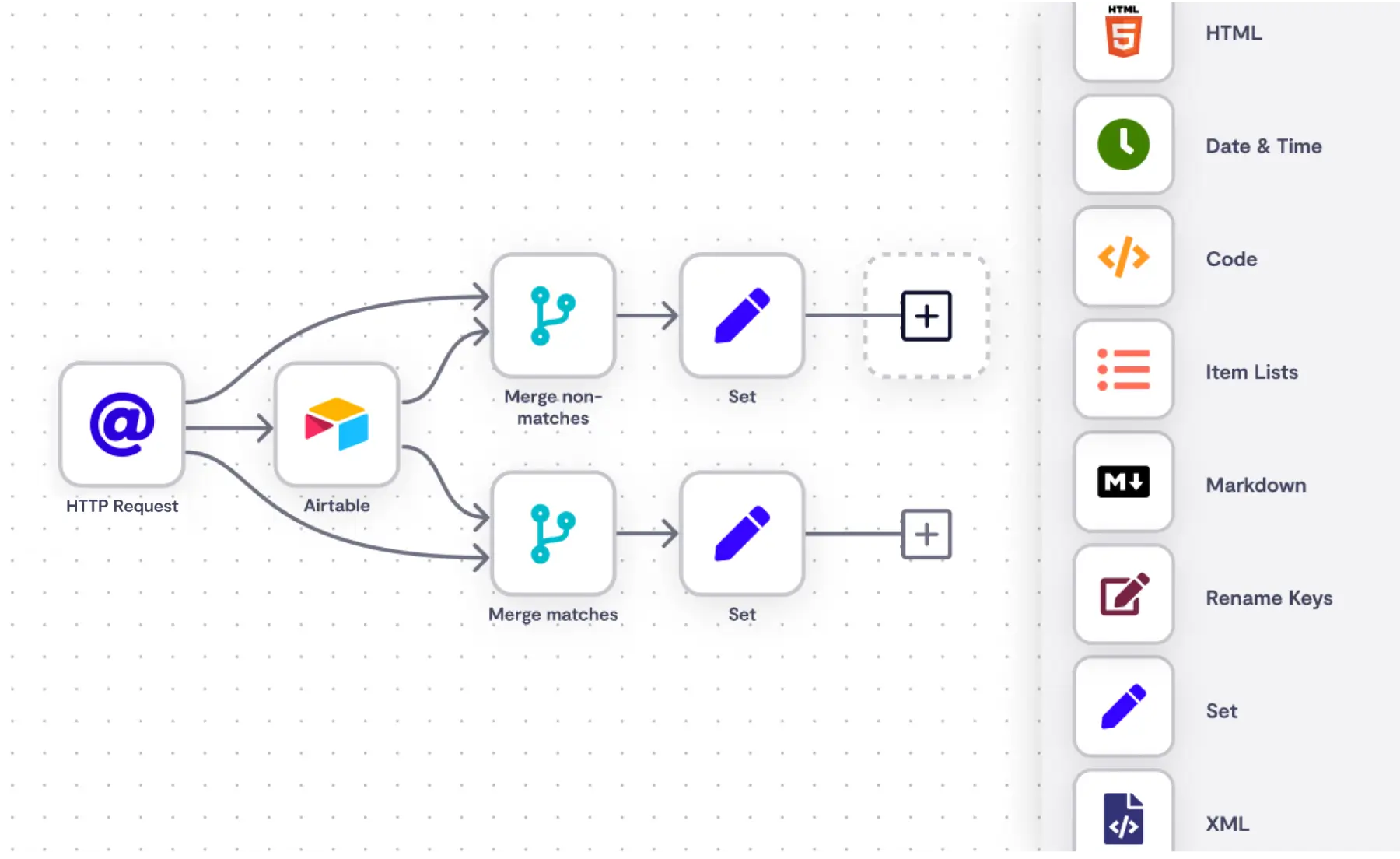
N8N is a workflow automation platform that gives teams control over how their processes are built and executed. It supports advanced logic and customization while allowing users to host it themselves if needed.
Key features:
- Visual workflow editor
- Self-hosting option
- Advanced conditional logic
- API integrations
- Custom automation support
Who should use N8N: Businesses that want flexible automation and have the technical resources to customize workflows.
Want to save hours by automating repetitive typing & workflows?
Join over 800,000+ others who are automating workflows with Text Blaze.
7. Larksuite
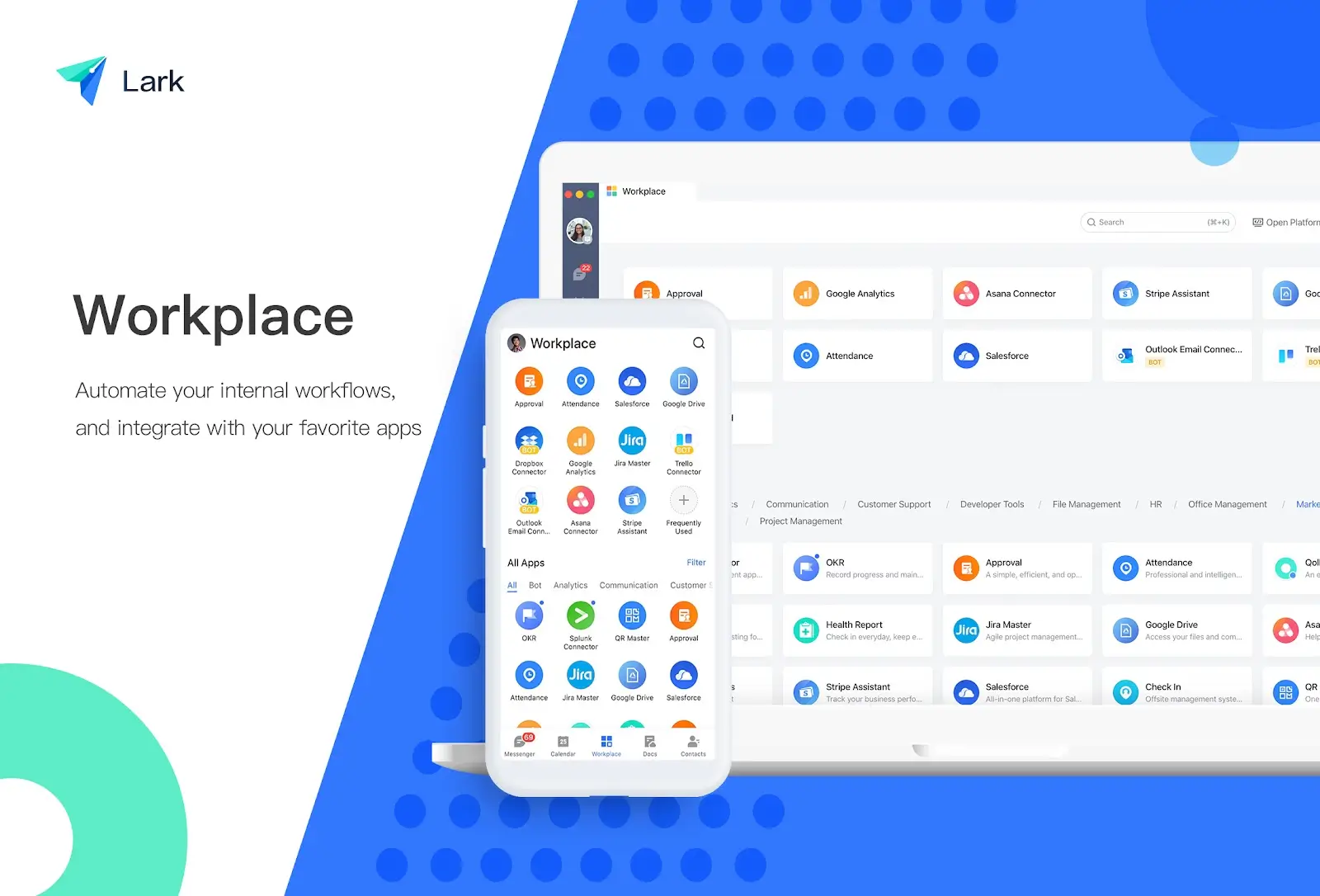
Larksuite combines collaboration tools with workflow automation to help teams manage work in one place. Automated approvals, shared dashboards, and integrated communication reduce the need to switch platforms.
Key features:
- Automated approval flows
- Built-in messaging and collaboration
- Shared project dashboards
- Workflow templates
- Document integration
Who should use Larksuite: Teams looking for a centralized workspace that blends collaboration with automation.
8. Gong AI
Gong captures and analyzes sales conversations to provide insights that help teams improve performance. It automatically records interactions and highlights trends that can influence deal outcomes.
Key features:
- Conversation analytics
- Automated call capture
- Deal intelligence insights
- Pipeline visibility
- Coaching recommendations
Who should use Gong AI: Sales organizations focused on coaching, forecasting, and understanding what drives successful deals.
9. HubSpot
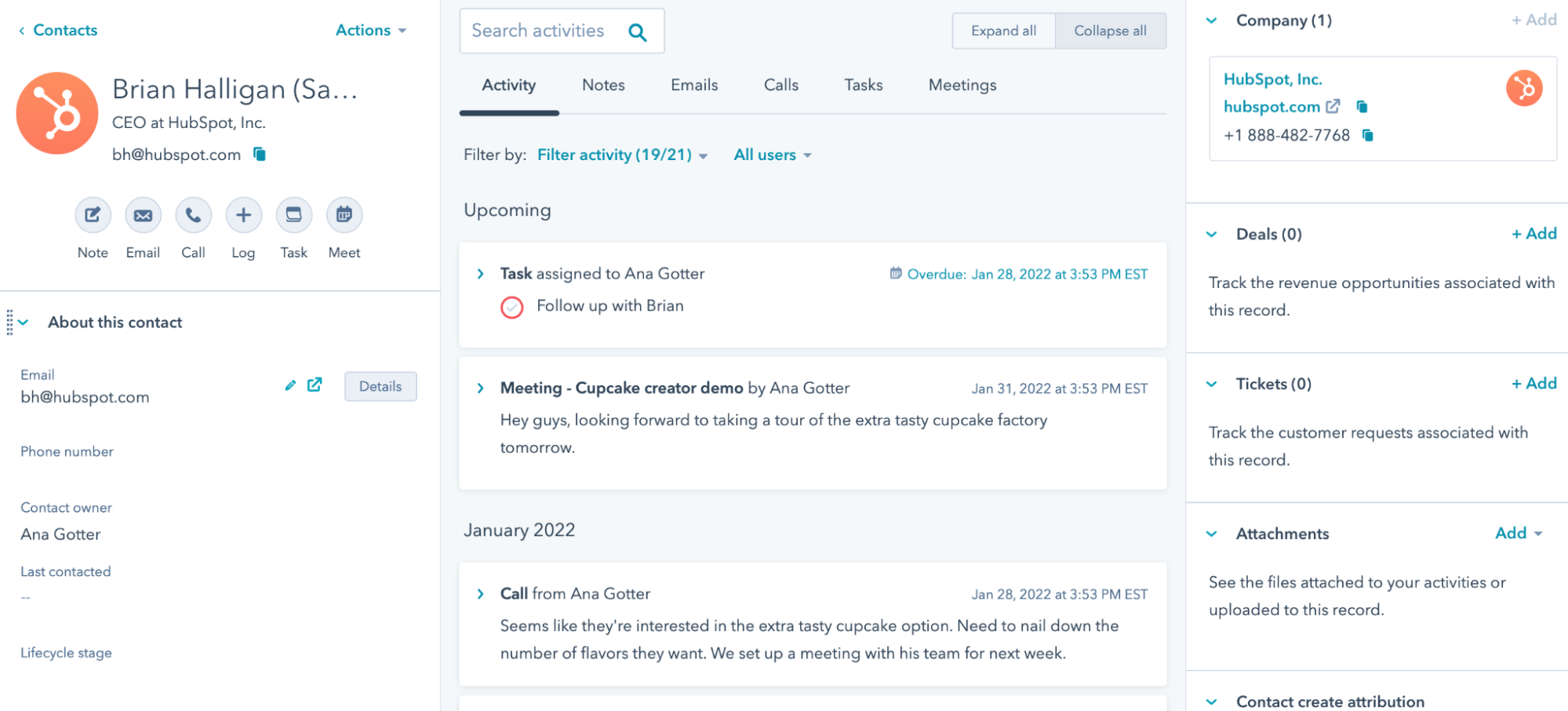
HubSpot's offers a CRM with built-in automation for marketing, sales, and customer engagement. Users can create workflows that nurture leads, assign tasks, and personalize outreach at scale. It's useful for business automation and sales communications.
Key features:
- Visual workflow builder
- Email automation
- Lead scoring
- Contact segmentation
- Campaign tracking
Who should use HubSpot: Growing businesses that want an all-in-one platform without a steep learning curve.
10. Creatio
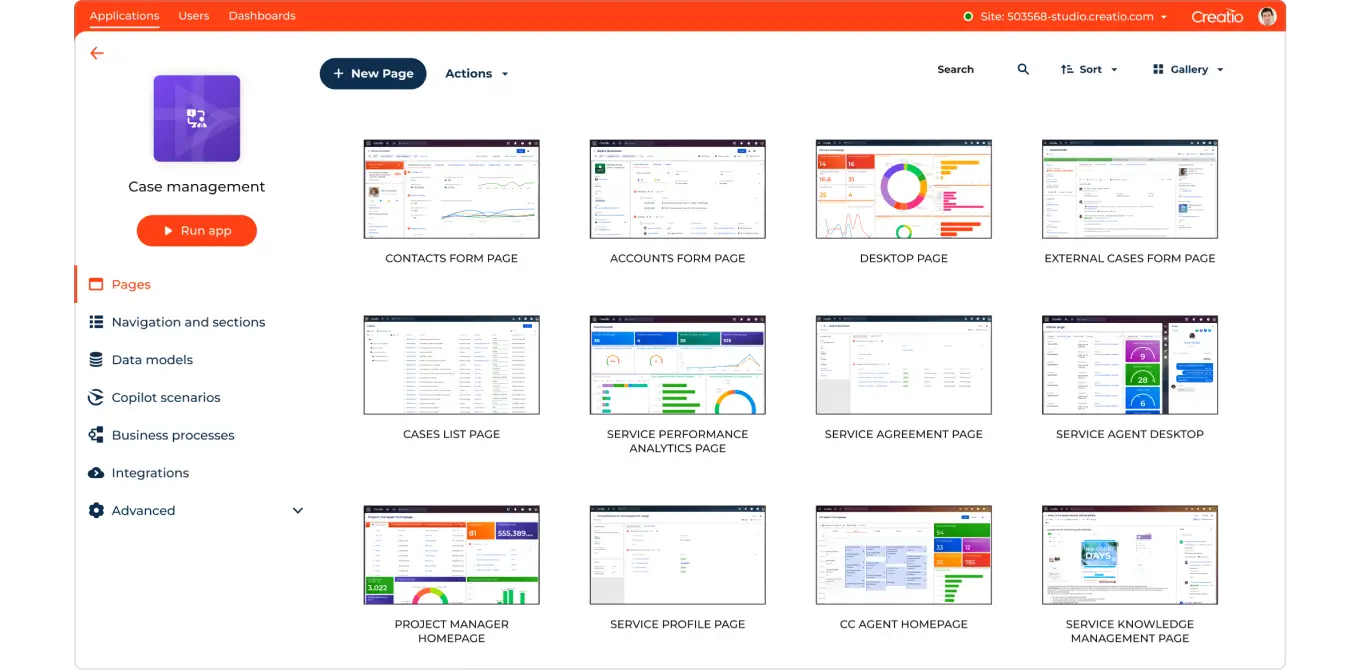
Creatio is designed to automate customer-facing and operational workflows using a visual process builder. Teams can map out sales cycles, approvals, and service processes without heavy coding.
Key features:
- Visual workflow design
- Sales process automation
- Case management tools
- Low-code customization
- Analytics dashboards
Who should use Creatio: Organizations that want structured process automation without relying heavily on developers.
Want to save hours by automating repetitive typing & workflows?
Join over 800,000+ others who are automating workflows with Text Blaze.
11. Validity
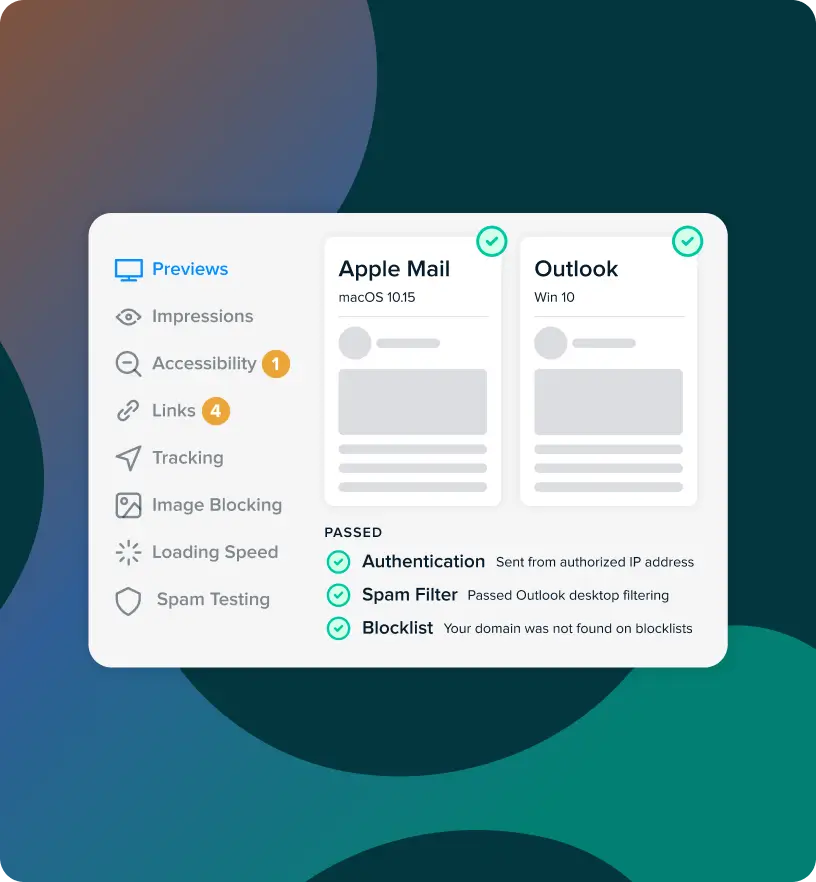
Validity helps teams maintain clean and reliable CRM data so automation runs smoothly. It monitors records for inconsistencies and supports better segmentation for outreach.
Key features:
- Data validation tools
- Duplicate prevention
- Email deliverability support
- CRM health monitoring
- Contact verification
Who should use Validity: Marketing and sales teams that prioritize data accuracy and campaign performance.
12. Attio

Attio is a flexible CRM built to adapt to how teams manage relationships. It automates data capture and allows users to customize workflows around their pipeline. The platform emphasizes visibility so teams can quickly understand deal progress.
Key features:
- Automated data enrichment
- Custom workflows
- Relationship tracking
- Flexible data models
- Real-time collaboration
Who should use Attio: Startups and modern sales teams that want a CRM capable of evolving with their processes.
How to Automate Workflows in Your CRM
Most teams know they should automate parts of their CRM, but it is not always obvious where to start. A quick self-check can help you spot the gaps that are slowing your team down and point you toward the workflows worth automating first.
Here are a few things to check to help you start automating workflows within your CRM:
Where is your team losing time every week?
Think about the tasks your team repeats daily such as logging calls, updating deal stages, sending follow-ups, or assigning leads. When these actions pile up, they quietly reduce the time available for selling and campaign work.
Ask your team what feels administrative rather than impactful. If multiple people mention the same task, that is usually a strong signal it should be automated.
Are leads being acted on quickly enough?
Speed matters once a lead enters your CRM. Delays often happen when ownership is unclear or reps must manually claim new contacts.
Check how long it takes for a lead to receive the first response. If the answer is longer than you would like, automated routing and task creation can help ensure opportunities are not sitting untouched.
Is your data reliable enough to support automation?
Automation only works well when the underlying data is accurate. Duplicate records, missing fields, or inconsistent formatting can trigger the wrong workflows or stop them entirely.
Review a sample of your records and look for patterns. If cleanup is needed, prioritize that before layering in more automation so your system behaves predictably.
Are follow-ups consistent across the team?
Some reps are naturally disciplined about follow-ups, while others get pulled into urgent work and forget. This often leads to uneven customer experiences and missed revenue.
Look at whether reminders, email sequences, or next-step tasks are standardized. Automating these touchpoints helps create consistency without forcing reps to rely on memory.
Does your automation match how your team actually works?
It is tempting to copy popular workflows, but automation should reflect your real sales process. Overly complex setups often get ignored because they do not feel practical.
Map out your current pipeline and focus on supporting what is already effective. Start simple, then expand once the team trusts the system.
Will this still work as your team grows?
Some workflows feel manageable now but become difficult once volume increases. What works for ten deals a month may not hold up at fifty.
Choose automation that can scale without constant rebuilding. A good test is asking whether the workflow would still function smoothly if your pipeline doubled.
Strong CRM automation is less about doing everything at once and more about removing the friction that slows your team down. Start with the areas that create the most drag, and build from there.
What is the Best CRM Automation Tool?
Finding the right CRM automation tool usually starts with identifying what is slowing your team down (transferring data vs data entry).
Take a step back and look at where your team spends the most effort maintaining the CRM instead of using it to move deals forward.
In our opinion, your goal should not to automate everything at once. It should be to remove the friction that keeps your team stuck in maintenance mode so they can focus on conversations, strategy, and closing.
When your CRM starts supporting the work instead of creating more of it, you give your team space to operate at a higher level and build real momentum.
To recap, our suggestion for the best free CRM automation tool is Text Blaze. Text Blaze helps you automate repetitive typing. data transfer, form-filling, and workflows on any website. Plus, Text Blaze is free forever!
Give Text Blaze a try today!