Top 20 Customer Support Automation Tools & Software in 2026
Discover the best customer support automation tools & software to help you streamline customer support workflows and processes in 2026.

Customer support gets tricky when speed starts to compete with quality. You want to respond faster, clear tickets quicker, and keep up with volume, but not at the cost of sounding robotic or inconsistent with your brand.
Automating customer support can help take pressure off your team while still keeping replies on-brand and familiar to customers.
When done right, customer support automation helps agents instead of replacing them, making it easier to stay consistent across channels and shifts.
In this article, we’ll cover 20 customer support automation tools and software that teams are using in 2026.
What is Customer Support Automation?
Customer support automation is about using software to handle repeatable support work so agents can focus on real customer problems. Instead of manually doing the same steps over and over, teams use automation to keep responses fast, accurate, and consistent.
Here are a few common ways that support teams automate work:
Automating replies to common customer questions
Using templates and shortcuts for faster, consistent responses (canned responses)
Routing tickets to the right person or team automatically
Triggering workflows based on customer actions or ticket status
Connecting support tools with other systems like CRMs or issue trackers
Powering chat and voice experiences for basic support requests
These tools are usually combined, not used alone, and the goal is to reduce manual effort without losing the human side of support.
Is Automation Useful for Customer Support?
Automation is useful for customer support because it helps agents feel less stretched while still doing good work.
Here are a few key benefits of customer support automation:
Faster responses - Automating repetitive steps helps customers get answers sooner without forcing agents to rush.
More consistent replies - Using shared templates and workflows makes it easier to stay on brand and avoid mixed messaging.
Less manual work - Routing, tagging, and follow-ups can happen automatically, which frees up mental space during busy shifts.
More time for real issues - When simple requests are handled in the background, agents can focus on conversations that actually need attention.
Room to scale - Automation helps teams handle growing volume without immediately increasing workload or burnout.
When automation is set up with agents in mind, it should feel like support rather than control. The goal should be to make each shift more manageable while still sounding like your team in every reply.
20 Best Customer Support Automation Tools & Software
Teams look for customer support automation tools when manual processes start slowing them down. These tools help manage tickets, automate workflows, and reduce repetitive work across support channels.
Here's our list of the 10 best customer support automation tools & software in 2026:
1. Text Blaze
First up on our list of the best customer support automation tools is Text Blaze.
Text Blaze is #1 on this list because it is the highest rated productivity app on the Chrome Web Store, with a 4.9 rating and 1,000+ 5-star reviews.
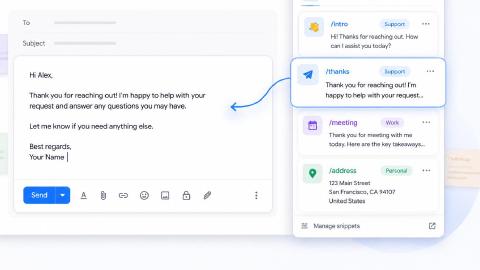
With Text Blaze, you can automate repetitive typing with keyboard shortcuts & dynamic text templates that work on any site or app.
Here's how Text Blaze stands out:
Automate emails & messages to customers with dynamic, smart templates that work in any site or app.
Get the correct response in every interaction. Text Blaze helps you get the right message every time.
Reduce mistakes with templates that help agents stay consistent and on-brand.
Streamline repetitive workflows, like transferring data, filling out forms, sending an email, or any other repetitive workflow.
Text Blaze is perfect for support teams! Learn more about using Text Blaze for teams to supercharge your team's communication and productivity!
How it helps automate customer support: Text Blaze reduces repetitive typing and keeps replies consistent across agents. It also helps teams standardize responses without sounding robotic.
Pros
- Works on any site or app.
- Free forever.
- Reduce mistakes and get the correct response in every interaction.
- Automate repetitive typing, workflows, and communications.
- Easy to share dynamic templates with the whole team.
Cons
- Not yet available on mobile or iPad.
Want to save hours by automating repetitive typing & workflows?
Join over 700,000+ others who are automating workflows with Text Blaze.
2. Crescendo AI
Crescendo AI is a customer support automation platform focused on assisting agents during conversations. The tool helps with routing, drafting replies, and managing incoming requests.
How it helps automate customer support: Crescendo AI helps reduce first response time by handling early steps in conversations. It also supports agents by surfacing helpful context automatically.
Pros
- Helps manage high ticket volume
- Keeps humans in the loop
- Improves response speed
- Reduces repetitive work
Cons
- Requires training to fine-tune
- Less control over reply wording
- Best suited for larger teams
3. Creatio
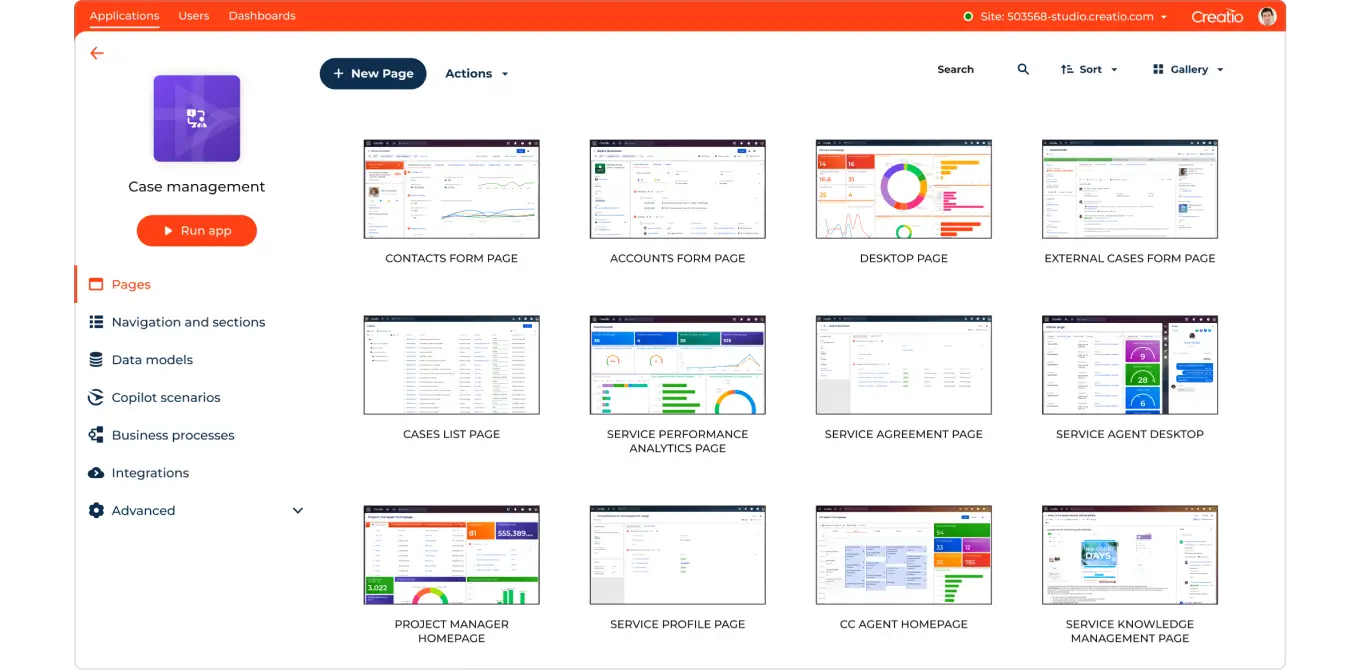
Creatio is a workflow automation platform with built-in customer service capabilities. Teams use it to build and manage custom support workflows without heavy coding.
How it helps automate customer support: Creatio automates routing, approvals, and internal steps tied to support tickets. This reduces delays and manual handoffs between teams.
Pros
- Highly customizable workflows
- Strong process automation features
- Scales well for larger teams
- Integrates with other systems
Cons
- Steeper learning curve
- Setup can take time
- More complex than basic tools
4. Zapier

Zapier Zapier is a workflow automation tool that connects customer support apps with other software. Support teams use tools like Zapier to trigger actions based on events like new tickets or updates.
How it helps automate customer support: Zapier removes manual steps between tools by automating data transfer. This helps keep systems in sync without extra effort from agents.
Pros
- Easy to set up
- Works with many apps
- Good for simple automations
- Saves time on repetitive tasks
Cons
- Not built specifically for support
- Limited logic on lower plans
- Can get expensive at scale
5. DevRev
DevRev is a platform that connects customer support with product and engineering teams. The tool helps track customer issues, feedback, and bugs in one place.
How it helps automate customer support: DevRev automates the flow of issues from support to engineering. This reduces manual updates and keeps everyone aligned.
Pros
- Strong cross-team visibility
- Links support to product work
- Reduces duplicate tracking
- Improves feedback loops
Cons
- Not ideal for small teams
- Requires process alignment
- More complex setup
6. Forethought AI
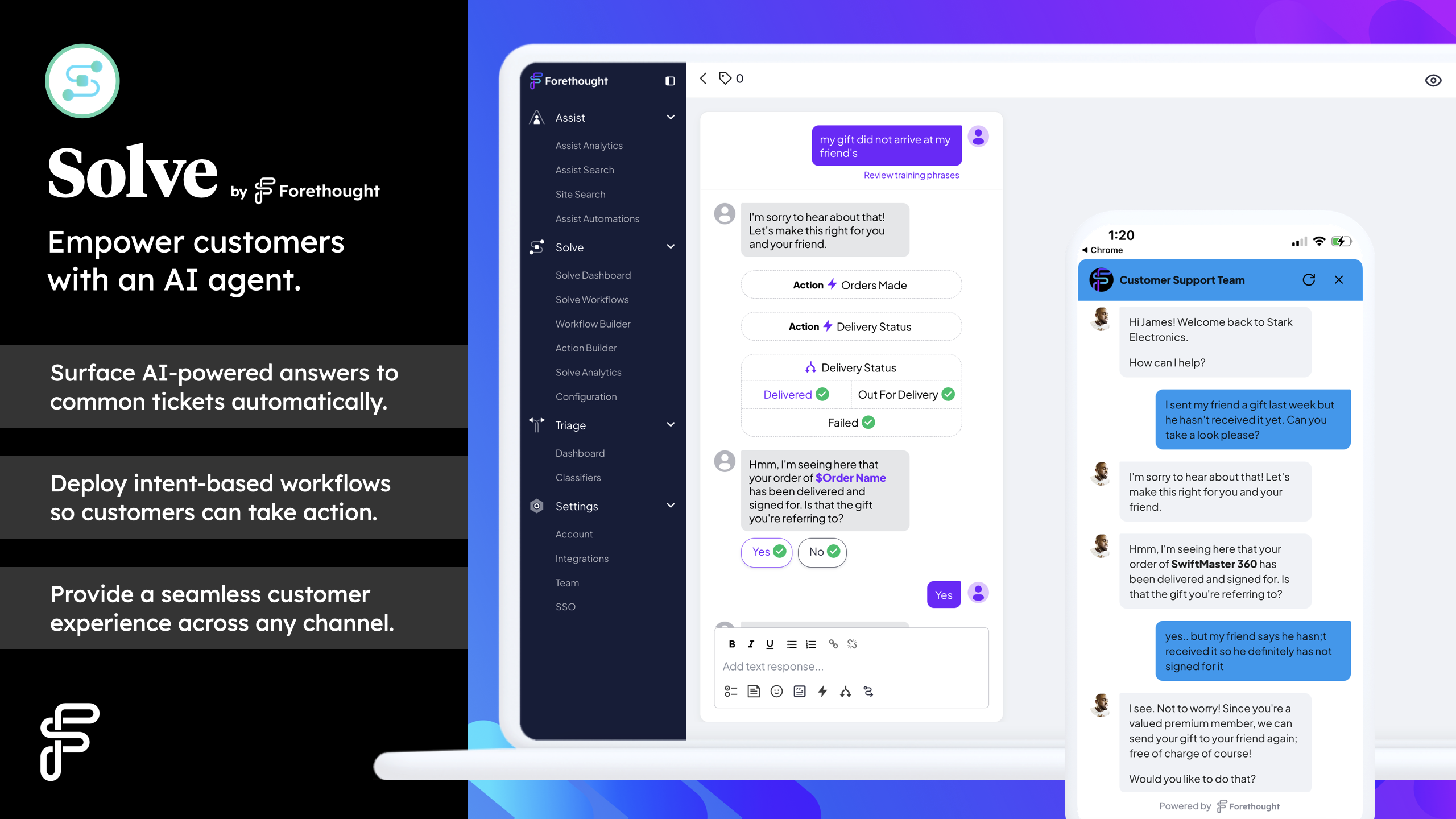
Forethought AI is an AI-based customer support automation tool focused on ticket handling and agent assistance. The platform helps classify tickets and suggest replies, as well as reduce repetitive questions reaching agents.
How it helps automate customer support: Forethought AI handles common questions automatically and assists agents during replies. This shortens resolution times.
Pros
- Reduces ticket volume
- Helps agents respond faster
- Improves routing accuracy
- Integrates with help desks
Cons
- Requires ongoing tuning
- Limited customization of responses
- Best for structured use cases
7. Relay App

Relay App is a workflow automation tool used by small businesses to automate internal support processes. Teams use it to coordinate tasks, approvals, and follow-ups tied to support tickets.
How it helps automate customer support: Relay App automates internal handoffs and task coordination. This reduces delays behind the scenes.
Pros
- Improves internal workflows
- Reduces follow-up work
- Easy to connect processes
- Helps with team coordination
Cons
- Not customer-facing
- Requires process mapping
- Limited support UI features
Want to save hours by automating repetitive typing & workflows?
Join over 700,000+ others who are automating workflows with Text Blaze.
8. Zendesk
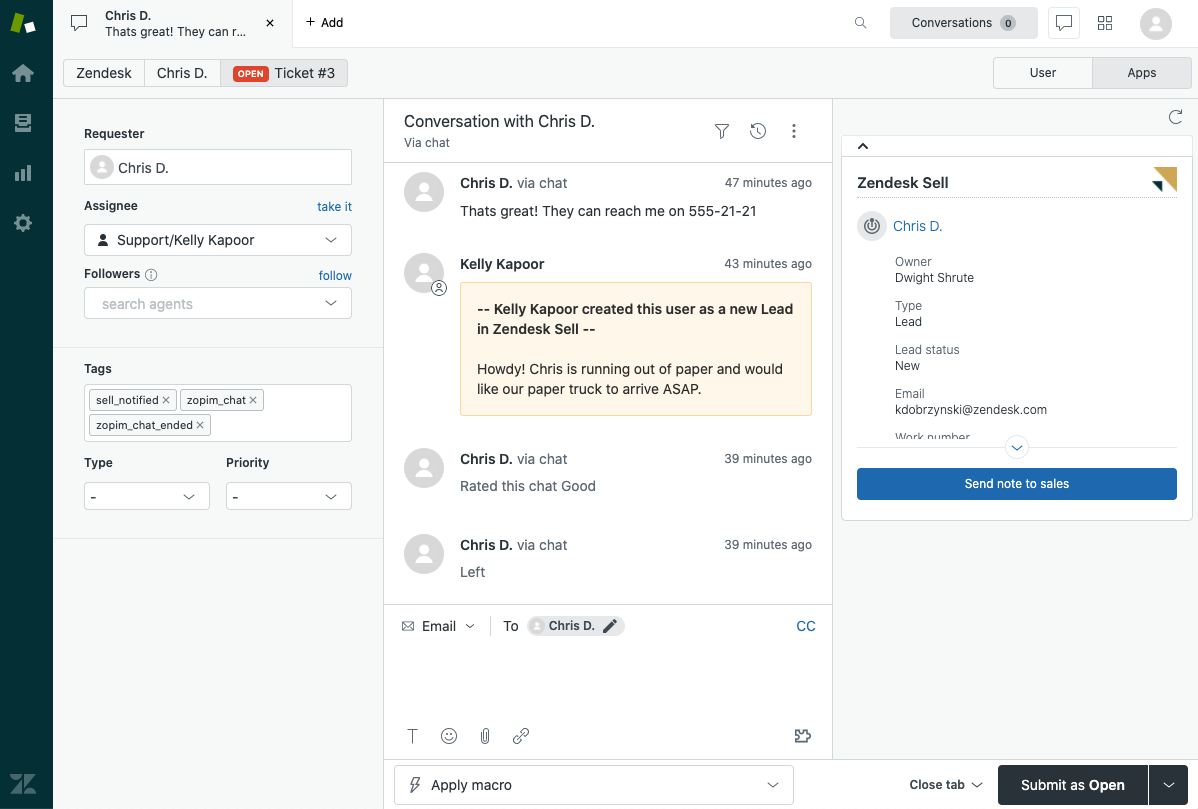
Zendesk is a customer support platform with built-in automation features. Teams use it to manage conversations across channels.
How it helps automate customer support: Zendesk automates ticket workflows and common replies. This helps agents stay organized during busy periods.
Pros
- Mature support platform
- Strong automation tools
- Multi-channel support
- Large ecosystem
Cons
- Can be expensive
- Interface can feel complex
- Customization has limits
9. Intercom
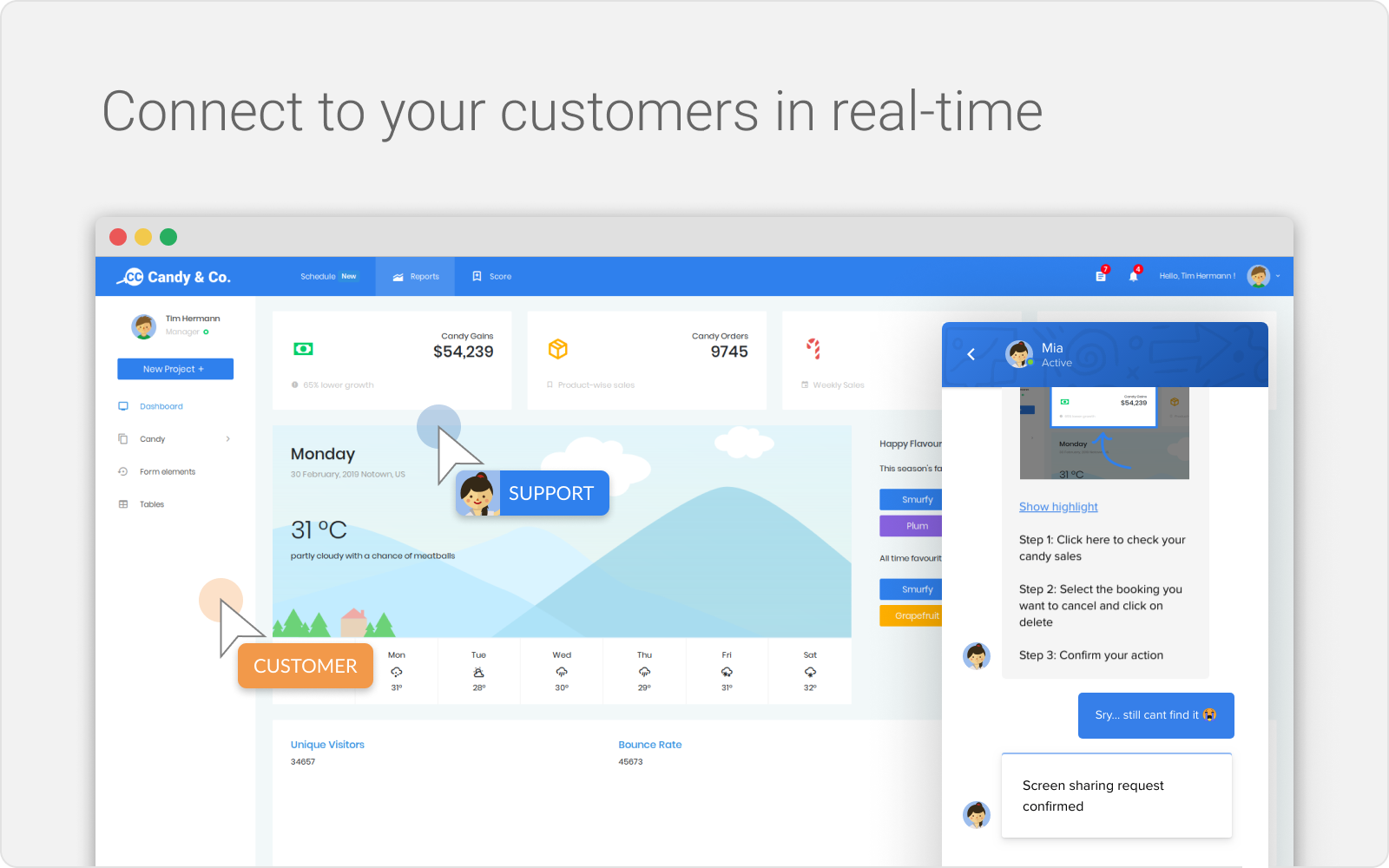
Intercom is a messaging-based customer support platform. The tool helps teams automate chat interactions and guide users.
How it helps automate customer support: Intercom automates early conversations and common questions. This keeps agents focused on complex issues.
Pros
- Strong chat experience
- Good automation options
- Easy to use
- Works well for SaaS support
Cons
- Pricing scales quickly
- Limited email focus
- Automation requires setup
10. Nice.com
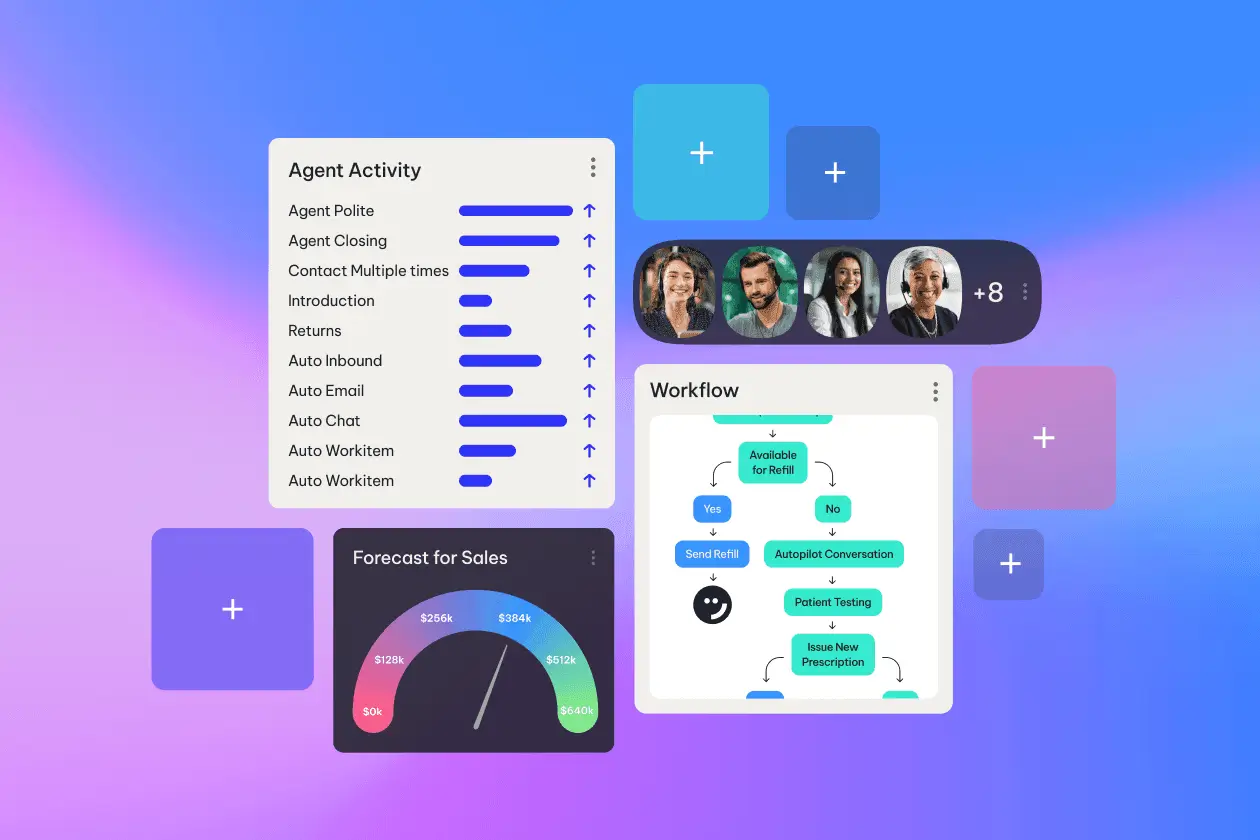
Nice.com offers customer service automation tools for contact centers. The platform supports automation across voice and digital channels.
How it helps automate customer support: Nice.com automates routing and interaction handling. This helps agents manage higher volumes efficiently.
Pros
- Strong enterprise features
- Multi-channel automation
- Advanced analytics
- Scales well
Cons
- Complex setup
- Not ideal for small teams
- Higher cost
11. Capacity
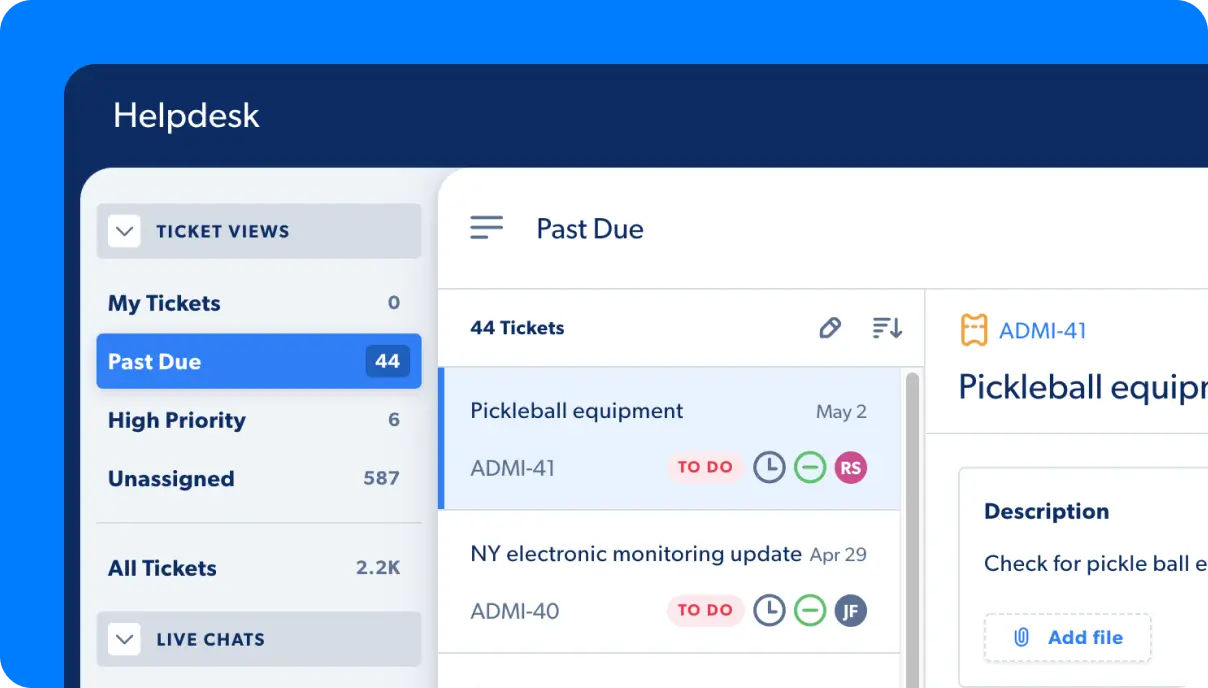
Capacity is a support automation tool focused on self-service and internal knowledge.Teams use it to answer common questions automatically, which reduces repetitive tickets.
How it helps automate customer support: Capacity handles routine questions without agent involvement. It also helps agents find answers faster.
Pros
- Reduces ticket volume
- Improves self-service
- Easy knowledge access
- Integrates with systems
Cons
- Limited customization
- Best for common questions
- Less control over responses
12. Fin AI
Fin AI is an automation tool designed to handle customer support conversations. The tool manages simple requests before routing complex ones.
How it helps automate customer support: Fin AI automates routine conversations. This frees agents to focus on harder cases.
Pros
- Handles common questions
- Reduces agent workload
- Fast setup
- Improves response times
Cons
- Limited tone control
- Requires monitoring
- Not ideal for nuanced issues
13. Dialpad
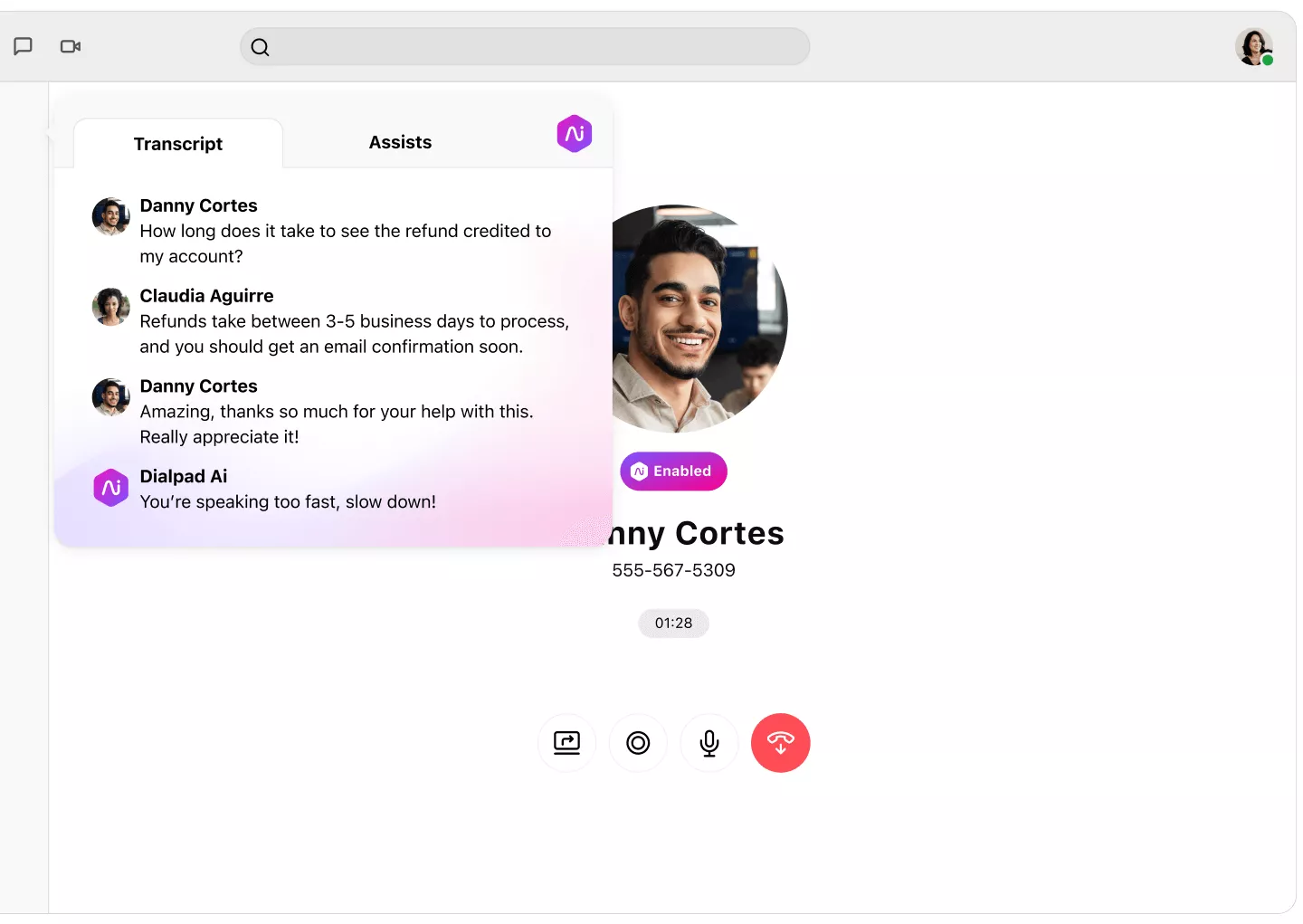
Dialpad AI is a communication platform with automation features. The tool supports call handling, transcription, and insights.
How it helps automate customer support: Dialpad automates call workflows and captures conversation data. This reduces manual note-taking.
Pros
- Strong voice support
- Built-in automation
- Useful conversation insights
- Easy to use
Cons
- Limited ticketing features
- Best for voice-heavy teams
- Requires training
14. HappyFox
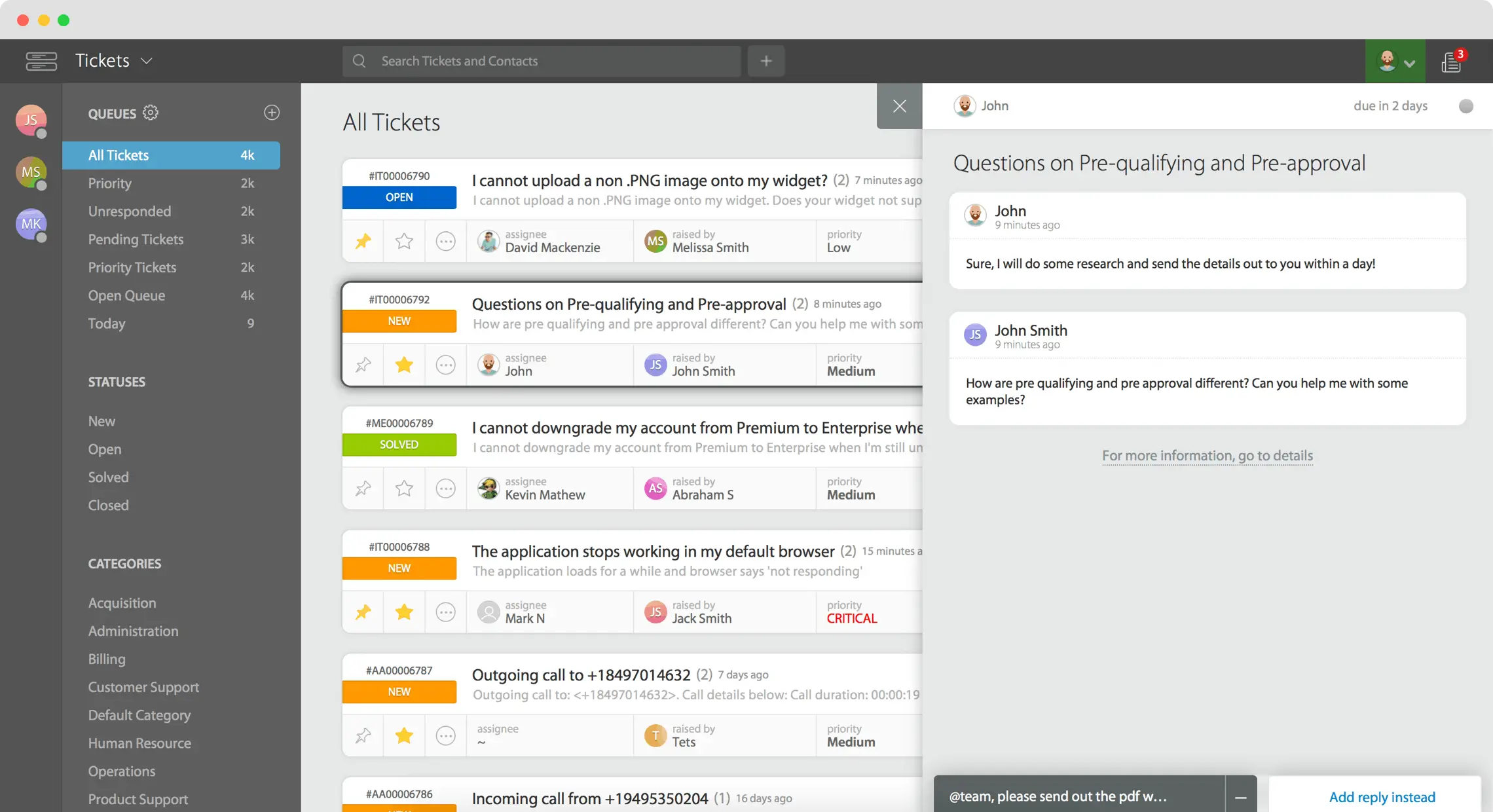
HappyFox is a help desk platform with automation features. Teams use it to route and manage support requests.
How it helps automate customer support: HappyFox automates assignment and workflows. This reduces manual ticket handling.
Pros
- Clean interface
- Solid automation tools
- Multi-channel support
- Easy setup
Cons
- Limited customization
- Fewer integrations
- Reporting can be basic
15. Front
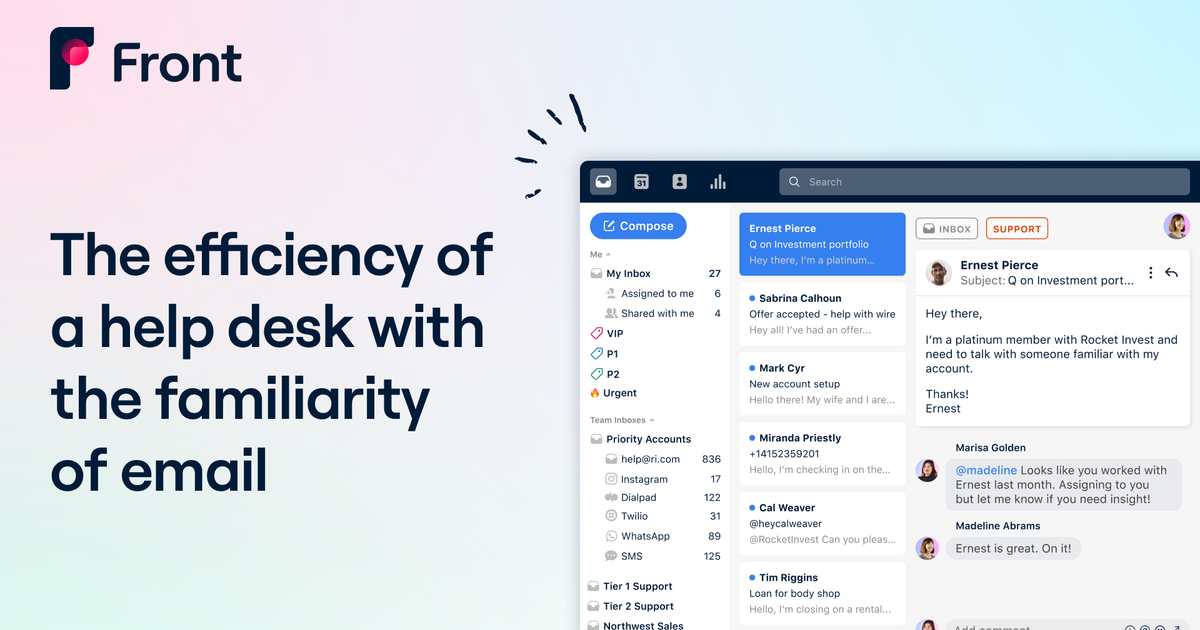
Front is a shared inbox tool for team collaboration. The platform helps teams manage emails and messages together.
How it helps automate customer support: Front automates message distribution and internal workflows. This prevents missed or duplicate replies.
Pros
- Great for email-heavy teams
- Strong collaboration features
- Easy automation
- Clear visibility
Cons
- Not a full help desk
- Limited analytics
- Automation is basic
Want to save hours by automating repetitive typing & workflows?
Join over 700,000+ others who are automating workflows with Text Blaze.
16. Thunai

Thunai is a customer support and workflow automation tool. Teams use it to manage support requests and follow-ups.
How it helps automate customer support: Thunai automates repetitive steps in conversations. This keeps responses consistent.
Pros
- Simplifies workflows
- Improves consistency
- Easy to adopt
- Supports collaboration
Cons
- Smaller ecosystem
- Limited advanced features
- Less customization
17. Voiceflow
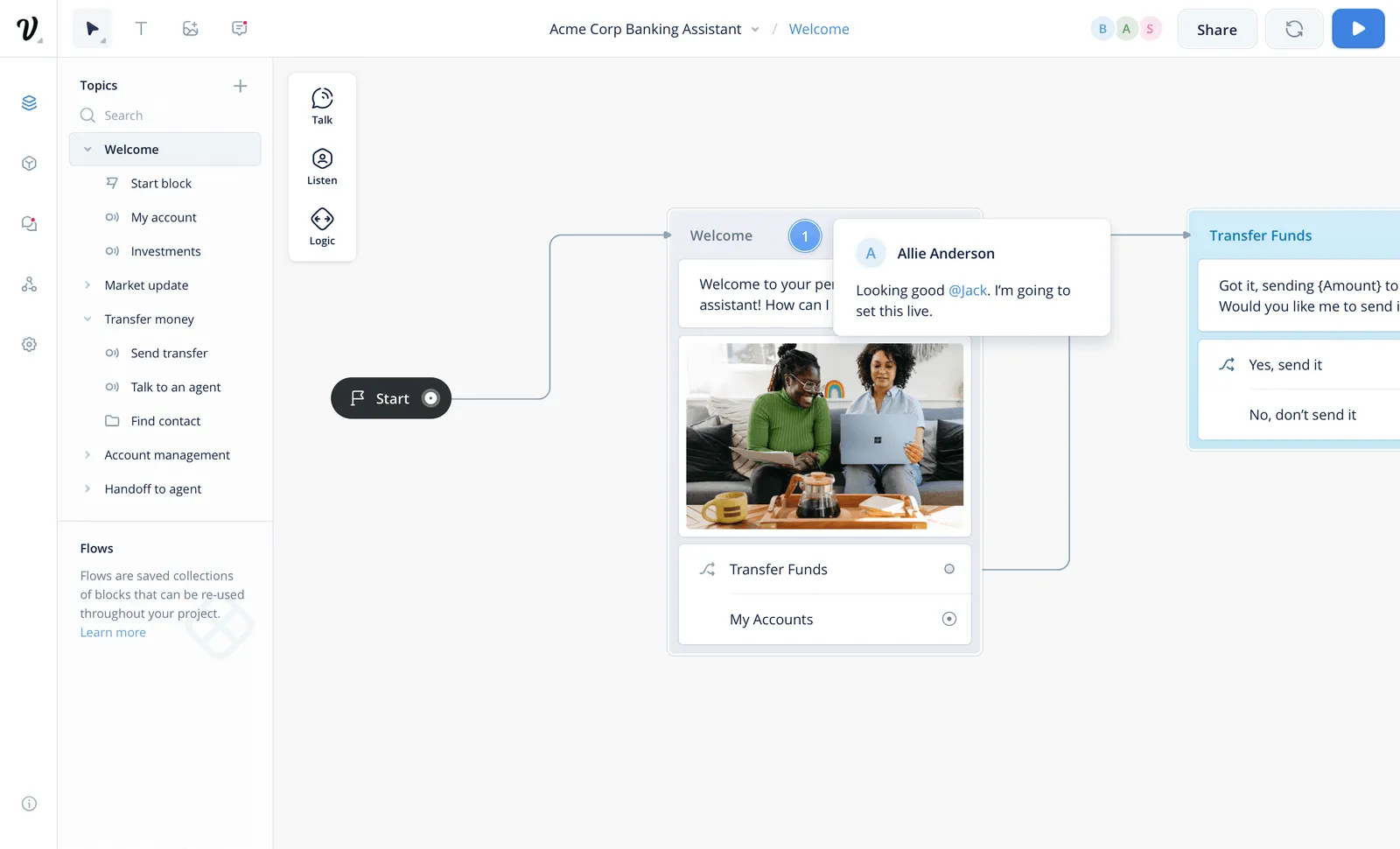
Voiceflow is a tool for designing conversational workflows. Teams use it to build structured support interactions. It is often used for self-service flows.
How it helps automate customer support: Voiceflow automates structured conversations. This reduces simple support requests.
Pros
- Flexible conversation design
- Supports chat and voice
- Good for self-service
- Visual builder
Cons
- Requires design effort
- Not a full support system
- Limited analytics
18. Freshdesk
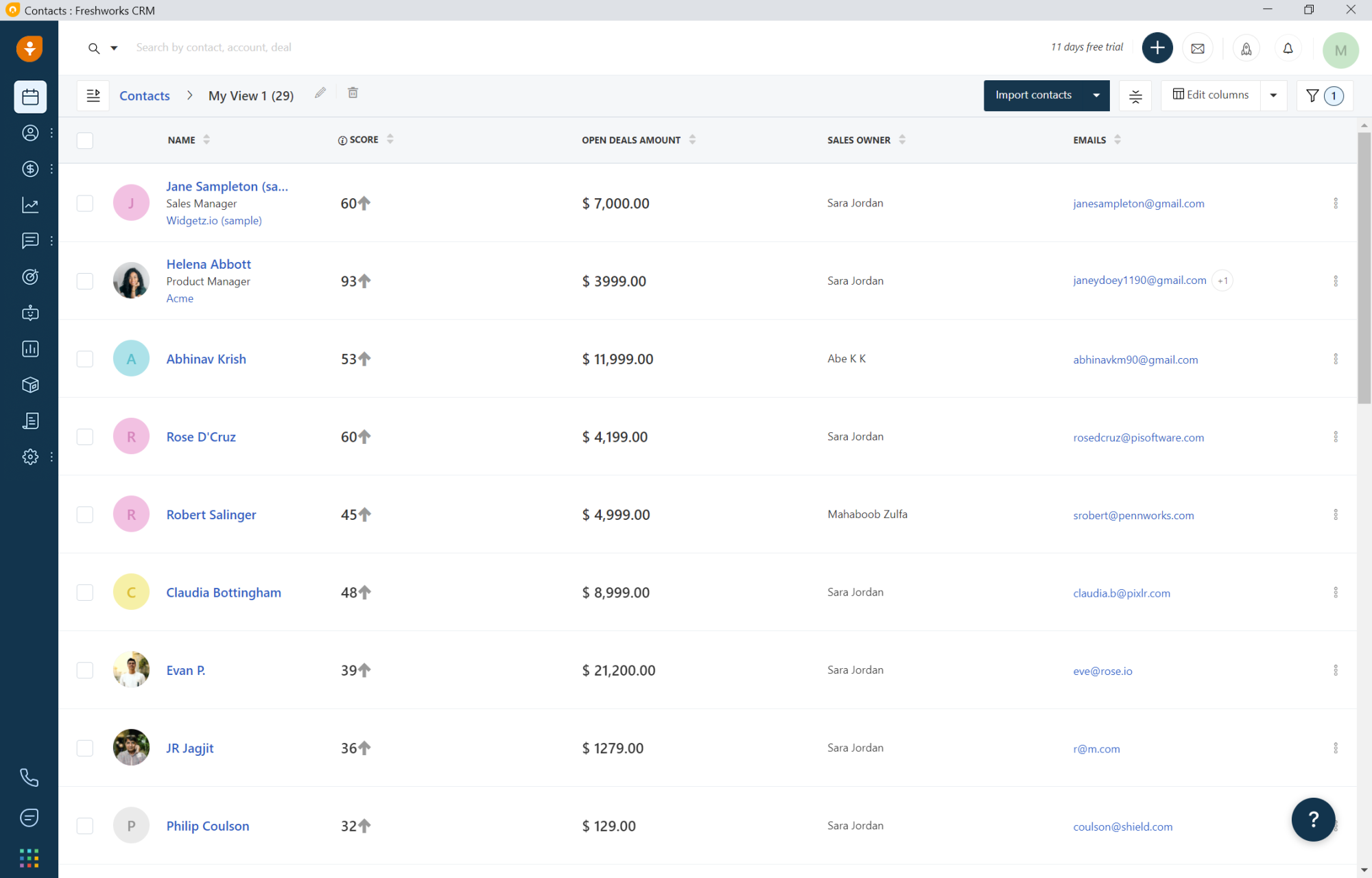
Freshdesk is a customer support platform with automation tools. Teams use it to manage tickets across channels.
How it helps automate customer support: Freshdesk automates ticket workflows and common replies. This helps agents stay efficient.
Pros
- Easy to use
- Strong automation
- Multi-channel support
- Scales well
Cons
- Advanced features cost more
- Interface can feel busy
- Customization limits
19. Parloa

Parloa focuses on automating voice-based customer support. Teams use it to design call flows and manage interactions.
How it helps automate customer support: Parloa automates routine calls. This frees agents for complex conversations.
Pros
- Strong voice automation
- Improves call handling
- Reduces wait times
- Scales well
Cons
- Voice-focused only
- Setup can be complex
- Not ideal for chat-heavy teams
20. Workato
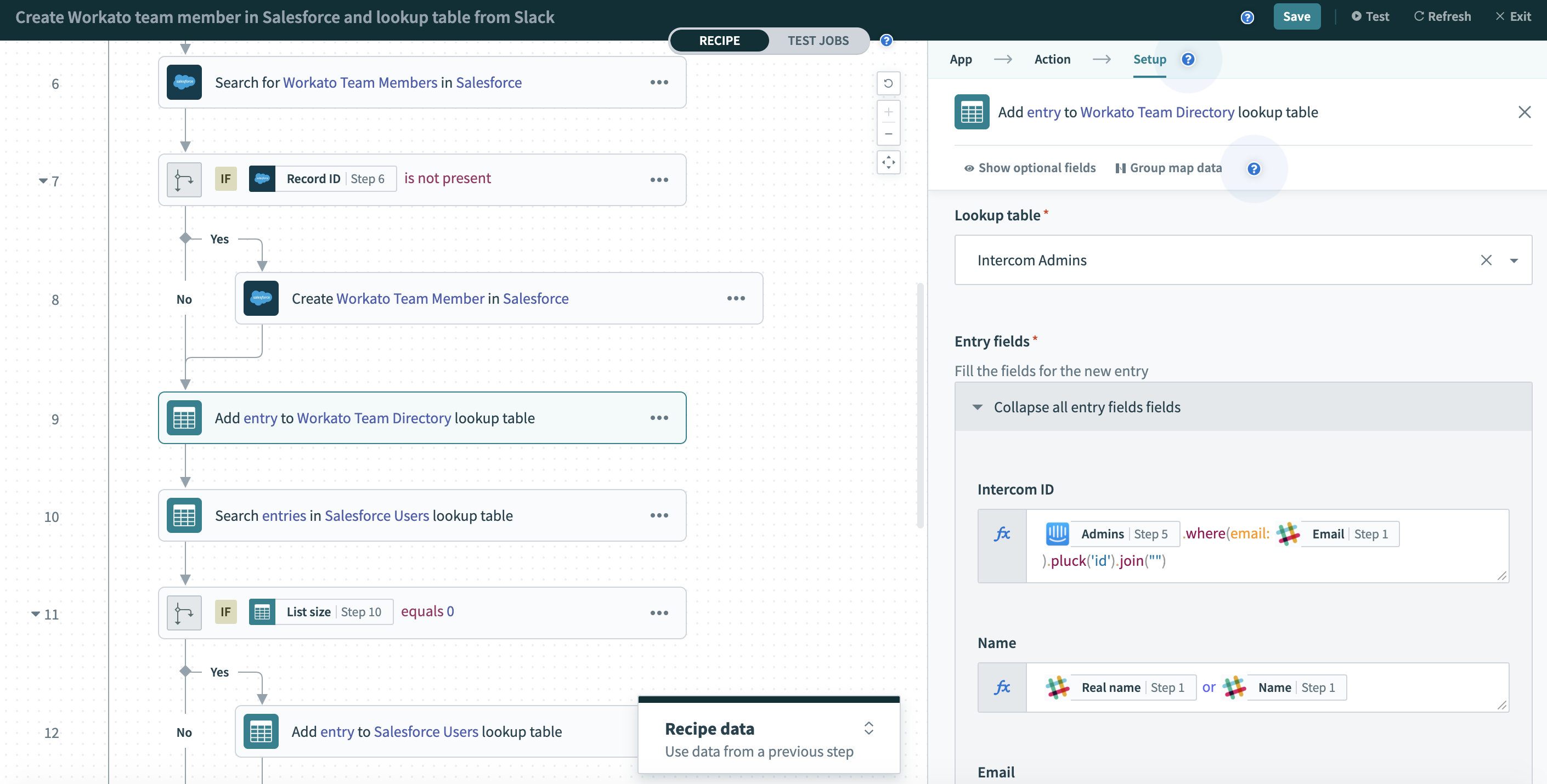
Workato is a workflow automation platform used across teams. Support teams use it to connect systems and automate processes. It works well in complex environments.
How it helps automate customer support: Workato automates data flow between support tools. This reduces manual updates and errors.
Pros
- Powerful automation
- Strong integrations
- Scales for enterprises
- Reliable workflows
Cons
- Steeper learning curve
- Higher cost
- Overkill for small teams
What is the Best Customer Support Automation Tool?
Choosing a customer support automation tool starts with being honest about what slows your team down the most. Determine that, and you'll be able to understand which tool would provide the most value.
Maybe response times slip during busy hours, or replies start to sound inconsistent as more agents jump in. In other cases, it’s the manual steps behind the scenes that quietly eat up time and energy.
Automation works best when it’s shaped around those bottlenecks and designed to help agents, not replace them. The right approach should make it easier to stay on brand, respond with confidence, and keep conversations human.
When automation takes care of the busywork, agents get more space to focus on helping customers in a way that actually feels good to do.
To recap, our suggestion for the best customer support automation tool is Text Blaze. Text Blaze helps you automate repetitive typing. data transfer, form-filling, and workflows on any website. Plus, Text Blaze is free forever!
Give Text Blaze a try today!