Top 20 Email Automation Tools in 2026 (Compared & Ranked)
Discover the best email automation tools to help you automate emails & workflows in 2026.

If you feel like your day gets pulled off track every time a new email comes in, you're not imagining it. Constant replies, follow-ups, and routine messages can quietly take hours out of your week, leaving less time for the work that actually deserves your attention.
Automating your emails helps take that pressure off by handling repetitive communication in the background, so you can focus on priorities instead of your inbox.
Implementing an email automation tool is actually relatively simple shift that can make your workload feel more manageable and your day a little less reactive.
In this guide, we'll compare and contrast the 20 best email automation tools that you can use in 2026.
What is Email Automation?
Email automation refers to using software to send messages automatically based on triggers, schedules, or customer actions. Instead of writing every email manually, teams create workflows that handle communication in the background while they focus on higher-value work.
Here are a few common types of email automation:
Email marketing - Send campaigns, newsletters, and promotional messages to targeted audiences without manual effort.
Email workflows - Automatically route messages, assign conversations, or trigger follow-ups when specific events occur.
Sales communication - Schedule outreach sequences, reminders, and prospect nurturing emails.
Customer support - Provide instant responses, confirmations, and status updates to reduce wait times.
CRM integration - Sync contact data and trigger emails based on lifecycle stages or customer behavior.
When email automation is set up well, it reduces missed messages, improves consistency, and makes communication easier to manage across teams.
20 Best Free Email Automation Tools
If you’re trying to spend less time writing repetitive emails or managing follow-ups, the tools below can help streamline your workflow.
Here's our list of the 20 best free email automation tools:
1. Text Blaze
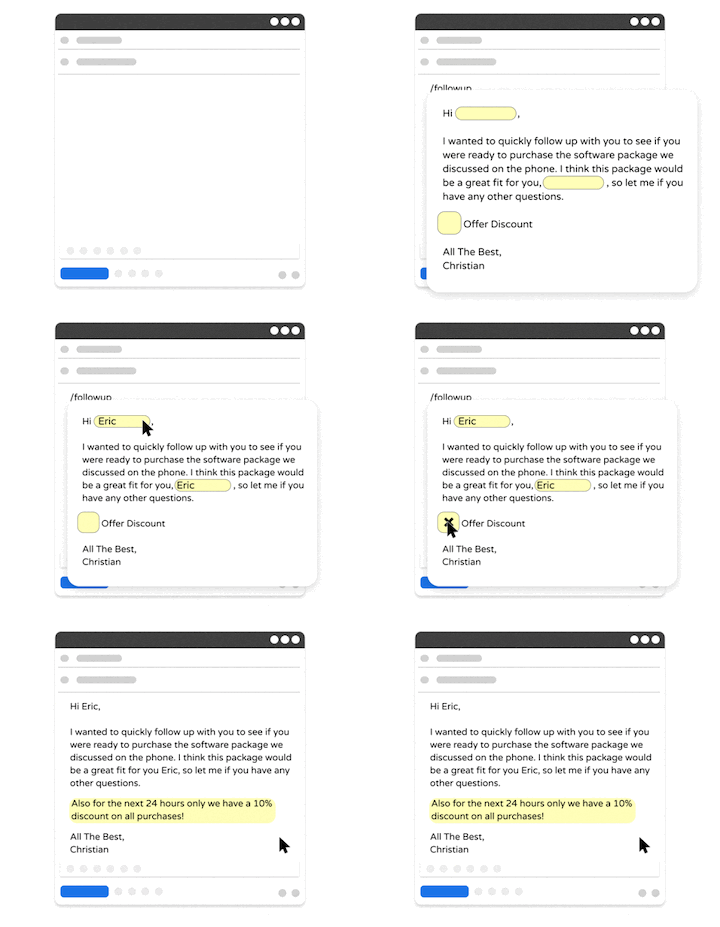
First up on our list of the best email automation tools is Text Blaze. Text Blaze is #1 on this list because it is the highest rated productivity app on the Chrome Web Store, with a 4.9 rating and 1,800+ 5-star reviews.
With Text Blaze, you can automate repetitive typing with keyboard shortcuts & dynamic text templates that work on any site or app.
Text Blaze's case for email automation:
Automate repetitive typing & communications anywhere! Text Blaze works on Chrome, Windows, and Mac.
Get the right message every time - Text Blaze helps marketing teams stay on-brand, consistent, and get the right message in every interaction.
Personalization at scale - With Text Blaze, you can use placeholders and logic to create dynamic templates that help you personalize your communication for any situation.
Streamline repetitive workflows - Text Blaze can automate: transferring data, filling out forms, sending an email, or any other repetitive workflow.
Text Blaze is free forever! Give Text Blaze a try for free and start saving time at no cost.
Who should use Text Blaze: Teams or individuals who want to automate repetitive emails, workflows, and processes. Get the right message in every interaction, every time. Learn more about Text Blaze for teams.
Want to streamline your team's communication & workflows?
Join over 800,000+ others who are using Text Blaze templates.
2. HubSpot
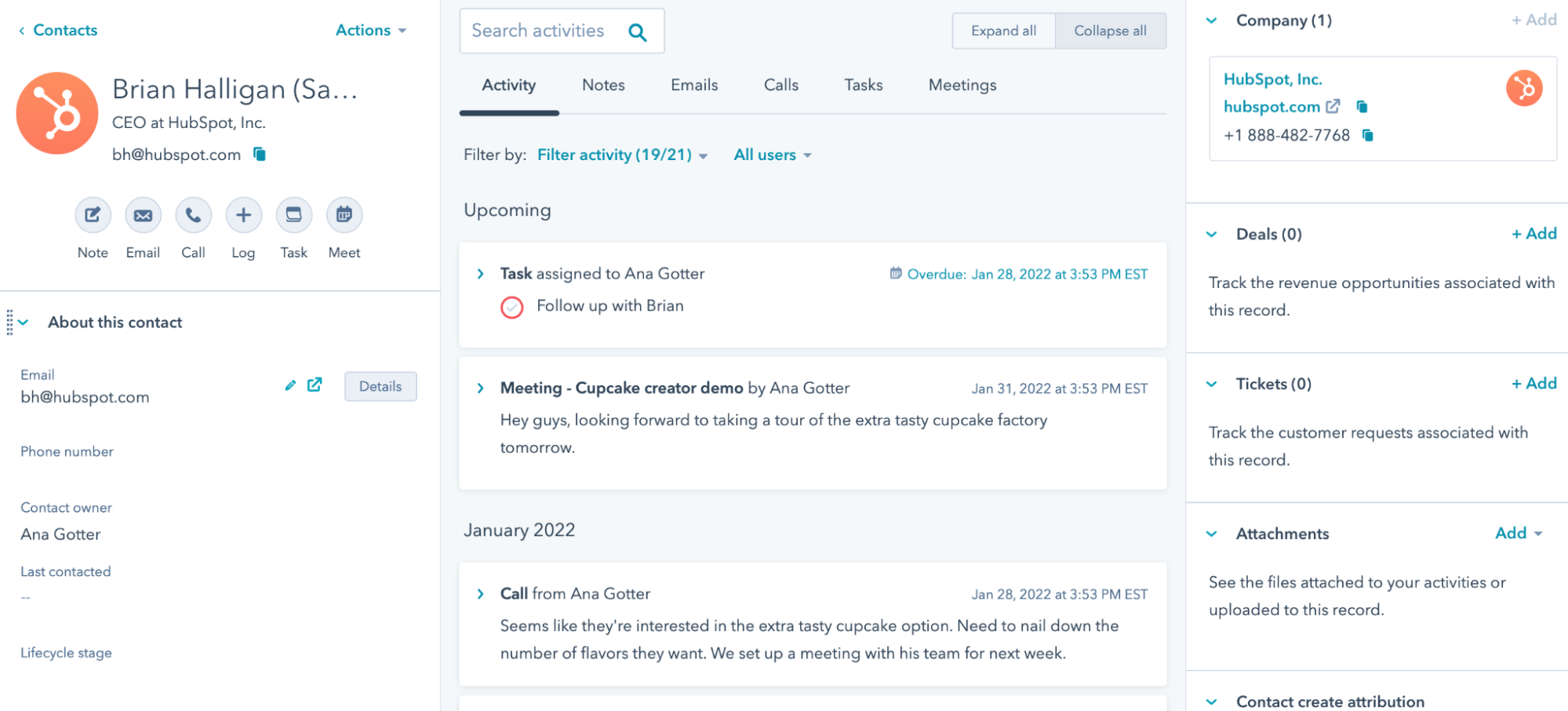
HubSpot's combines CRM data with email workflows so teams can send messages based on customer activity. It supports automated nurturing, follow-ups, and lifecycle communication from one platform.
HubSpot's case for email automation:
Behavior-based workflows - Trigger emails when contacts take specific actions.
CRM syncing - Keep communication aligned with customer records.
Template library - Standardize outreach while staying flexible.
Performance tracking - Monitor engagement to refine campaigns.
Who should use HubSpot: Growing teams that want email automation tightly connected to customer data and sales activity.
3. Zapier

Zapier is a workflow automation app that connects your apps so emails can send automatically when something happens in another tool. Apps like Zapier are especially useful for creating simple automation without technical setup.
Zapier's case for email automation:
App integrations - Connect thousands of tools to trigger emails.
Event-based messaging - Send emails after form fills, purchases, or updates.
Multi-step workflows - Build automation that goes beyond a single action.
No-code setup - Launch workflows quickly.
Who should use Zapier: Teams that rely on multiple apps and want email to be part of a broader automated workflow.
4. Saleshandy
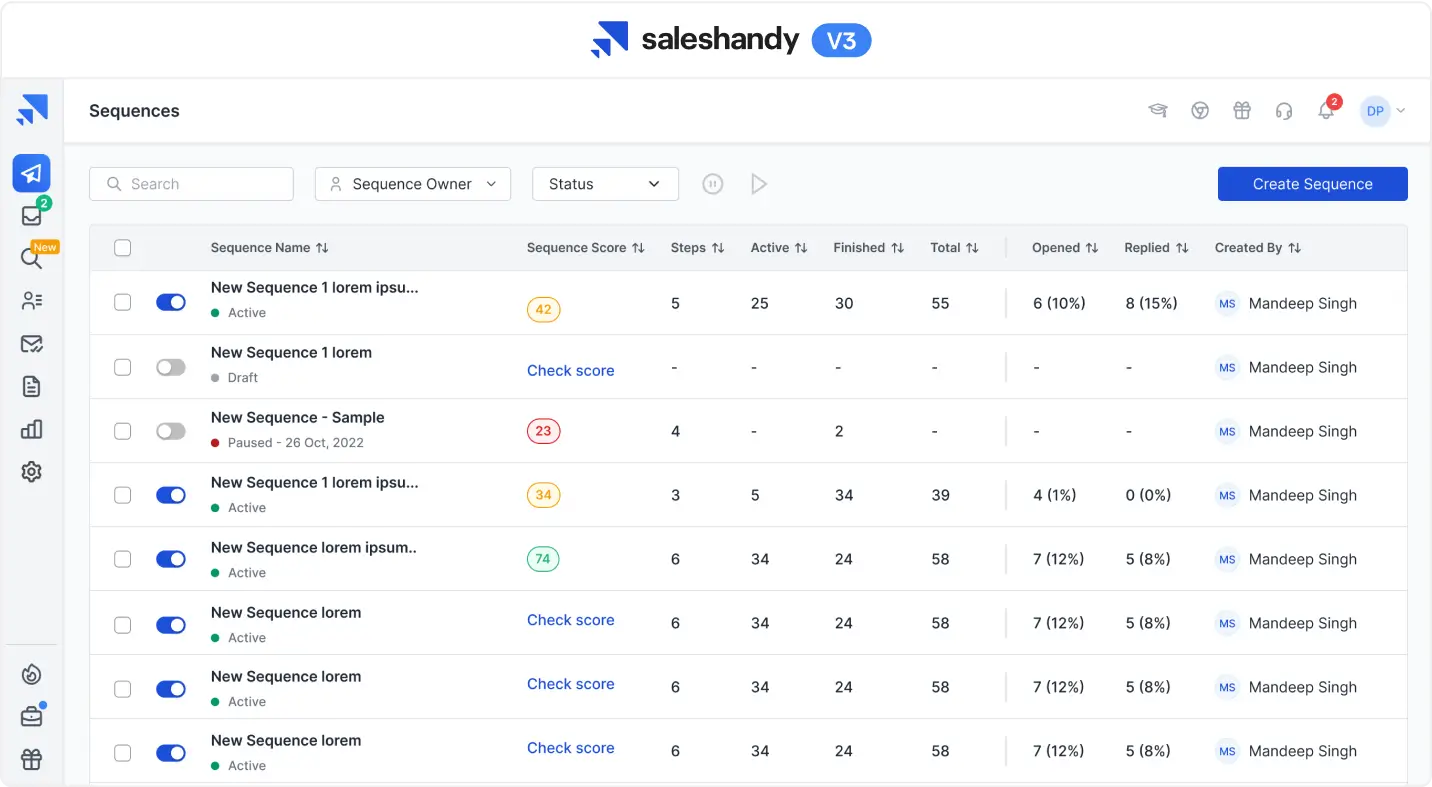
Saleshandy is a sales automation tool that focuses on outreach automation with sequences that keep prospects engaged. It also provides tracking so you know when recipients open or interact with messages.
Saleshandy's case for email automation:
Automated sequences - Schedule follow-ups without manual reminders.
Engagement insights - See opens and clicks in real time.
Personalization options - Tailor messages while scaling outreach.
Reply detection - Stop sequences automatically once someone responds.
Who should use Saleshandy: Sales professionals who want consistent outreach without spending hours managing follow-ups.
5. Constant Contact
Constant Contact helps businesses automate marketing emails such as newsletters and announcements. Its interface makes it approachable for teams that are newer to automation.
Constant Contact's case for email automation:
Scheduled campaigns - Plan emails ahead of time.
Audience segmentation - Send targeted messages to specific groups.
Prebuilt templates - Create emails faster.
Action triggers - Automatically message subscribers based on behavior.
Who should use Constant Contact: Small businesses and marketers looking for structured, reliable campaign automation.
6. Pipedrive
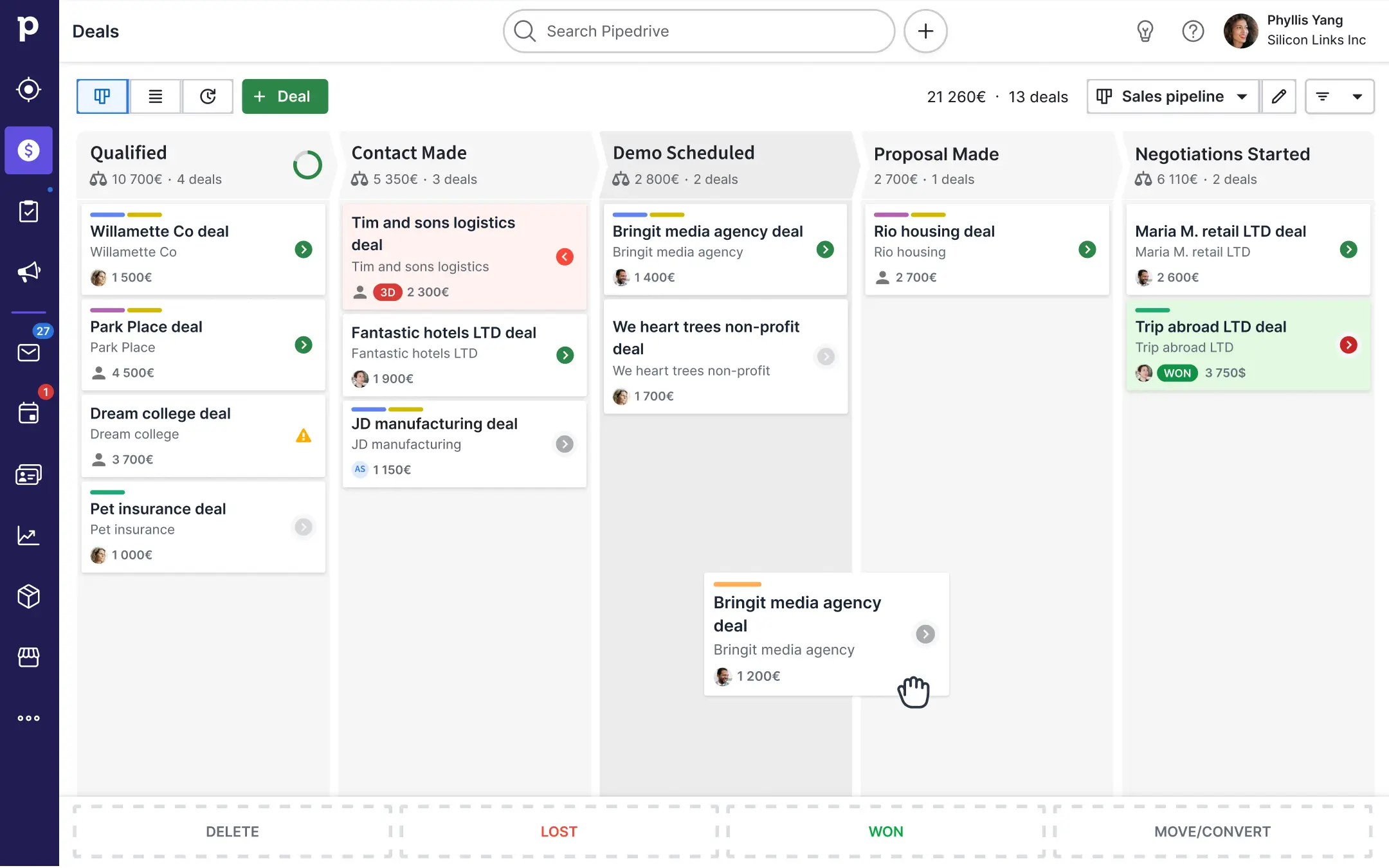
Pipedrive integrates email automation directly into the sales pipeline so communication keeps moving as deals progress. This reduces the need for manual check-ins.
Pipedrive's case for email automation:
Pipeline triggers - Send emails when deals change stages.
Workflow builder - Automate repetitive sales tasks.
Shared templates - Keep messaging consistent.
Activity reminders - Prevent missed follow-ups.
Who should use Pipedrive: Sales teams that want automation tied closely to deal management.
Want to streamline your team's communication & workflows?
Join over 800,000+ others who are using Text Blaze templates.
7. Front
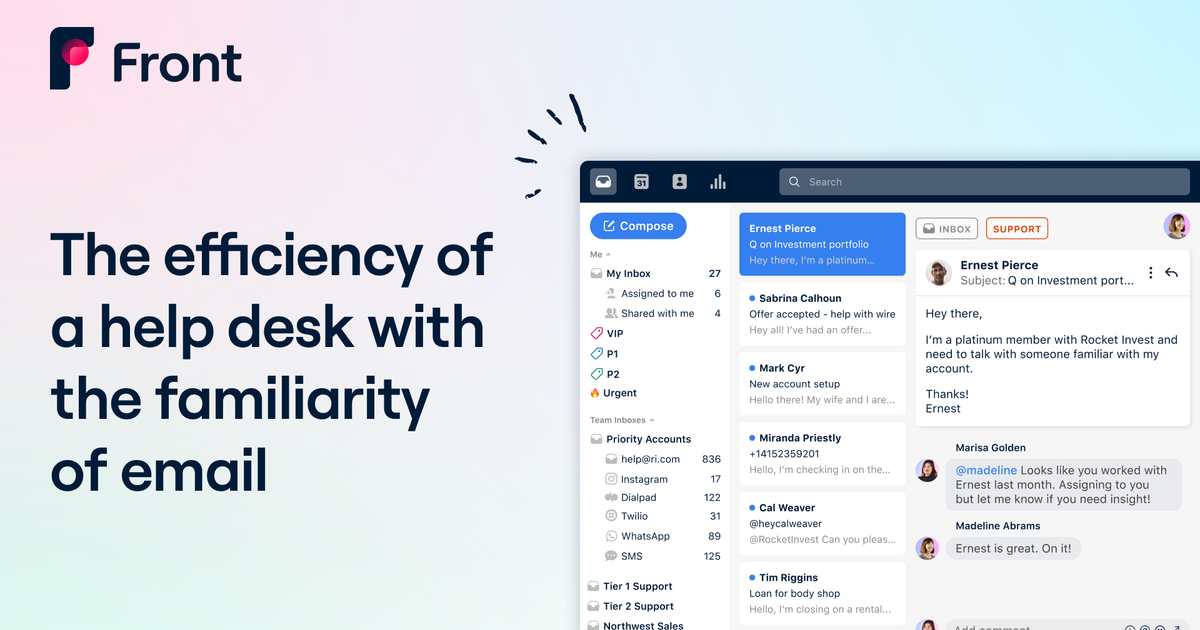
Front organizes team inboxes and adds automation to help route messages efficiently. It supports collaboration so teams can respond faster without confusion.
Front's case for email automation:
Auto-assignment rules - Direct emails to the right teammate.
Shared inbox visibility - Avoid duplicate replies.
Workflow automation - Handle repetitive support steps.
Internal comments - Coordinate before sending responses.
Who should use Front: Customer-facing teams that manage high email volume and need better coordination.
8. Mailchimp
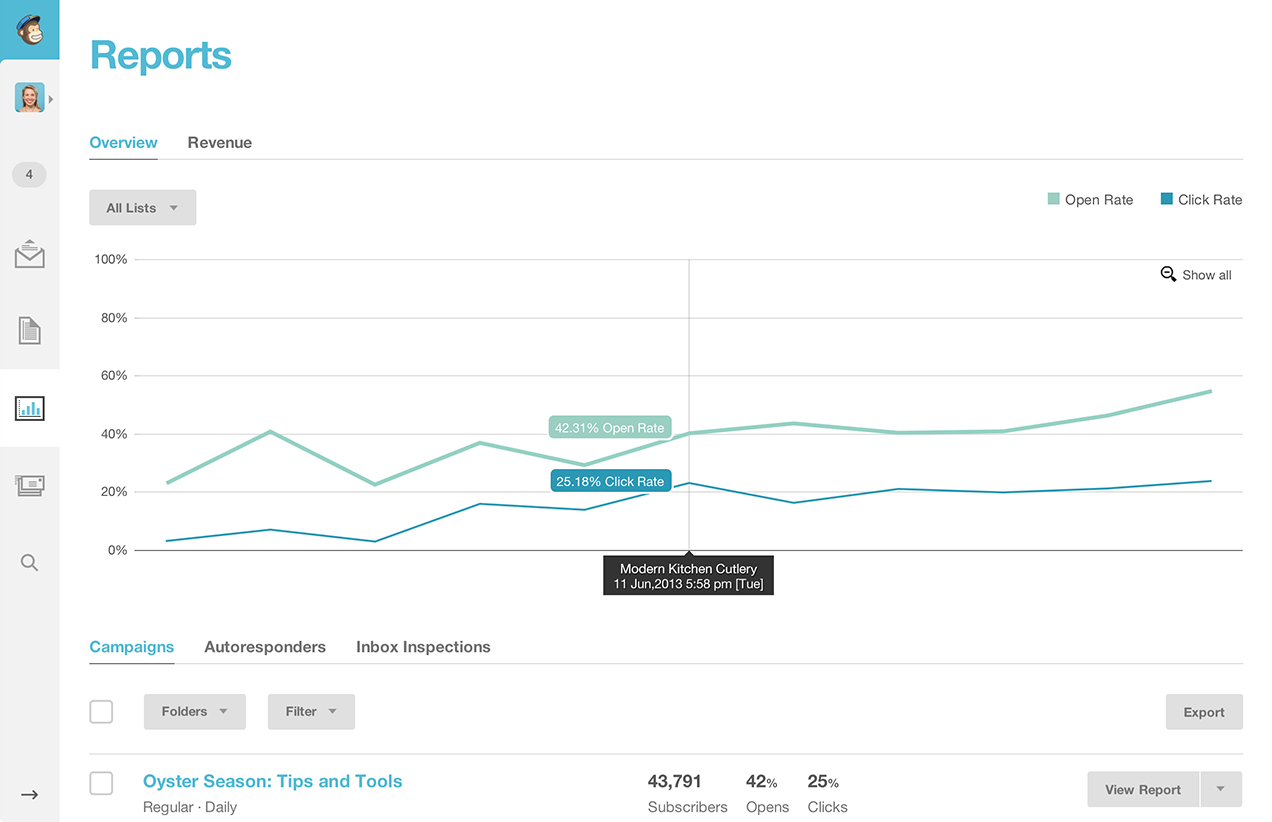
MailChimp is a popular and widely used for automating marketing communication across customer journeys. It helps teams send timely messages without constant oversight.
Mailchimp's case for email automation:
Customer journeys - Build automated paths for subscribers.
Behavior triggers - React to purchases or engagement.
Campaign analytics - Understand what drives results.
Audience tools - Keep targeting organized.
Who should use Mailchimp: Businesses focused on marketing emails and long-term audience engagement.
9. Validity
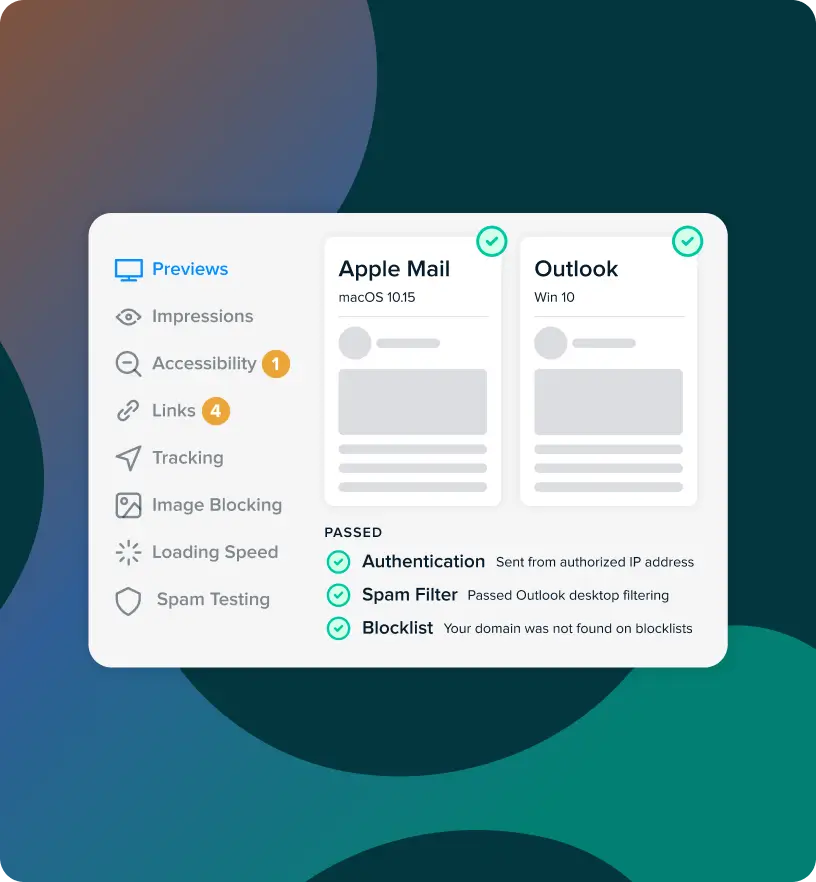
Validity is a tool that focuses on improving deliverability and monitoring sender reputation. It ensures automated messages actually reach inboxes.
Validity's case for email automation:
Deliverability monitoring - Identify issues early.
Reputation insights - Protect sending domains.
Inbox placement testing - Improve visibility.
Data validation - Maintain clean contact lists.
Who should use Validity: Organizations sending large volumes of automated emails that need strong deliverability oversight.
10. Zendesk
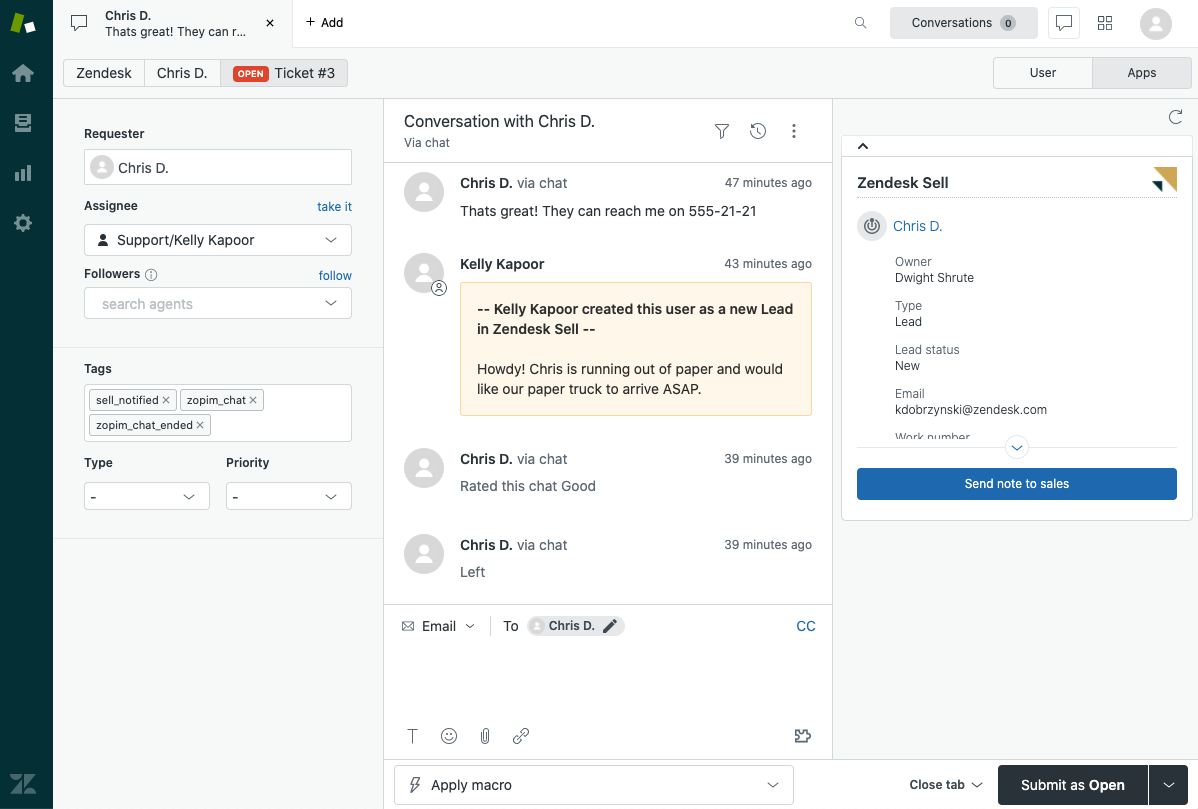
Zendesk is a customer support automation software that helps you automates customer communication within support workflows so users stay informed without manual updates.
Zendesk's case for email automation:
Ticket triggers - Send confirmations and updates automatically.
Auto-responses - Acknowledge requests instantly.
Workflow rules - Reduce manual sorting.
Status notifications - Keep customers informed.
Who should use Zendesk: Support teams aiming to shorten response times while maintaining clear communication.
11. Make
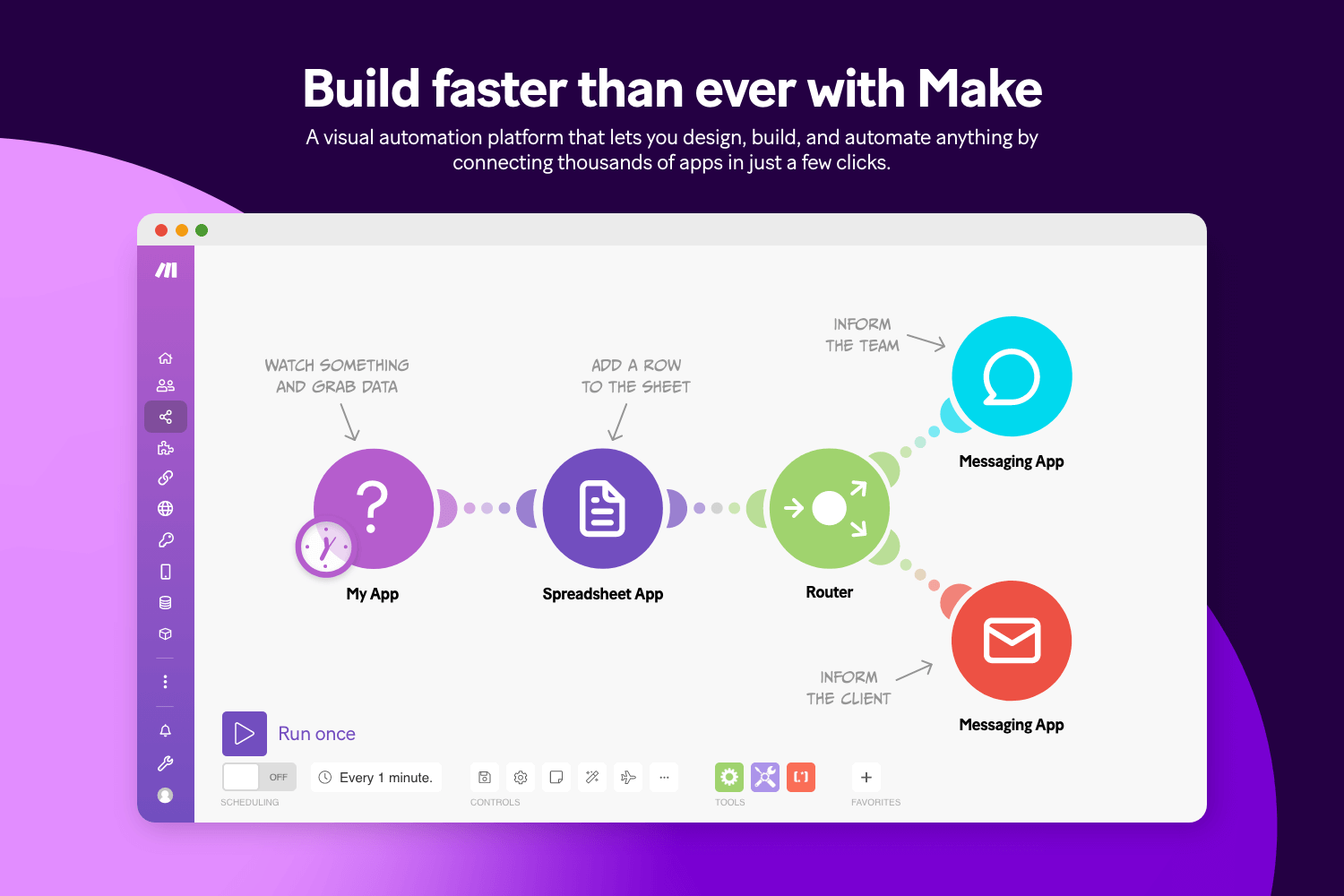
Make.com provides a visual builder for creating advanced email workflows connected to other processes. It supports detailed logic without requiring heavy development work.
Make's case for email automation:
Visual scenarios - Map workflows clearly.
Conditional logic - Tailor emails to different paths.
Deep integrations - Connect apps easily.
Scalable automation - Expand workflows over time.
Who should use Make: Teams that want flexible automation with more control over workflow design.
Want to streamline your team's communication & workflows?
Join over 800,000+ others who are using Text Blaze templates.
12. Salesforce
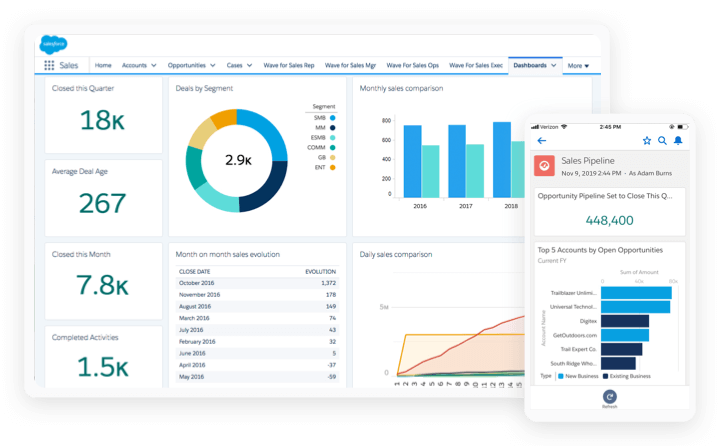
Salesforce is a popular tool that delivers structured automation tied directly to customer data. Emails can be triggered throughout the sales or service lifecycle. Plus, there are lots of Salesforce automation tools to help you get more out of Salesforce.
Salesforce's case for email automation:
Lifecycle messaging - Automate outreach at key stages.
Centralized data - Keep communication aligned across teams.
Reporting tools - Measure effectiveness.
Custom workflows - Adapt automation to complex processes.
Who should use Salesforce: Larger organizations that need email automation embedded within a comprehensive CRM.
13. Instantly AI

Instantly AI is an AI workflow automation tool designed for automated outbound campaigns that maintain consistent prospect communication. It helps sales reps find leads and reach them in less time.
Instantly AI's case for email automation:
Bulk outreach - Manage campaigns across inboxes.
Sequence automation - Keep follow-ups on schedule.
Deliverability support - Improve placement rates.
Campaign insights - Track performance quickly.
Who should use Instantly AI: Teams focused on lead generation and outbound growth.
14. Klaviyo
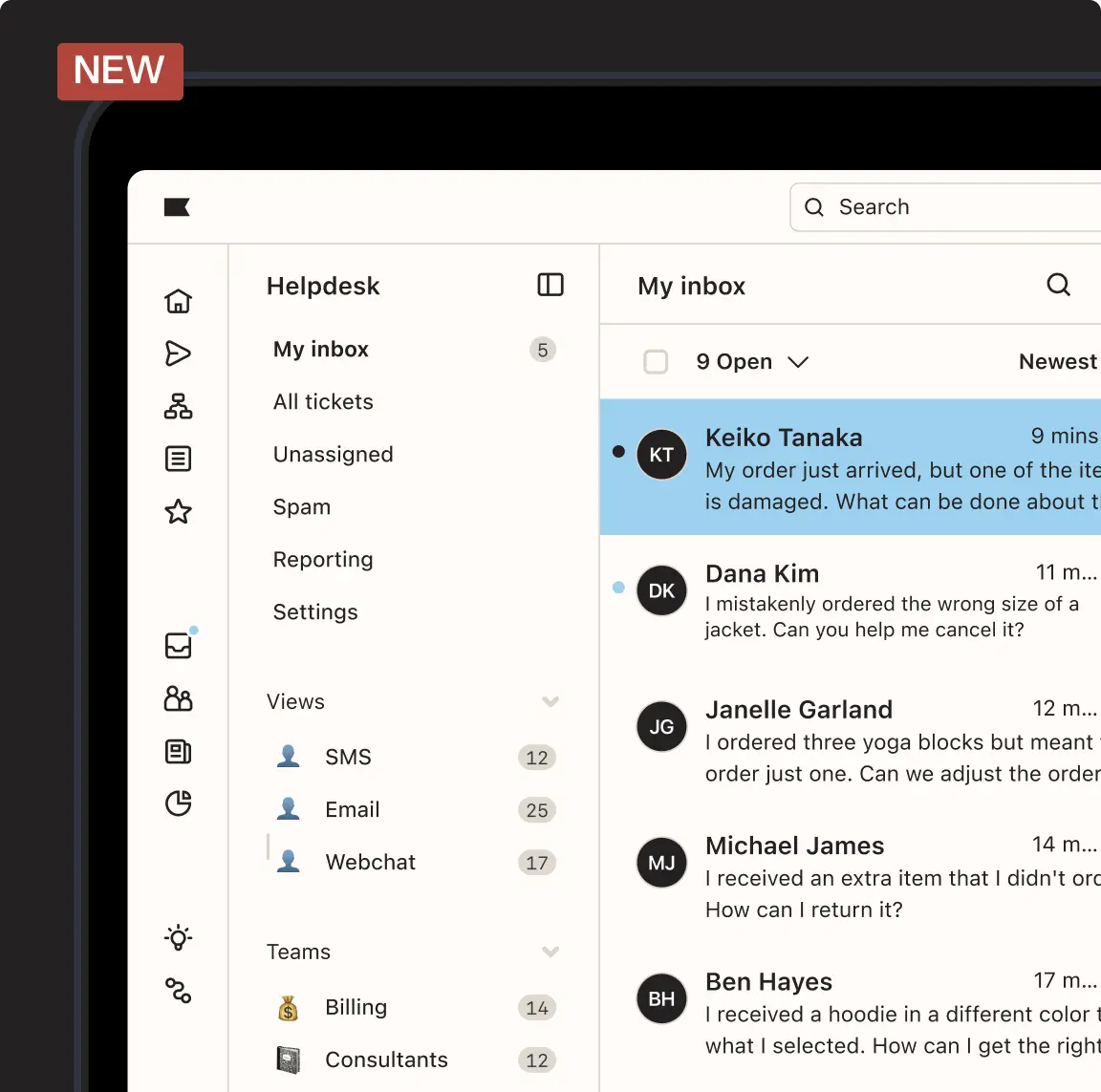
Klaviyo uses customer data to automate timely messages that reflect shopping behavior and engagement. It now offers AI agents to help you with your marketing and services.
Klaviyo's case for email automation:
Behavior-based triggers - Respond to browsing or purchases.
Advanced segmentation - Target specific audiences.
Revenue tracking - Connect emails to results.
Prebuilt flows - Launch automation faster.
Who should use Klaviyo: Ecommerce businesses that want highly relevant customer communication.
15. Snov.io
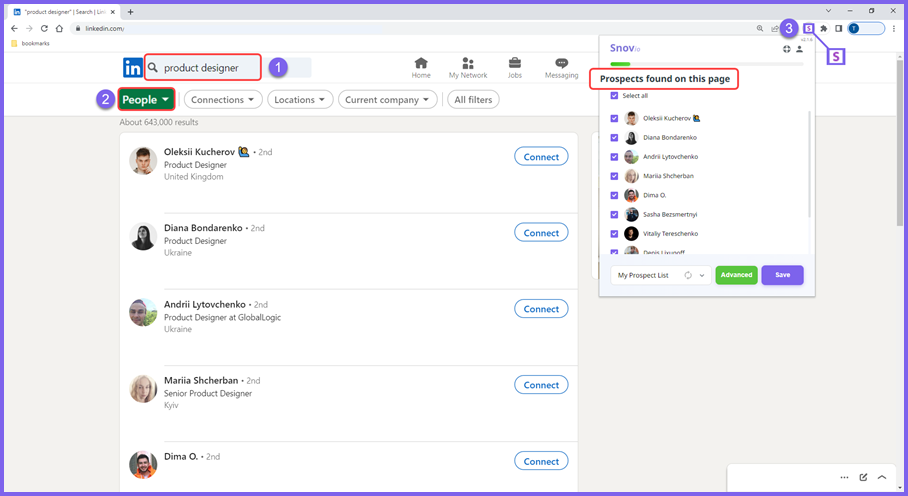
Snov.io is another sales automation tool that supports automated prospecting with drip campaigns and tracking features that keep outreach organized. It is especially useful for cold outreach campaigns.
Snov.io's case for email automation:
Drip campaigns - Nurture leads gradually.
Email verification - Protect sender reputation.
Engagement alerts - Know when prospects interact.
Template support - Standardize outreach.
Who should use Snov.io: Smaller sales teams looking for structured outreach without heavy setup.
16. Shortwave
Shortwave is another AI email automation tool that enhances Gmail & Outlook with organization tools that help users move through their inbox faster. It helps with organizing and filtering emails with AI.
Shortwave's case for email automation:
Smart grouping - Keep conversations organized.
Quick replies - Respond faster to routine messages.
Keyboard shortcuts - Reduce navigation time.
Team collaboration - Work together inside threads.
Who should use Shortwave: Gmail users who want a more efficient inbox without switching platforms.
17. Brevo
Brevo blends marketing and transactional email automation so businesses can manage multiple communication types in one place. It also helps with both team and business communication.
Brevo's case for email automation:
Triggered messaging - Send confirmations and onboarding emails automatically.
Audience segmentation - Improve targeting.
Multi-channel support - Extend workflows beyond email.
Automation builder - Design structured paths.
Who should use Brevo: Companies that want marketing and operational emails handled within a single system.
Want to streamline your team's communication & workflows?
Join over 800,000+ others who are using Text Blaze templates.
18. Encharge.io
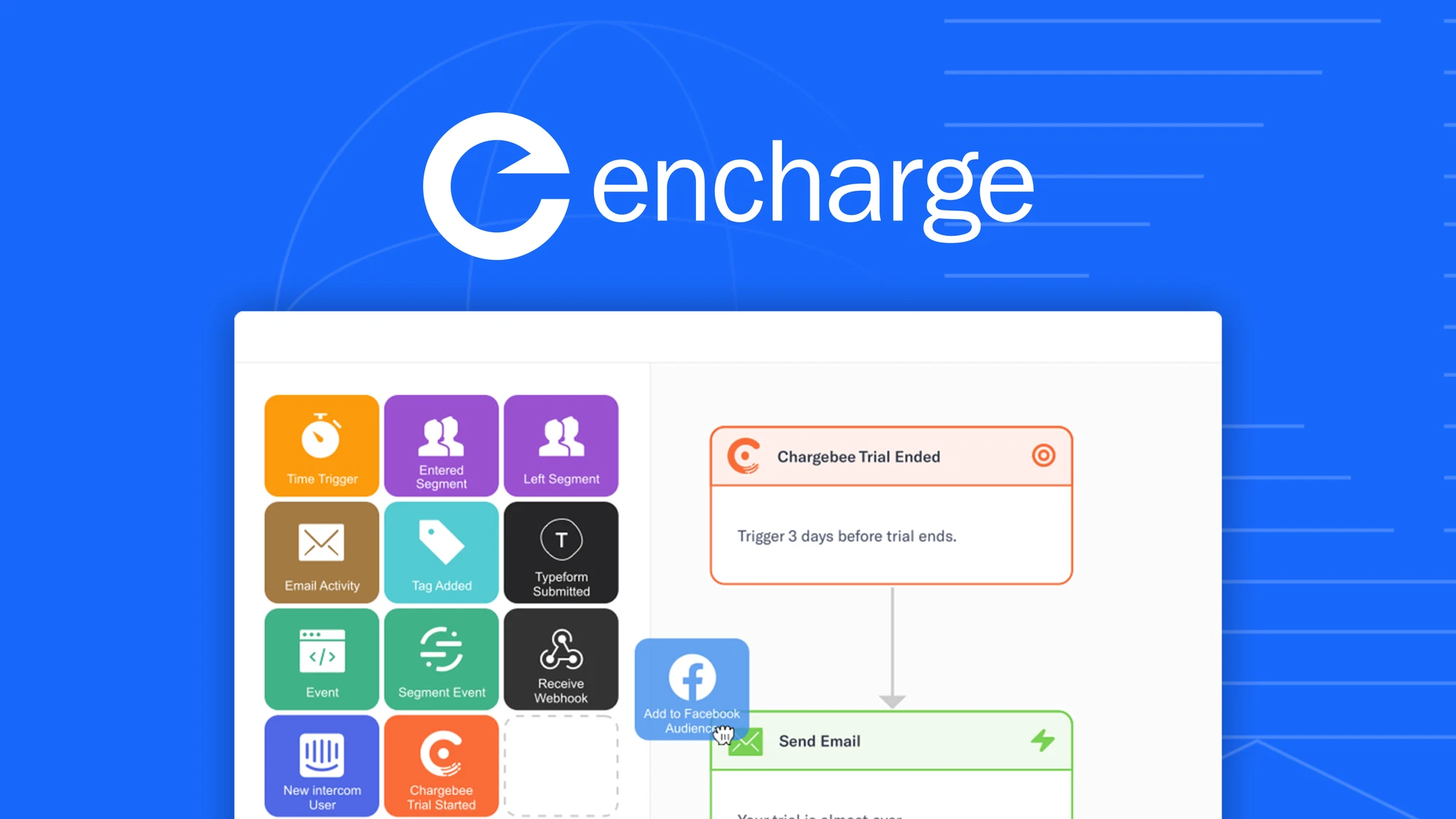
Encharge.io centers on behavior-driven workflows that guide users through onboarding and engagement. It helps you segment your customers and create time-specific triggers.
Encharge.io's case for email automation:
User journey mapping - Automate communication across lifecycle stages.
Event triggers - React instantly to product activity.
Visual flow builder - Keep automation easy to follow.
Segmentation tools - Deliver relevant messages.
Who should use Encharge.io: SaaS teams focused on improving onboarding and retention.
19. MyEmma
MyEmma provides structured campaign automation with tools that help teams stay organized and consistent. It offers an AI assistant that is custom tailored to your brand.
MyEmma's case for email automation:
Campaign scheduling - Plan communication ahead.
Audience management - Keep lists organized.
Performance reporting - Spot improvement areas.
Template controls - Maintain brand consistency.
Who should use MyEmma: Marketing teams that prioritize organization and predictable campaign execution.
20. Mailjet

Mailjet supports collaborative email creation alongside automation so teams can build and send messages together. It offers an email editor that allows for the ultimate customization of your emails.
Mailjet's case for email automation:
Real-time collaboration - Edit campaigns with teammates.
Triggered emails - Deliver timely updates.
API access - Enable deeper customization.
Scalable infrastructure - Support growing send volumes.
Who should use Mailjet: Businesses that want teamwork built into their email automation process.
Best Practices for Automating Emails
Automating email is not just about saving time. It is about making sure your communication stays helpful, relevant, and easy to manage.
Here are a few best practices that we recommend for automating emails:
Start with repetitive emails - Identify messages you send frequently, such as follow-ups or confirmations, and automate those first to see immediate time savings.
Keep messages personal - Use dynamic fields and segmentation so automated emails still feel tailored to the recipient.
Set clear triggers - Make sure emails send at logical moments, such as after a signup or purchase, to avoid confusing recipients.
Review performance regularly - Monitor open rates, replies, and engagement so you can adjust workflows when needed.
Avoid over-automation - Not every message should be automatic. Leave room for human responses when situations require nuance.
When you treat automation as a support system instead of a replacement for thoughtful communication, it becomes much easier to maintain strong relationships.
What is the Best Email Automation Tool?
Finding the right email automation software usually depends on your industry and the role email plays in your day-to-day work. Whether you work in sales, customer support, HR, marketing, or another function, the real priority is choosing a solution that reduces repetitive communication and keeps important messages moving without constant oversight.
It is worth stepping back and asking where email creates the most friction for you. If routine replies, follow-ups, and internal updates keep pulling your attention away from bigger priorities, the right automation can quietly take those tasks off your plate.
Once email stops demanding so much of your time, it becomes easier to focus on the work that actually matters. With the right system in place, your inbox shifts from being a daily distraction to something that simply runs in the background while you move forward with more meaningful work.
To recap, our suggestion for the best free email automation tool is Text Blaze. Text Blaze is the highest-rated productivity tool on the Chrome Web Store (4.9 rating) that helps you automate repetitive typing and workflows anywhere you work (even on Windows and Mac).
Give Text Blaze a try for free today!