15 Best HR Automation Tools & Software in 2026
Discover the best HR automation tools and software that can help with streamlining processes, communication, and data entry in 2026.

HR work often means juggling onboarding tasks, tracking compliance deadlines, answering employee questions, updating records, and keeping documentation organized.
When these responsibilities pile up, it becomes harder to focus on the people behind the processes and the initiatives that actually move your workplace forward.
Automating HR workflows can help you regain control of your day, reduce manual effort, and bring more consistency to how your team operates. Instead of constantly reacting to administrative work, you can spend more time supporting employees, improving programs, and planning ahead with confidence.
In this guide, we'll cover what HR automation is, provide some examples, and cover the 15 best HR automation tools & software to help you automate workflows and processes in 2026.
What is HR Automation? (Examples Included)
HR automation refers to using software to handle repetitive HR tasks and workflows with minimal manual effort. It helps teams stay organized, improve accuracy, and keep important processes moving without constant oversight.
Here are a few examples of HR automation:
Onboarding workflows - Automatically assign training, send welcome emails, collect documents, and notify managers so new hires can get started without delays.
Compliance tracking - Monitor certifications, policy acknowledgments, and regulatory deadlines with reminders that help your team stay ahead of requirements.
Payroll processing - Calculate wages, manage deductions, and support accurate payments while reducing the risk of manual errors.
Document automation - Generate offer letters, contracts, and policy updates using templates so paperwork is completed faster and stored consistently.
Employee communication - Send consistent updates, policy reminders, and responses to common questions automatically so employees receive timely and accurate information.
Automation does not replace the human side of HR, but it does give your team more time to focus on employees and strategic priorities.
Benefits of HR Automation
Adopting HR automation can make daily operations more manageable while helping your team stay focused on meaningful work.
Here are a few key benefits of HR automation:
Less manual work - Automation reduces repetitive data entry and administrative tasks, freeing your team to focus on employee support and planning.
Better accuracy - When systems handle calculations and record updates, the chance of human error drops significantly.
Stronger compliance - Automated reminders and documentation help ensure important deadlines and requirements are not overlooked.
Faster employee experiences - New hires and current employees get quicker responses, approvals, and access to resources.
Improved visibility - Centralized data makes it easier to track workforce trends and make informed decisions.
When routine work becomes easier to manage, your team gains more capacity to invest in culture, retention, and growth initiatives.
15 Best HR Automation Tools & Software
If manual, repetitive processes are slowing you down, there are plenty of tools that you can use to save time and create better, more efficient processes.
Here's our list of the 15 best HR automation tools and software:
1. Text Blaze

First up on our list of the best free HR automation tools is Text Blaze. With Text Blaze, you can automate form-filling and data transfer on any website with dynamic templates!
Text Blaze allows you to create smart text templates and insert them anywhere you work to automatically fill out forms, transfer data, automate repetitive typing, and much more.
With Text Blaze, you can:
Automate repetitive typing anywhere you work! Text Blaze works on Chrome, Windows, and Mac.
Streamline HR workflows & processes like transferring data, filling out forms, sending an email, or any other repetitive workflow.
Get the right message every time - Text Blaze helps teams stay on-brand, consistent, and get the right message in every interaction.
Save time for free! Text Blaze is free forever, no licenses or upgrades necessary.
How Text Blaze helps with HR automation:
Automate repetitive typing with smart templates.
Streamline HR workflows and processes on any website.
Automate form-filling and common data entry tasks.
Quickly pull data from any open tab and use it on any page in seconds.
Standardize repeatable processes across teams.
Want to save hours by automating repetitive typing & workflows?
Join over 700,000+ others who are automating workflows with Text Blaze.
2. Zoho
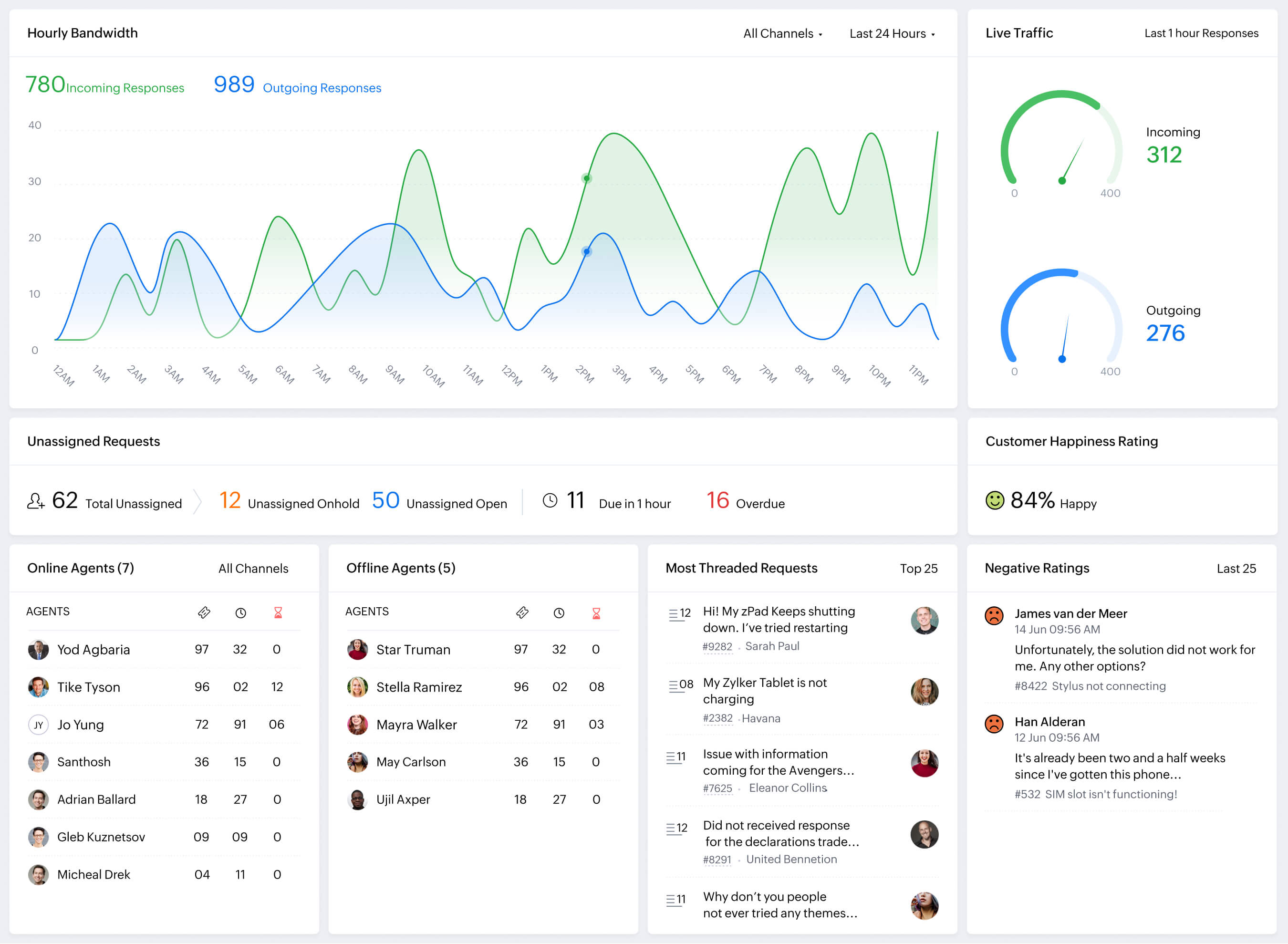
Zoho Desk is a business software suite that includes tools for HR management and workflow automation. It supports employee records, approvals, and internal processes.
HR admins use Zoho to automate onboarding steps, manage employee information, and route requests through structured workflows. It helps keep HR data centralized and reduces manual coordination between tasks.
Why we chose Zoho: It covers a wide range of HR automation needs within a single platform.
3. Zapier

Zapier is a workflow automation tool that connects different apps and systems. It automates actions between tools based on simple triggers and rules.
HR admins use Zapier to sync employee data, send notifications, and move information between HR systems automatically. Tools like Zapier are useful when HR processes rely on multiple tools that need to stay in sync.
Why we chose Zapier: It helps connect HR tools without requiring custom development.
4. Deel

Deel is an HR platform focused on hiring and managing global teams. It automates contracts, payments, and compliance-related tasks.
HR admins use Deel to streamline onboarding for international employees and contractors. It reduces manual paperwork and helps manage country-specific requirements in one place.
Why we chose Deel: It supports HR automation for distributed and global teams.
5. Moveworks
Moveworks is an employee support platform that uses conversational AI to resolve workplace requests automatically. It integrates with existing systems so employees can get answers without submitting manual tickets.
How Moveworks helps with HR automation:
Answer common HR questions automatically through chat.
Route employee requests to the correct department without manual triage.
Trigger workflows such as access requests or policy acknowledgments.
Pull information from connected systems to resolve issues faster.
Reduce ticket volume so HR teams can focus on complex needs.
HR admins use Bamboo HR to manage employee records, automate onboarding tasks, and organize documents. It helps keep HR information structured and accessible.
Why we chose Bamboo HR: It supports essential HR workflows with built-in automation.
7. Introist

Introist is a workflow automation tool designed for internal processes. It helps create structured request and approval flows.
HR admins use Introist to manage internal HR requests, approvals, and task routing. It reduces email back-and-forth by guiding employees through defined steps.
Why we chose Introist: It helps standardize internal HR workflows and requests.
8. Automation Anywhere
Automation Anywhere is a robotic process automation platform for automating complex tasks. It handles repetitive system interactions at scale.
HR admins use Automation Anywhere to automate data-heavy processes like payroll preparation and reporting. It helps reduce manual work across legacy systems.
Why we chose Automation Anywhere: It supports advanced HR automation for complex processes.
Want to save hours by automating repetitive typing & workflows?
Join over 700,000+ others who are automating workflows with Text Blaze.
9. IFTTT
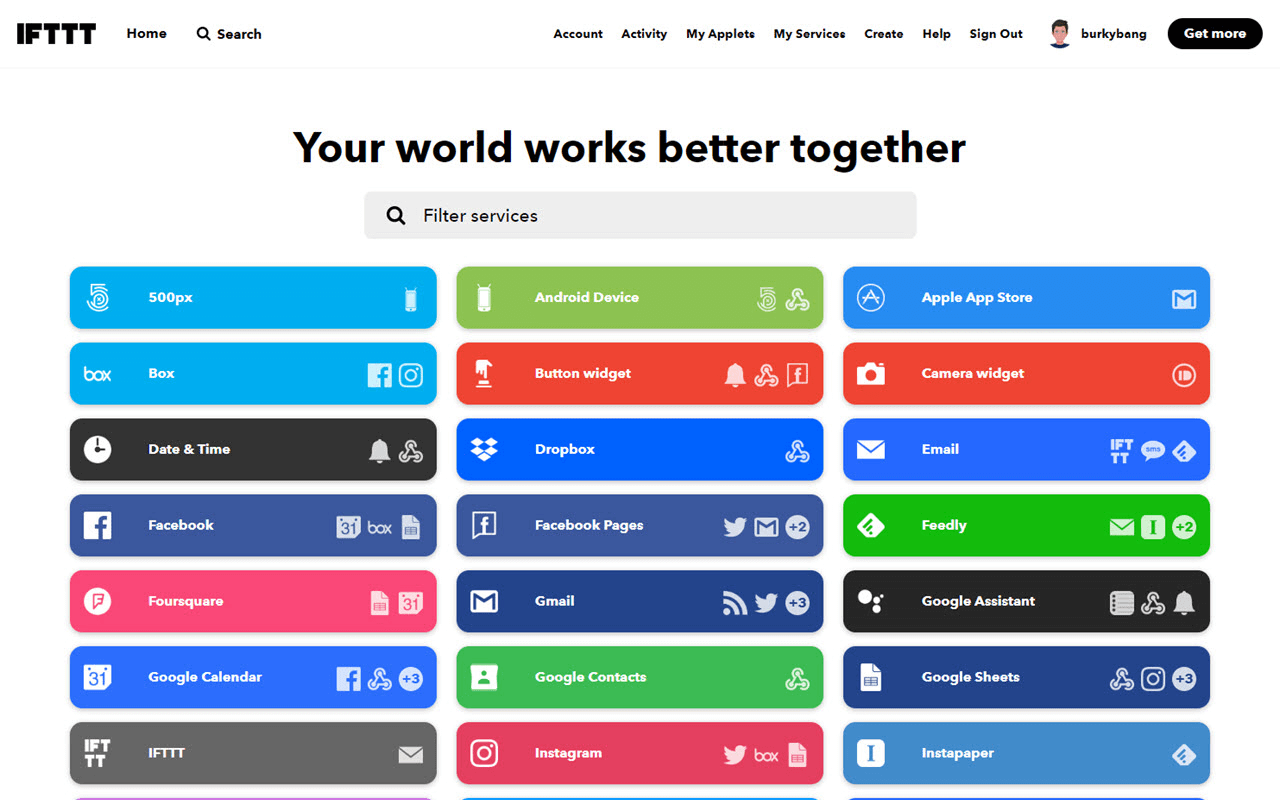
IFTTT is a simple automation tool that connects apps using basic rules. It focuses on lightweight task automation.
HR admins use IFTTT for simple actions like notifications or basic data syncing. Tools like IFTTT are helpful for small, repeatable tasks that do not require complex workflows.
Why we chose IFTTT: It offers an easy way to automate simple HR-related actions.
10. HiBob
HiBob is an HR platform designed to manage employee data, engagement, and lifecycle workflows. It centralizes information so teams can run structured processes with greater visibility.
How HiBob helps with HR automation:
Automate onboarding tasks and assign activities to managers.
Track performance cycles with scheduled review workflows.
Send reminders for important milestones and approvals.
Keep employee records updated across the platform.
Generate reports automatically for workforce insights.
4. Introist
Introist automates employee introductions to help new hires build connections across the organization. The platform schedules and manages these interactions without requiring manual coordination.
How Introist helps with HR automation:
Automatically match employees for internal introductions.
Schedule meetings without back-and-forth emails.
Support onboarding with structured connection workflows.
Encourage cross-team collaboration through recurring introductions.
Reduce administrative effort tied to relationship building.
5. Zapier
Zapier is a workflow automation platform that connects thousands of apps so actions in one system trigger updates in another. HR teams often use tools like Zapier to eliminate repetitive tasks between tools.
How Zapier helps with HR automation:
Automatically create employee records when hiring data is submitted.
Send notifications when forms are completed.
Sync information between HR, payroll, and communication tools.
Trigger approval workflows based on predefined conditions.
Reduce duplicate data entry across platforms.
Want to save hours by automating repetitive typing & workflows?
Join over 700,000+ others who are automating workflows with Text Blaze.
6. Docubee
Docubee focuses on document workflow automation, helping teams generate, route, and track paperwork efficiently. It supports structured approval paths so documents move forward without delays.
How Docubee helps with HR automation:
Generate contracts and agreements using templates.
Route documents for signatures automatically.
Track document status in real time.
Store completed files in organized digital records.
Maintain audit trails for compliance purposes.
7. CharlieHR
CharlieHR is an HR management platform built for small and mid-sized organizations that want a centralized system for people operations. It combines employee data management with structured workflows.
How CharlieHR helps with HR automation:
Automate onboarding checklists for new hires.
Track time-off requests with approval workflows.
Send reminders for performance reviews.
Keep employee records updated in one system.
Provide visibility into upcoming HR tasks.
8. Deel
Deel supports global hiring by automating payroll, compliance, and contract management across multiple countries. It helps organizations manage distributed teams while staying aligned with local regulations.
How Deel helps with HR automation:
Automate international payroll calculations.
Generate locally compliant contracts.
Manage tax documentation within the platform.
Track regulatory requirements across regions.
Simplify onboarding for global employees.
9. Activepieces
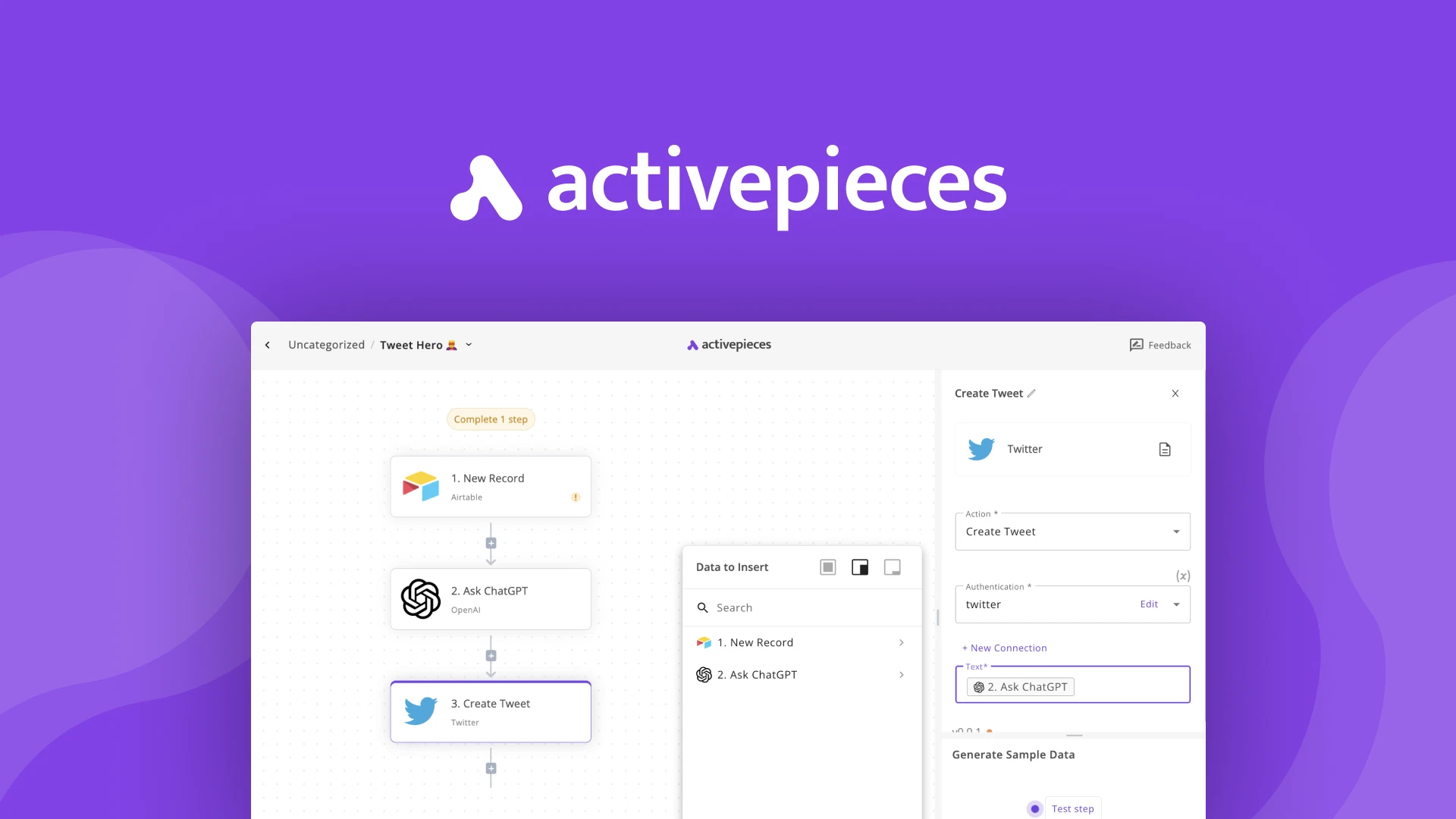
Activepieces is an open-source automation platform that allows teams to build custom workflows across apps without heavy engineering support. [Tools like Activepieces] offers flexibility for organizations that want more control over automation.
How Activepieces helps with HR automation:
Build automated workflows connecting HR tools.
Trigger actions based on employee lifecycle events.
Customize automation logic to match internal processes.
Reduce manual updates between systems.
Support both cloud and self-hosted deployment options.
10. Workhuman

Workhuman is a platform focused on employee recognition and engagement programs. It automates participation and tracking so appreciation becomes part of everyday work.
How Workhuman helps with HR automation:
Automate peer recognition programs.
Distribute rewards based on predefined criteria.
Track engagement metrics automatically.
Send reminders that encourage participation.
Generate reports on recognition activity.
11. Paycom

Paycom is a comprehensive HR and payroll platform that centralizes employee data and workforce processes. Self-service tools allow employees to manage their own information, reducing administrative work.
How Paycom helps with HR automation:
Automate payroll calculations and tax handling.
Enable employees to update personal data independently.
Route approvals for compensation changes.
Track attendance with automated systems.
Generate compliance reports as needed.
Want to save hours by automating repetitive typing & workflows?
Join over 700,000+ others who are automating workflows with Text Blaze.
12. BambooHR
Bamboo HR is an HR platform that helps organizations manage hiring, onboarding, and employee records within a structured environment. It provides workflows that guide teams through each stage of the employee lifecycle and streamline business communication.
How BambooHR helps with HR automation:
Assign onboarding tasks automatically.
Organize employee data in a centralized system.
Schedule performance review cycles.
Send alerts for incomplete HR activities.
Produce reports without manual compilation.
13. Redwood Software
Redwood Software delivers enterprise workflow automation designed to handle complex business automations and processes. It supports large organizations that require reliable scheduling and orchestration.
How Redwood Software helps with HR automation:
Automate multi-step HR workflows.
Schedule recurring processes without manual oversight.
Integrate with enterprise platforms.
Monitor workflows to ensure completion.
Reduce operational bottlenecks across departments.
14. PeopleForce
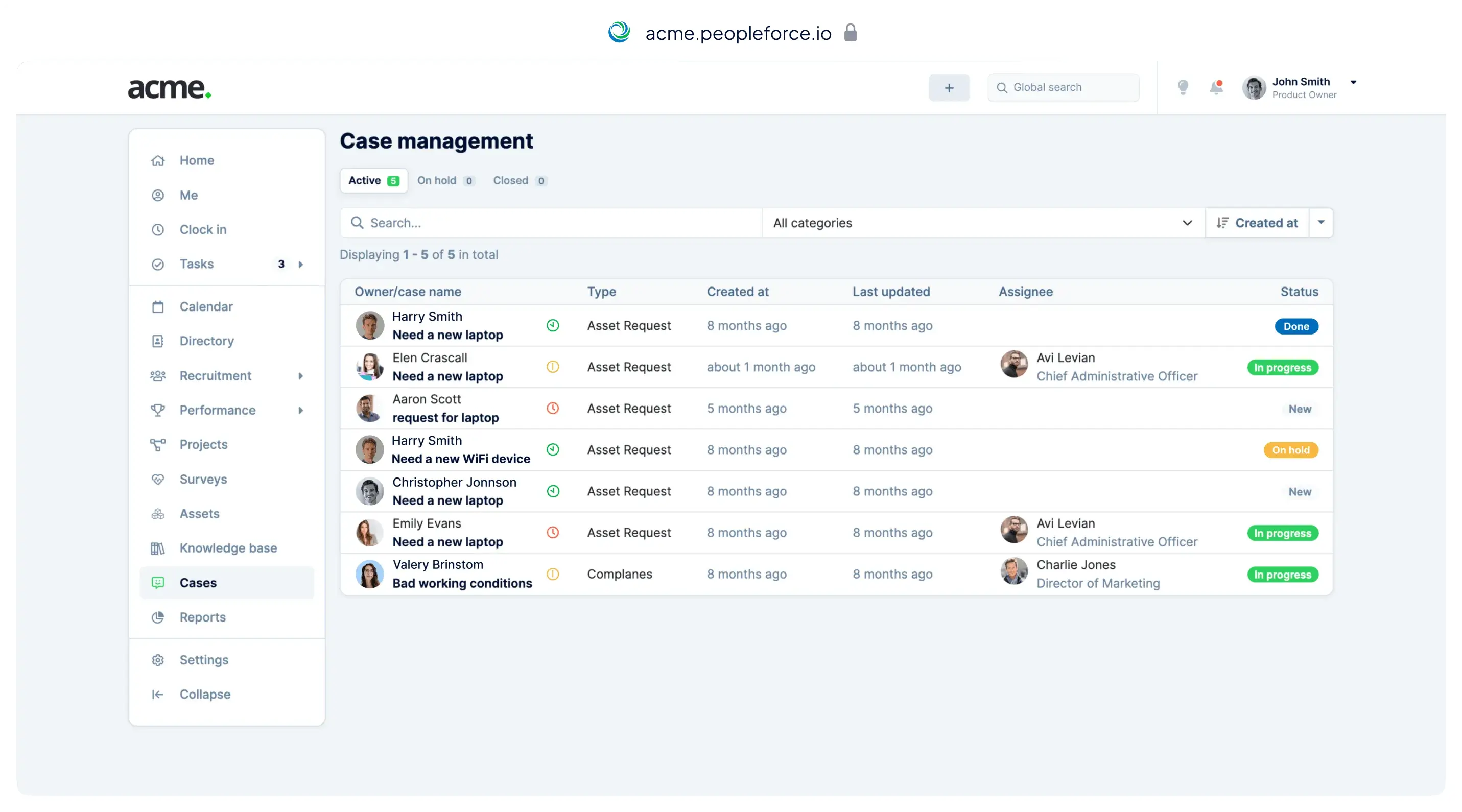
PeopleForce combines HR management with automation tools to support employee lifecycle processes. Dashboards provide visibility into workflows while self-service features reduce administrative demand.
How PeopleForce helps with HR automation:
Automate onboarding and offboarding processes.
Track internal requests with structured workflows.
Allow employees to manage their own profiles.
Monitor progress through centralized dashboards.
Send reminders for upcoming HR tasks.
15. Rippling
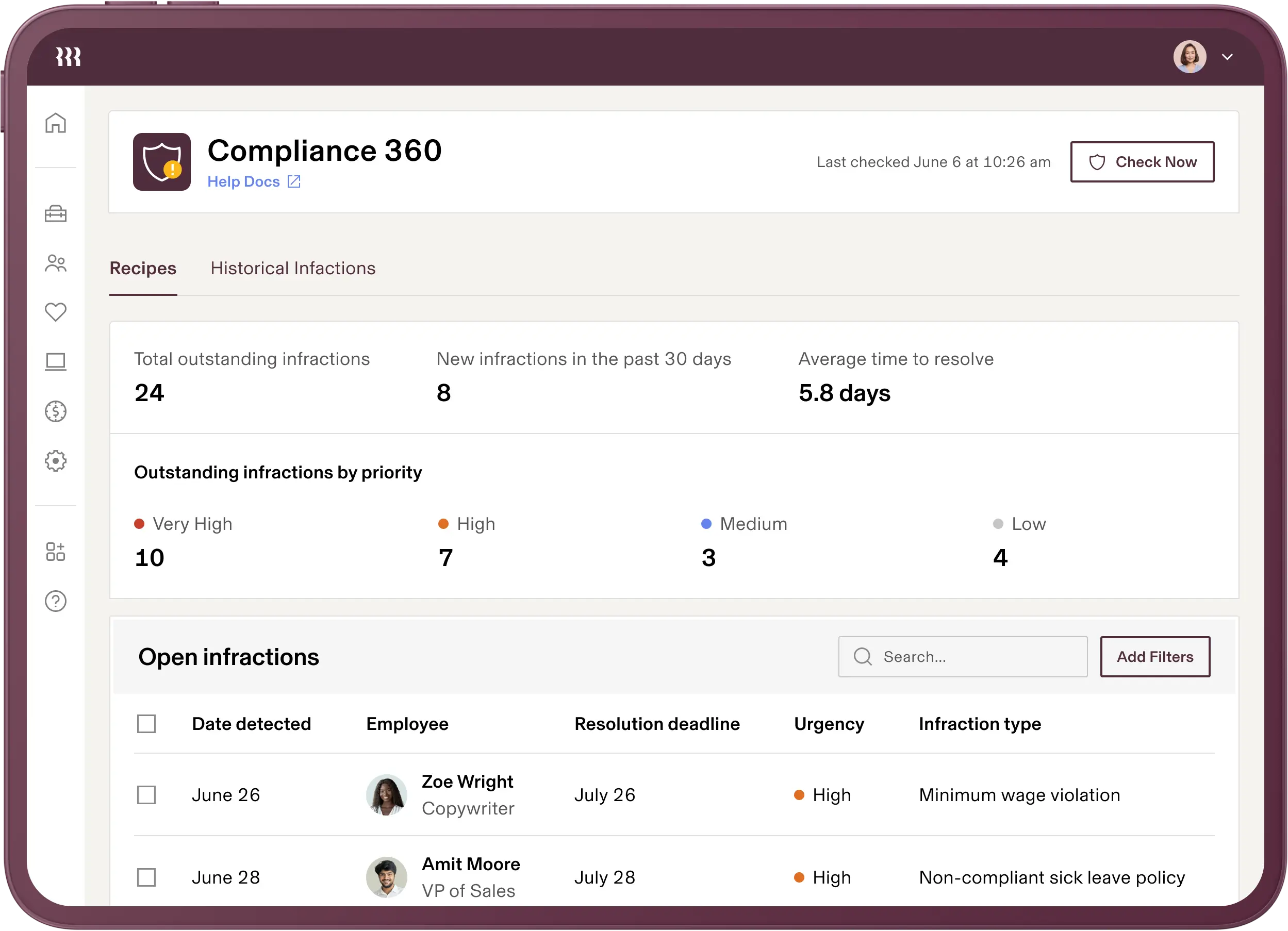
Rippling connects HR, IT, and finance operations within one system so employee changes trigger updates across departments. This coordination helps reduce manual handoffs during key transitions.
How Rippling helps with HR automation:
Provision software access automatically during onboarding.
Sync employee data across business systems.
Automate payroll and benefits administration.
Manage device setup without manual coordination.
Trigger workflows when roles or statuses change.
5 Ways to Automate HR Processes and Workflows
Automation works best when it targets the processes that slow your team down the most. Starting with a few structured workflows can make daily operations more predictable while reducing manual effort.
Here are 5 common ways you can automate HR processes & workflows:
Automate onboarding from day one
Set up workflows that trigger welcome emails, assign training, request documents, and notify managers as soon as a hire is confirmed. This removes the need to manually coordinate every step and helps new employees get started faster.
A structured onboarding process also creates a more consistent experience across departments. Over time, it becomes much easier to scale hiring without overwhelming your HR team.
Standardize document workflows
Offer letters, contracts, policy acknowledgments, and other forms can be generated automatically using templates. Routing documents for approval and signatures ensures nothing sits in an inbox waiting for action.
Automated storage keeps files organized and easier to retrieve during audits or reviews. This approach reduces paperwork while improving accuracy.
Build approval paths for common requests
Requests like PTO, compensation changes, and role updates should follow a clear path instead of relying on scattered messages. Automated approval workflows send requests directly to the right stakeholders and keep a record of decisions.
This improves transparency and helps prevent delays caused by missed emails. It also gives employees clearer expectations around response times.
Sync employee data across systems
When employee information updates automatically between HR, payroll, and benefits platforms, your team avoids duplicate data entry. This lowers the risk of errors that can create compliance or payroll issues.
Integration also ensures departments are working from the same information. As your organization grows, connected systems become increasingly valuable and can boost your team's productivity.
Automate employee communication
Routine updates such as policy reminders, benefits enrollment notices, and company announcements can be scheduled or triggered automatically. Consistent team communication helps employees stay informed without requiring HR to send each message manually.
Automated responses can also address common questions quickly. This allows your team to focus on conversations that require a more personal touch.
HR Automation Best Practices
Before implementing automation, it helps to approach it with a clear plan so workflows support your team instead of creating confusion.
Here are a few HR automation best practices that you can use to get started:
Start with high-impact processes - Focus first on tasks that consume the most time, such as onboarding or document routing.
Map your workflows - Understand each step before automating so you avoid replicating inefficient processes.
Keep the employee experience in mind - Automation should make interactions smoother, not more complicated.
Review regularly - Check automated workflows periodically to ensure they still match your policies and organizational needs.
Train your team - Make sure everyone understands how the tools work so adoption is consistent.
A thoughtful rollout makes it easier to see results quickly while building confidence across the organization.
What is the Best HR Automation Tool?
Finding the right HR automation software often starts with identifying which processes are creating the most friction for your team (onboarding, payroll, employee communication, etc). When you focus on the areas that drain the most time, the decision becomes much clearer.
It also helps to consider how the tool will fit into your existing workflows. Some teams prioritize structured onboarding, while others need stronger compliance tracking or smoother internal communication.
Less administrative work means more space to focus on the initiatives that actually support employees and strengthen your organization. Choosing a tool that removes repetitive tasks can help you step out of constant operational mode and spend more time on the work that truly matters.
To recap, our suggestion for the best free HR automation tool and software is Text Blaze. Text Blaze helps you automate repetitive typing. data transfer, form-filling, and workflows on any website. Plus, Text Blaze is free forever!
Give Text Blaze a try today!