7 Best Free Humata AI Alternatives in 2026
Discover the best Humata AI alternatives to help you summarize documents and chat with PDFs in 2026.

If you're trying to make sense of long PDFs, research papers, or work documents, it can feel overwhelming to read everything line by line.
You might just want quick summaries, clear answers, or a way to ask questions without digging through dozens of pages.
Tools like Humata AI are popular for this, but free limits can be frustrating if you use them often. That’s why many people look for a solid Humata AI alternative that can still summarize documents and let you chat with PDFs.
In this article, we'll cover the 7 best free Humata AI alternatives that you can use to summarize documents and chat with PDFs in 2025.
What is Humata AI?
Humata AI is an AI document summarizer that lets you upload PDFs and ask questions about them. Instead of reading the full document, you can ask for summaries, explanations, or specific details.
It’s commonly used for research papers, legal documents, and reports. The goal is to save time and make long documents easier to understand.
Is Humata AI Free?
Humata AI offers a free plan, but it comes with usage limits. It only includes access to basic features, and you can only summarize up to 60 pages and get 10 answers.
If you work with large PDFs or need frequent summaries, those limits can become a blocker. If that's your situation, check out the tools below for options with cheaper plans.
How to Choose a Humata AI Alternative
Not all AI PDF summarizers work the same way, so it helps to know what to look for before switching. The right tool depends on how often you summarize documents and what features matter most to you.
Here are a few things to look for:
Free usage limits - Some tools reset daily, while others cap pages or questions per document.
PDF interaction - Look for tools that let you chat with PDFs instead of only generating summaries.
File support - Check whether the tool works with scanned PDFs, large files, or multiple documents at once.
Ease of use - A simple upload and chat flow makes a big difference if you use it often.
Thinking through these points can help you avoid switching tools again later. A good Humata AI alternative should fit naturally into how you already work with documents.
5 Best Free Humata AI Alternatives
If you are tired of reading long documents, wasting time, and still not finding the information you're looking for, don't worry, there are plenty of AI tools out there that make this process much faster.
Here's our list of the 5 best free Humata AI alternatives in 2026:
1. AI Blaze
First up on our list of the best free Humata AI alternatives is AI Blaze.
AI Blaze is an all-in-one AI summarizing, studying, and writing assistant that helps you quickly read & summarize documents and PDFs and generate summaries in any format and on any site.
Here's why AI Blaze stands out:
Summarize any document or PDF with AI - Quickly chat with & summarize PDFs with AI.
Answer questions with AI - Have a question about something in a PDF, document, article, or anything else? AI BLaze can help you answer it in seconds!
No file uploads necessary! - AI Blaze can read any PDF or document, no file upload necessary. Plus, it works with any file type in Chrome!
Save & manage AI prompts, use them anywhere - With AI Blaze, you can save and manage your AI prompts and use them anywhere without having to copy/paste.
AI Blaze is free! - Forget about annoying licenses or subscriptions.
Want to summarize documents with AI?
Use AI Blaze to chat with documents and PDFs for free!
2. ChatPDF
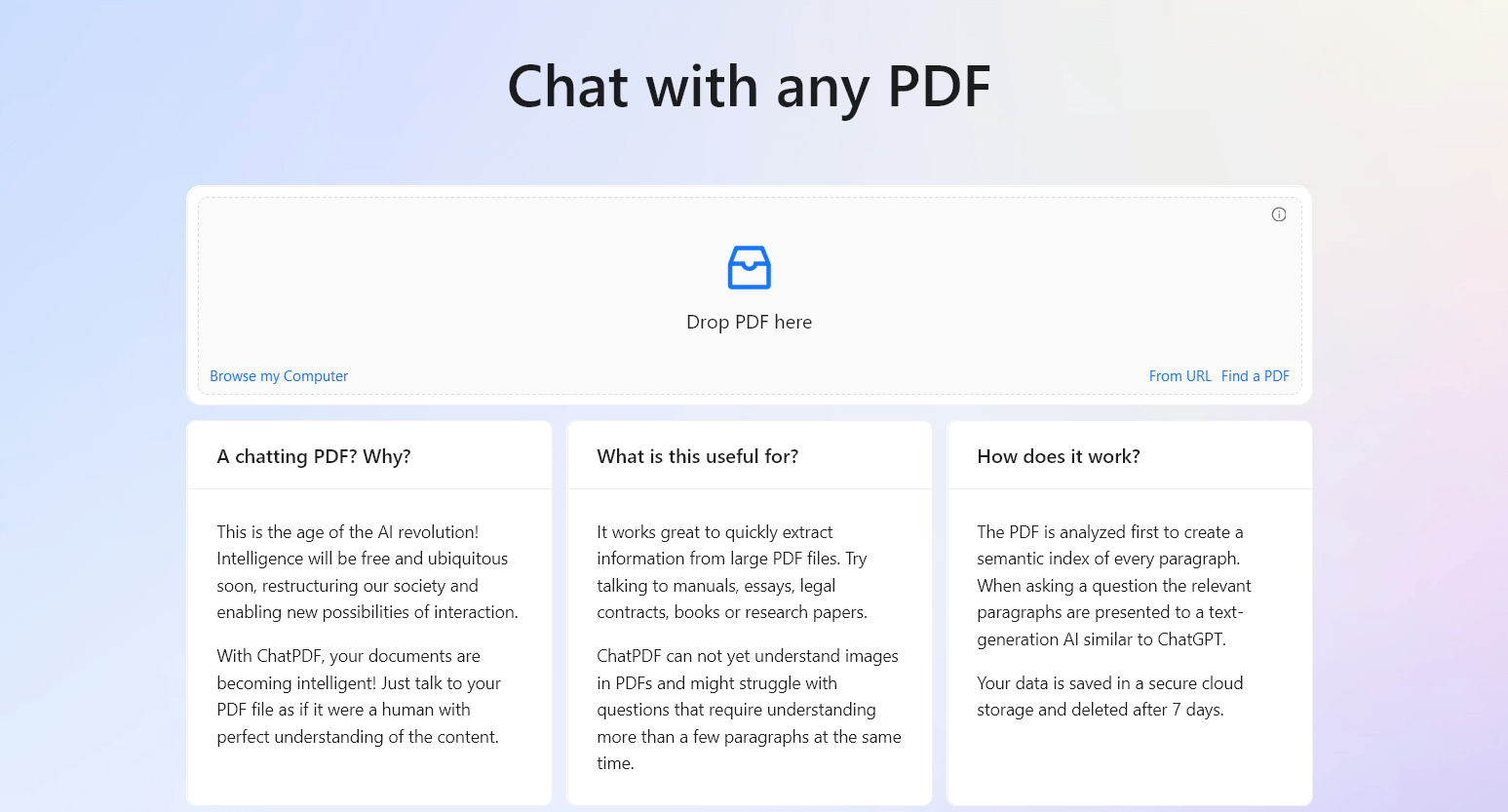
ChatPDF lets you upload a PDF and ask questions about its content using plain language. It’s commonly used to pull key points from long documents or clarify specific sections.
You can ask follow-up questions to explore details without rereading pages. Apps like ChatPDF work best for focused document review tasks. This approach helps reduce time spent scanning large files.
Best for: Summarizing files and videos.
Price: Limited free plan, paid plans start at $15.99/month.
3. AskYourPDF
AskYourPDF is designed for querying documents with natural questions. After uploading a PDF, you can request summaries or ask about specific topics inside the file.
It’s often used for research papers, reports, and structured documents. The tool supports deeper questioning across sections. Sites like AskYourPDF can be helpful when you need precise answers rather than broad summaries.
Best for: Analyzing academic documents & writing.
Price: Only 1 free upload per day, paid plans start at $11.99/month.
4. PDF.ai
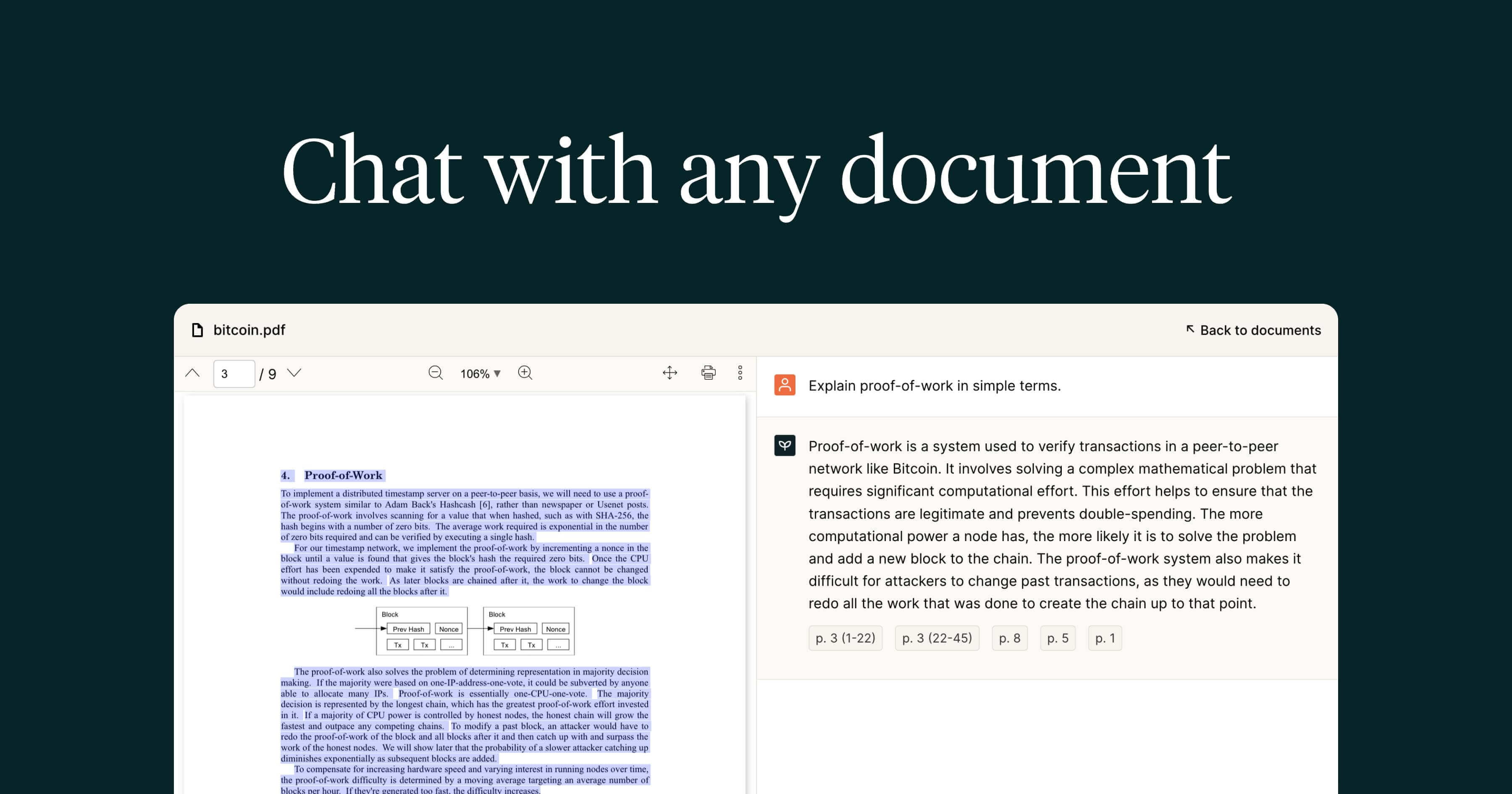
PDF.ai focuses on helping users extract information from documents through conversation. You can ask questions or summarize sections of a PDF.
It works well for contracts, manuals, and long reports. The tool is geared toward reducing manual reading. This makes it useful when documents are dense or technical.
Best for: Students who need sources extracted from documents.
Price: 1 free upload, paid plans start at $120/year.
5. docAnalyzer.ai

docAnalyzer.ai helps analyze documents by answering structured questions and generating summaries. It supports different document types, including PDFs.
You can explore content in more detail by asking targeted questions. The tool is useful when accuracy and structure matter. It fits well into research and analysis workflows.
Best for: Users who want more control over the AI with agents.
Price: 20 free documents per month, paid plans start at $6/month.
Want to summarize documents with AI?
Use AI Blaze to chat with documents and PDFs for free!
6. Logically App
Logically App focuses on understanding and breaking down complex written arguments. It helps summarize documents while also highlighting reasoning and structure.
This can be useful for analytical reading rather than surface-level summaries. It works well for essays, reports, and opinion-heavy documents. The goal is clearer understanding, not just shorter text.
Best for: Students who need to summarize documents and do research.
Price: 5 free queries a day, paid plans starting at $144/year.
7. Sharly AI
Sharly AI allows you to chat with documents and generate concise summaries. You can ask questions to clarify specific parts of a file.
It supports PDFs and other text documents. The tool is often used for quick document understanding. Tools like Sharly AI work well when you need answers without deep analysis.
Best for: People who need to collaborate with others on shared documents.
Price: 5 free docs/day, paid plans start at $150/year.
What is the Best AI Document Summarizer?
The best AI document summarizer is one that actually makes long documents feel manageable. When you’re tired of reading page after page, it should help you get clear summaries and direct answers without extra steps.
Look for tools that handle different document types, let you ask follow-up questions, and stay accurate as files get longer. It also helps when summaries feel consistent, so you know what to expect each time you upload something.
At the end of the day, the right tool is the one that helps you spend less time reading and more time actually using the information.
To recap, our suggestion for the best free Humata AI alternative is AI Blaze. AI Blaze is an all-in-one summarizing and writing assistant that you can use to chat with documents and generate summaries in seconds!
Give AI Blaze a try for free today!