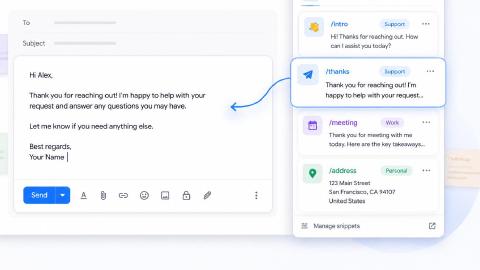
10 Best Free LanguageTool Alternatives in 2026
Discover the best free LanguageTool alternatives for checking grammar and spelling mistakes with AI in 2026.

Writing something that sounds clean and professional is harder than it should be. You reread a sentence, tweak a few words, and still feel unsure if it sounds right.
Small grammar mistakes, awkward phrasing, or tone issues can make you second-guess your writing, even when your message is solid.
A good grammar checker can take a lot of that stress off your plate. It helps you catch errors faster, tighten up your sentences, and feel more confident before hitting send.
In this article, we'll cover the 10 best free LanguageTool alternatives in 2026.
What is LanguageTool?
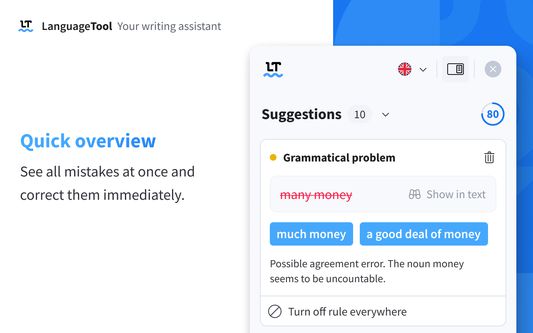
LanguageTool is a grammar checker that helps you find spelling mistakes, grammar errors, and style issues in your writing. It works in many languages and can be used through a browser extension, web editor, or integrations with other apps.
It focuses on clarity and correctness rather than rewriting your entire message. You still stay in control of your content, while the tool highlights areas that could be improved.
LanguageTool Pricing
LanguageTool offers a free plan, but AI features are only available on paid plans. To get full access, you have to choose a paid plan:
- Monthly - $24.90.
- Quarterly - $49.90/quarter.
- Annual - $69.90/year.
- 2 years - $119.80/2 years.
Because of that, some users look for alternatives that offer more flexibility in their free versions.
How to Choose a LanguageTool Alternative
A good grammar checker should support real writing, not just quick tests, and it should fit naturally into how and where you work.
Here are a few things to keep in mind while choosing a LanguageTool alternative:
In-depth free usage - The free version should give you meaningful grammar and writing feedback that you can rely on for everyday editing, not just surface-level corrections.
No character or word limits - Being able to check full emails, articles, or documents without splitting your text makes the tool much easier to use.
Working anywhere online - A grammar checker that works across websites and in your browser keeps your workflow smooth and uninterrupted.
Tone and voice control - Having control over how formal, friendly, or professional your writing sounds helps your message stay true to your style.
Privacy focused - Choosing a tool that is clear about how your data is handled gives you peace of mind, especially when working with sensitive content.
The best AI grammar checker is one that gives you freedom to write naturally while offering support that feels helpful and respectful of your work.
10 Best Free LanguageTool Alternatives
Some AI grammar checkers focus more on readability, while others give detailed grammar explanations or rewriting help. If you are in need of one, you'll find a tool that matches what you need below.
Here's our list of the 10 best free LanguageTool alternatives in 2026:
1. Grammit
First up on our list of the best free LanguageTool alternatives is Grammit. Grammit is your personal AI grammar checker and writing assistant that helps you catch mistakes and improve your writing anywhere you work.
Here's how Grammit stands out:
AI-powered grammar checking - Grammit helps you check your grammar, catch mistakes, and suggest improvements using AI.
AI writing assistant - Use Grammit to paraphrase, rewrite, and improve your writing. Ask questions and give it custom prompts to get the best results.
Grammit works anywhere - Take Grammit with you anywhere you work to improve your writing.
Privacy first - Grammit puts privacy first and checks your writing directly on your computer using a local, on-device LLM, It never sends your writing to external servers.
Price - Grammit is free!
👍
Pros
- Free to use.
- Privacy-first.
- Works on any website.
👎
Cons
- Only works on Chrome.
Want a free AI grammar checker?
Use Grammit to improve your writing anywhere with AI.
2. Grammarly
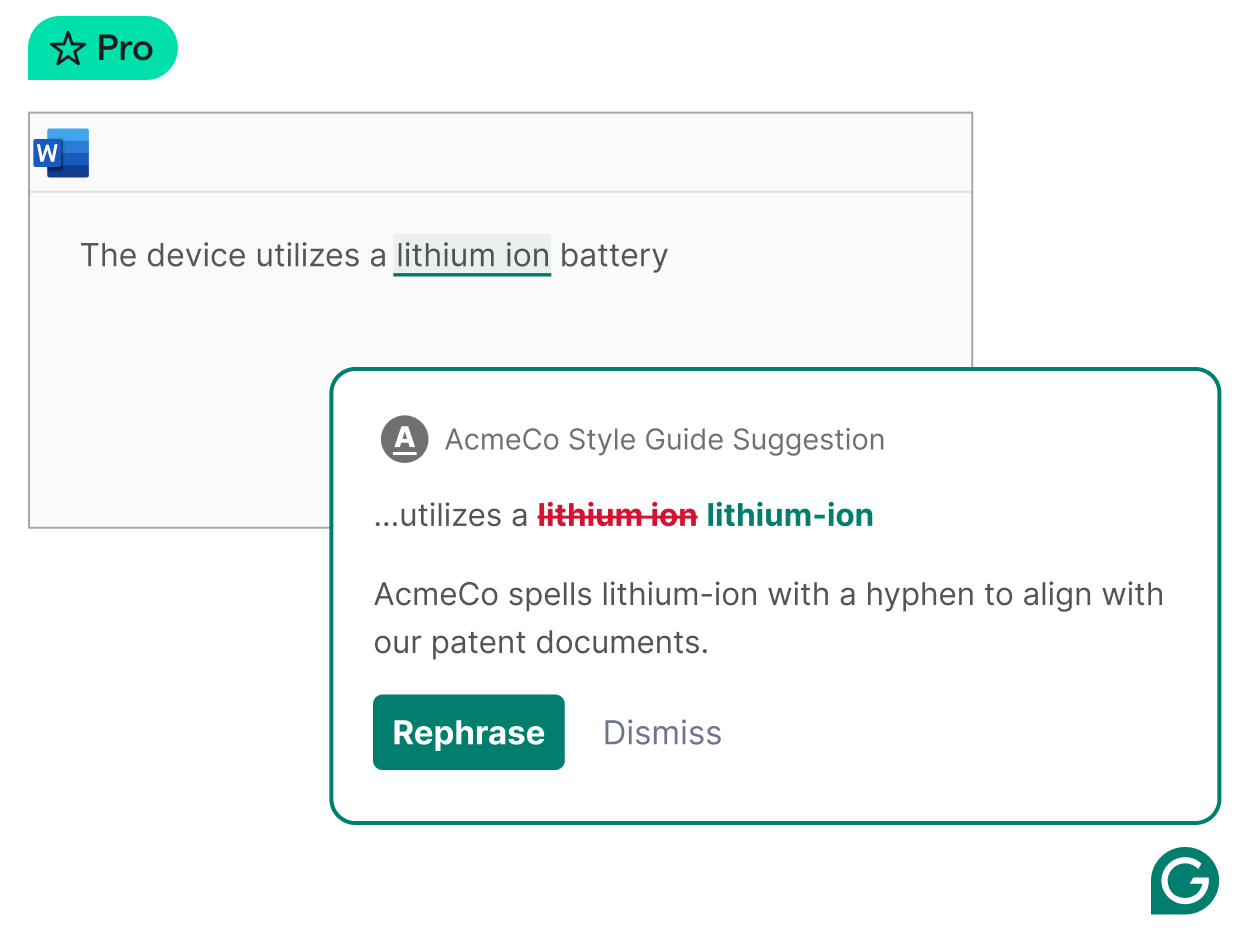
Grammarly is one of the most well-known AI grammar checker tools available. It checks grammar, spelling, punctuation, and also gives suggestions for clarity and tone.
It runs in your browser and inside many apps, which makes it easy to use while you write. Tools like Grammarly are especially helpful if you want quick feedback while typing. Its suggestions are simple and usually easy to apply.
👍
Pros
- Works anywhere.
👎
Cons
- Limited free AI features.
- Some see it as intrusive.
3. Trinka AI
Trinka AI is designed for more formal and technical writing. It works well for academic papers, research documents, and professional content. The grammar suggestions focus on accuracy and structure.
It also explains why certain changes are suggested, which can help you learn over time. This is useful if you care about precision in your writing.
👍
Pros
- Great for academic writing.
👎
Cons
- Limited free word count.
- Limited portability.
4. Flawlessly AI
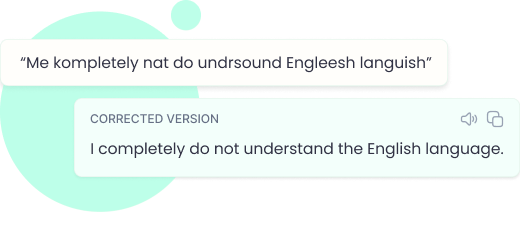
Flawlessly AI focuses on tone, clarity, and professionalism. It helps clean up sentences that sound awkward or unclear. This can be helpful when writing business emails or customer messages.
Instead of just marking grammar errors, it suggests small improvements that make writing feel smoother. It works well for short and medium-length texts.
👍
Pros
- Simple, effective UI.
👎
Cons
- Limited advanced features.
- A little too simple for some users.
5. Hemingway Editor
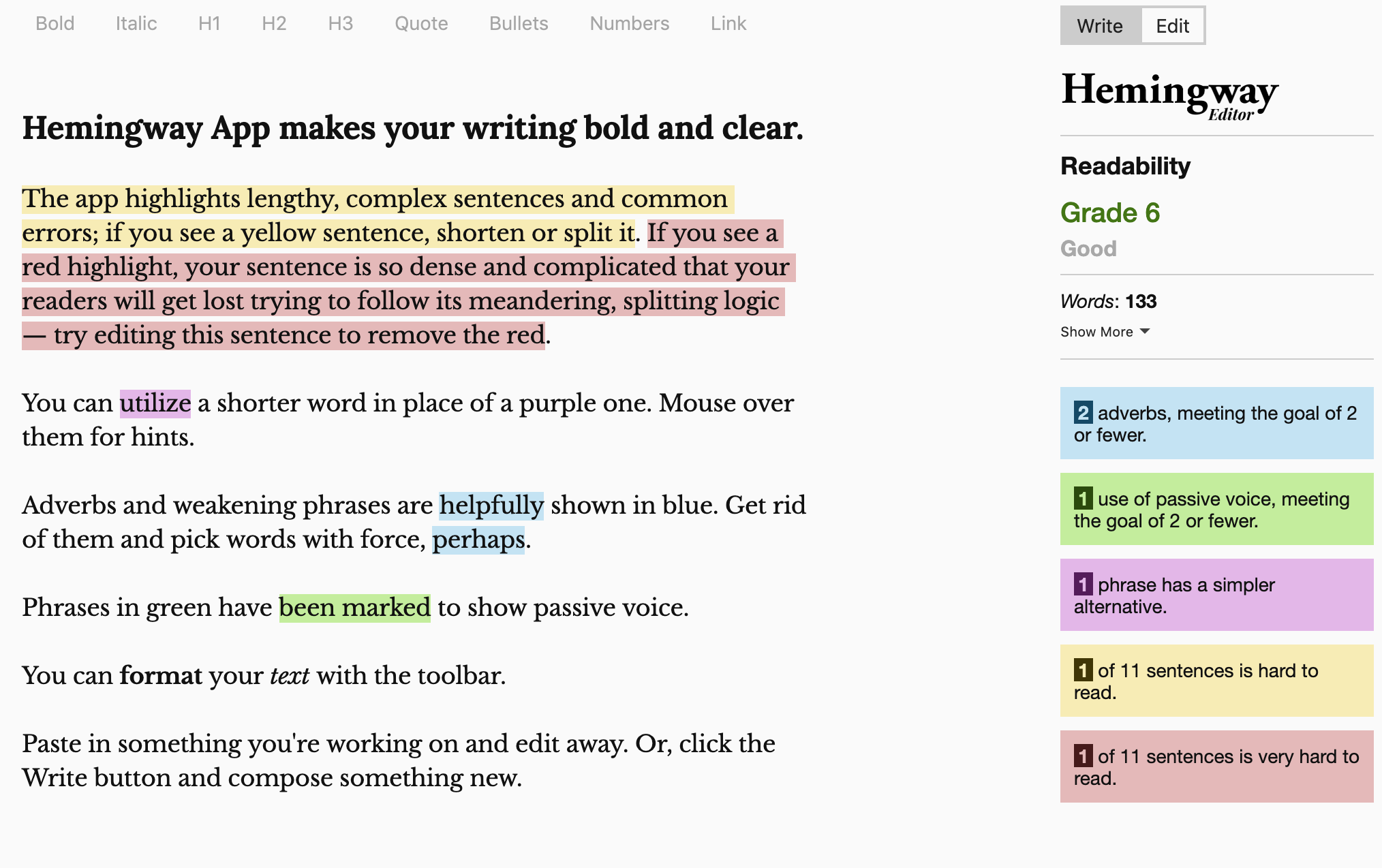
Hemingway Editor is more about readability than grammar. It shows where your sentences are too long, too complex, or hard to read. It also points out passive voice and unnecessary words.
This tool is useful if you want your writing to be clear and direct. It does not act like a full grammar checker, but it helps improve structure and flow. Many people use it alongside another grammar tool.
👍
Pros
- In-depth writing suggestions.
👎
Cons
- Not portable.
- AI features are paid-only.
6. ProWritingAid
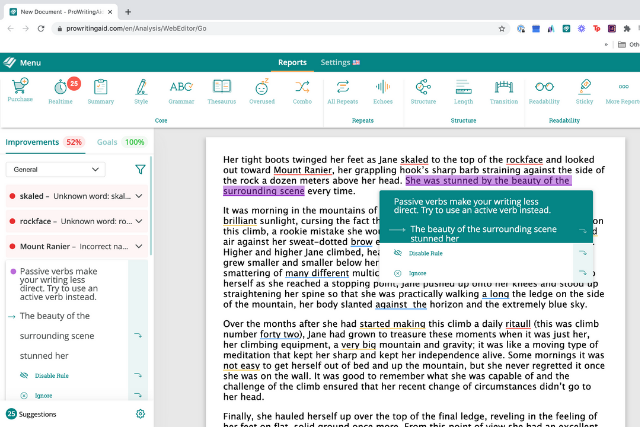
ProWritingAid offers detailed feedback on grammar, style, and structure. It analyzes sentence length, readability, and consistency.
It is helpful for longer writing projects like blog posts or essays. The reports can feel detailed, but they give you a deeper look into your writing habits. Tools like ProWritingAid are good if you want to improve your writing over time.
👍
Pros
- In-depth analysis and suggestions.
👎
Cons
- Not portable.
- 500 word count limit for free users.
Want a free AI grammar checker?
Use Grammit to improve your writing anywhere with AI.
7. DeepL Write
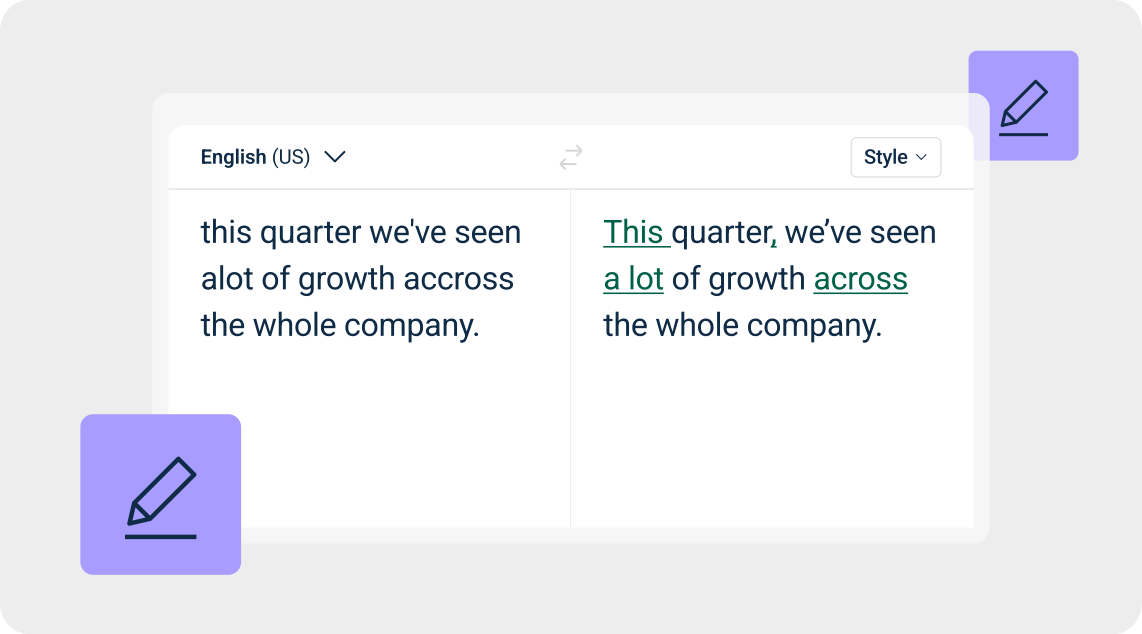
DeepL Write focuses on rewriting and improving clarity. It suggests alternative ways to phrase sentences while keeping your meaning intact. This makes it helpful when something sounds off but you are not sure why.
The tool is simple and quick to use. You paste your text and review suggested versions. It works well for refining tone and sentence flow in short pieces.
👍
Pros
- Choose the style you're going for.
👎
Cons
- Copy/paste only.
- Limited free characters/month.
8. EditGPT
EditGPT is a change-tracking grammar checker that shows you exactly what was modified. It is helpful if you want transparency and control over edits. You can review each change before accepting it.
It works well for editing drafts and checking revisions. Sites like EditGPT are useful when accuracy matters and you want to see every adjustment.
👍
Pros
- Many useful rewriting options.
👎
Cons
- Limited free words/month.
- Not super portable.
9. Writefull
Writefull is designed for academic and formal writing. It checks grammar while also suggesting improvements based on common language usage in research writing. This makes it helpful for students and professionals.
It can help you write more naturally in formal contexts. This is especially useful when clarity and correctness are important.
👍
Pros
- Good for rewriting.
👎
Cons
- Limited free usage quota.
- No advanced writing suggestions.
10. CleverType
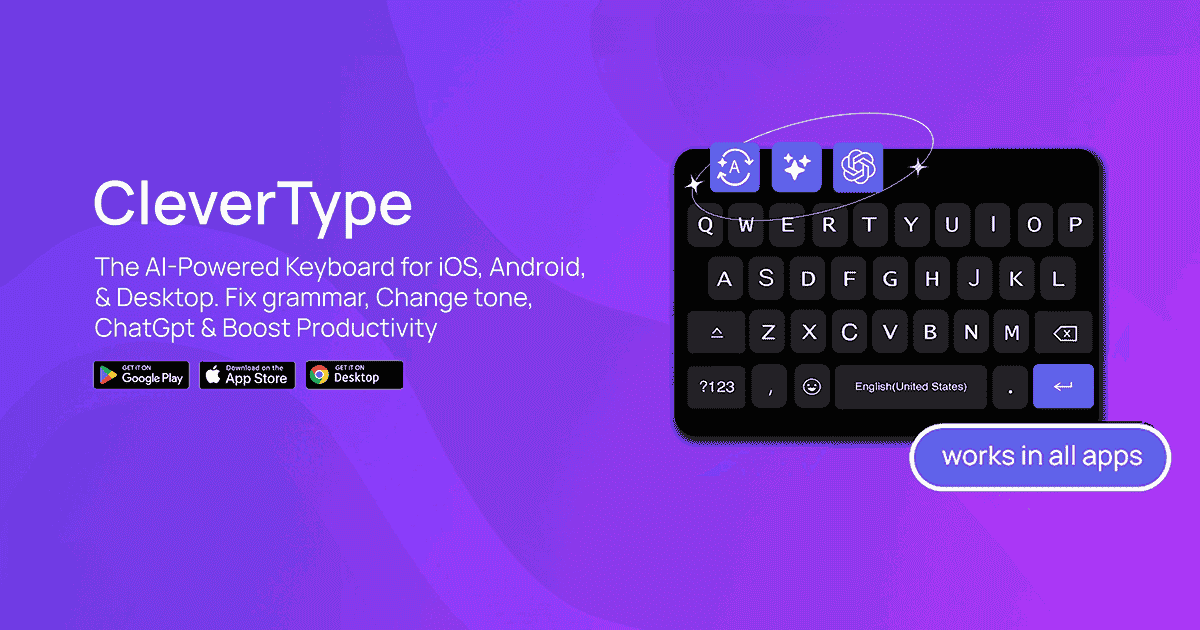
CleverType works as a grammar and writing assistant that focuses on simplicity. It checks for basic grammar mistakes and helps clean up short messages. The design keeps things easy to understand.
It is useful for quick edits on emails, messages, and short content. This makes it a good option for everyday writing support.
👍
Pros
- Works on mobile and desktop.
👎
Cons
- Unlimited usage is paid-only.
- More focused on messaging than in-depth writing.
What is the Best Tool for Workflow Automation?
The best tool for workflow automation depends a lot on where you do your writing and how much support you actually want.
If most of your writing happens in a browser, you may want something that works everywhere without forcing you to copy and paste. If you write longer content, you might care more about deeper feedback on clarity, tone, and structure.
It also comes down to how much help you need with fixing awkward writing. Some people just want quick grammar corrections, while others want guidance on making sentences sound smoother and more natural.
The right choice is the one that fits into your daily workflow and makes editing feel less stressful. When your tool supports you where you already write, fixing those awkward spots becomes faster and more natural.
To recap, our suggestion for the best free LanguageTool alternative is Grammit. Grammit is your personal AI grammar checker and writing assistant that works on any website.
Give Grammit a try for free today!