10 Best Free Lindy AI Alternatives in 2026
Give these free Lindy AI alternatives a try to automate workflows and save time with AI assistants in 2026.

If you’re tired of spending hours on repetitive tasks, setting up workflow automation can make a big difference. The right tools help you connect apps, cut down on manual work, and keep things organized without adding more effort to your day.
Lindy AI is a popular tool that helps people automate workflows with AI. Though, there are many other great tools out there that can help (and are more affordable).
In this article, we’ll cover the 10 best free Lindy AI alternatives in 2026. Let’s dive in!
What is Lindy AI?
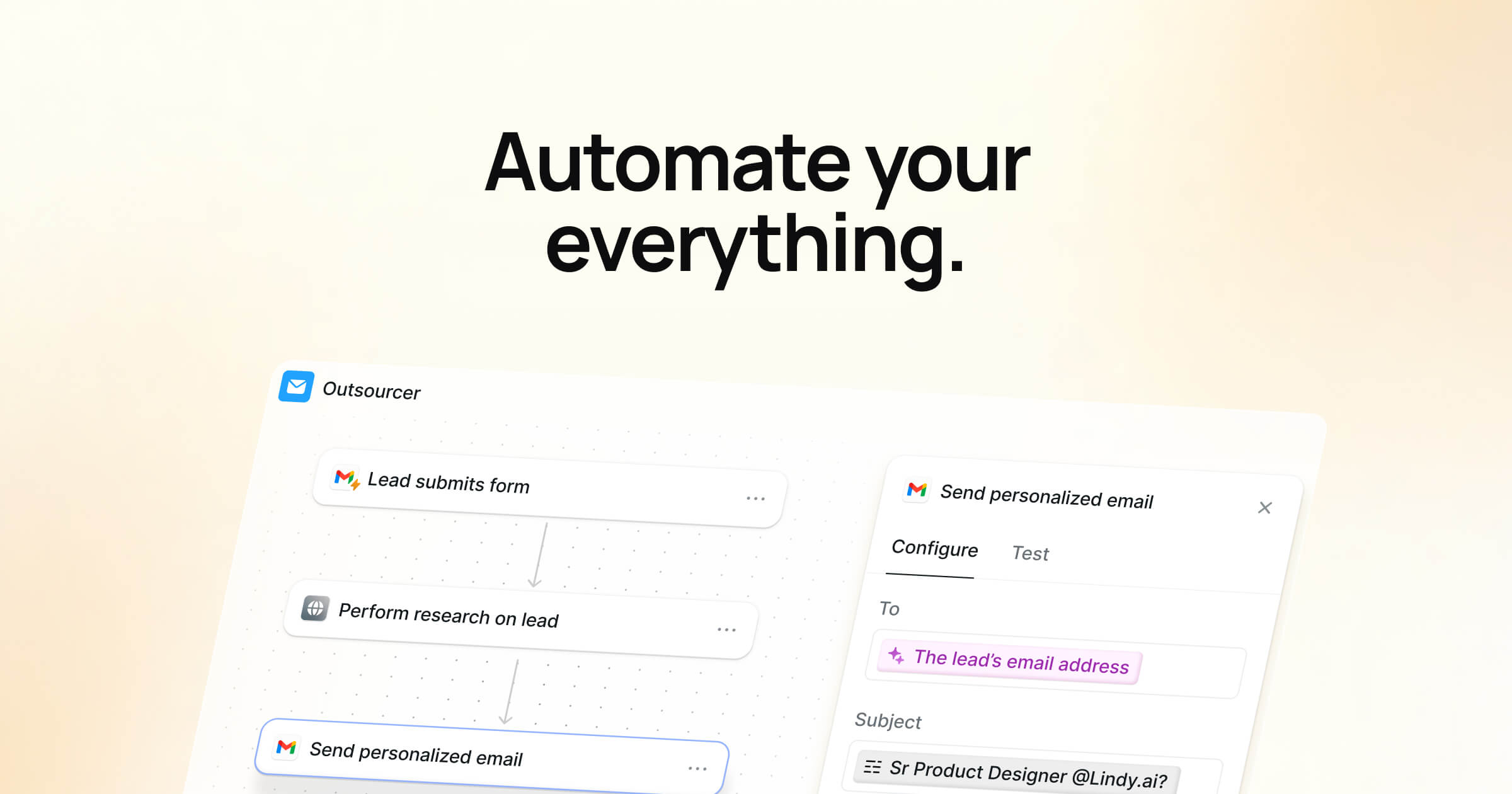
Lindy AI Lindy AI is a tool designed to bring the power of AI into workflow automation. It helps you connect apps, set up processes, and use AI to handle tasks that usually take up time.
Instead of switching between different platforms or doing everything manually, Lindy AI lets you build automations that keep work moving with less effort.
Lindy AI Pricing
Lindy AI offers a 7-day free trial. Beyond that, you have to upgrade to a paid plan. If you're looking for a tool to fully automate workflows, you likely need a tool with a more generous free plan.
If you're really trying to dive into automating workflows, make sure the tool you choose has a free plan that offers enough usage. Check out the alternatives below for some options that might work better for you.
Want to save hours by automating repetitive typing & workflows?
Join over 700,000+ others who are automating workflows with Text Blaze.
Are Workflow Automation Tools Worth Using?
Using workflow automation can save time, reduce manual errors, and help teams work more efficiently. These tools make it easier to manage daily tasks and connect apps that don’t naturally integrate.
Here are the benefits of using workflow automation tools:
Save some time - Automate repetitive tasks so you can focus on work that actually matters.
Cut down on mistakes - Reduce human error by letting automations handle data entry and transfers.
Keep everything on track - Make sure processes run smoothly without missing key steps.
Handle more without extra help - Take on more work without needing to add new team members.
Work better together - Share automations across your team so everyone benefits from the setup.
Overall, workflow automation tools can be a valuable part of your setup if you want to work smarter instead of harder.
How to Choose a Lindy AI Alternative
Choosing the right Lindy AI alternative depends on what you want to automate and how you prefer to work. Each tool comes with different strengths, so focusing on your needs will help you find the best match.
Here are a few things to look for when making your choice:
Easy to get started - Pick a tool that’s simple to set up so you don’t waste hours just learning the basics.
Works with your apps - Make sure it connects with the tools you already rely on every day.
Free plan that’s practical - Check if the free version gives you enough workflows or tasks to be useful in real situations.
AI that supports your tasks - Look for automation options that use AI to handle the kind of text, data, or inputs you deal with most.
Fits your future growth - Choose something that can scale as your projects and responsibilities expand.
By paying attention to these factors, you’ll be able to find a Lindy AI alternative that saves time, fits your workflows, and helps you get more done without unnecessary friction.
10 Best Free Lindy AI Alternatives
Repetitive workflows are so last year. In 2026, you should invest in automating workflows to help you save time.
Here's our list of the 10 best free Lindy AI alternatives in 2026:
1. Text Blaze

First up on our list of the best free Lindy AI alternatives is Text Blaze.
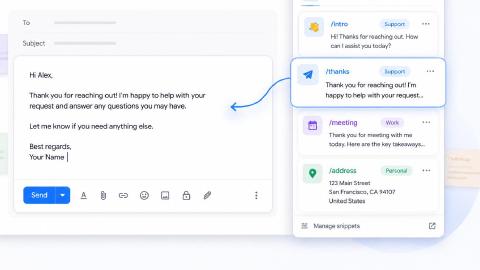
Text Blaze allows you to create smart text templates and insert them anywhere you work to automatically fill out forms, transfer data, automate repetitive typing, and much more.
For example, if you need to quickly fill out a repetitive form in Google Forms or in your CRM, all you have to do is type a keyboard shortcut and Text Blaze will do the rest for you!
With Text Blaze, you can automate form-filling and data transfer on any website with dynamic templates!
With Text Blaze, you can:
Automate repetitive typing anywhere you work! Text Blaze works on Chrome, Windows, and Mac.
Streamline workflows like transferring data, filling out forms, sending an email, or any other repetitive workflow.
Create dynamic templates that you can customize for any situation. Use placeholders and advanced commands to create powerful templates.
Save time for free! Text Blaze is free forever, no licenses or upgrades necessary.
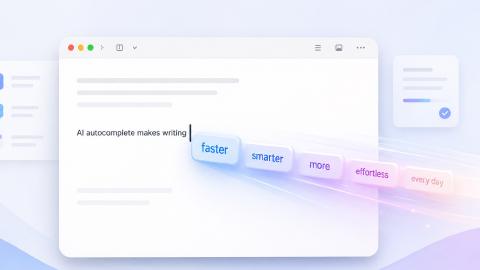
Generate templates with AI! With Text Blaze, you can generate powerful templates with AI Write to help you save time.
Want to save hours by automating repetitive typing & workflows?
Join over 700,000+ others who are automating workflows with Text Blaze.
2. Gumloop
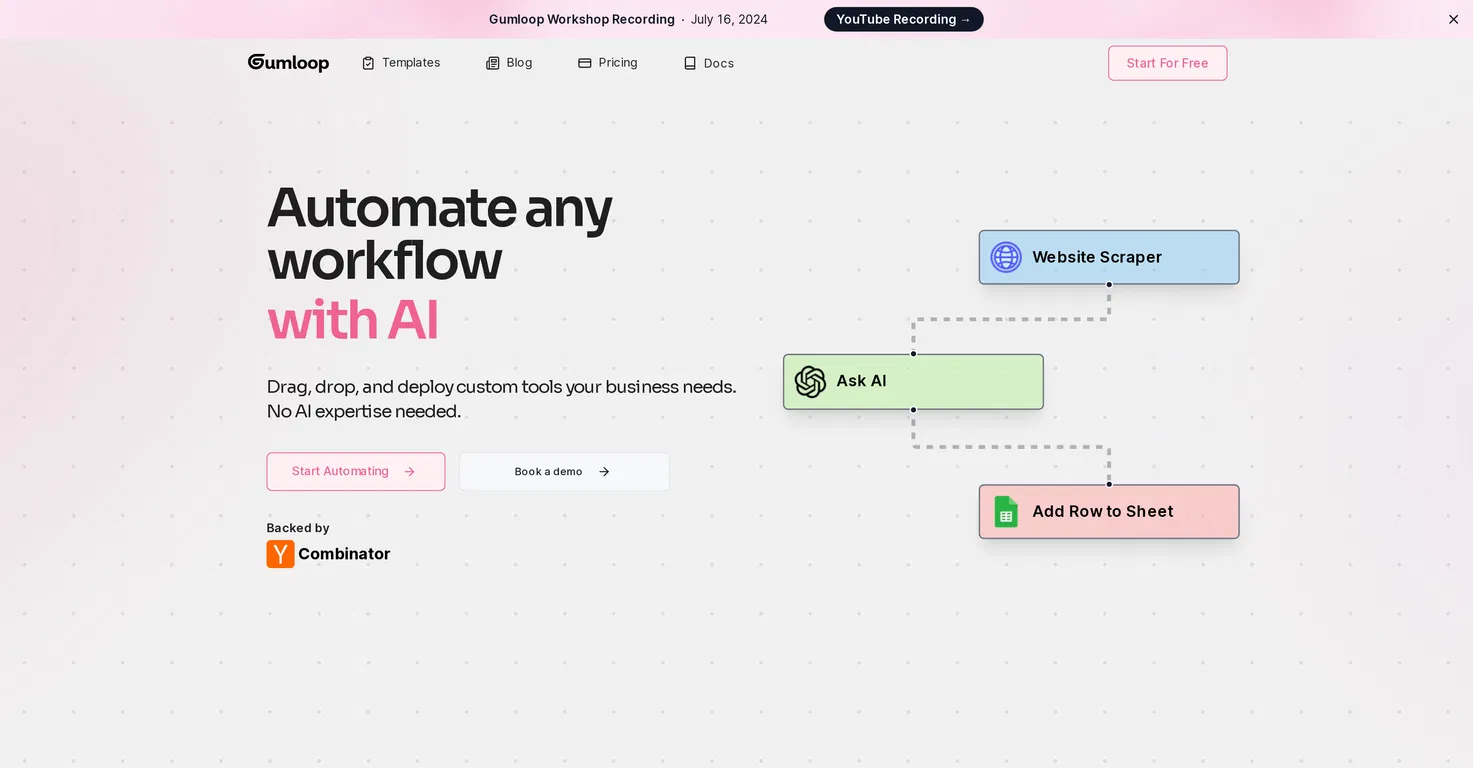
Gumloop lets you design workflows by connecting steps together in a visual editor. You can combine app integrations, set conditions, and add AI functions to process information or text.
It’s flexible enough to build unique automations tailored to specific tasks. This makes it a good option if you want more control over how your workflows are structured.
3. Zapier

Zapier connects apps and services through “Zaps,” which are triggers and actions that run automatically. It supports a large range of integrations, allowing you to link tools that don’t work together out of the box.
Workflows can range from simple one-step tasks to more complex multi-step processes. Sites like Zapier are often used to keep information moving between different platforms without manual effort.
4. Integrately

Integrately focuses on making it quicker to set up automations by providing ready-made templates. Instead of building workflows from scratch, you can start with one-click setups between popular apps.
It supports both straightforward and more detailed automations depending on your needs. It also connects a lot of sites and automate work on your browser.
5. Relevance AI

Relevance AI is centered on building workflows that involve AI and data analysis. It allows you to automate tasks that use models to process text, documents, or other forms of data.
Workflows can include steps for organizing, classifying, or transforming information with AI tools. It’s particularly suited for tasks where automation benefits from AI-driven insights.
6. Sintra AI

Sintra AI helps you create AI assistants that can handle specific tasks within your workflows. You can train these assistants to work with your data, automate processes, and respond to common situations.
It focuses on making AI more accessible for everyday automation needs. This approach works well if you want to delegate routine tasks to an AI that learns your preferences over time.
7. Relay App

Relay App combines workflow automation with human-in-the-loop steps, letting you add approval points or input requests into automated processes. This means you can build workflows that run automatically but pause when they need a decision or review.
It supports integrations with popular apps and includes AI features for processing text and data. It's designed for teams that want automation with oversight built in.
Want to save hours by automating repetitive typing & workflows?
Join over 700,000+ others who are automating workflows with Text Blaze.
8. Monica AI
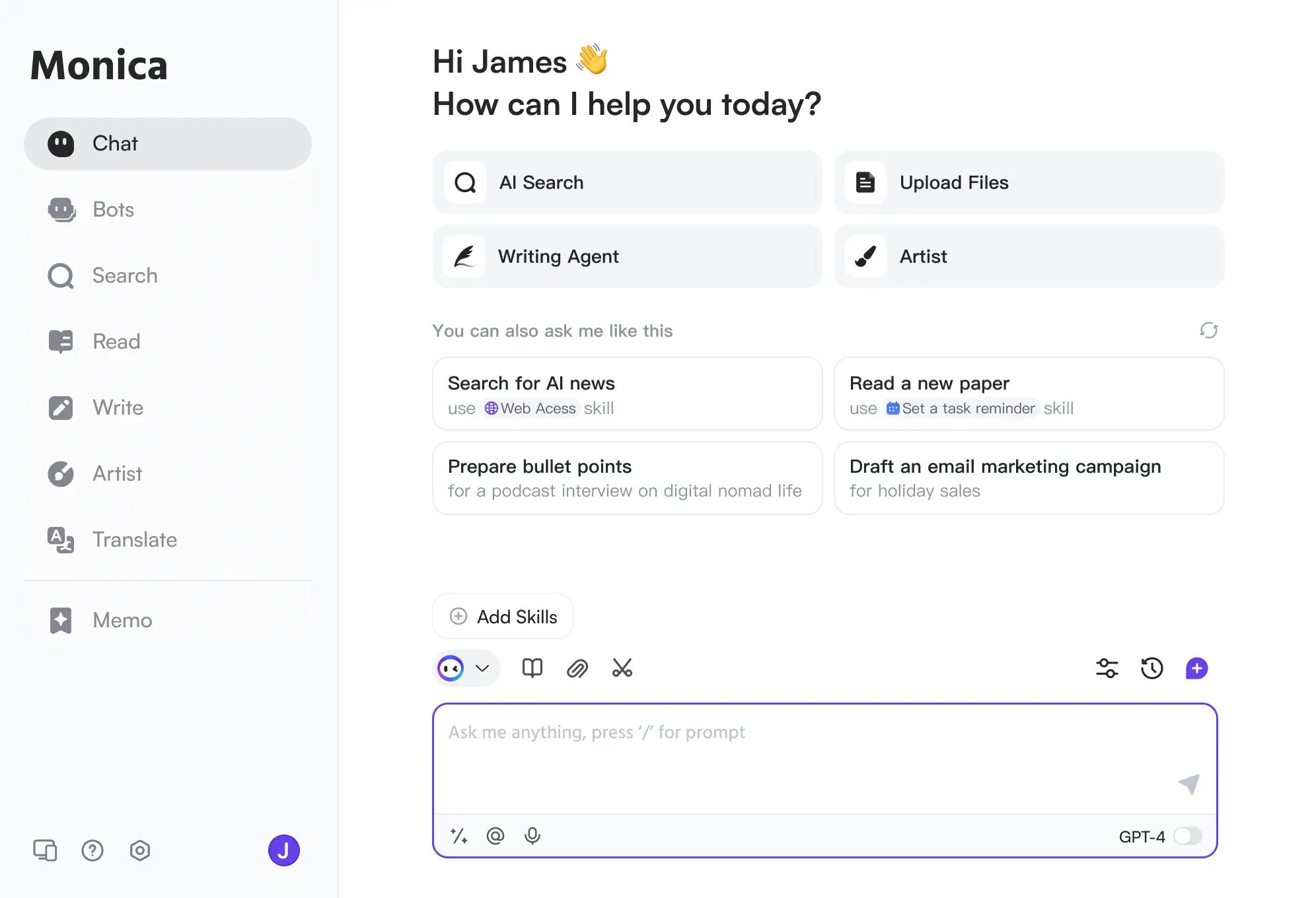
Monica AI functions as an AI assistant that works alongside you in your browser. It can help with writing, research, summarizing content, and answering questions as you browse different sites.
Instead of switching between tools, you can access AI support directly where you're working. Tools like Monica AI are useful for tasks that require quick AI assistance without leaving your current workflow.
9. Pi AI
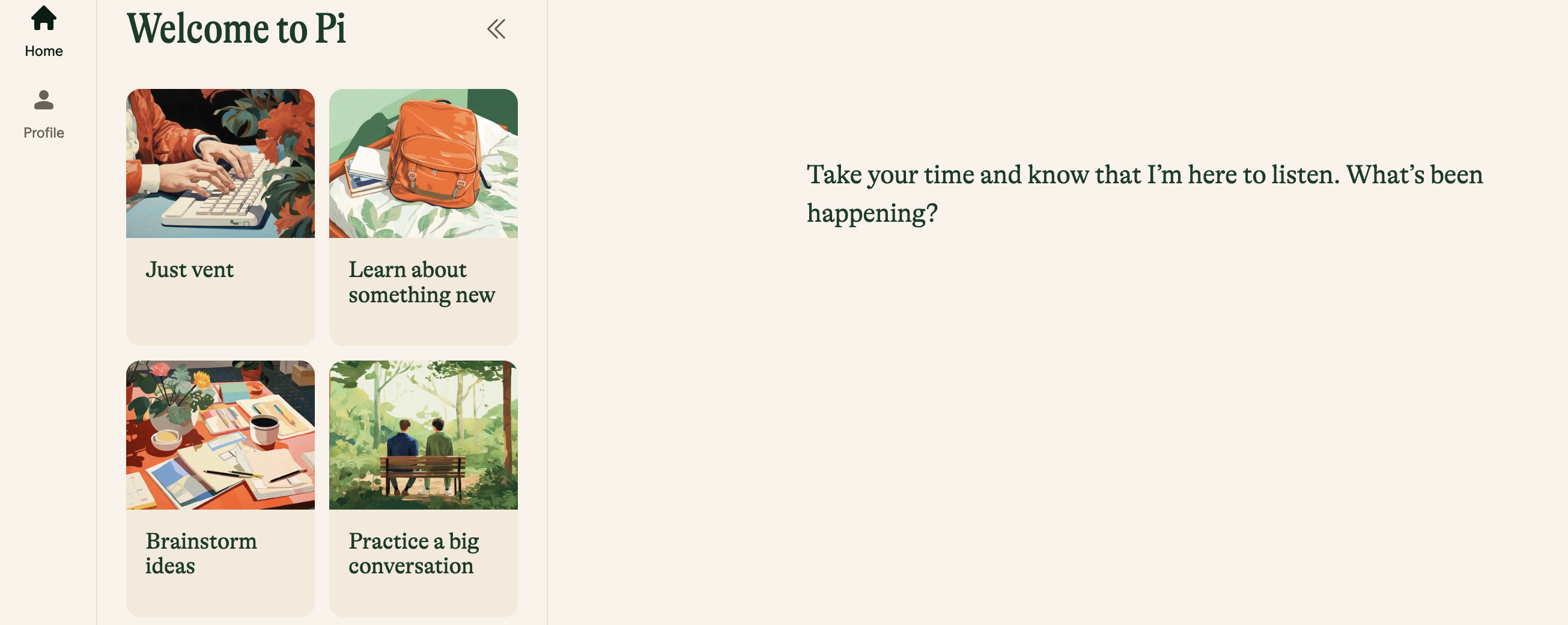
Pi.AI is a conversational AI assistant that helps you think through problems and organize ideas. It uses natural language interactions to support tasks like planning, brainstorming, and decision-making.
The focus is on providing a more personal, supportive AI experience. Tools like Pi AI work well for situations where you need to talk through workflows or get help refining your approach to tasks.
10. Saner AI
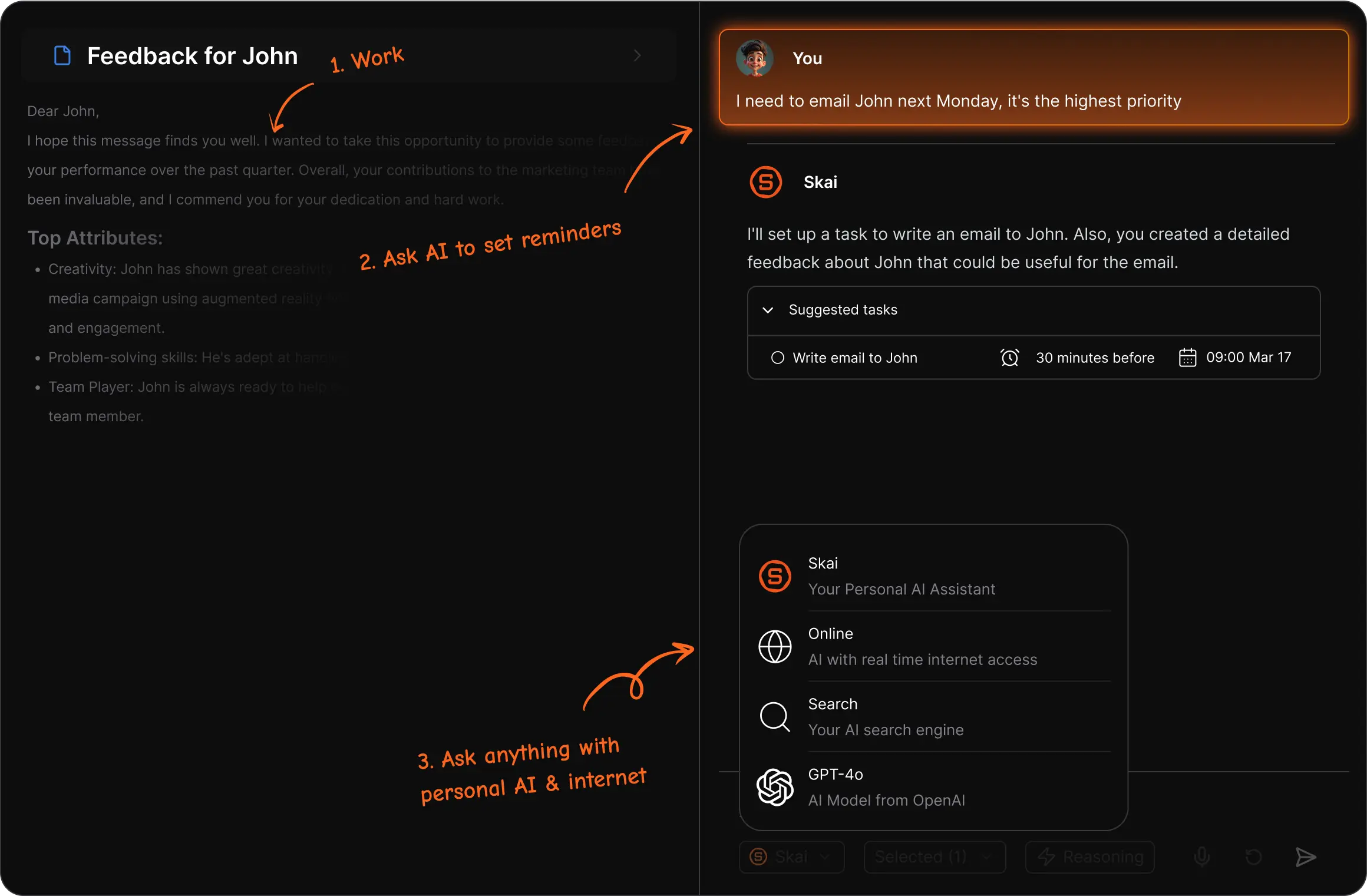
Saner AI focuses on helping you capture, organize, and retrieve information using AI. It works as a knowledge management tool that automatically categorizes notes, documents, and ideas.
You can use it to build a searchable repository of information that grows smarter over time. It's particularly helpful if your workflows involve managing large amounts of research or reference material.
Which Lindy AI Alternative Is Your Favorite?
Workflow automation can make a noticeable difference in how you manage tasks and connect your tools. Lindy AI is one option, but there are several alternatives that give you flexibility in how you set up and run automations.
Whether you need text templates, custom workflows, or AI-driven processes, the tools in this list provide different ways to get there.
To recap, our suggestion, for the best free Lindy AI alternative is Text Blaze. With Text Blaze, you can automate repetitive typing, data transfer, form-filling, and full workflows. Plus, Text Blaze is free forever and works anywhere you do! Give it a try today!