Top 15 Low-Code Workflow Automation Tools in 2026
Compare 15 low-code & no-code workflow automation tools. See use cases, key features, and how to choose the right platform for your team.

Work rarely slows down on its own. Tasks pile up, approvals get delayed, data moves between systems manually, and small process gaps start to create larger operational problems.
Low-code workflow automation helps teams remove those bottlenecks without relying heavily on engineering.
Instead of building custom infrastructure, you can design workflows that keep work moving, improve consistency, and reduce the amount of manual coordination required across tools.
In this guide, you’ll learn what low-code and no-code automation mean, how to choose the right platform, and which tools are worth evaluating for your workflows.
What is Low-Code and No-Code Automation?
Low-code and no-code automation refer to tools that help teams build workflows without relying heavily on traditional software development. Instead of writing scripts, users create automations through visual builders, templates, and integrations that connect the tools they already use.
Low-code platforms provide structured environments with room for customization when workflows become more complex. Teams can adjust logic, add technical components, and scale processes without building systems from scratch.
No-code workflow automation tools prioritize speed and simplicity. Workflows are typically created through drag-and-drop interfaces, allowing non-technical teams to automate approvals, notifications, data routing, and routine processes with minimal setup.
The goal of both approaches is the same: reduce manual work, improve consistency, and help organizations scale operations without increasing overhead. Choosing between them usually comes down to how complex your workflows are and who will be responsible for maintaining them.
How to Choose a Low-Code Automation Tool
Choosing a low-code workflow automation platform is less about finding the most powerful system and more about identifying what will actually remove friction from your processes. Start by looking closely at where work slows down today.
Here are a few things to keep in mind while evaluating our list of tools:
Integration coverage - Make sure the platform connects to the tools your team already relies on. Strong workflow automation software should reduce tool switching, not create more of it.
Workflow complexity - Some low-code automation platforms handle simple triggers well but struggle with branching logic or multi-step approvals. Map your typical workflows before committing.
Ease of maintenance - Automations need owners. Look for tools that make it easy to troubleshoot workflows, update steps, and monitor failures without requiring constant technical support.
Governance and security - If workflows touch customer data or internal systems, permission controls and audit logs matter. This becomes especially important as business automation expands across teams.
Pricing model - Many workflow automation tools charge per task, execution, or user. Estimate usage early so costs do not scale faster than expected.
Who will build the workflows - If non-technical teams will manage automations, prioritize clarity and usability. If IT will own them, deeper customization may be worth the tradeoff.
The right low-code or no-code workflow automation tool should quietly support your operations while giving your team back time to focus on higher-value work.
Top 15 Low-Code Workflow Automation Tools
If your team's manual processes start slowing execution or creating inconsistencies, it's time for an upgrade to make things more efficient.
Don't worry, you don't need to be very technical to make it work, as these tools help you build better workflows without requiring coding knowledge.
Here's our list of the top 15 low-code workflow automation tools in 2026:
1. Text Blaze
First up on this list of the best low-code and no-code automation tools is Text Blaze.
Text Blaze is the highest rated productivity app on the Chrome Web Store, with a 4.9 rating and 1,800+ 5-star reviews.
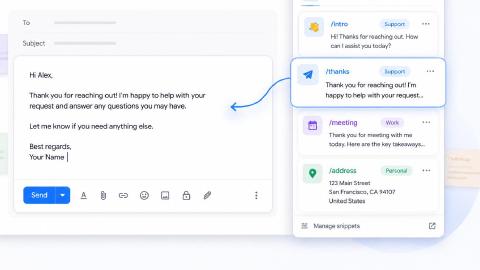
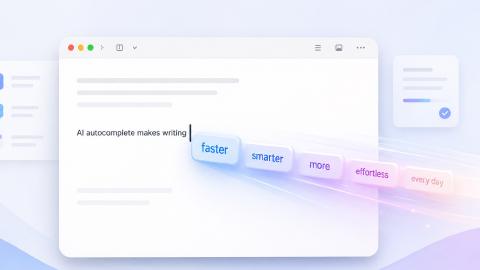
With Text Blaze, you can automate repetitive typing with keyboard shortcuts & dynamic text templates that work on any site or app.
How Text Blaze helps with automation:
Automate emails & messages to customers with dynamic, smart templates that work in any site or app.
Get the correct response in every interaction. Text Blaze helps you get the right message every time.
Reduce mistakes with templates that help agents stay consistent and on-brand.
Streamline repetitive workflows, like transferring data, filling out forms, sending an email, or any other repetitive workflow.
Text Blaze is perfect for support teams! Learn more about using Text Blaze for teams to supercharge your team's communication and productivity!
Pros
- Easy to implement without changing existing workflows
- Strong dynamic fields for structured processes
- Supports both individual and team automation
- Works across websites and browser-based tools
Cons
- Not designed for heavy system-to-system orchestration
- Limited for backend infrastructure workflows
Low-code / no-code score: 9/10 - Text Blaze operates very close to no-code, with structured forms and logic that are easy to implement. Advanced dynamic features add flexibility without creating a technical barrier.
Want to save hours by automating repetitive typing & workflows?
Join over 800,000+ others who are automating workflows with Text Blaze.
2. Appsmith
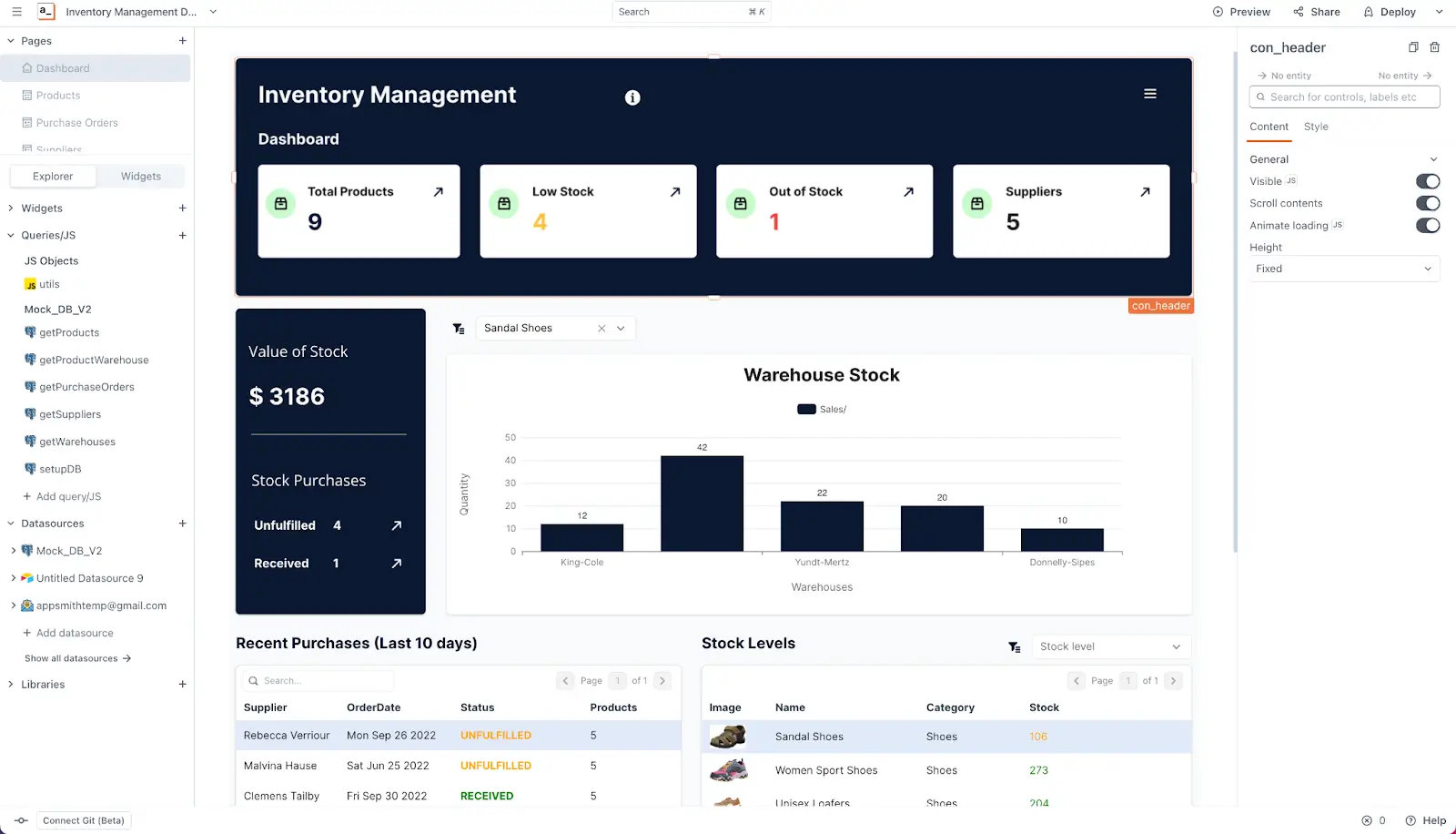
Appsmith is a low-code automation platform focused on building internal tools that connect to databases and APIs. Teams often use it to create dashboards, approval apps, and operational interfaces that reduce manual coordination.
Because it is open-source, organizations also gain flexibility in how they deploy and customize workflows.
Pros
- Open-source with strong customization options
- Great for internal apps and operational tooling
- Connects easily to data sources
- Supports self-hosting
Cons
- Setup may require technical familiarity
- Interface can feel developer-oriented
Low-code / no-code score: 5/10 - While Appsmith provides visual tooling, it often assumes some technical familiarity. Teams comfortable working with APIs and databases will get the most value.
3. Vellum AI

Vellum AI is designed for teams building AI-driven workflows without managing complex infrastructure. It allows users to orchestrate prompts, automate decision flows, and deploy production-ready AI processes.
This makes it especially relevant for organizations experimenting with AI automation but needing structure and reliability.
Pros
- Built specifically for AI workflow automation
- Strong testing and versioning controls
- Supports complex logic chains
- Helpful for production AI deployments
Cons
- Less relevant for non-AI workflows
- May exceed the needs of smaller businesses
Low-code / no-code score: 6/10 - Vellum reduces infrastructure work but still benefits from users who understand AI workflows. It sits firmly in low-code territory rather than true no-code.
4. Zapier

Zapier is one of the most recognized no-code workflow automation tools, known for its large integration library and approachable interface. Users can connect thousands of apps to automate repetitive tasks with minimal setup.
Tools like Zapier are commonly adopted by business teams looking for fast automation without technical overhead.
Pros
- Extensive integration ecosystem
- Very approachable for beginners
- Large template library
- Reliable for common workflows
Cons
- Costs can scale with usage
- Limited flexibility for highly complex workflows
Low-code / no-code score: 9/10 - Zapier is designed for accessibility, allowing most users to build automations quickly. More advanced workflows may require planning, but rarely technical expertise.
5. Boomi

Boomi is an enterprise-grade low-code automation platform that focuses on application integration and data movement. Organizations often rely on it to unify systems and maintain consistent data across departments.
Its capabilities make it suitable for large-scale process automation where reliability is critical.
Pros
- Strong enterprise integration capabilities
- Handles complex workflows well
- Robust governance features
- Scales effectively
Cons
- Implementation can be resource-intensive
- Often more than smaller teams require
Low-code / no-code score: 4/10 - Boomi simplifies integration compared to custom development, yet it is typically managed by technical teams. It leans more toward enterprise low-code than business-user no-code.
6. Unito
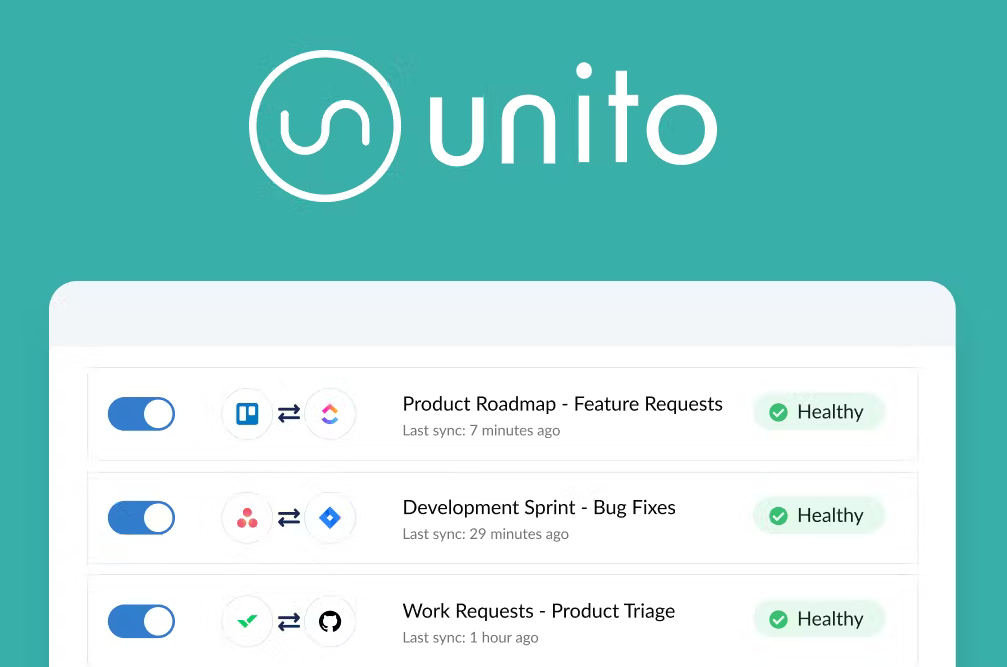
Unito specializes in workflow automation across project management tools by enabling deep, two-way synchronization. Instead of relying on triggers alone, it keeps systems aligned automatically.
Teams managing work across platforms often use it to reduce manual updates.
Pros
- True two-way sync
- Helpful for cross-functional workflows
- Reduces duplicate work
- Supports popular collaboration tools
Cons
- Focused primarily on syncing
- Not ideal for broader automation needs
Low-code / no-code score: 8/10 - Setup is straightforward and largely configuration-based. Most teams can deploy workflows without technical involvement.
7. Tray AI

Tray AI is a low-code workflow automation platform built for organizations that want both automation and embedded AI capabilities. It supports advanced logic while remaining accessible to technically inclined business teams.
Companies often adopt it when automation becomes a core operational priority.
Pros
- Supports sophisticated workflows
- Strong integration depth
- AI-ready infrastructure
- Designed for scale
Cons
- Learning curve for new users
- Pricing may not fit smaller teams
Low-code / no-code score: 5/10 - Tray balances visual automation with powerful customization. That flexibility often appeals more to technically inclined teams.
Want to save hours by automating repetitive typing & workflows?
Join over 800,000+ others who are automating workflows with Text Blaze.
8. Make
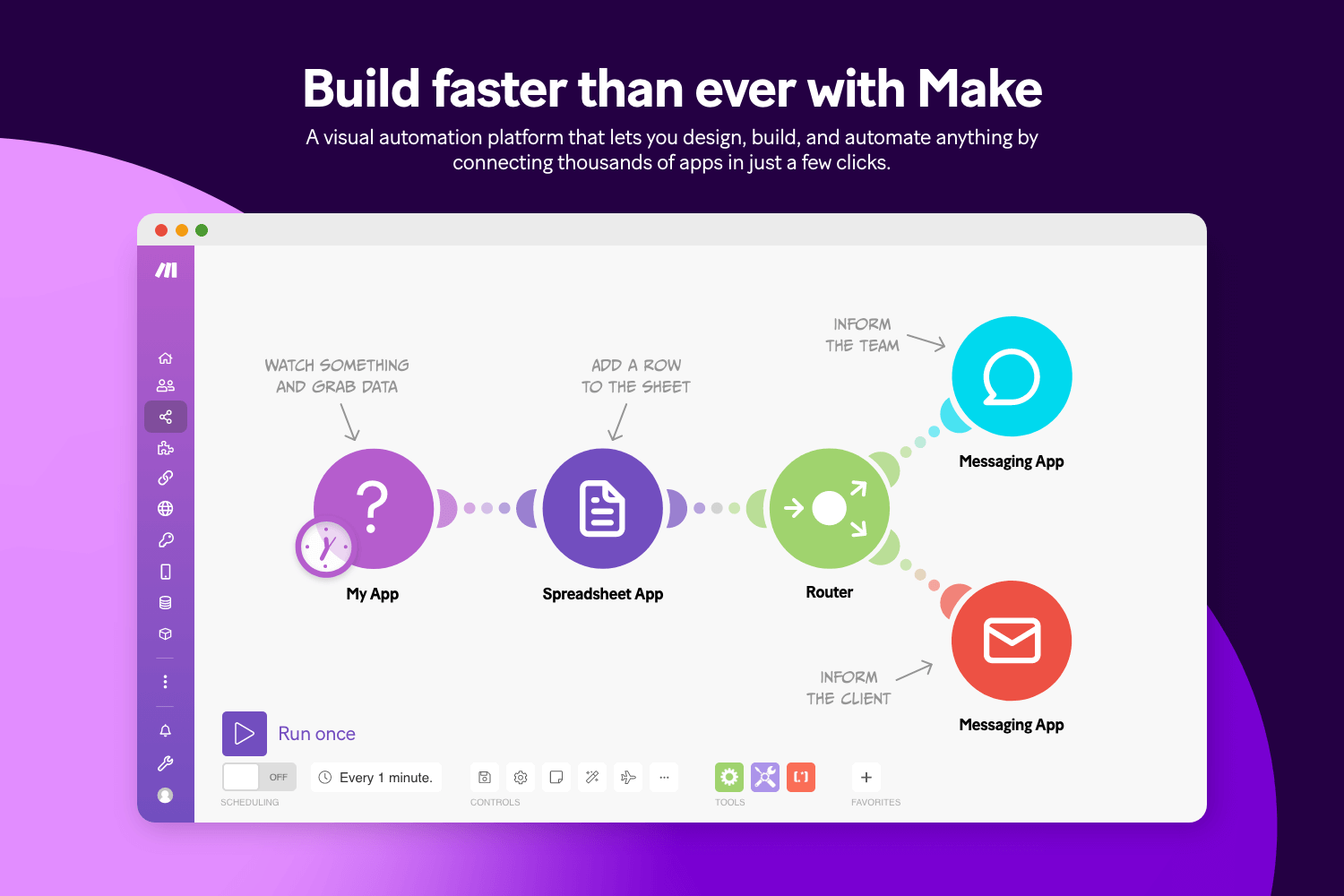
Make.com provides a visual automation builder that allows users to design workflows with detailed branching and data handling. Its interface gives teams more control over automation logic than many entry-level no-code tools.
The flexibility of tools like Make appeals to users who have outgrown simpler platforms.
Pros
- Highly visual workflow design
- Strong logic capabilities
- Competitive pricing tiers
- Good balance of power and usability
Cons
- Interface can feel dense at first
- Requires planning for complex workflows
Low-code / no-code score: 7/10 - The visual builder is approachable, but complex scenarios require structured thinking. It is accessible while still supporting deeper workflow design.
9. Creatio
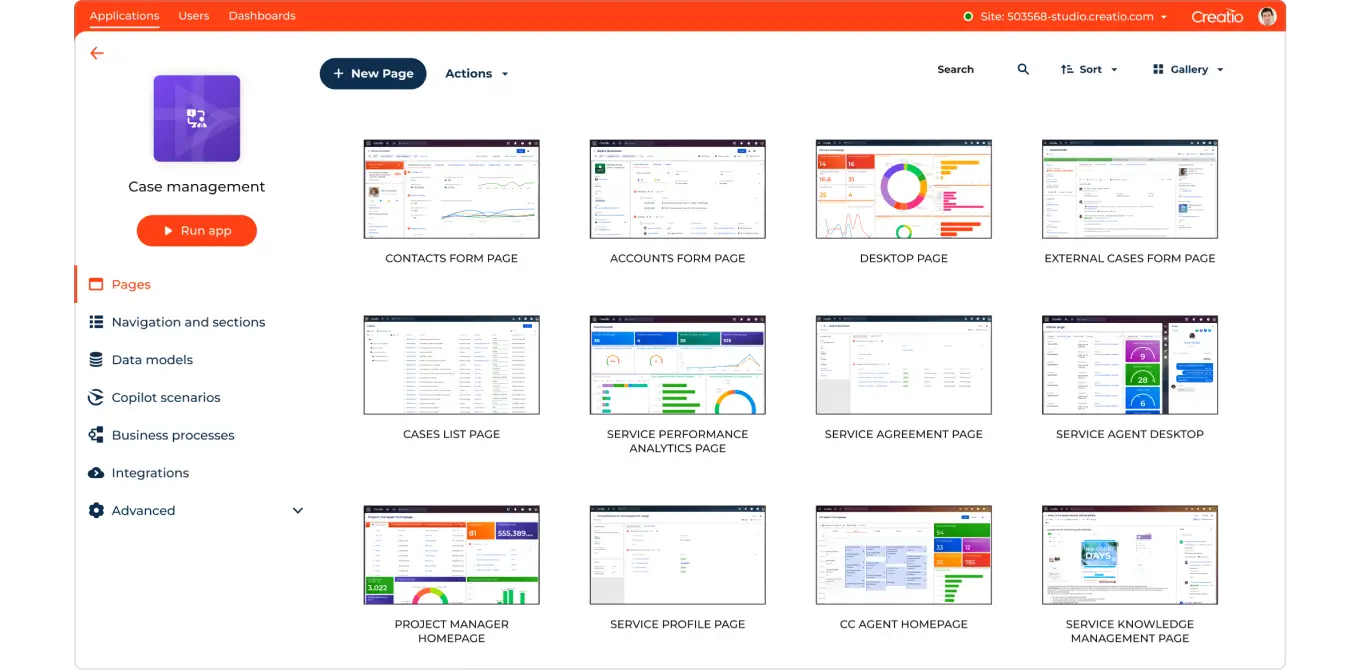
Creatio combines low-code process automation with CRM capabilities, allowing organizations to manage customer-facing workflows alongside internal operations.
It is often used by teams that want automation embedded directly into revenue processes.
Pros
- Unified platform for CRM and automation
- Strong process modeling
- Enterprise-ready controls
- Supports large teams
Cons
- May be excessive for standalone automation
- Setup can take time
Low-code / no-code score: 6/10 - Creatio lowers development effort but is typically configured by trained teams. It is better described as enterprise low-code than no-code.
10. Knack
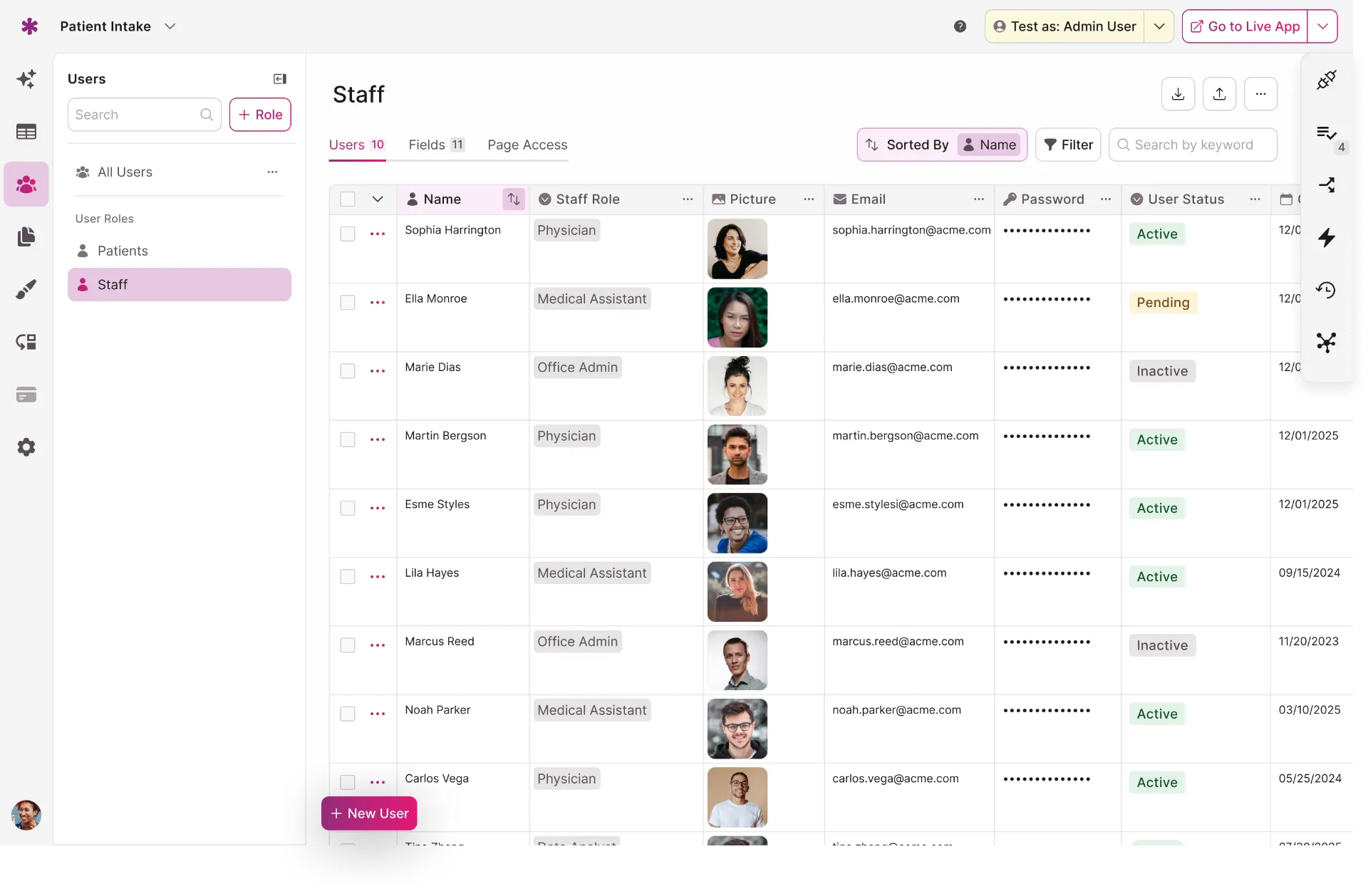
Knack focuses on building database-driven applications that support operational workflows. Teams can create portals, approval systems, and internal tools without heavy development work.
It is commonly used for structured data processes.
Pros
- Flexible database builder
- Helpful for operational apps
- Customizable workflows
- No heavy coding required
Cons
- Design flexibility has limits
- Not built for deep integrations
Low-code / no-code score: 8/10 - Knack enables teams to build operational apps without heavy development. Some planning is required, but technical skills are rarely mandatory.
11. Activepieces
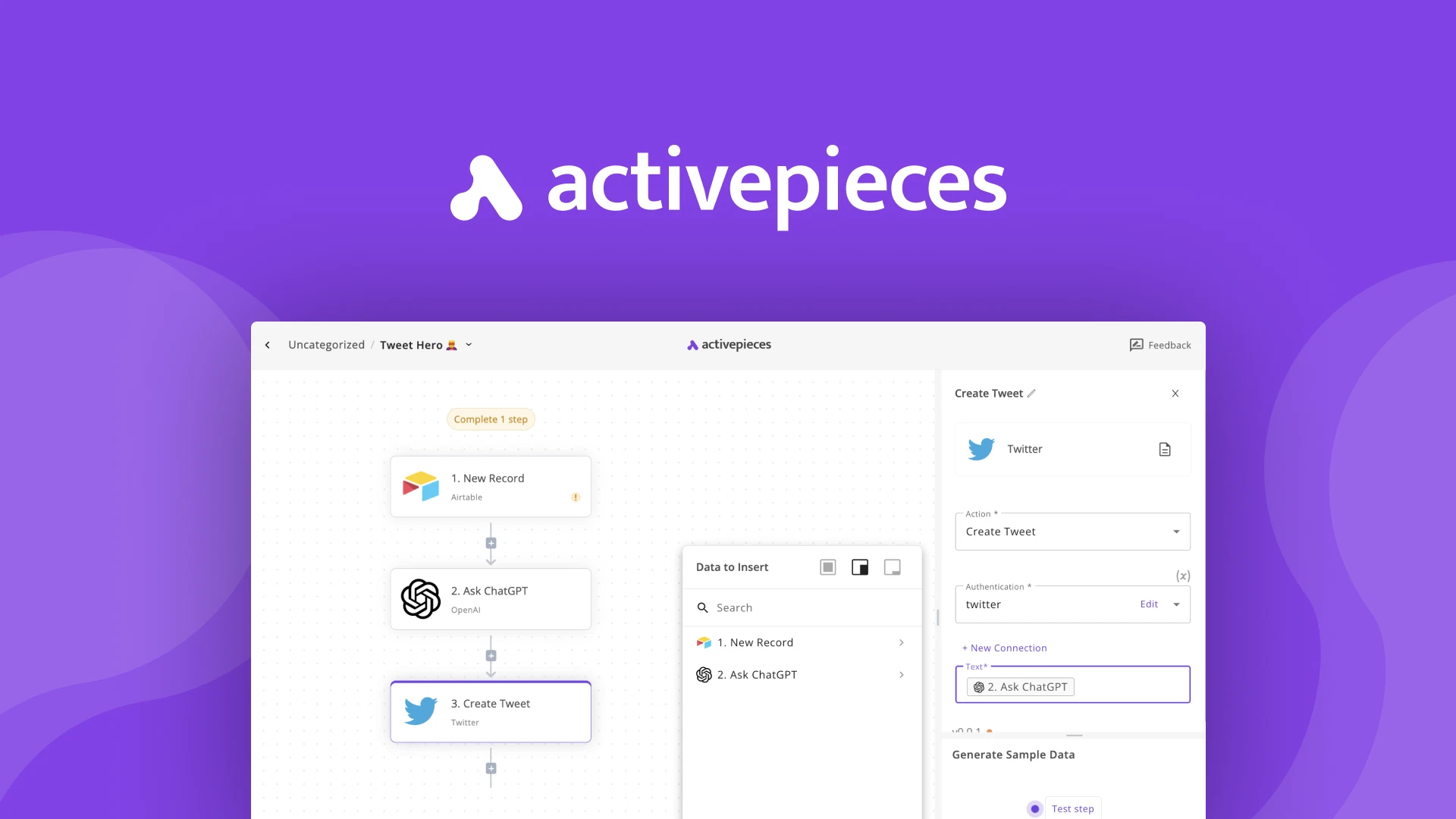
Activepieces is an open-source no-code workflow automation tool designed as an alternative to larger automation platforms. It supports self-hosting while maintaining a relatively approachable interface.
Organizations seeking control over their automation stack often find it appealing.
Pros
- Open-source
- Self-hosting available
- Growing integration library
- Transparent architecture
Cons
- Smaller ecosystem
- Some connectors still maturing
Low-code / no-code score: 7/10 - The platform is approachable, though self-hosting and customization can introduce technical considerations for some teams.
12. n8n
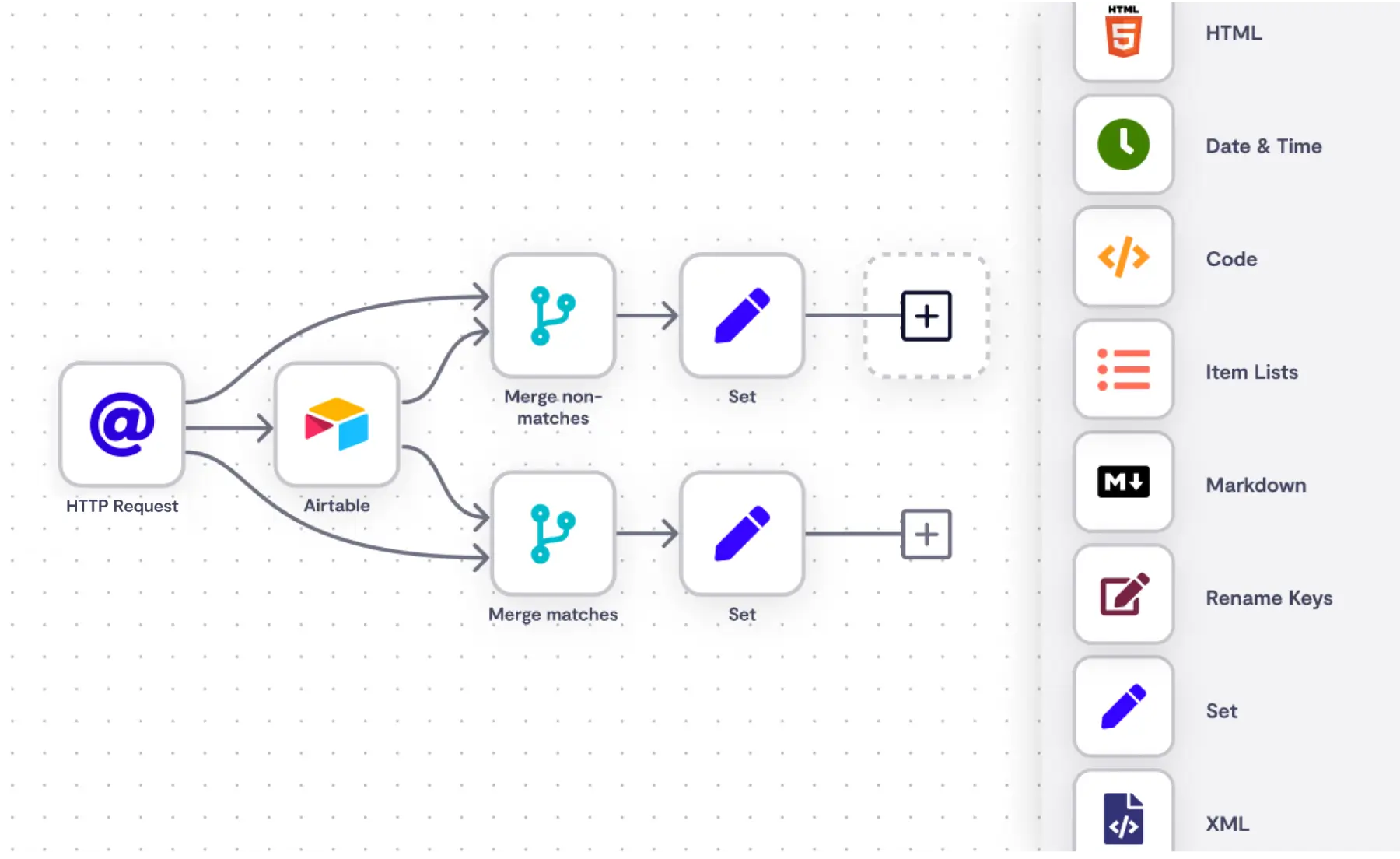
n8n is a low-code automation platform known for its extensibility and self-hosting options. It gives teams control over data while supporting complex automation scenarios.
Technically comfortable users often prefer it for that balance of power and ownership.
Pros
- Highly customizable
- Self-hosted option
- Strong workflow depth
- Active community
Cons
- Requires technical confidence
- UI is less beginner-friendly
Low-code / no-code score: 4/10 - n8n offers strong visual workflows but assumes a higher level of technical confidence, especially when self-hosted.
13. Moxo

Moxo focuses on client interaction workflows, helping organizations automate onboarding, approvals, and business communication processes within a structured environment.
It is often used by service-driven businesses that want consistent client experiences.
Pros
- Designed for client workflows
- Improves process visibility
- Supports structured collaboration
- Helpful for onboarding
Cons
- Narrower use cases
- Less flexible for backend automation
Low-code / no-code score: 8/10 - Most workflows are configured rather than built from scratch, making Moxo accessible for operational teams.
Want to save hours by automating repetitive typing & workflows?
Join over 800,000+ others who are automating workflows with Text Blaze.
14. WeWeb
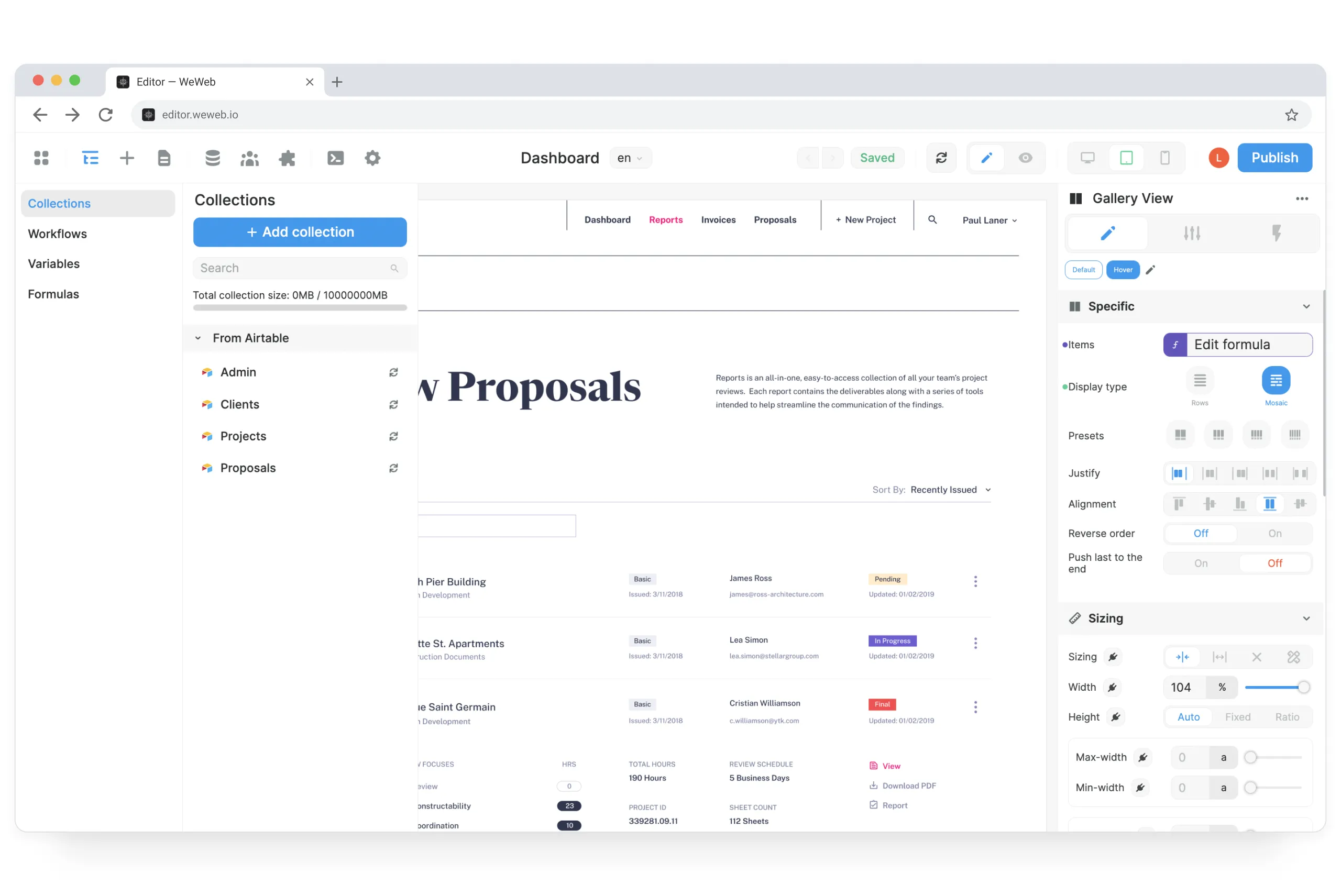
WeWeb is a low-code platform that enables teams to build front-end applications connected to automation backends. It allows organizations to create operational interfaces without relying heavily on engineering resources.
This makes it useful when workflows need a custom user experience.
Pros
- Strong front-end builder
- Connects to backend services
- Flexible design options
- Supports scalable apps
Cons
- Often paired with other tools
- May require planning before launch
Low-code / no-code score: 6/10 - WeWeb simplifies front-end creation but often works alongside backend tools. Users benefit from some technical awareness.
15. Checkbox AI

Checkbox AI helps organizations automate decision-heavy workflows such as compliance reviews, approvals, and internal requests. It blends automation with guided processes to improve consistency.
Teams with structured governance needs often evaluate it early.
Pros
- Excellent for decision workflows
- Strong audit capabilities
- Supports structured requests
- Enterprise-friendly
Cons
- Less suited for lightweight automation
- Implementation may take time
Low-code / no-code score: 7/10 - Checkbox emphasizes structured workflow creation with minimal coding, though enterprise deployments may involve technical oversight.
What is the Best Low-Code Workflow Automation Tool?
The best low-code workflow automation tool is the one that removes friction from the way your team already works.
Before choosing a platform, take a step back and identify where processes slow down today. Whether it is approvals getting stuck, data moving manually between systems, or teams relying too heavily on repetitive tasks, the right automation should make work feel more predictable and easier to manage.
It also helps to be realistic about complexity. Some teams benefit from highly flexible low-code automation platforms that support deeper customization, while others move faster with no-code workflow automation tools that are simpler to launch and maintain.
Think about who will build your workflows, who will own them long term, and how much technical involvement your organization is comfortable with.
If you are unsure where to start, pick one workflow that consistently causes delays and automate it first. A single well-designed process can create momentum, helping your team build confidence and expand automation in a way that actually supports growth instead of complicating it.
To recap, our suggestion for the best low-code automation tool is Text Blaze. Text Blaze helps you automate repetitive typing, data transfer, form-filling, and workflows on any website. Plus, Text Blaze is free forever!
Give Text Blaze a try today!