10 Best Mac Productivity Apps for 2026 (Compared)
Compare 10 Mac productivity apps for notes, tasks, shortcuts, and team chat. See what each app does, who it’s best for, and why it’s worth using.

Macs are known for being fast and intuitive, but your productivity still depends on the apps you use every day. It’s easy to download tools that look helpful and then realize they don’t actually make your workflow smoother.
The right Mac productivity apps remove friction. They reduce repetitive typing, organize your tasks, clean up your desktop, and help you move through your work with fewer interruptions.
Though, there are a lot of productivity apps out there, so it can be tough to know which one you should use.
In this guide, we’ll compare the best Mac productivity apps so you can find tools that match how you actually work.
Types of Mac Productivity Apps
Mac productivity apps are software tools designed to help you manage tasks, capture information, automate actions, and reduce manual work on macOS.
Here are a few of the most common types you'll find:
Task management apps - Help you plan, prioritize, and track personal or team work.
Note-taking apps - Let you capture ideas, meetings, and research in one place.
Launchers and shortcut tools - Speed up navigation, commands, and repetitive actions.
Automation tools - Reduce manual typing and repetitive workflows with text replacement.
Focus and organization apps - Help reduce clutter and manage your desktop or menu bar.
Writing and editing tools - Improve clarity, grammar, and overall team communication.
Understanding these categories makes it easier to evaluate the best Mac apps for your daily workflow instead of picking tools randomly.
How to Choose a Mac Productivity App
There are thousands of productivity apps for Mac, but most people only need a few that truly fit their habits and responsibilities.
If you're looking for a new Mac productivity app, here are a few things you should keep in mind:
Use case - Identify the exact problem you want to solve, such as managing tasks, automating typing, or organizing notes.
Setup time - Some macOS productivity apps work instantly, while others require configuration and learning.
Keyboard support - Strong shortcut support can dramatically improve speed on Mac.
Sync and integrations - Check whether the app connects with your calendar, browser, or other Mac apps for work.
Pricing model - Look at free tiers, subscriptions, and whether the cost matches the value you’ll get.
Privacy and permissions - Especially important for launcher and workflow automation tools that require system access.
When you choose based on real workflow needs instead of popularity, Mac productivity apps start working for you instead of adding complexity.
10 Best Mac Productivity Apps (Compared)
Before choosing, it helps to see how each app fits into your workflow. Some apps are built to fit seamlessly into your existing workflow, while others are designed to reshape how you work entirely.
Our productivity score is based on four factors: time saved, workflow impact, ease of use, and macOS optimization.
Here's our list of the 10 best Mac productivity apps:
| App | Category | Productivity Score | Setup Effort | Pricing |
|---|---|---|---|---|
| Text Blaze | Writing & automation | 9.3/10 | Low | Free forever |
| Goodnotes | Note-taking | 8.4/10 | Low | Free trial, then $11.99/year |
| Todoist | Task management | 8.7/10 | Low | Free plan, then $60/year |
| Bartender | Focus & organization | 7.8/10 | Low | $20 license |
| Alfred | Launcher | 9.0/10 | Moderate | £34 license |
| OmniFocus | Task management | 8.6/10 | Moderate–High | Free trial, then $74.99 |
| Trello | Project management | 8.3/10 | Low | Free plan, then $6/user/month |
| Raycast | Launcher | 9.1/10 | Low–Moderate | Free plan, then $8/month |
| BetterTouchTool | Customization | 8.5/10 | Moderate | $15 |
| Grammarly | Writing assistant | 8.2/10 | Low | Free plan, then $12/month |
1. Text Blaze (9.3/10)
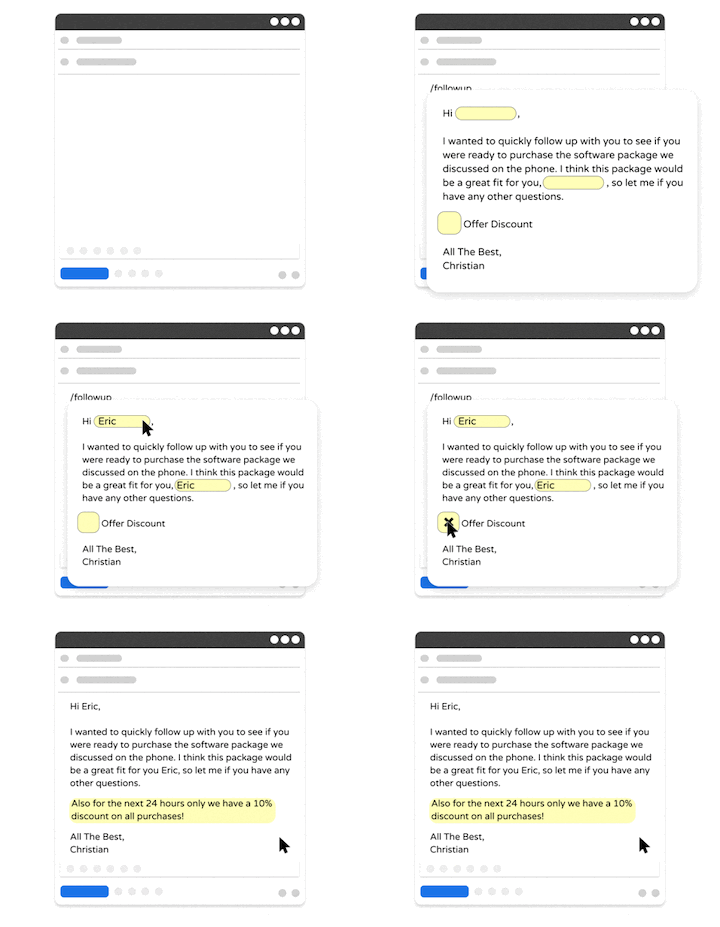
Text Blaze is a text expander for Mac that helps you automate repetitive typing with keyboard shortcuts & dynamic text templates that work on any site or app.
With Text Blaze, you can automate workflows, form-filling, data transfer, and communications. Text Blaze helps you get the right message in every interaction and avoid mistakes. It's a popular and high-rated productivity Chrome extension.
Productivity score - 9.3/10 based on time saved and automation depth.
Key strength - Eliminates repetitive typing and workflows with dynamic, customizable templates.
Setup effort - You can get started and save time instantly. You can create powerful snippets to save even more time.
Integrations - Seamless integration. Works in any site or app. Works on Chrome, Windows, and Mac.
Pricing - Free forever. Get started and save time instantly without having to pay.
Want to automate repetitive typing on macOS?
Join over 800,000+ others who are using Text Blaze templates.
2. Goodnotes (8.4/10)
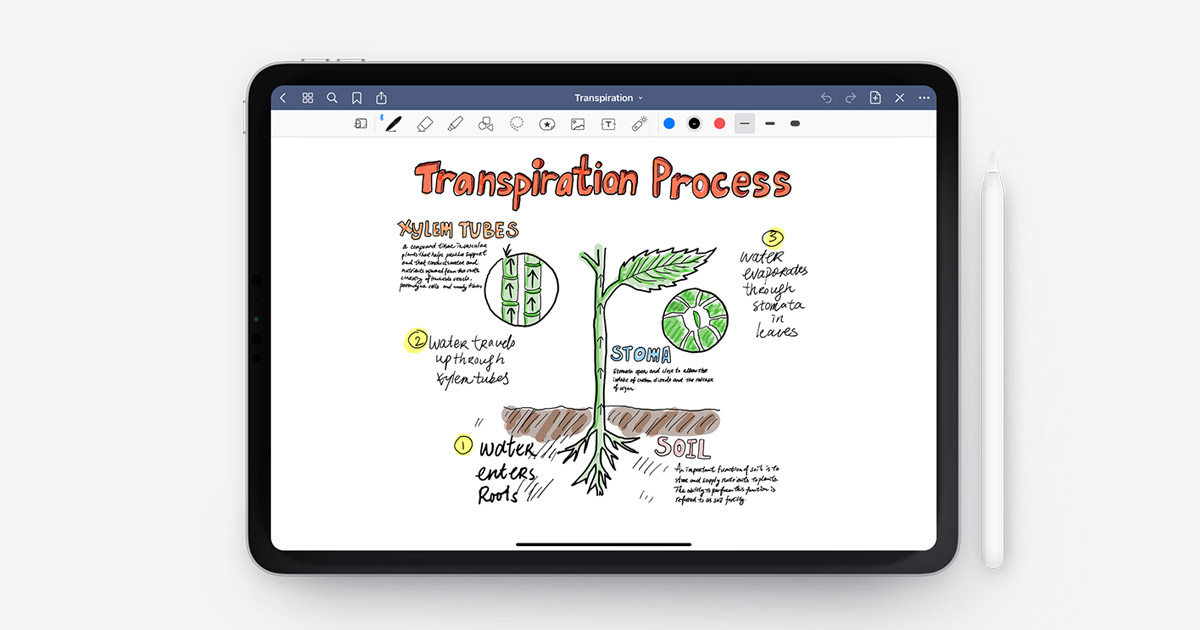
GoodNotes is a digital notebook app built for structured note-taking and document organization. It allows Mac users to create notebooks, annotate PDFs, and organize research in one place.
The layout is clean and flexible, making it easy to maintain organized documentation. It’s especially useful for students and professionals managing meetings or research-heavy work.
Productivity score - 8.4/10 based on organization and usability.
Key strength - Structured note organization with PDF annotation support.
Setup effort - Low. Start taking notes quickly.
Integrations - Syncs across Apple devices.
Pricing - Free trial (up to 3 files), then $11.99/year.
3. Todoist (8.7/10)
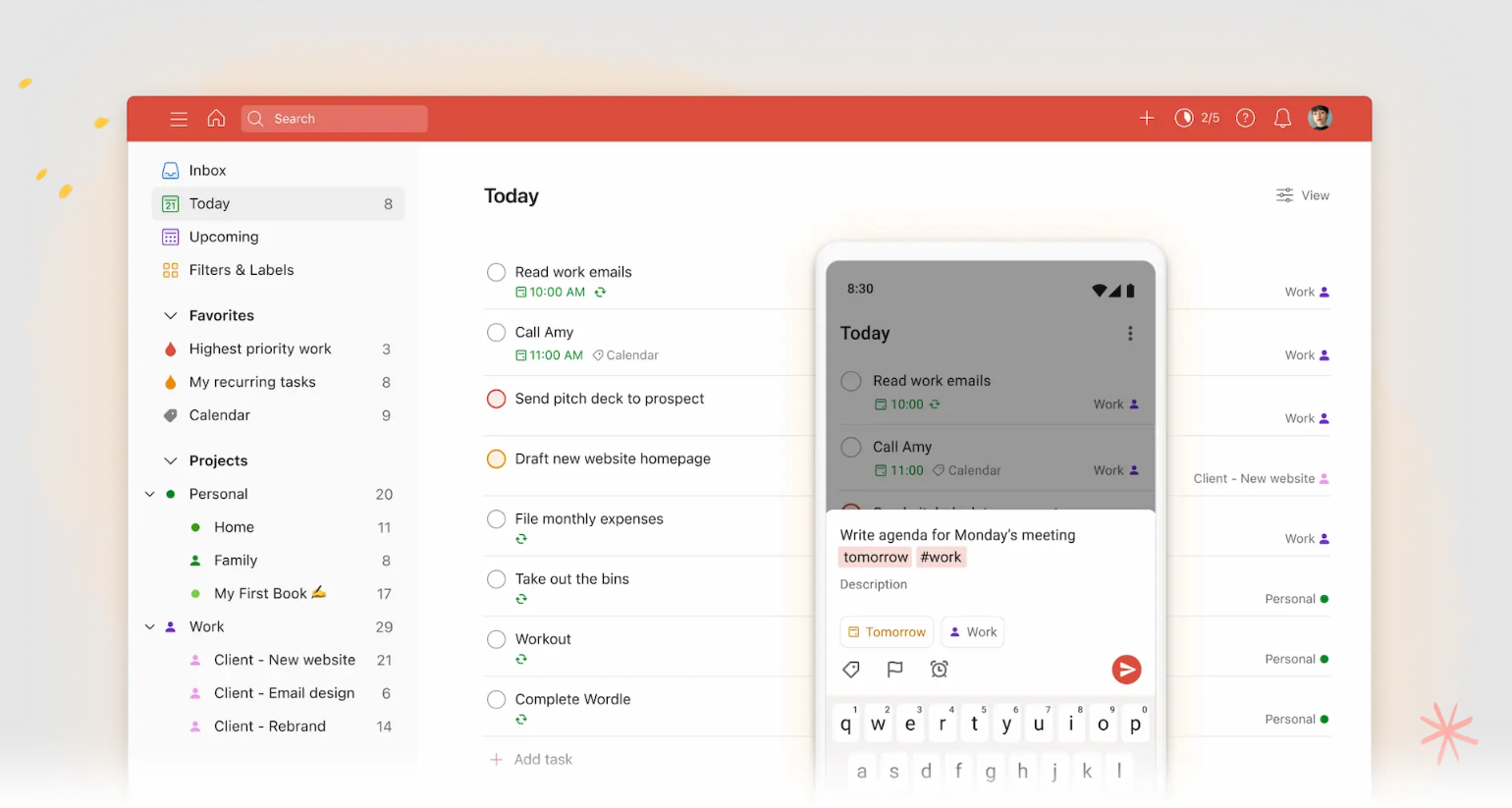
Todoist is a task management app focused on clarity and prioritization. It helps you break down projects into tasks, assign due dates, and track progress from your Mac.
The interface is simple, which reduces friction when planning your day. It works well for both personal work and team productivity.
Productivity score - 8.7/10 based on task clarity and daily workflow impact.
Key strength - Clean task organization with strong prioritization tools.
Setup effort - Low. Create lists and save time immediately.
Integrations - Connects with calendars and common productivity apps.
Pricing - Free plan available (up to 5 projects), then $60/year.
4. Bartender (7.8/10)
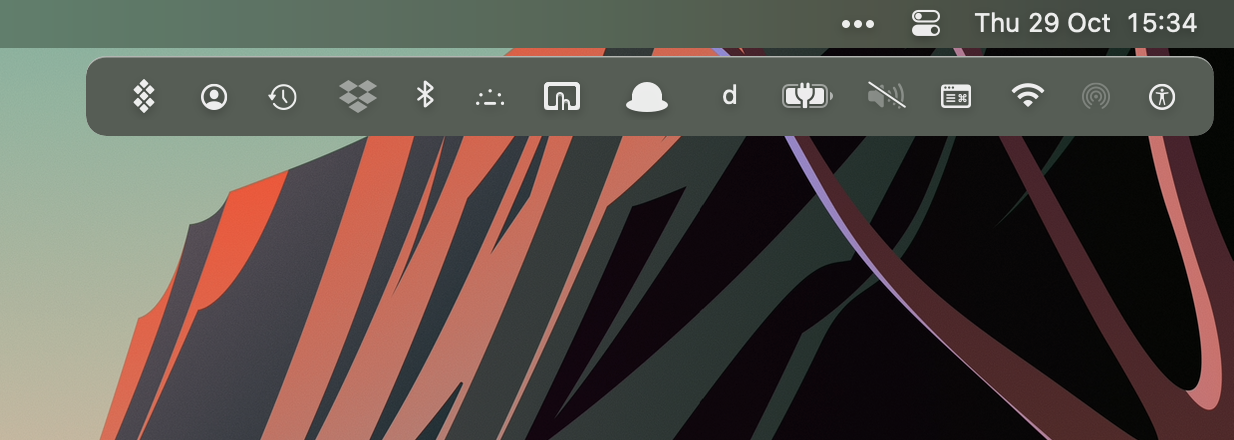
Bartender for Mac helps you organize your Mac’s menu bar by hiding or rearranging icons. If your menu bar feels crowded, this tool restores visual clarity.
It runs quietly in the background and gives you control over what appears at the top of your screen. It’s a small change that can improve focus.
Productivity score - 7.8/10 based on visual organization and focus improvement.
Key strength - Reduces menu bar clutter.
Setup effort - Low. Works right away.
Integrations - Works system-wide on macOS.
Pricing - $20 license (+ taxes).
5. Alfred (9.0/10)
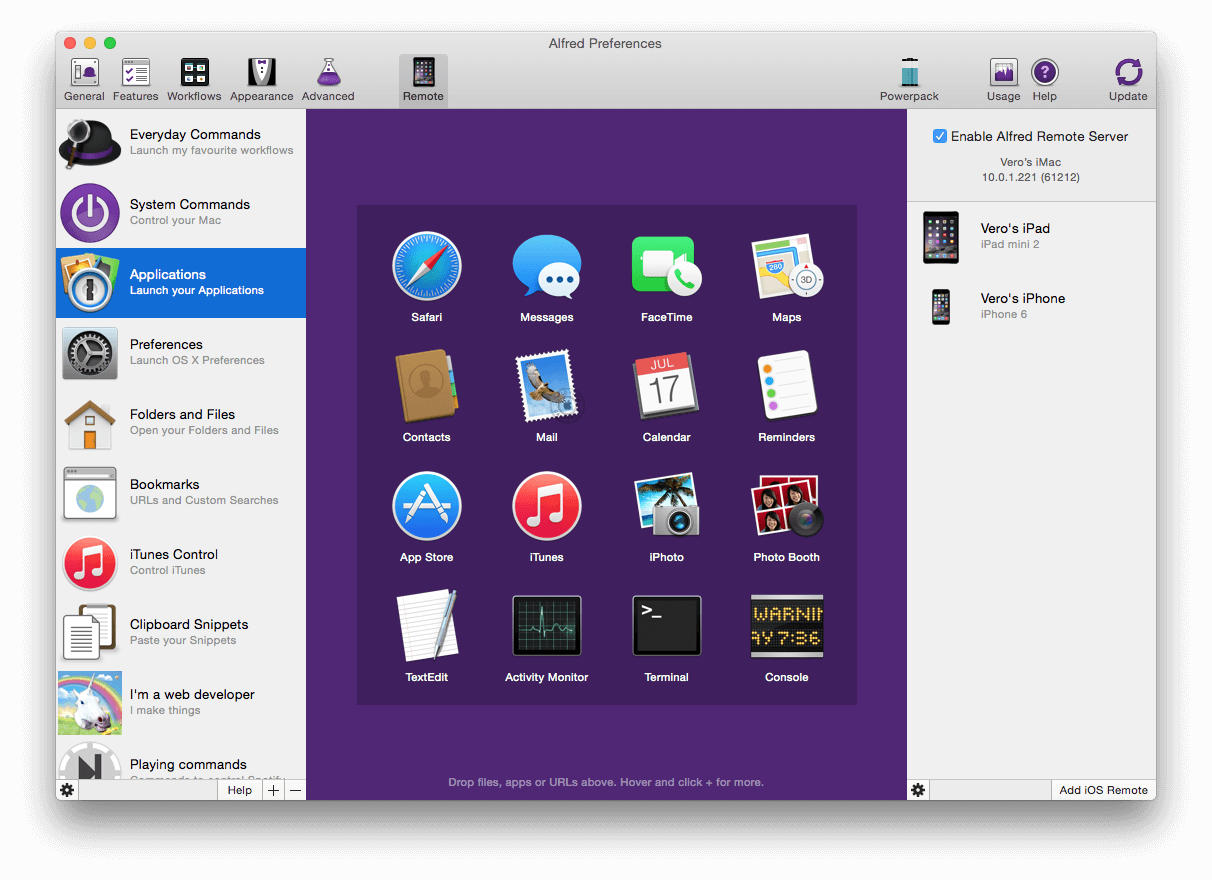
Alfred is a launcher app that speeds up navigation and repetitive actions on Mac. You can open files, run searches, and trigger workflows using keyboard shortcuts instead of clicking through menus.
It’s especially helpful for users who prefer keyboard-driven workflows. With workflows enabled, tools like Alfred can automate multi-step tasks.
Productivity score - 9.0/10 based on speed and Mac automation.
Key strength - Fast keyboard-based navigation and custom workflows.
Setup effort - Moderate for advanced workflows.
Integrations - Supports extensions and automation workflows.
Pricing - Single license for v5 is £34/user.
Want to automate repetitive typing on macOS?
Join over 800,000+ others who are using Text Blaze templates.
6. OmniFocus (8.6/10)
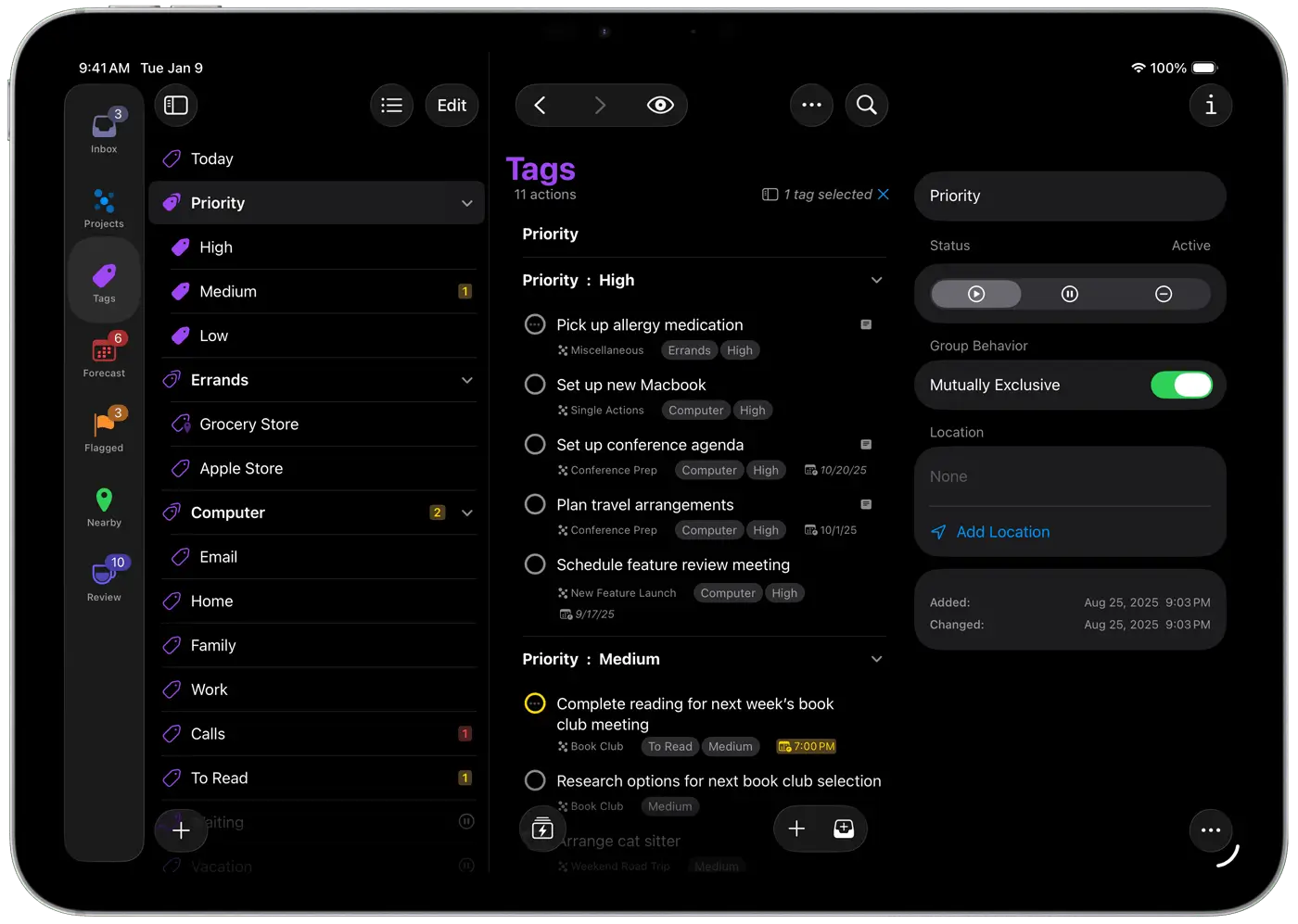
OmniFocus is a structured task manager designed for detailed project planning. It supports tags, perspectives, and advanced filtering for complex workloads.
This makes it well-suited for professionals managing multiple projects at once. It offers more depth than simpler task apps.
Productivity score - 8.6/10 based on project organization depth.
Key strength - Advanced task structuring and filtering.
Setup effort - Moderate to high.
Integrations - Syncs across Apple devices.
Pricing - Free trial, then $74.99 license.
7. Trello (8.3/10)
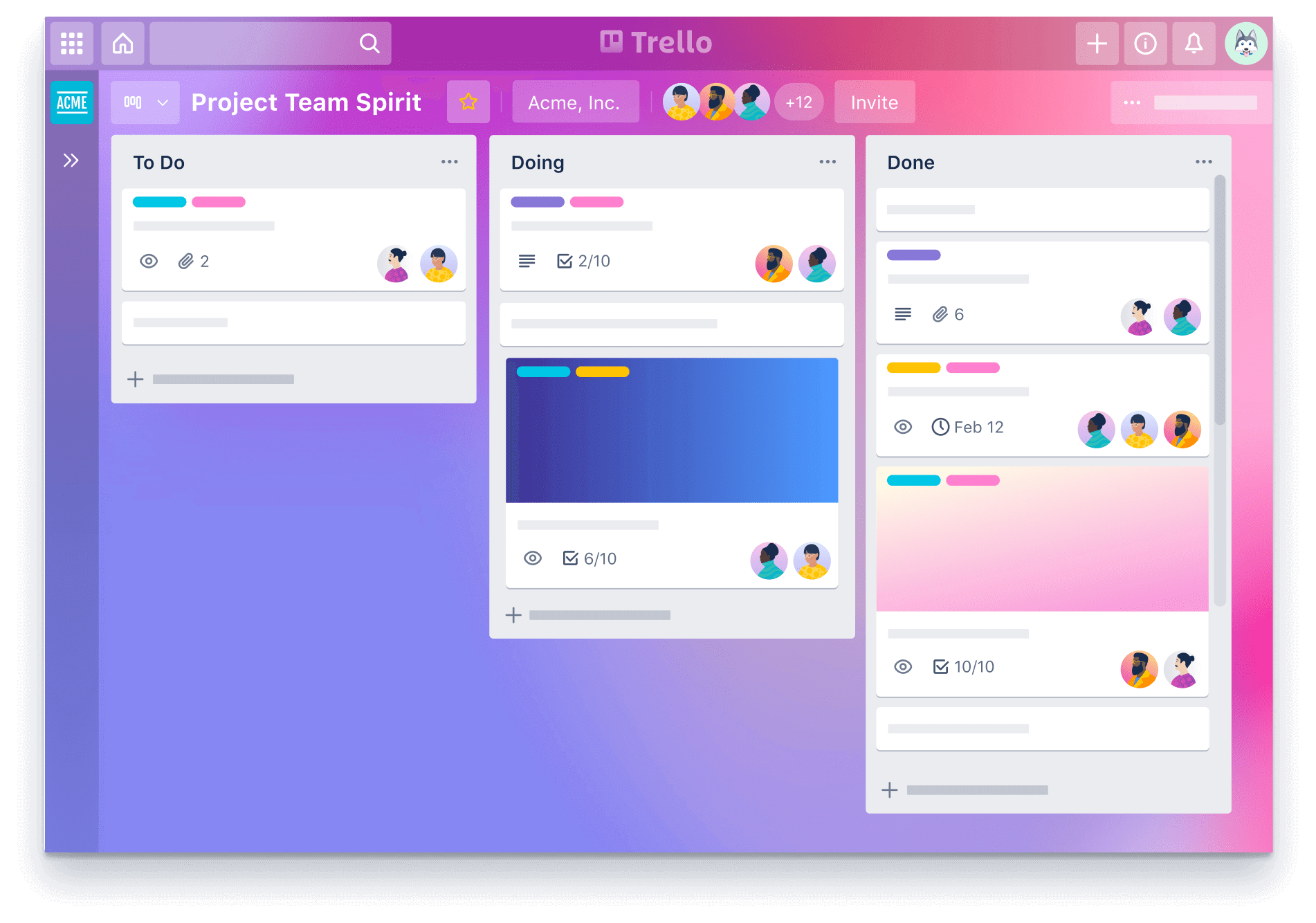
Trello is a visual project management app built around boards and cards. It allows Mac users to track projects through different stages using drag-and-drop lists.
The visual layout makes progress easy to understand at a glance. It works well for collaborative workflows.
Productivity score - 8.3/10 based on visual workflow clarity.
Key strength - Simple visual project tracking.
Setup effort - Low.
Integrations - Connects with common team and productivity tools.
Pricing - Free for up to 10 collaborators (& 10 boards), then $6/user/month.
8. Raycast (9.1/10)
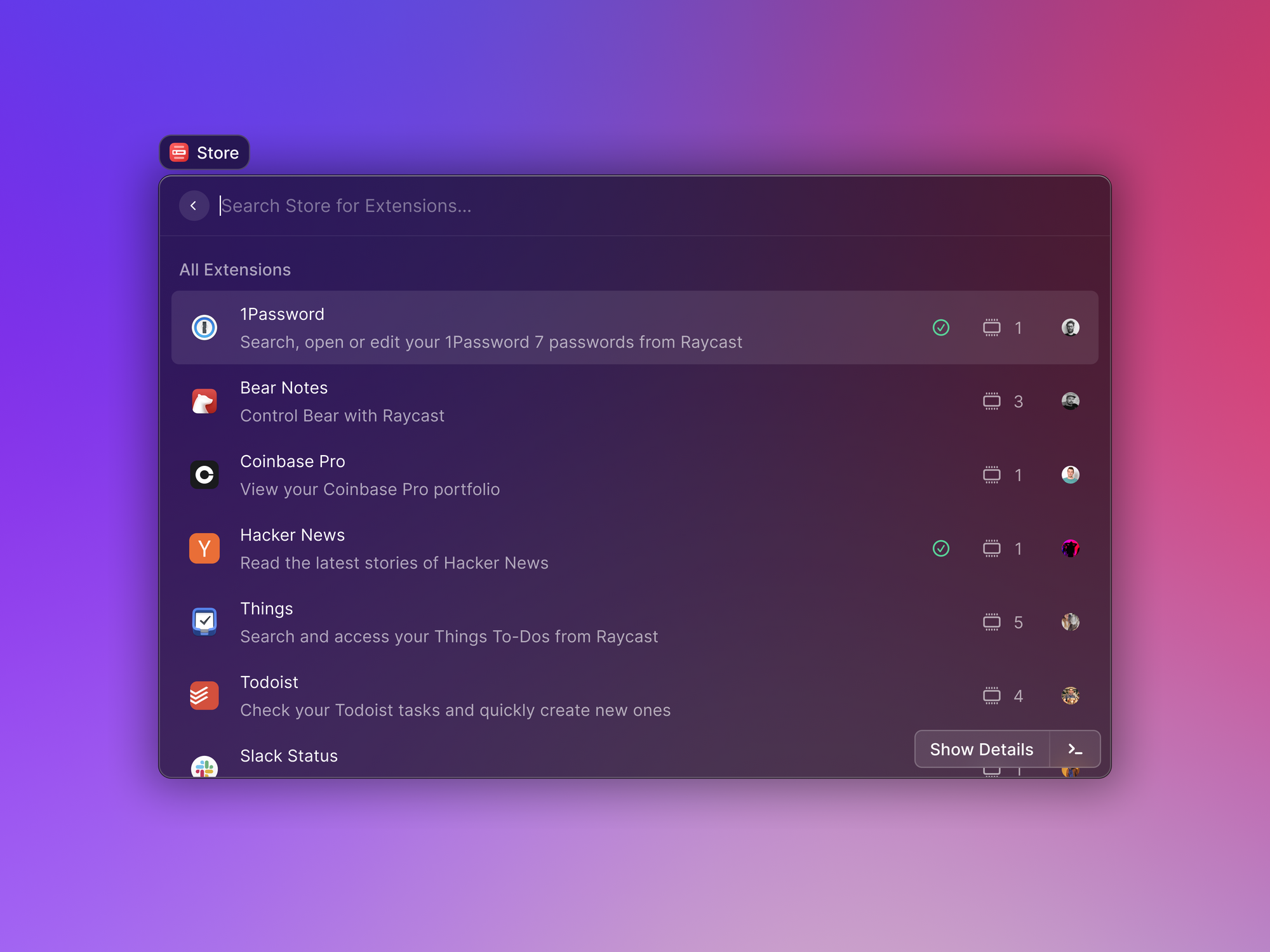
Raycast is a Mac launcher focused on speed and customization. It lets you open apps, manage windows, run scripts, and access integrations using shortcuts.
Extensions expand its capabilities beyond basic launching. For users who want fewer clicks and faster navigation, it fits naturally into macOS workflows. It's a solid AI productivity app.
Productivity score - 9.1/10 based on speed and extensibility.
Key strength - Powerful shortcut system with extension ecosystem.
Setup effort - Low for basic use, moderate for advanced setup.
Integrations - Supports built-in and community extensions.
Pricing - Free plan with only 5 free notes and AI messages, then $8/month.
9. BetterTouchTool (8.5/10)
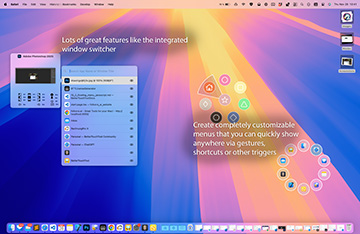
BetterTouchTool allows you to customize gestures, shortcuts, and input devices on your Mac. You can assign specific actions to trackpad gestures or keyboard combinations.
This level of customization helps tailor macOS to your personal workflow. It’s especially useful for users who want granular control.
Productivity score - 8.5/10 based on workflow customization potential.
Key strength - Deep input and gesture customization.
Setup effort - Moderate.
Integrations - Works at the system level on macOS.
Pricing - $15 (depends on country & taxes).
Want to automate repetitive typing on macOS?
Join over 800,000+ others who are using Text Blaze templates.
10. Grammarly (8.2/10)
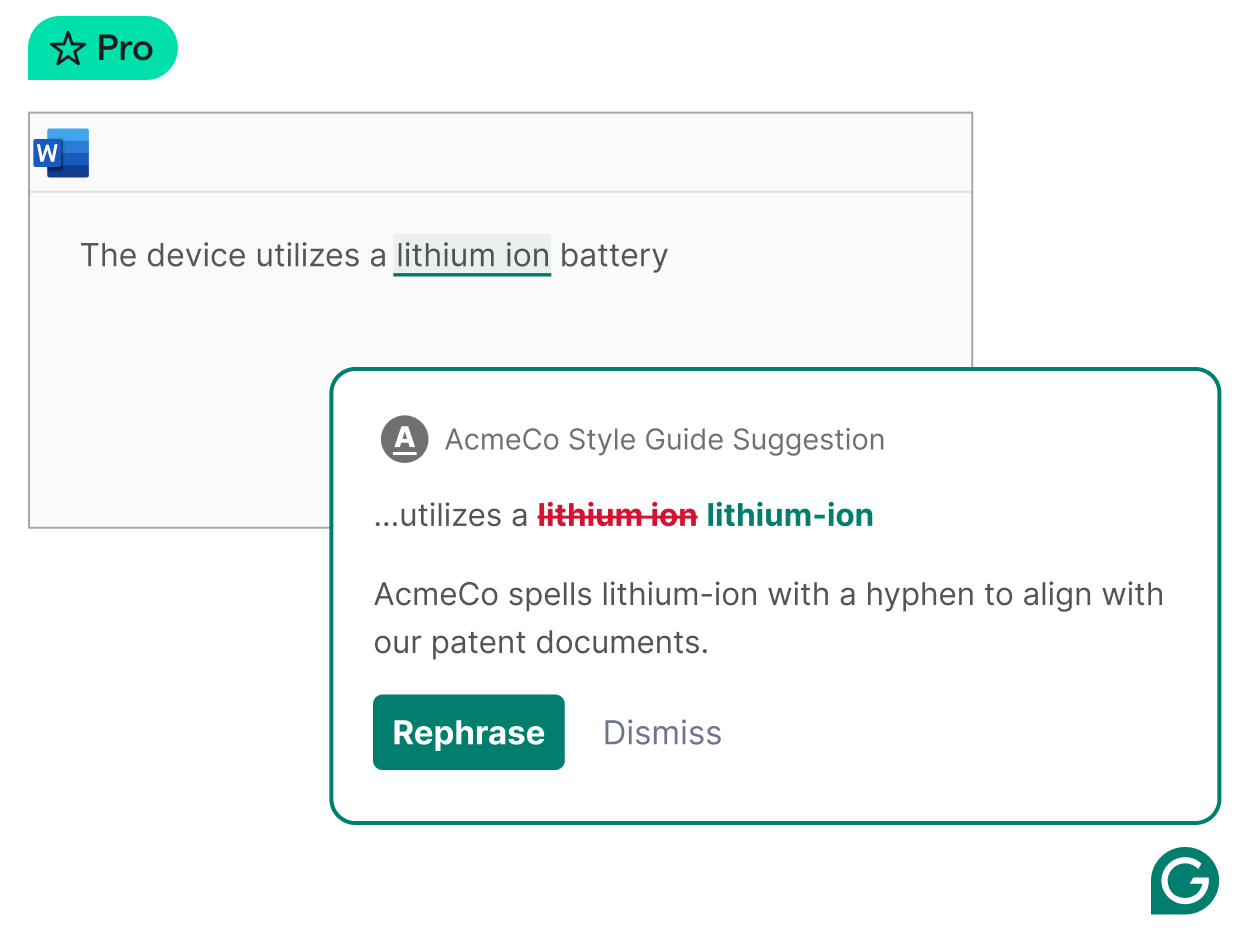
Grammarly is a writing assistant that checks grammar, clarity, and tone as you work on your Mac. It integrates into browsers and many writing environments.
For users who write emails, reports, or content regularly, it helps reduce errors and improve clarity. It’s practical for communication-heavy roles.
Productivity score - 8.2/10 based on writing efficiency and clarity improvements.
Key strength - Real-time grammar and clarity feedback.
Setup effort - Low.
Integrations - Browser and desktop integrations.
Pricing - Free plan with limited AI usage & features, then $12/month.
What is the Best Mac Productivity App?
The right choice depends on what slows you down most during your day. Some people need better task visibility, others need fewer clicks, and many just want to reduce repetitive typing.
Start by identifying your biggest friction point on macOS. Then choose the app category that directly addresses it, whether that’s automation, task management, note-taking, or shortcuts.
When your tools align with how you actually work, productivity stops feeling forced and starts feeling natural.
To recap, our suggestion for the best free Mac productivity app is Text Blaze. Text Blaze helps you automate repetitive typing and workflows anywhere you work.
Give Text Blaze a try for free today!