5 Best Free Otio AI Alternatives in 2026
Need help with academic research? Use these free Otio AI alternatives to help you save time in 2026.

Academic research can easily take hours. Reading long papers, pulling out key points, and turning everything into organized notes is exhausting when you already have classes, assignments, and deadlines.
Many students are using AI tools to help summarize content, extract highlights, and make research feel more manageable.
In this article, we'll cover the 5 best free Otio AI alternatives for research in 2026.
What is Otio AI?
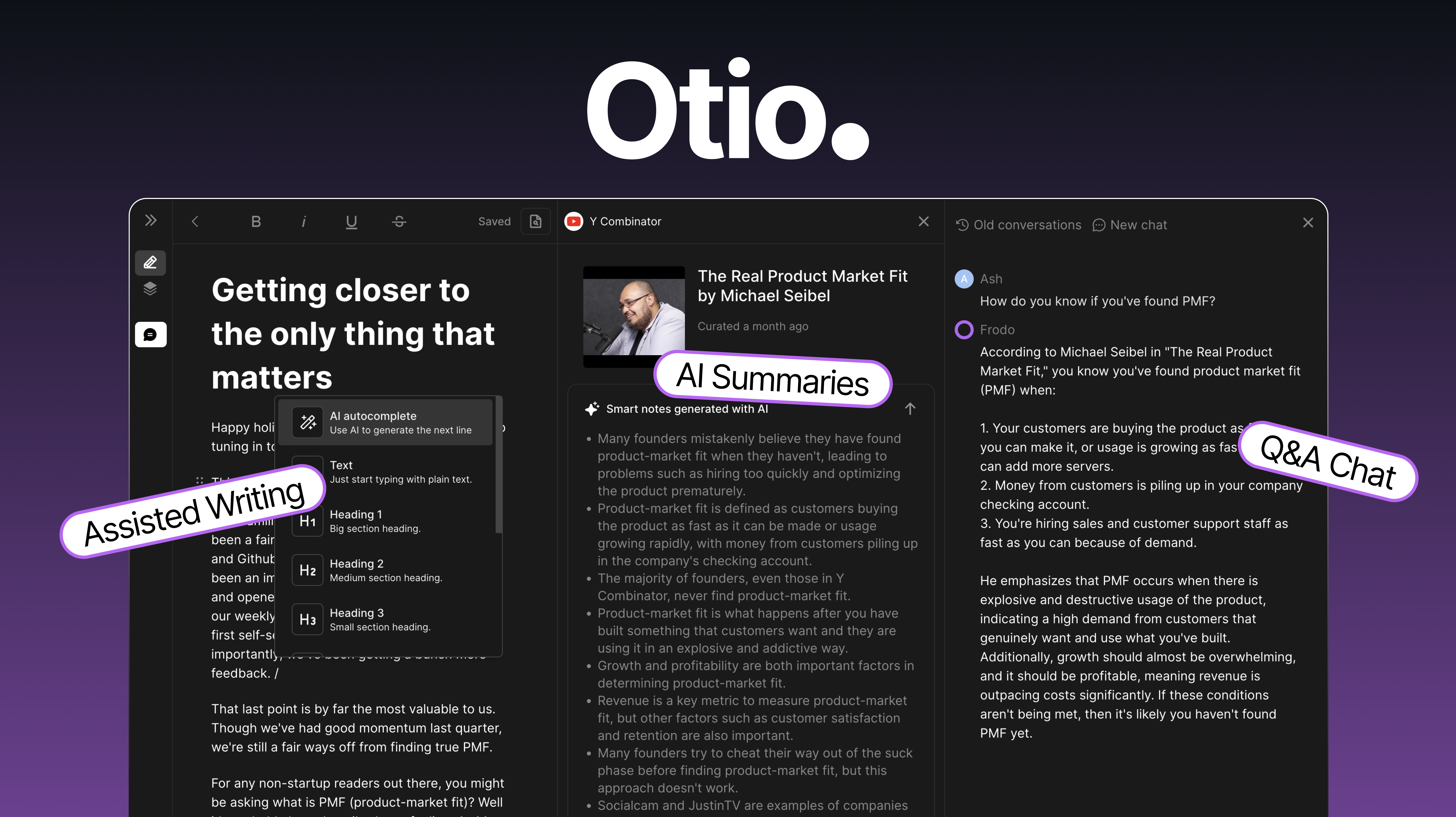
Otio AI is an AI research assistant designed to help students and researchers work through reading materials more easily.
It helps students turn long articles or documents into notes or materials that you can use for academic research.
What Does Otio AI Do?
Otio AI helps students work through academic material faster by turning long text into readable insights. It is mainly used for managing research documents and extracting information without reading every line.
Otio AI helps with:
Summarizing long documents like PDFs or articles into short notes.
Chatting with your documents so you can ask questions and get quick answers.
Highlighting key points, quotes, and important ideas automatically.
Storing research notes and keeps everything organized in one place.
Proofreading writing to improve clarity and fix grammar issues.
These features make it helpful for studying, but depending on usage limits, you might want a free alternative with fewer restrictions.
Is Otio Free?
Otio AI offers a free plan, but it only includes 50 free monthly credits, which is pretty limited if you want to use it regularly.
To get additional credits for Otio AI, you have to upgrade a free plan, which costs $10/month for 2,000 credits or $20/month for 4,000 credits.
This is why exploring Otio AI alternatives makes sense if you want more flexibility without paying.
Want a free AI assistant to help with research & writing?
Use AI Blaze to answer questions and generate summaries for FREE.
How to Choose an Otio Alternative
When comparing Otio alternatives, it helps to know what features matter most for research and studying.
Here are a few features to keep in mind while looking for an Otio alternative:
Expanded free usage so you can summarize or ask questions without hitting limits quickly.
Works on any website which makes it easy to research directly in the browser.
No file uploads required for research tools that read text on the page instead of needing PDFs.
Study features like note generation, key point extraction, and topic explanations.
Writing help for paraphrasing, proofreading, or generating draft text when needed.
Choose a tool based on how you study. If you do most research online or want to avoid uploading files, a browser-based option might be best.
5 Best Free Otio AI Alternatives
Here's our list of the 5 best free Otio AI alternatives in 2026:
| Tool | Description | Price |
|---|---|---|
| AI Blaze | Free personal AI research assistant that works on any website. | 100% free for students. |
| Unriddle (Anara) | AI workplace for research and flashcard creation. | 500 free words/day. |
| SciSpace AI | Use AI to generate literature reviews and presentations. | Limited free usage. |
| Research Rabbit | Visually organize research with AI. | Free to use. |
| Jenni AI | AI-focused writing assistant for research. | 5 free AI edits/day. |
1. AI Blaze
First up on our list of the best free Otio AI alternatives is AI Blaze.
AI Blaze is your personal AI research and studying assistant that helps you quickly generate citations, summarize text, articles, and PDFs, and streamline the writing process!
With AI Blaze, you can answer questions and generate summaries on any website (no file uploading necessary)!
Here's why AI Blaze stands out:
Use AI to answer questions - Answer questions and get detailed explanations on any page or website. No need to upload files or copy/paste!
Take notes & generate summaries with AI - AI Blaze helps you summarize PDFs & articles and take notes using AI!
AI that helps you study your way - AI Blaze can help you study with practice tests and study guides for any subject.
No file uploads necessary - AI Blaze works on any website, so no file uploads or copy/pasting necessary.
AI Blaze is free! - Forget about annoying licenses or tokens. AI Blaze is free for students!
👍
Pros
- 100% free for students.
- Works on any website.
- No file uploads necessary.
👎
Cons
- Only available on Chrome.
Want a free AI assistant to help with research & writing?
Use AI Blaze to answer questions and generate summaries for FREE.
2. Unriddle (Anara)
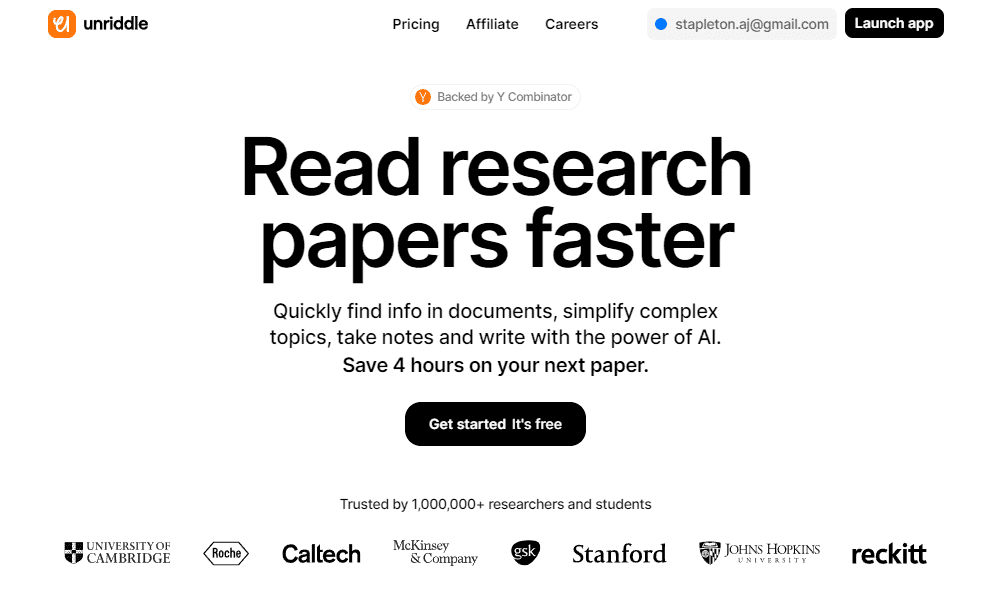
Unriddle AI (aka Anara AI), is a personal assistant that focuses on reading and summarizing PDFs. You upload a document, then ask questions or extract information quickly.
Tools like Unriddle help break down academic writing into simple notes. Students often use them to speed up reading time for long papers.
👍
Pros
- Create flashcards.
- Find sources.
👎
Cons
- Not portable.
- Only 500 free words/day.
3. SciSpace AI
SciSpace AI is built for reading academic material and explaining tough topics. You can highlight text and ask for clarifications at any point in the paper.
Students like it because it answers specific questions and provides step-by-step reasoning. Sites like SciSpace are helpful for science, engineering, and research assignments.
👍
Pros
- Generate literature reviews.
- Create presentations.
👎
Cons
- Advanced features are paid-only.
- Not portable.
4. Research Rabbit

Research Rabbit helps students discover sources and build research collections visually. Instead of just summarizing, it focuses more on exploring topics and finding related papers.
It works well when you need references for essays or literature reviews. You can save content into collections and track related authors or keywords.
👍
Pros
- Free to use.
- Good for visual learners.
👎
Cons
- Not portable.
- Limited studying features.
5. Jenni AI
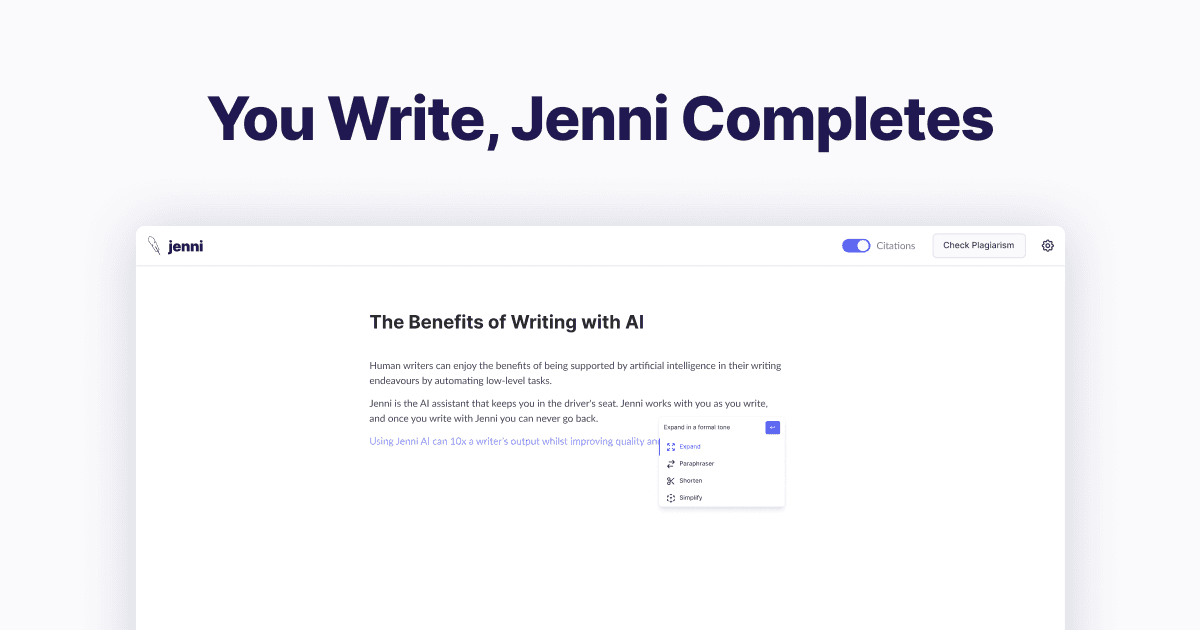
Jenni AI is a writing assistant that helps turn research into drafts and paragraphs. You can paste text or ideas, then ask it to expand, summarize, or rewrite in a clearer way.
Students use it to outline essays or generate first drafts when time is tight. It also supports citation features which makes academic writing easier.
👍
Pros
- Writing support.
- Create citations.
👎
Cons
- Only 5 free edits/day.
- Doesn't work anywhere.
What is the Best AI Tool for Research?
The best research tool depends on what you need as a student. Some tools are better for reading papers and collecting sources, while others focus more on writing or studying.
If your priority is research, look for a tool that helps discover sources, extract key points, and store notes.
Alternatively, if you mainly need writing support, choose something that can proofread, rewrite, and help draft assignments.
Students who want help understanding material may prefer tools that summarize, answer questions, and explain concepts clearly.
To recap, our suggestion for the best free Otio AI alternative is AI Blaze. AI Blaze is your personal AI research and studying assistant that helps you answer questions and generate summaries on any website for FREE!
Give AI Blaze a try for free today!