10 Best Productivity Tools for Teams to Try in 2026
Discover the best productivity tools that can help your team boost productivity, save time, and work more efficiently in 2026.

If you manage a team, it often feels like everyone is busy but progress still moves slower than it should. Messages are scattered across tools, tasks slip through the cracks, and it is hard to see who is working on what.
Productivity tools for teams help bring structure to that chaos by keeping work, communication, and timelines in one place.
When used well, productivity apps make it easier for teams to stay aligned and actually finish the work they start.
In this guide, we'll cover the 10 best productivity tools for teams that your team can use to boost productivity and work more efficiently in 2026. Let's dive in!
Does My Team Need a Productivity Tool?
If managing work feels harder than it should, that is usually the first sign something is off. This often comes up for remote teams, tech teams, and sales teams where work moves fast and communication happens across multiple tools.
Here are a few questions to ask yourself to help determine if your team needs a productivity tool:
Do tasks move through clear steps, or does work feel scattered and reactive?
Is it obvious who owns each task, or do things get delayed because no one is sure who is responsible?
Are important internal updates spread across emails, chats, and meetings?
Does your team struggle to keep customer or client conversations consistent and organized?
Are people rewriting the same messages, notes, or updates over and over?
Can you quickly see what is in progress, what is blocked, and what is done?
Is everyone on the same page and is communication consistent and on-brand?
If several of these questions feel familiar, a productivity tool can help bring more structure and clarity to how your team works.
How Can Tools Boost a Team's Productivity?
When a team starts using the right productivity tools, work usually feels less chaotic. You spend less time chasing updates and more time moving things forward together.
Here are a few ways that tools can help boost a team's productivity:
Clear workflows - Work moves through defined steps instead of bouncing around or getting stuck.
Clear ownership - Everyone knows who is responsible for each task, which cuts down on follow-ups.
Better internal communication - Conversations stay connected to the work, so context is easier to find.
More consistent external communication - Customer and client messages stay organized, even when multiple people are involved.
Less repeat work - Common messages, updates, and processes are handled once and reused.
Better visibility - It is easier to see what is in progress, what is blocked, and what needs attention next.
These benefits compound over time. The team spends less energy managing work and more energy getting it done.
10 Best Productivity Tools for Teams
Before choosing a tool, it helps to understand what kind of work your team needs support with. Determine what kind of support you need, then find the tool that provides it.
Here's our list of the 10 best productivity tools for teams in 2026:
| Tool | Description | Price |
|---|---|---|
| Text Blaze | Streamline repetitive typing & workflows in any site or app. | Free forever. |
| Smartsheet | AI-powered workflow management platform. | Limited trial sheets, then $24/user/month. |
| Trello | Ultimate productivity & kanban tool for teams. | Free for up to 10 collaborators. |
| Notion | Create shared dashboards/spaces for anything. | Free for individuals, $10/user/month for teams. |
| Slack | Simple, effective internal communication platform for teams. | Free plan offers only 90 days of message history. |
| Zapier | Connect apps & sites with custom automations. | Free plan offers two-step zaps. |
| Toggl Track | Time-tracking for teams. | Free for up to 5 users, then $9/user/month. |
| Monday.com | Work management platform for projects and tasks. | Up to 3 free boards, then $9/seat/month. |
| Teamwork.com | AI-focused project management platform. | Fre for up to 5 members, then $13.99/user/month. |
| Asana | Work management & tracking for large teams. | Free for 2 users, then $13.99/month. |
1. Text Blaze
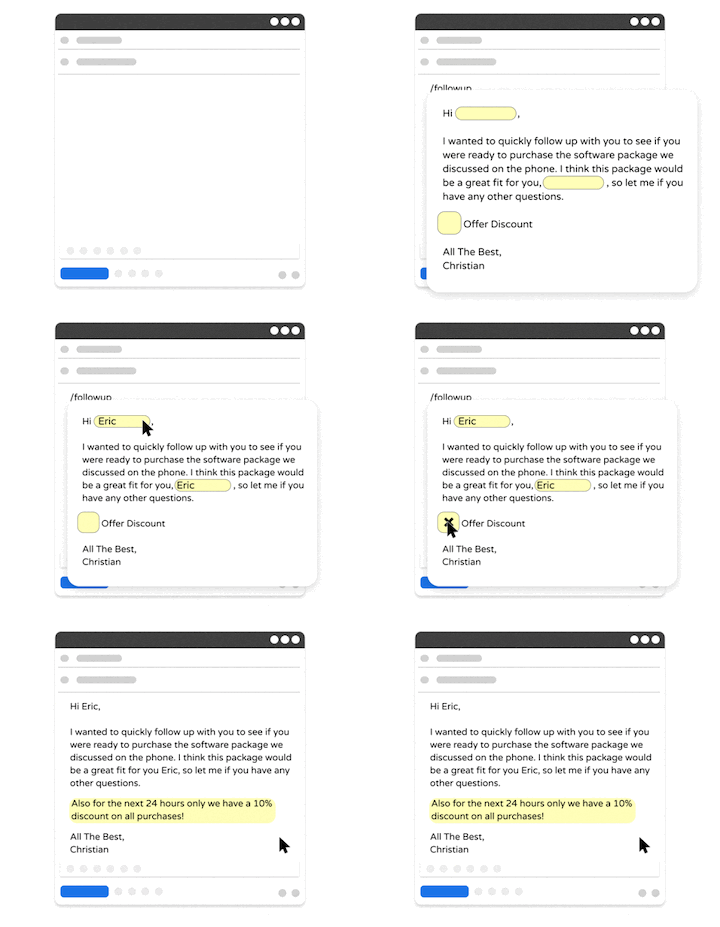
First up on our list of the best free productivity tools for teams is Text Blaze, the ultimate productivity and automation tool.
Text Blaze is #1 on this list because it is the highest rated productivity app on the Chrome Web Store, with a 4.9 rating and 1,000+ 5-star reviews.
With Text Blaze, you can automate repetitive typing with keyboard shortcuts & dynamic text templates that work on any site or app.
Here's how Text Blaze stands out:
Guide your team's communication anywhere you work! Text Blaze works on Chrome, Windows, and Mac.
Streamline repetitive workflows - Text Blaze can automate: transferring data, filling out forms, sending an email, or any other repetitive workflow.
Get the right message every time - Text Blaze helps teams stay on-brand, consistent, and get the right message in every interaction.
Personalization at scale - With Text Blaze, you can use placeholders and logic to create dynamic templates that help you personalize your communication for any situation.
Text Blaze is free forever! Give Text Blaze a try for free and start saving time at no cost.
How it helps teams: It reduces repeat work and keeps internal and external communication consistent. Teams spend less time rewriting the same content and more time focused on their actual tasks.
Pros
- Works on any website or app
- Free to use
- Easy to share templates across your team
- Standardize your team's communication
- Keep everyone on the same page
- Get the right message in every interaction
Cons
- Not yet available for mobile or iPad
Want to streamline your team's communication & workflows?
Join over 700,000+ others who are using Text Blaze templates.
2. Smartsheet
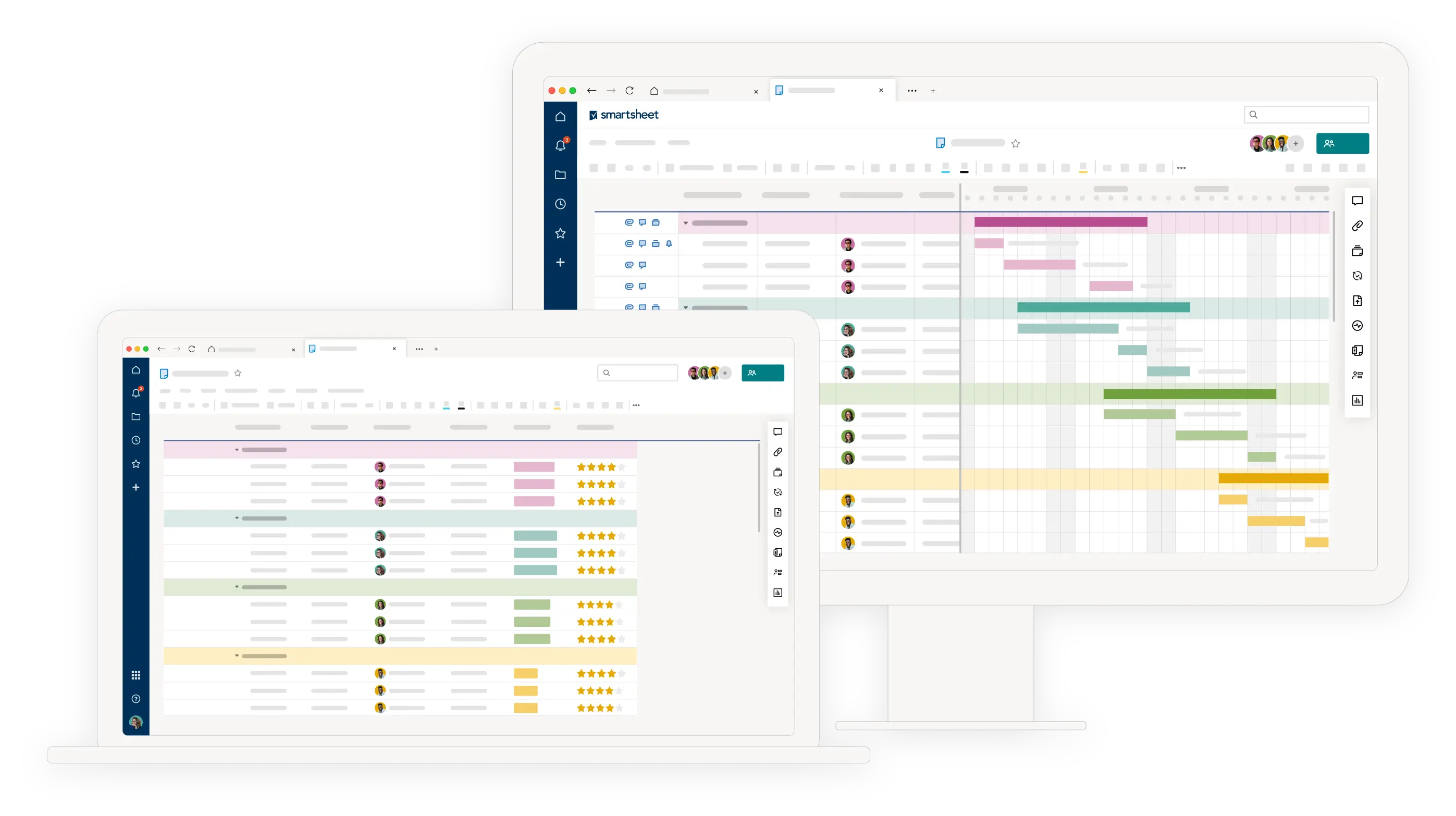
Smartsheet is a work management and project tracking tool built around spreadsheets. It falls into the project management category and is often used for structured planning and reporting. Teams use it to manage timelines, tasks, and dependencies.
How it helps teams: It gives managers clear visibility into project progress and workloads. Teams can track complex projects without relying on long email threads.
Pros
- Familiar spreadsheet-style interface
- Strong reporting and tracking features
- Supports complex workflows
- Good for cross-team visibility
Cons
- Can feel overwhelming at first
- Setup takes time
- Less intuitive for simple projects
3. Trello
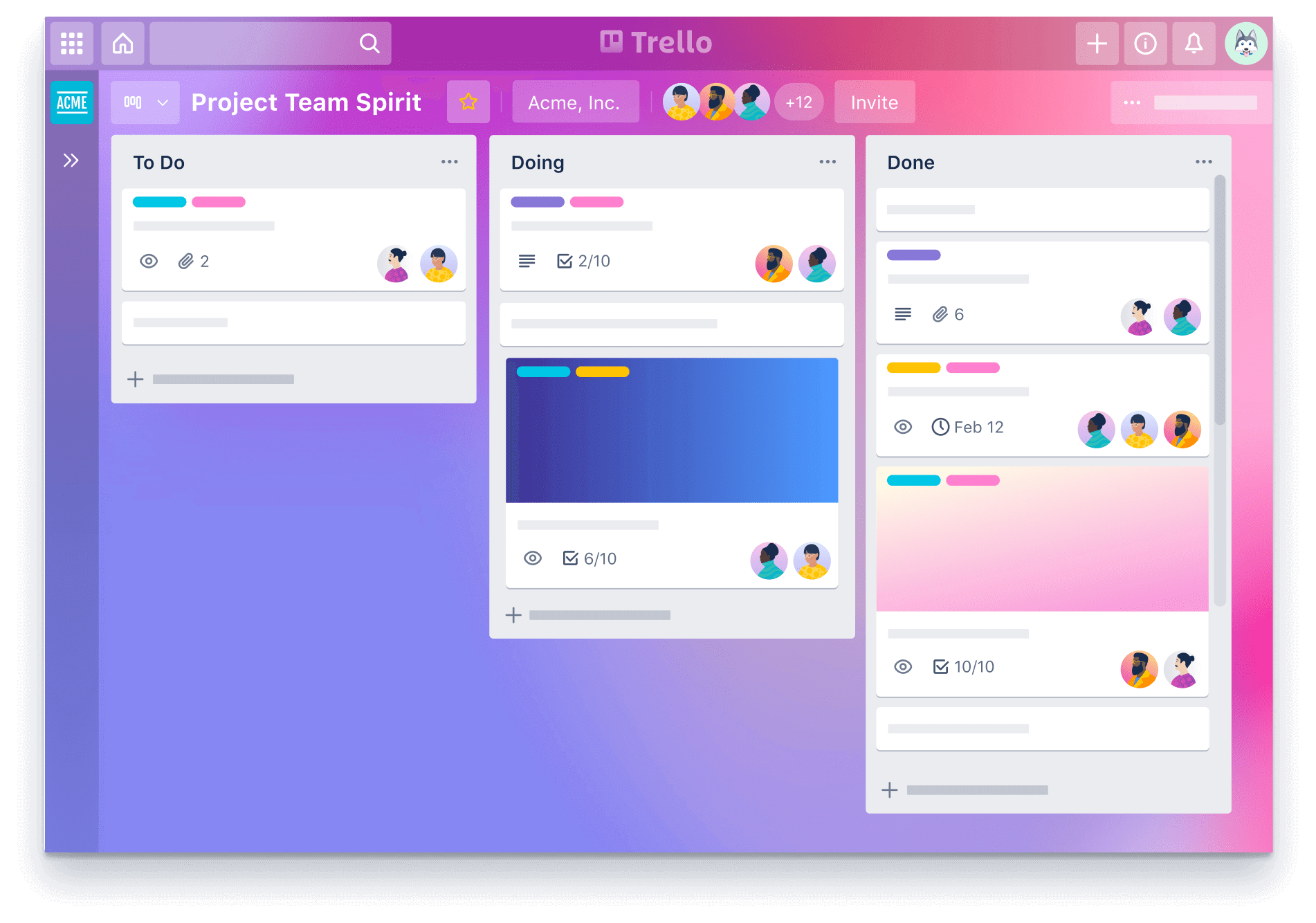
Trello is a visual task management tool based on boards and cards. It fits into the task management category and focuses on simplicity. Teams organize work into columns that represent stages of progress.
How it helps teams: It makes task status visible at a glance. Teams can quickly see what is pending, in progress, or done.
Pros
- Very easy to get started
- Visual and intuitive layout
- Flexible for many workflows
- Works well for small teams
Cons
- Limited for complex projects
- Reporting features are basic
- Can become cluttered over time
4. Notion

Notion is an all-in-one workspace that combines documents, tasks, and databases. It falls into the documentation and productivity category. Teams use it to store knowledge, manage projects, and document processes. Its flexibility allows teams to customize their setup.
How it helps teams: It centralizes information so teams are not searching across tools. Shared documentation keeps everyone aligned.
Pros
- Highly customizable
- Combines docs and tasks
- Good for team knowledge bases
- Flexible structure
Cons
- Can require planning to set up well
- Easy to overcomplicate
- Performance can vary with large workspaces
5. Slack
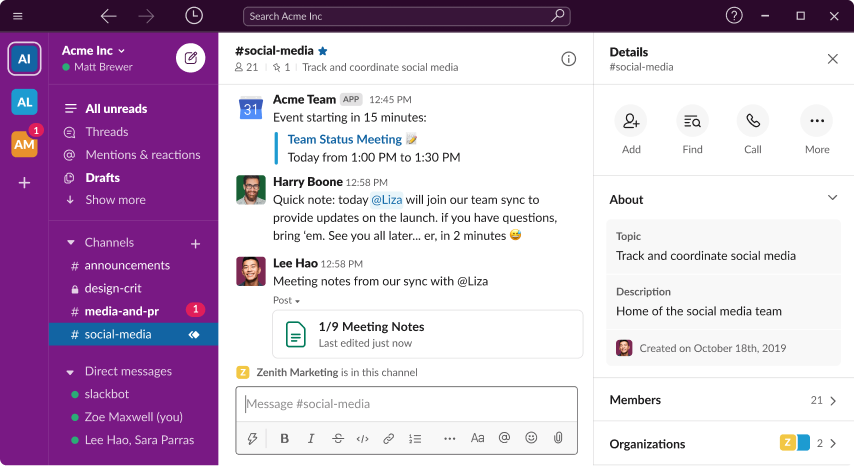
Slack is a team communication tool focused on messaging. It falls into the communication category and replaces many internal emails. Teams organize conversations into channels by topic or project.
How it helps teams: It speeds up business communication and keeps conversations searchable. Teams can collaborate in real time without losing context.
Pros
- Easy and fast communication
- Organized channels
- Strong integrations
- Reduces internal email
Cons
- Message overload can happen
- Can distract without guidelines
- Not designed for task management
6. Zapier

Zapier is an automation tool that connects apps and automates workflows. It falls into the workflow automation category. Teams use apps like Zapier to move data and trigger actions between tools automatically.
How it helps teams: It removes manual steps between tools. Teams save time by automating repetitive processes.
Pros
- Connects thousands of apps
- No coding required
- Saves time on manual tasks
- Flexible automation options
Cons
- Setup can take trial and error
- Costs increase with usage
- Debugging can be limited
Want to streamline your team's communication & workflows?
Join over 700,000+ others who are using Text Blaze templates.
7. Toggl Track
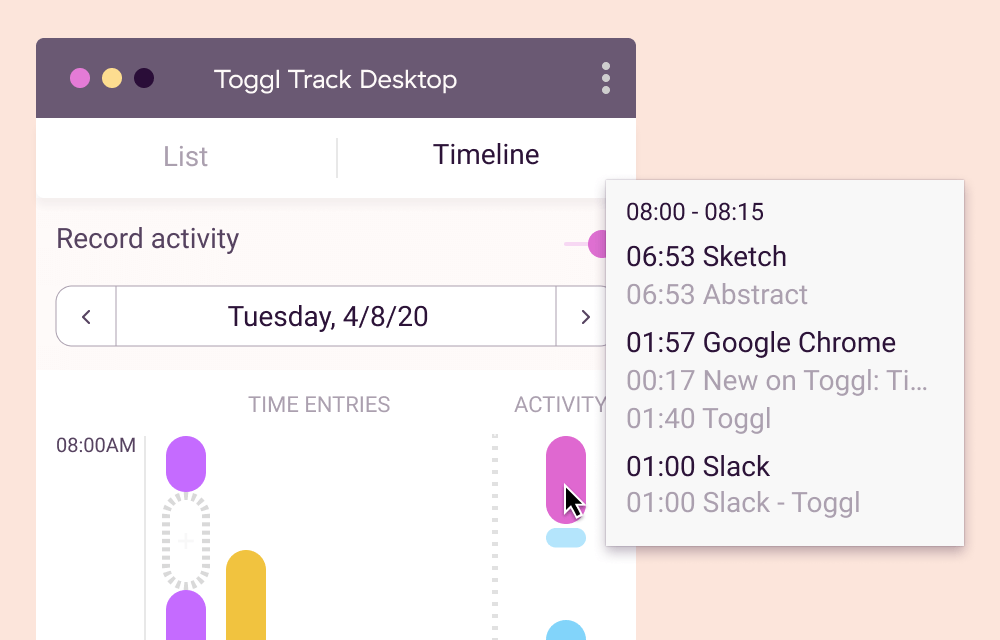
Toggl Track is a time tracking tool designed for individuals and teams. It falls into the time management category. Teams track how time is spent across tasks and projects.
How it helps teams: It improves awareness of where time goes. Managers can plan workloads more accurately.
Pros
- Simple time tracking
- Clear reporting
- Works for individuals and teams
- Useful for planning
Cons
- Requires consistent use
- Limited task management
- Relies on manual tracking
8. Monday.com

monday.com is a work management platform with visual project tracking. It falls into the project management category. Teams build boards to track tasks, timelines, and workflows.
How it helps teams: It improves visibility across projects and workloads. Teams can customize workflows without losing structure.
Pros
- Visual and flexible boards
- Customizable workflows
- Good team visibility
- Scales with team size
Cons
- Can feel complex at first
- Pricing increases with features
- Requires setup time
9. Teamwork.com

Teamwork.com is a project management tool built for client-facing teams. It falls into the project management category with a focus on deliverables. Teams manage tasks, deadlines, and client work in one place.
How it helps teams: It keeps client work organized and visible. Teams can manage deadlines without constant follow-ups.
Pros
- Strong project tracking
- Good for client work
- Time tracking included
- Clear task ownership
Cons
- Interface can feel dated
- Learning curve for new users
- Less flexible for non-client teams
10. Asana
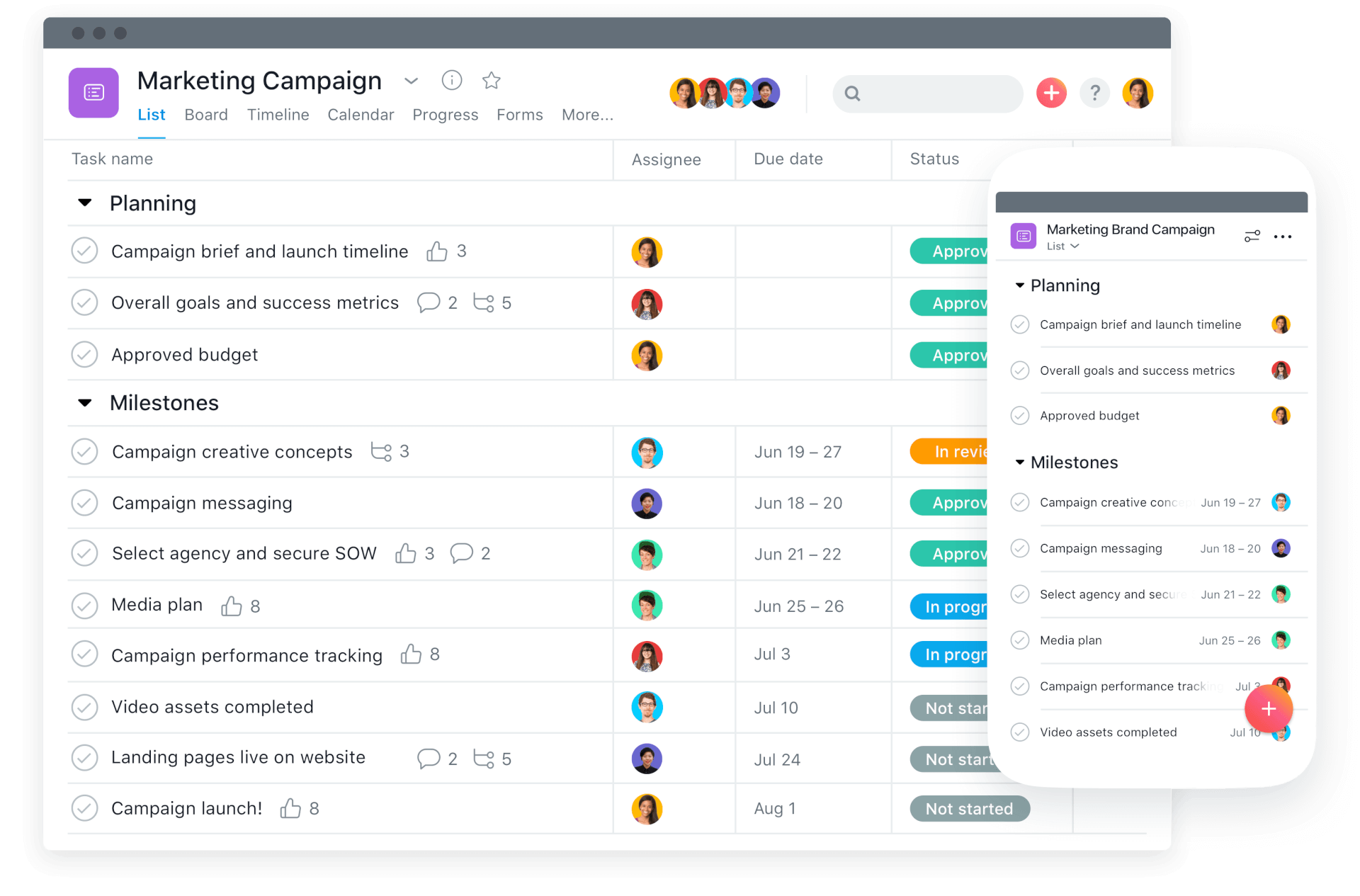
Asana is a task and project management tool for planning and tracking work. It falls into the productivity and project management category. Teams use it to assign tasks, set deadlines, and track progress.
How it helps teams: It keeps work organized and reduces the need for status meetings. Teams can see progress without chasing updates.
Pros
- Clean and structured interface
- Multiple project views
- Good task ownership
- Strong planning features
Cons
- Can feel rigid for some workflows
- Advanced features require paid plans
- Setup takes time for larger teams
What is the Best Productivity Tool for Teams?
Choosing the right productivity tool starts with being honest about what is frustrating your team the most. The 'best' tool is one that addresses your team's needs and helps boost productivity the most.
For some teams, internal communication is scattered and hard to follow. For others, customer conversations lack consistency, or work is difficult to track once projects get moving. Ineffective workflows can also make even simple tasks feel heavier than they should.
When days are full but progress still feels slow, it is usually a sign that the system is not working for the team. The goal should not be to add more tools for the sake of it, but to actually fix what is getting in the way.
To recap, our suggestion for the best free productivity tools for teams is Text Blaze. Text Blaze is the highest-rated productivity tool on the Chrome Web Store (4.9 rating) that helps you automate repetitive typing and workflows anywhere you work (even on Windows and Mac).
Give Text Blaze a try for free today!