7 Best Pulover’s Macro Creator Alternatives in 2026
Explore the best Pulover’s Macro Creator alternatives for Windows. Compare macro tools and text expanders for easier automation.

If you're using Pulover’s Macro Creator, you might've hit a point where things feel harder than they should. While it’s powerful, it still relies on AutoHotkey under the hood, which can make advanced automation difficult to manage or scale.
Some users start looking for alternatives that are easier to use, more flexible, or work beyond just Windows scripting. Whether you want simple macro recording or broader workflow automation, there are better options depending on your needs.
In this guide, we’ll cover the best Pulover’s Macro Creator alternatives and help you choose the right one for your setup.
What Is Pulover’s Macro Creator?
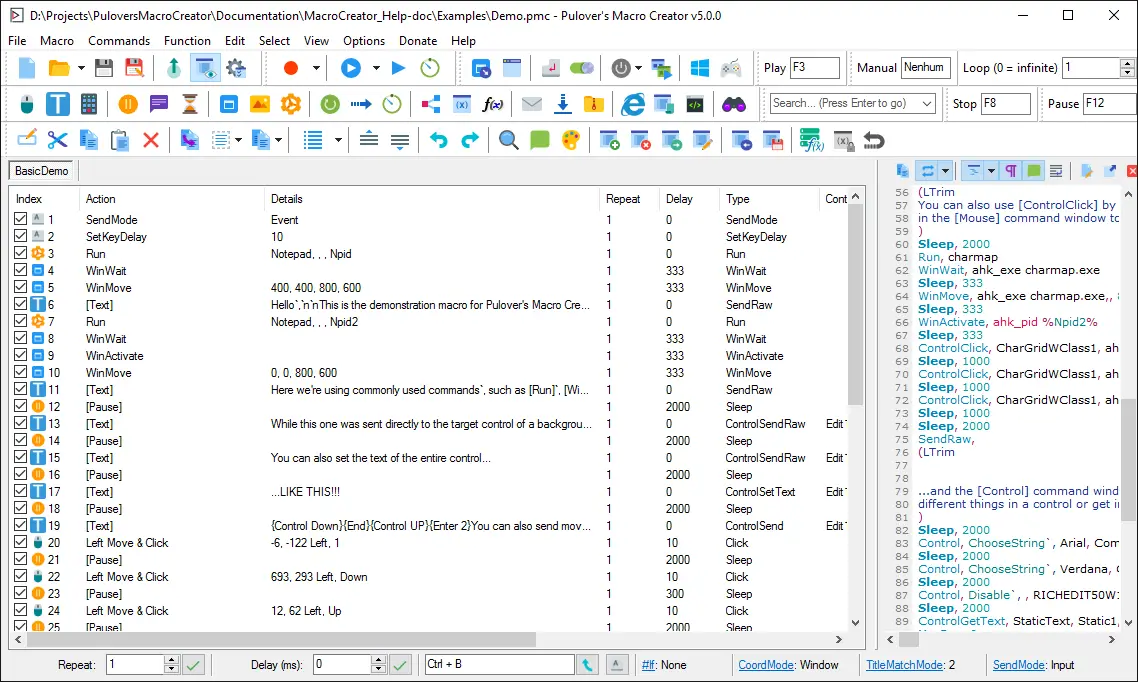
Pulover’s Macro Creator is a Windows-based automation tool that provides a graphical interface for creating AutoHotkey scripts. It allows you to record mouse movements, keystrokes, and actions, then edit them into reusable macros.
While it simplifies AutoHotkey to some extent, it still relies on scripting for more advanced use cases. This makes it useful for technical users but harder to adopt for those who want quick, no-code, desktop automation.
Why Look for a Pulover’s Macro Creator Alternative?
Pulover’s Macro Creator works well for certain use cases, but it does have limitations that lead users to explore other tools.
Here are a few common reasons why people look for alternatives to Pulover’s Macro Creator:
Learning curve - Advanced automation still requires understanding AutoHotkey scripts.
Windows-only - It does not support macOS or browser-based workflows.
Outdated interface - The UI can feel less intuitive compared to newer tools.
Limited integrations - It doesn’t connect easily with modern apps or workflows.
Not ideal for non-technical users - Setup and maintenance can take time.
These limitations often push users toward tools that are easier to use or offer broader automation features.
7 Best Pulover’s Macro Creator Alternatives
If you’re comparing options, the tools below cover a range of use cases, from simple macro recording to more flexible automation and text expansion.
Here's our list of the 7 best Pulover’s Macro Creator alternatives in 2026:
| Tool | Key Feature | Ease of Use | Best For | Pricing |
|---|---|---|---|---|
| Text Blaze | Text expansion + automation | Easy | Repetitive typing + workflows | Free forever |
| AutoHotkey | Full scripting control | Hard | Advanced automation | Free |
| FastKeys | Macros + text expansion | Medium | All-in-one Windows automation | $29 one-time |
| PhraseExpress | Text automation + templates | Medium | Business communication | $99.95 one-time |
| TinyTask | Simple macro recording | Easy | Quick repetitive actions | Free |
| Macro Recorder | Visual macro recording | Easy | Recording + playback | $99.95 one-time |
| Keyboard Maestro | Advanced Mac automation | Medium | macOS users | $36 ($25 upgrades) |
1. Text Blaze

Text Blaze is a text expander and Windows automation tool allows you to create smart text templates and insert them on any site or app using keyboard shortcuts.
Text Blaze can help you automate repetitive typing, streamline workflows, and boost productivity with customizable, dynamic text templates.
Plus, Text Blaze is the #1 rated text expander on the Chrome Web Store (4.9 rating with 1,800+ reviews) and is trusted by 800,000+ users.
Key features:
Create dynamic templates with placeholders, drop-down menus, toggle fields, if/else rules, autopilot, data transfer, and more.
Text Blaze works anywhere and is available on Chrome, Windows, and Mac!
Automate workflows by streamlining data transfer, form-filling, repetitive typing, and much more.
Text Blaze is perfect for teams. Guide your team's communication & workflows with shared templates. Learn more here.
Pricing: Free forever. Get started and save time for free.
Best for: Users who want a text expansion tool that works on any website or app and offers powerful, advanced features.
Want to automate repetitive typing anywhere for free?
Join 800,000+ who are using Text Blaze templates.
2. AutoHotkey
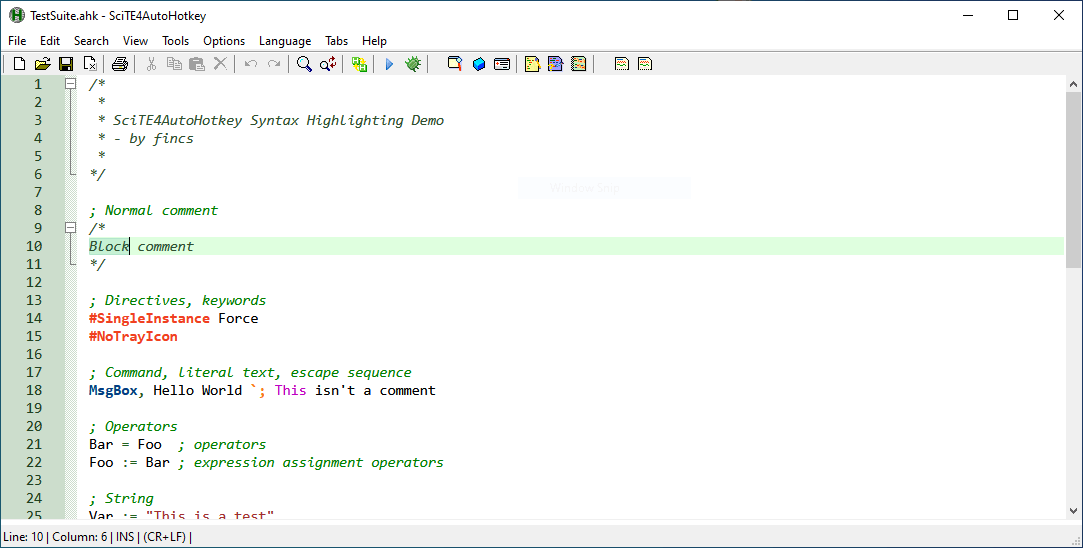
AutoHotKey is the scripting engine behind Pulover’s Macro Creator, but using it directly gives you full control over automation. You can create highly customized scripts that handle everything from keyboard shortcuts to full application workflows.
However, this flexibility comes with a steeper learning curve. It’s best suited for users comfortable writing and maintaining scripts. If you want maximum control, tools like AutoHotKey are some of the most powerful options.
Key features:
- Full scripting for custom automation
- Create hotkeys and macros
- Automate system-level tasks
- Extensive community support
Pricing: Free and open source.
Best for: Advanced users who want full control over automation.
3. FastKeys
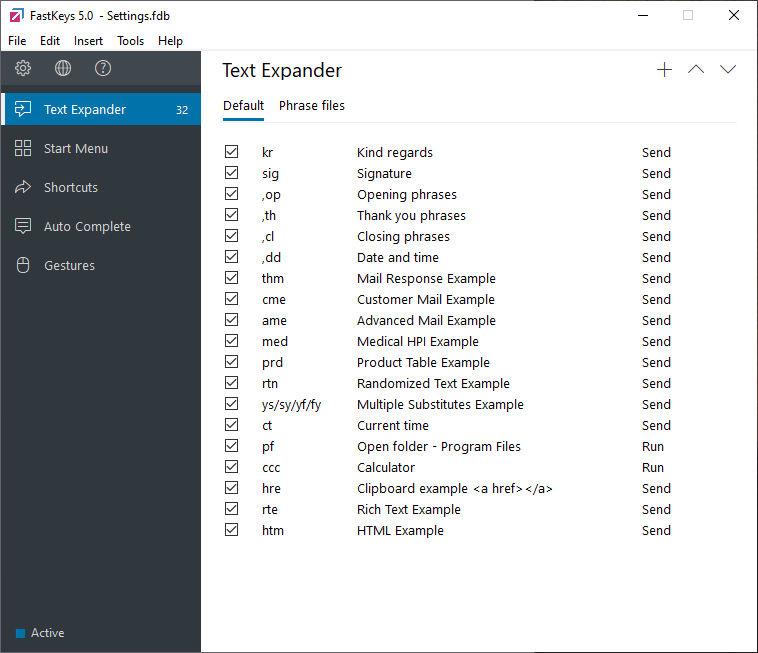
FastKeys combines text expansion, macros, and shortcuts into one Windows tool. It allows you to automate typing, launch programs, and create macro sequences without relying entirely on scripting.
The interface is more approachable than AutoHotkey-based tools, though it still takes some time to learn. It’s a good middle ground between simplicity and flexibility.
Key features:
- Text expansion and macro automation
- Start menu and shortcut launcher
- Clipboard manager
- Custom keyboard shortcuts
Pricing: A personal lifetime license is $29 and professional lifetime license is $39.
Best for: Users who want both macros and text expansion in one tool.
4. PhraseExpress
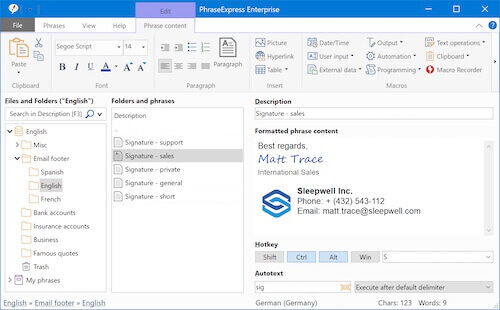
PhraseExpress is a text replacement tool designed for managing reusable templates and responses. It focuses more on structured communication than traditional macro recording.
You can create templates with variables, organize them into folders, and share them across teams. While apps like PhraseExpress typically include some basic automation features, their strength is in text-based workflows.
Key features:
- Template and snippet management
- Dynamic placeholders and variables
- Team sharing and syncing
- Clipboard history
Pricing: A standard license is $99.95 USD.
Best for: Teams managing repetitive communication and templates.
5. TinyTask
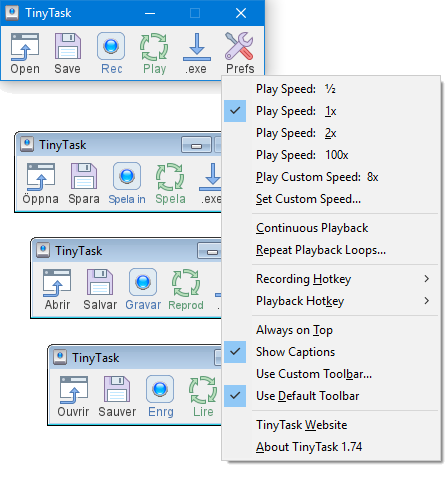
TinyTask is a lightweight macro recorder built for simplicity. It records mouse movements and keystrokes, then plays them back without requiring setup or configuration.
There are no advanced editing features, which keeps it easy to use but limits flexibility. It’s best for very basic, repetitive tasks that don’t change often.
Key features:
- Simple macro recording and playback
- Minimal setup required
- Lightweight and portable
- No scripting needed
Pricing: Free.
Best for: Quick and simple macro recording.
6. Macro Recorder
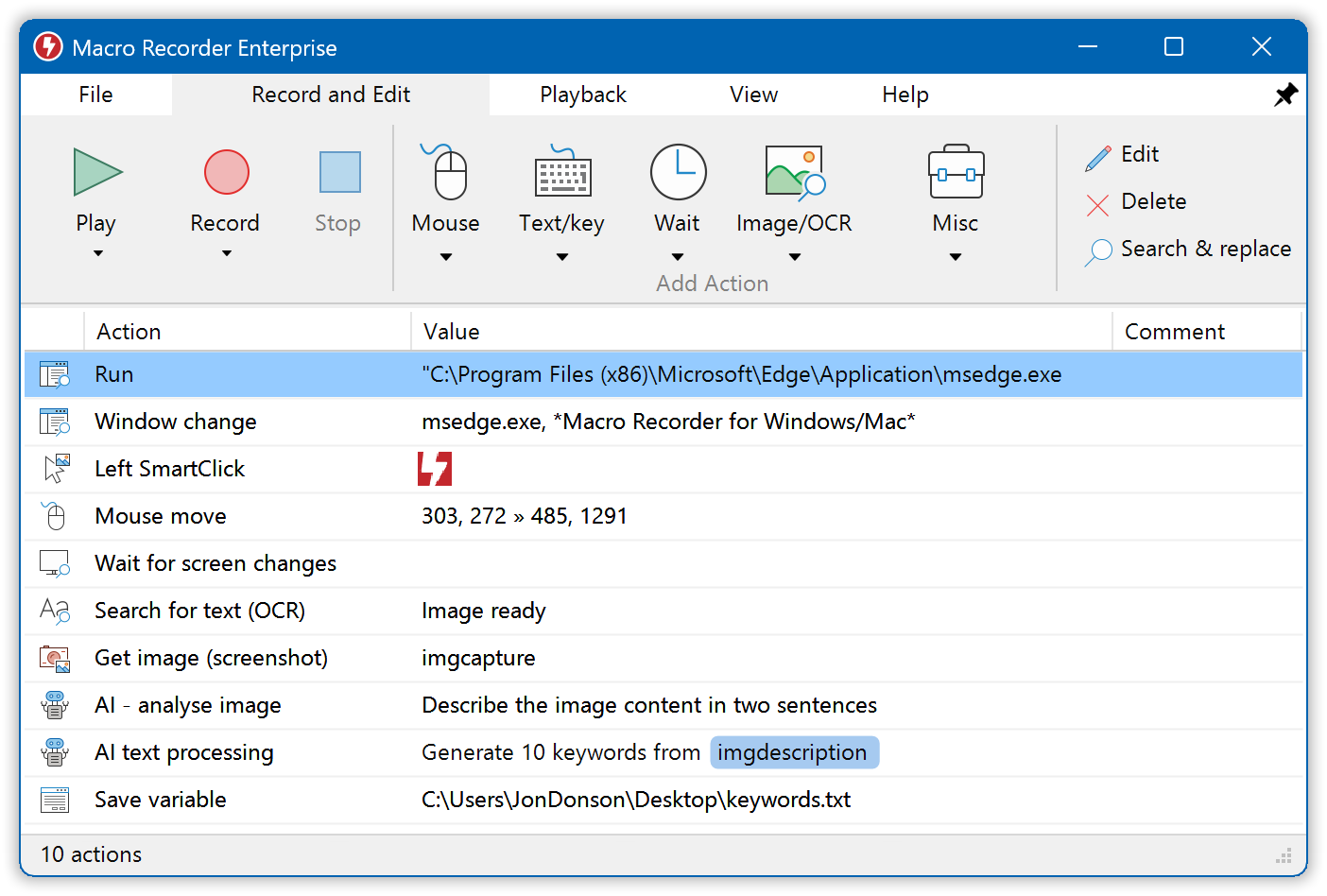
Macro Recorder focuses on capturing user actions and replaying them with more control than basic tools. It includes features like adjustable playback speed and loop automation.
The interface is visual, which makes it easier to understand compared to script-based tools. However, it’s still limited compared to more flexible automation tools.
Key features:
- Record and replay actions
- Adjustable playback speed
- Loop and repeat automation
- Visual editing interface
Pricing: The standard version is $99.95 USD.
Best for: Recording and replaying repetitive workflows.
Want to automate repetitive typing anywhere for free?
Join 800,000+ who are using Text Blaze templates.
7. Keyboard Maestro
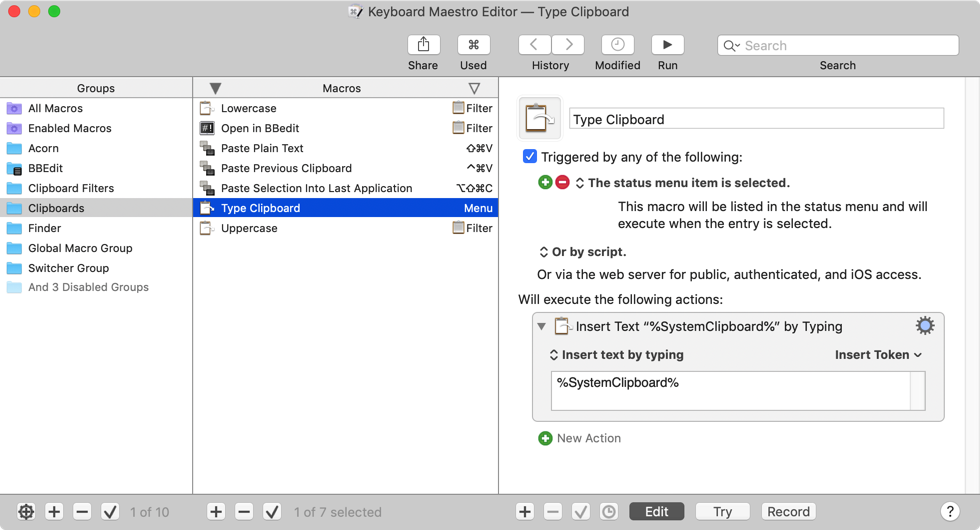
Keyboard Maestro is a macOS automation tool that offers advanced macro capabilities. It allows you to automate actions across applications using triggers, conditions, and actions.
While it’s not available on Windows, it’s a strong alternative for Mac users looking for similar functionality. The learning curve for tools like Keyboard Maestro is moderate, but they provide a lot of flexibility.
Key features:
- Trigger-based automation
- Visual macro editor
- Conditional logic support
- App-specific workflows
Pricing: Free trial, then $36. Upgrades are $25.
Best for: macOS users who need advanced automation.
Text Expansion Tools vs Traditional Macros
Traditional macro tools focus on recording actions like clicks and keystrokes. While this works for repetitive tasks, it can break easily if anything in the workflow changes.
Text expansion tools take a different approach by focusing on reusable content instead of recorded actions. This makes them more flexible and easier to maintain over time. They also work better for communication-heavy workflows where the same messages or data need to be reused.
For many users, especially in support, sales, or operations roles, text expansion ends up being more practical than full macro automation.
What Is the Best Pulover’s Macro Creator Alternative?
The best Pulover’s Macro Creator alternative depends on how you want to automate your work. Some tools focus on scripting and full control, while others prioritize ease of use and flexibility.
We recommend using text expansion apps instead of macro recorders, as they are easier to use, manage, and customize.
Though, if you prefer the control of a macro recorder, by all means, use one of those.
If you want a simpler way to automate repetitive typing and workflows without dealing with scripts, Text Blaze is a strong option. It works across websites, supports dynamic content, and is easy to set up, which makes it a practical choice for most users.