5 Free Rocket Typist Alternatives for macOS in 2026
Looking for a Rocket Typist alternative on macOS? Compare 5 free text expanders with features, pricing, and best use cases.

Typing the same messages, emails, or responses over and over on your Mac can quickly slow down your workflow. Tools like Rocket Typist help automate this by turning short shortcuts into full text, but they do not always offer the flexibility or features every user needs.
As your workload grows, you may start looking for a text expander that is easier to use, more powerful, or completely free. If you are searching for a Rocket Typist alternative on macOS, there are several options that can help you save time and reduce repetitive typing across apps and websites.
In this article, we’ll cover what Rocket Typist does, why users look for alternatives, and the 5 best free Rocket Typist alternatives.
What is Rocket Typist?
Rocket Typist is a text expansion tool primarily used on macOS and iPhone that lets you insert pre-written text using shortcuts. Instead of typing the same emails, messages, or notes repeatedly, you can trigger full snippets instantly with a short abbreviation.
It's a Mac app that is commonly used for email replies, customer support messages, and repetitive writing tasks. By storing reusable text templates, it helps reduce typing time and keep communication consistent.
What Does Rocket Typist Do?
Rocket Typist helps automate repetitive typing by turning short abbreviations into full pieces of text. This can include emails, canned responses, code snippets, or structured notes.
For example, you can type a shortcut like “/intro” and instantly insert a full introduction message. This makes it easier to stay consistent across communications while saving time on manual typing.
While macOS does have built-in text replacement, external apps called text expanders offer more customization and advanced features.
Why Look for a Rocket Typist Alternative?
Rocket Typist works well for basic text expansion, but it may not meet every need. Many users start looking for alternatives when their workflows become more complex.
Here are a few reasons why you might look into a Rocket Typist alternative:
Limited customization - Some users need dynamic fields, forms, or conditional logic.
macOS-only constraints - You may want a tool that works across devices or browsers.
Workflow automation features - Advanced desktop automation and integrations may be missing.
Pricing considerations - Free options with broader capabilities are available.
If your daily work involves more than simple text replacement, exploring alternatives can help you save more time and reduce manual effort.
5 Best Free Rocket Typist Alternatives
If Rocket Typist does not fully match your workflow, there are several strong alternatives available. Here's our list of the 5 best free Rocket Typist alternatives:
| Tool | Key Feature | Ease of Use | Best For |
|---|---|---|---|
| Text Blaze | Dynamic templates with forms | Easy | Repetitive typing and workflows |
| PhraseExpress | Advanced snippet organization | Medium | Structured text management |
| Raycast | Productivity launcher with snippets | Easy | Keyboard-driven workflows |
| Alfred | Automation and shortcuts | Medium | Power users on macOS |
| TextExpander | Team-based snippet sharing | Easy | Teams and collaboration |
1. Text Blaze
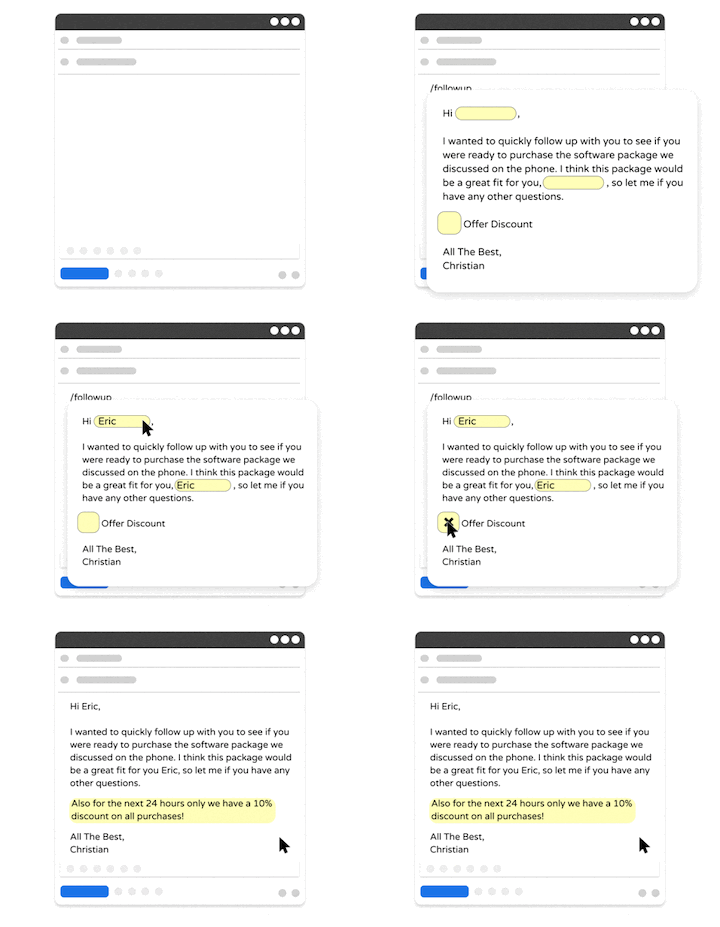
Text Blaze allows you to create smart text templates and insert them on any site or app with keyboard shortcuts. With Text Blaze, you can automate repetitive typing and tasks, boost productivity, and save hours every week.
Text Blaze is trusted by 800,000+ users and has a 4.9 rating on the Chrome Web Store.
Key features:
Create dynamic templates with placeholders, drop-down menus, toggle fields, if/else rules, autopilot, data transfer, and more.
Text Blaze works anywhere and is available on Chrome, Windows, and Mac!
Automate workflows by streamlining data transfer, form-filling, repetitive typing, and much more.
Text Blaze is perfect for teams. Guide your team's communication & workflows with shared templates. Learn more here.
Pricing: Free forever.
Best for: Individuals or teams looking for a free text expander that works on any website or app.
Want to automate repetitive typing on Mac for free?
Join 800,000+ who are using Text Blaze templates.
2. PhraseExpress
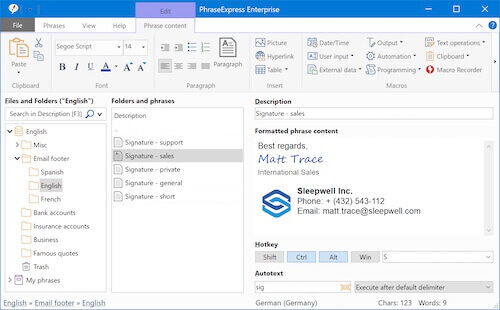
PhraseExpress is a text expander for Mac designed for users who need structured snippet management and automation. It includes features for organizing large libraries of text snippets and supports more advanced customization. This makes it a solid option for users with detailed workflows.
Key features:
Store and organize large snippet libraries
Use autotext shortcuts for quick insertion
Sync snippets across devices
Customize triggers and formatting
Pricing: Free version available for personal use.
Best for: Managing large collections of reusable text.
3. Raycast
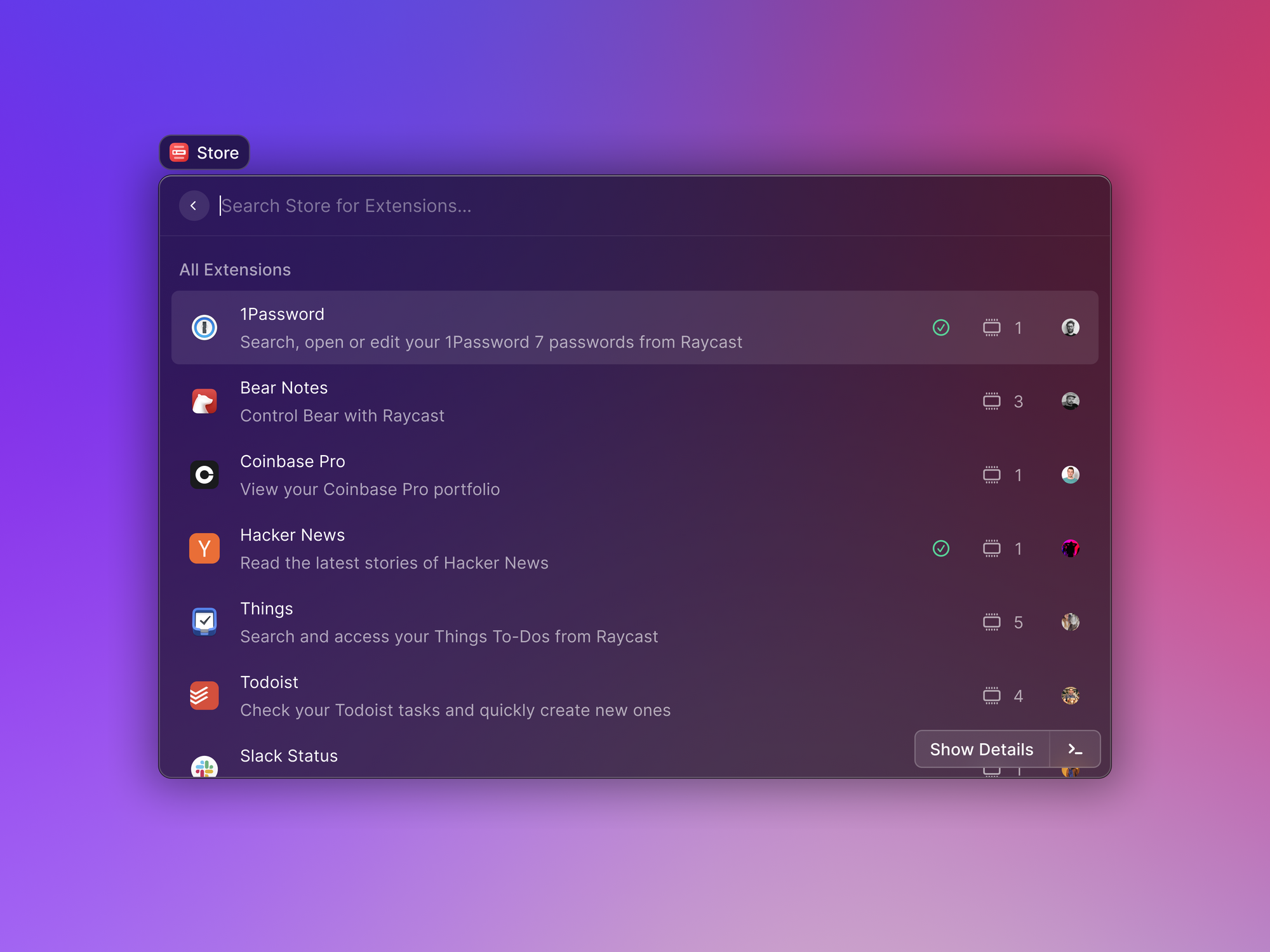
Raycast is a productivity tool for macOS that combines a launcher with text expansion capabilities. It allows you to trigger snippets alongside other actions like opening apps or running commands. This makes it a flexible option for users who prefer keyboard-driven workflows.
Key features:
Insert snippets using commands and shortcuts
Combine text expansion with app launching
Customize workflows with extensions
Access tools quickly from one interface
Pricing: Free plan available with optional paid features.
Best for: Streamlining workflows with keyboard shortcuts.
4. Alfred
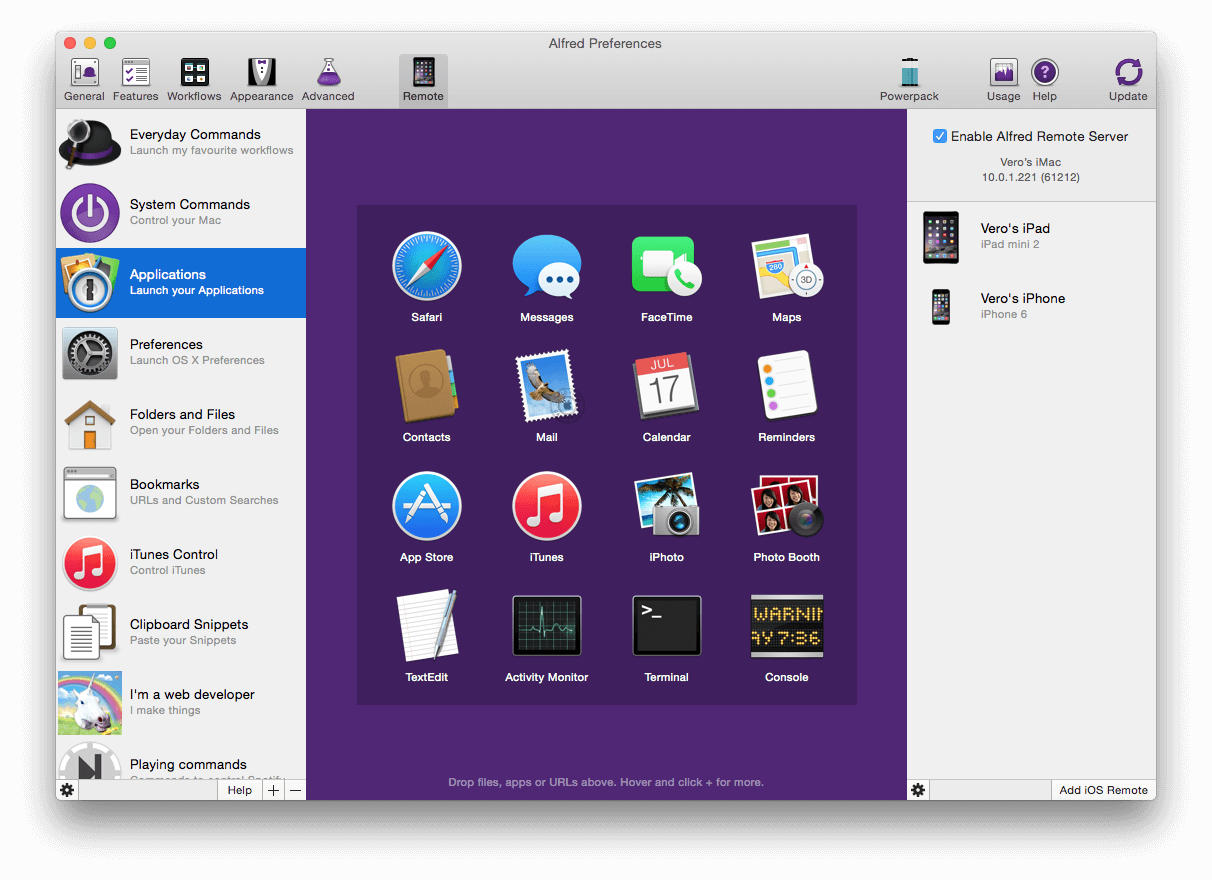
Alfred is a macOS productivity app that includes automation and text expansion features. It is widely used for launching apps, searching files, and running custom workflows. Tools like Alfred offer snippet functionality fits naturally into broader automation setups.
Key features:
Create and trigger text snippets
Build custom workflows and automations
Launch apps and search files quickly
Extend functionality with Powerpack
Pricing: Free version available; paid upgrade for advanced features.
Best for: Power users who want automation beyond text expansion.
Want to automate repetitive typing on Mac for free?
Join 800,000+ who are using Text Blaze templates.
5. TextExpander
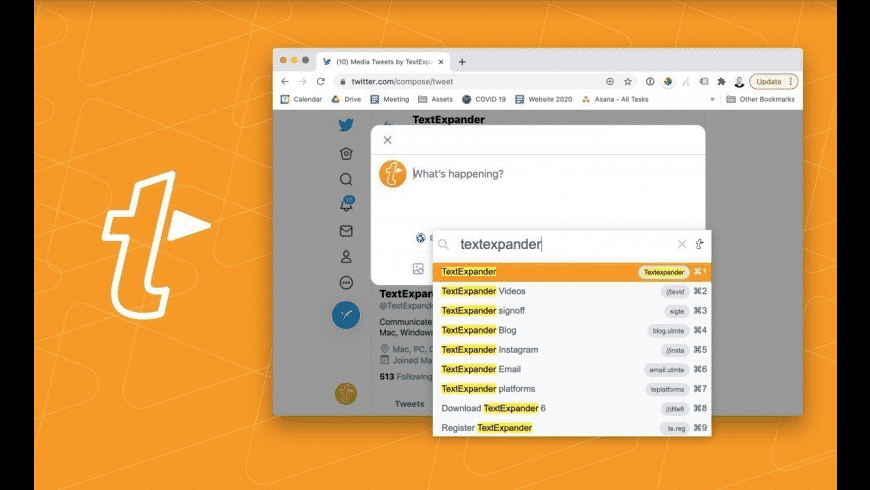
TextExpander is a well-known text expansion tool focused on consistency and team collaboration. Tools like TextExpander allow users to share snippets across teams and maintain standardized communication, which is especially useful in support, sales, and operations roles.
Key features:
Create and reuse text snippets
Share snippets across teams
Maintain consistent messaging
Track snippet usage and updates
Pricing: Free trial available; paid plans required for continued use.
Best for: Teams that need shared and consistent communication.
What is the Best Rocket Typist Alternative?
The best Rocket Typist alternative depends on how you work and what you need from a text expander. Some users only need simple shortcuts for basic snippets, while others want more flexibility with dynamic content, forms, and structured workflows.
If your goal is to save time across emails, forms, and everyday typing without changing your workflow, a tool that works directly where you type can make a big difference. Features like reusable templates, customization, and easy organization become more important as your usage grows.
For a free option that goes beyond basic text expansion and supports more advanced workflows, Text Blaze is a strong choice. Text Blaze is free forever and works on Chrome, Windows, and macOS.