15 Best Team Communication Tools & Apps in 2026
Use these team communication tools to streamline internal, remote, and sales team communications within your team or with customers.

Whether you’re a manager or a part of a team, communication is what keeps everything running smoothly. When messages get missed, updates are scattered, or people are using too many different tools, work starts to feel more complicated than it should be.
Team communication tools help bring conversations, tasks, and updates into one place so everyone knows what’s going on. They make it easier for teams to stay aligned, move faster, and avoid confusion in day-to-day work.
In this article, we’ll cover the 15 best team communication tools & apps in 2026.
What Are Team Communication Tools?
Team communication tools are apps that help people work together by sharing messages, files, updates, and tasks in one organized space. They are used to keep conversations clear, reduce back-and-forth emails, and make collaboration easier.
Here are a few different common types:
Internal team communication - These focus on daily collaboration between coworkers, project updates, and quick questions. They help keep conversations organized and make it easier for everyone to stay aligned.
Remote team communication tools - These are built for teams that work from different locations. They usually include real-time chat, video meetings, file sharing, and notifications.
Sales team communication tools - These focus on managing customer conversations and internal coordination. They help track leads, follow up with clients, and keep all communication in one place.
Customer communication tools - These are designed to help teams talk directly with customers through chat, email, or messaging platforms. They keep customer conversations organized so nothing gets missed.
How Can Tools Improve Team Communication?
Team communication tools make it easier for teams to stay aligned, work faster, and avoid confusion. They help create a shared space where conversations are clear, organized, and easy for everyone to follow.
Here are a few ways that tools can help improve your team's communication:
Everyone stays on the same page - Messages, updates, and decisions live in one place, so people always know what is happening.
Communication stays consistent - Teams can use shared channels, templates, and simple guidelines to communicate in a similar way each time.
Work moves faster and more smoothly - Real-time messages, quick updates, and easy file sharing reduce delays. Teams spend less time waiting for answers and more time making progress.
Mistakes happen less often - Clear and organized communication leaves less room for misunderstandings.
Everything feels more organized - Channels, threads, and shared spaces keep conversations grouped by topic.
Overall, business communication tools help teams communicate with less friction while staying more connected and organized.
15 Best Team Communication Tools & Apps
Teams look for communication tools when email feels too slow or too messy to manage. The tools listed below give teams a faster and more organized way to talk, share updates, and collaborate.
Here's our list of the 15 best team communication tools & apps in 2026:
1. Text Blaze
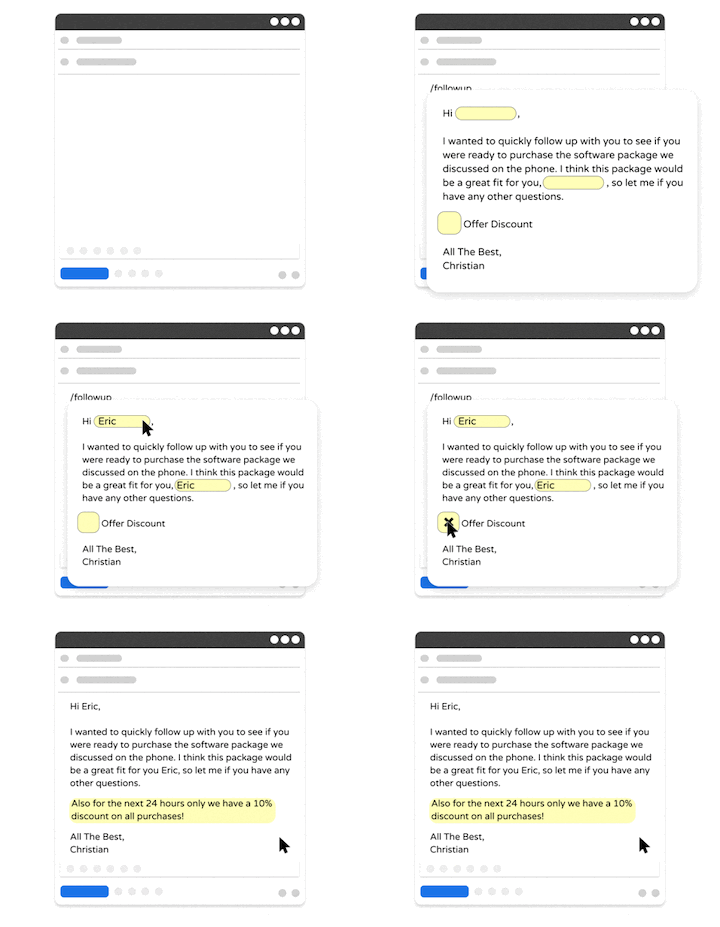
First up on our list of the best team communication tools is Text Blaze. With Text Blaze, you can create smart text templates to automate repetitive typing and workflows anywhere your team works.
With Text Blaze, your team can use shared, smart text templates to align your team's communications & workflows and send personalized, relevant messages in every interaction, every time.
Pros
Guide your team's communication anywhere you work! Text Blaze works on Chrome, Windows, and Mac.
Streamline repetitive workflows - Text Blaze can automate: transferring data, filling out forms, sending an email, or any other repetitive workflow.
Get the right message every time - Text Blaze helps teams stay on-brand, consistent, and get the right message in every interaction.
Personalization at scale - With Text Blaze, you can use placeholders and logic to create dynamic templates that help you personalize your communication for any situation.
Text Blaze is free forever! Give Text Blaze a try for free and start saving time at no cost.
Cons
- Doesn't offer mobile or iPad support currently.
Best for
- Any team or individual looking to automate repetitive typing and workflows. Works especially well for customer communications.
Want to save hours by automating repetitive typing & workflows?
Join over 700,000+ others who are automating workflows with Text Blaze.
2. Slack
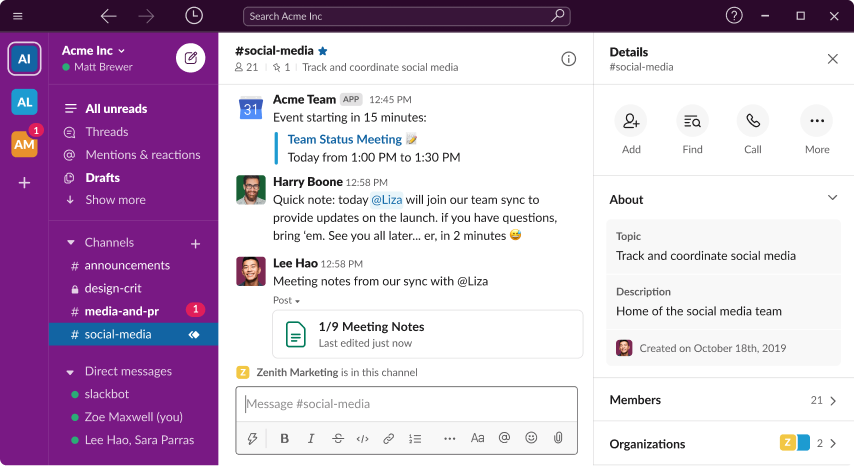
Slack is a messaging platform built around channels for different topics or teams. It helps keep conversations organized and boost team productivity.
Teams can send direct messages, share files, and integrate other work tools. Slack is commonly used for internal communication and remote team communication. It supports both real-time conversations and quick updates.
Pros
- Keeps conversations organized by topic.
- Works well for fast, real-time communication.
Cons
- Can feel noisy with many channels.
- Important messages can get buried.
Best for
- Internal team communication.
3. Intercom
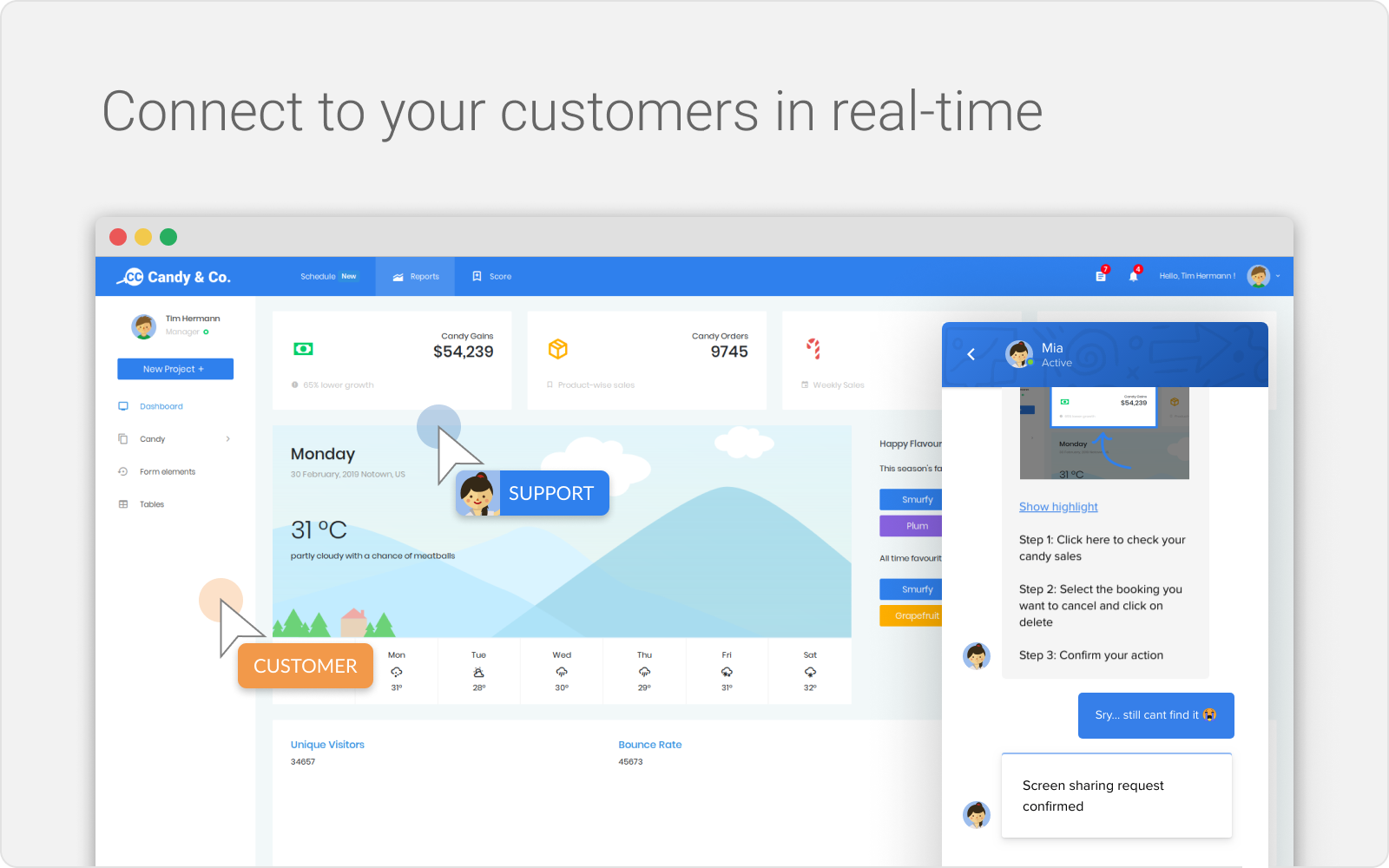
Intercom focuses on customer communication and support messaging. It allows teams to chat with customers, manage conversations, and track interactions.
Sales and support teams use it to keep customer conversations in one place. It also supports automation for replies and routing messages.
Pros
- Keeps customer conversations organized.
- Supports automation and routing.
Cons
- Less focused on internal communication.
- Can be complex for small teams.
Best for
- Customer communication and support teams.
4. Missive App
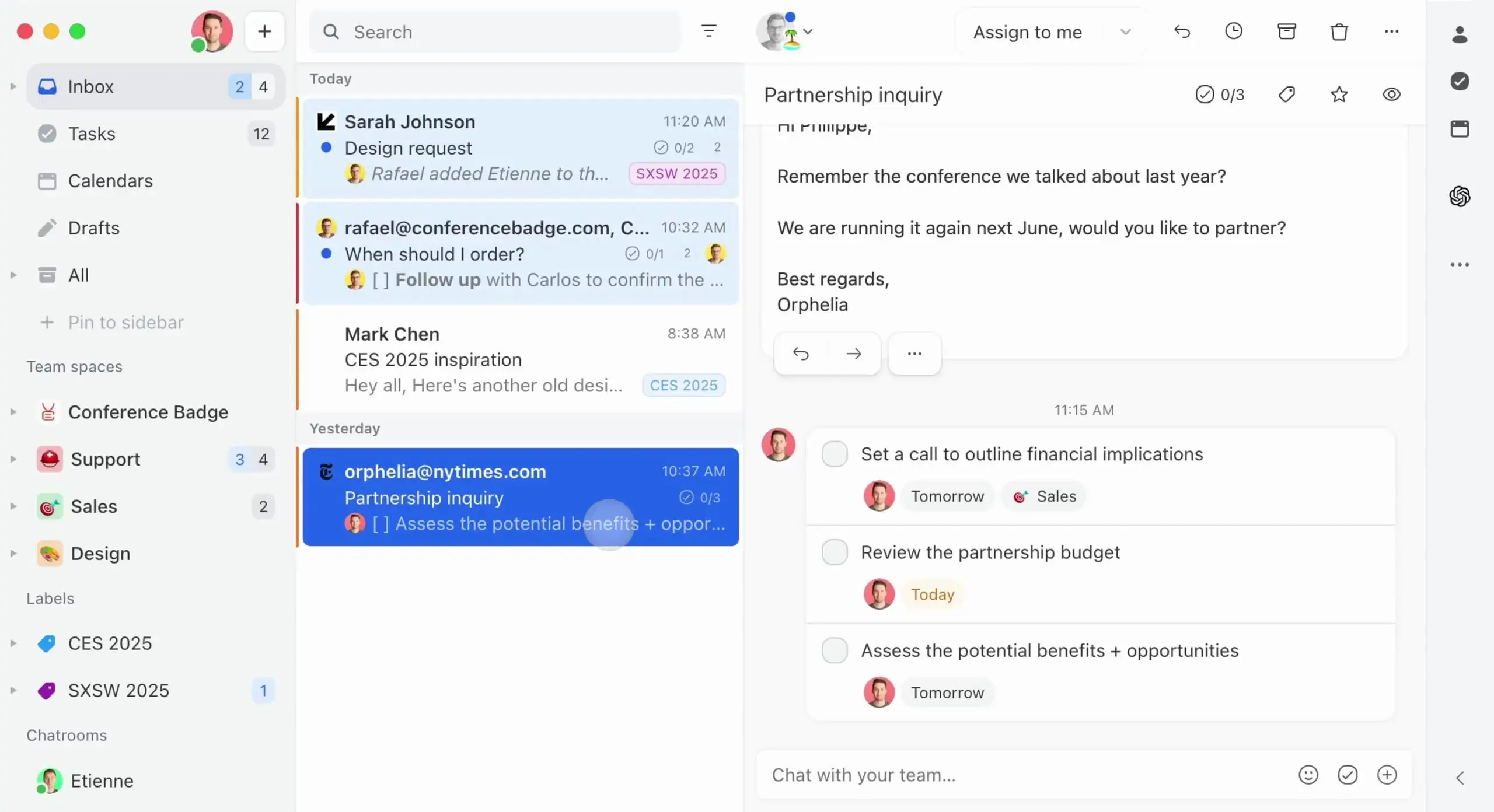
Missive is designed for shared email and team inbox collaboration. It allows multiple people to work together on the same email conversations.
Teams can leave internal comments and assign conversations. This helps keep communication transparent and organized. It is often used by support and sales teams.
Pros
- Makes email collaboration easier.
- Keeps discussions tied to messages.
Cons
- Mainly focused on email.
- Limited real-time chat features.
Best for
- Teams managing shared inboxes.
5. GroupMe
GroupMe is a simple group messaging app. It focuses on fast and easy communication for small teams or groups. Messages are easy to send and receive without a complicated setup.
It works well for quick coordination and informal communication. GroupMe is best for teams that want something lightweight.
Pros
- Very easy to set up.
- Good for quick communication.
Cons
- Limited organization features.
- Not built for complex workflows.
Best for
- Small teams needing simple messaging.
6. Superhuman

Superhuman is an email tool that focuses on speed and efficiency. It helps users manage large volumes of email more easily. Teams that rely heavily on email communication use it to stay organized.
Features like shortcuts and reminders help speed up daily workflows. Tools like Superhuman fit teams that treat email as their main communication channel.
Pros
- Speeds up email workflows.
- Helps reduce inbox overload.
Cons
- Only works around email.
- Not designed for team chat.
Best for
- Teams that communicate mainly through email.
Want to save hours by automating repetitive typing & workflows?
Join over 700,000+ others who are automating workflows with Text Blaze.
7. Flock
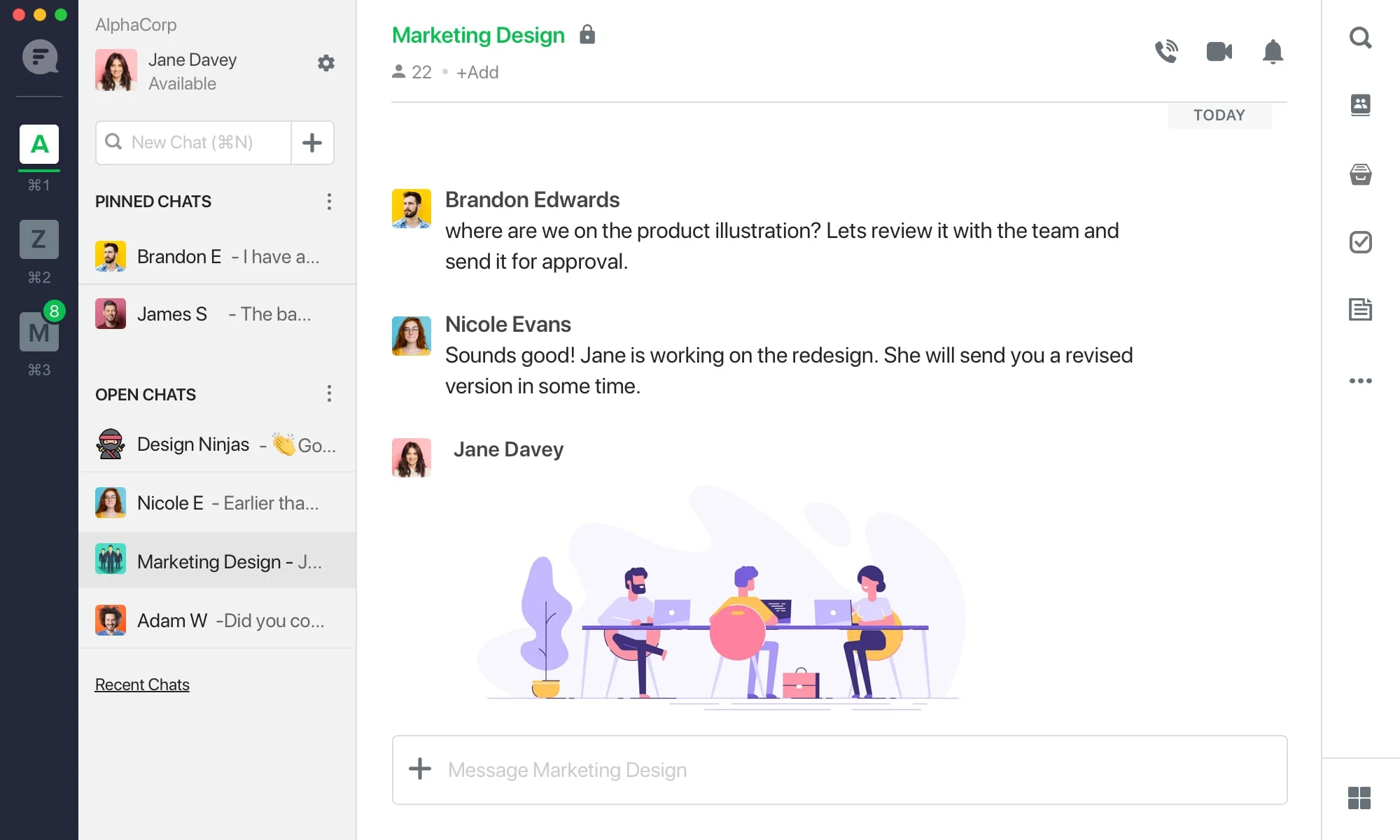
Flock is a team messaging app that supports chat, video calls, and task management. It helps teams centralize communication and collaboration.
Messages can be organized by channels for better clarity. Flock is useful for internal teams and remote teams that want a simple setup. It supports basic project coordination as well.
Pros
- Includes messaging and tasks.
- Easy to organize conversations.
Cons
- Limited advanced project features.
- Smaller ecosystem of integrations.
Best for
- Small to mid-sized internal teams.
8. Chanty
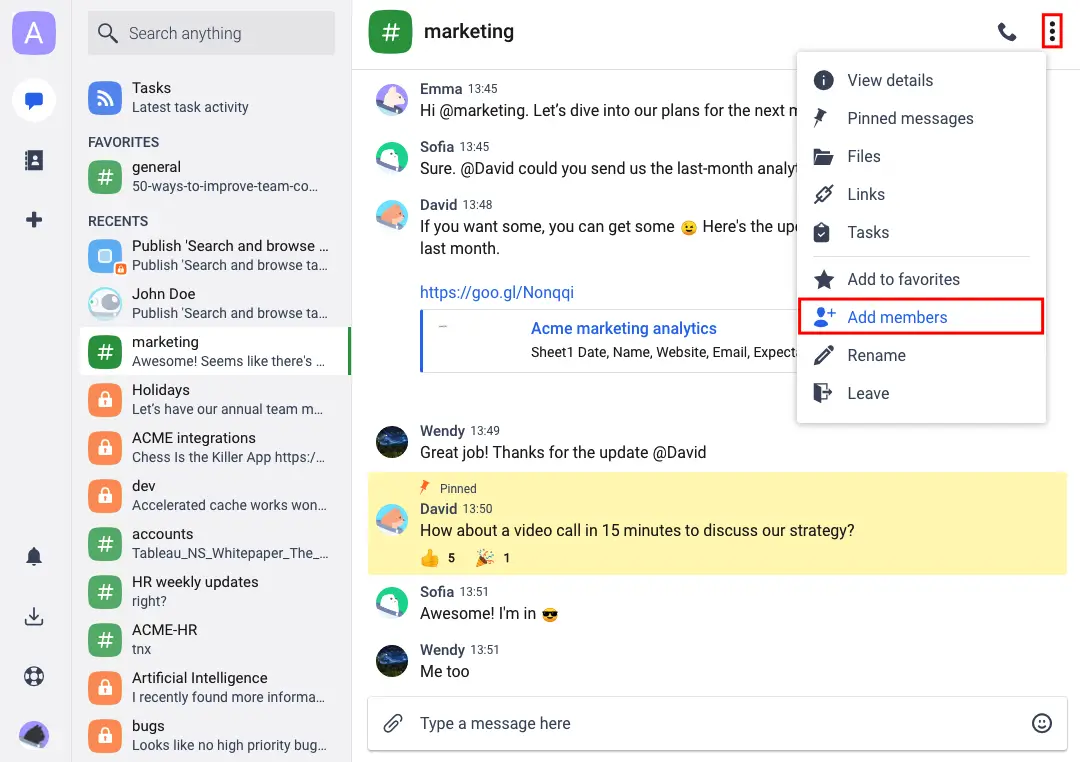
Chanty combines messaging with task management features. Teams can turn messages into tasks and track progress. It helps keep communication and action items connected.
This is helpful when conversations often lead to work that needs follow-up. Chanty supports both chat and simple project planning.
Pros
- Connects chat and tasks.
- Keeps action items visible.
Cons
- Not a full project management tool.
- Limited customization.
Best for
- Teams that want chat plus simple task tracking.
9. Microsoft Teams
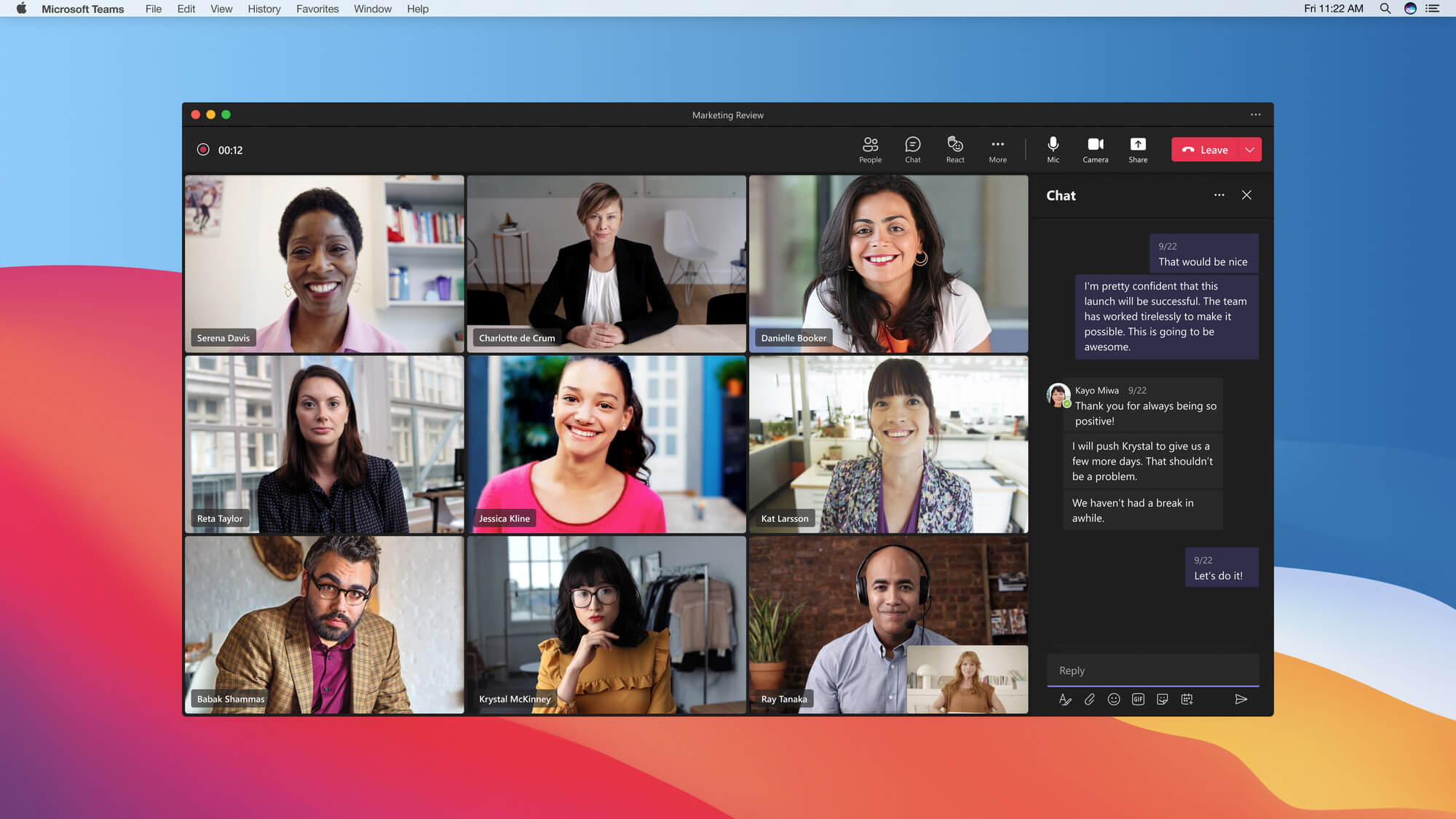
Microsoft Teams is a collaboration platform that includes chat, video meetings, and file sharing. It works closely with other Microsoft tools like Word and Excel.
Teams can organize communication by channels and projects. It is commonly used by companies already using Microsoft software. It supports both internal and remote team communication.
Pros
- Strong integration with Microsoft apps.
- Supports video and chat together.
Cons
- Can feel heavy for simple needs.
- Setup can be complex.
Best for
- Teams already using Microsoft tools.
10. Google Workspace
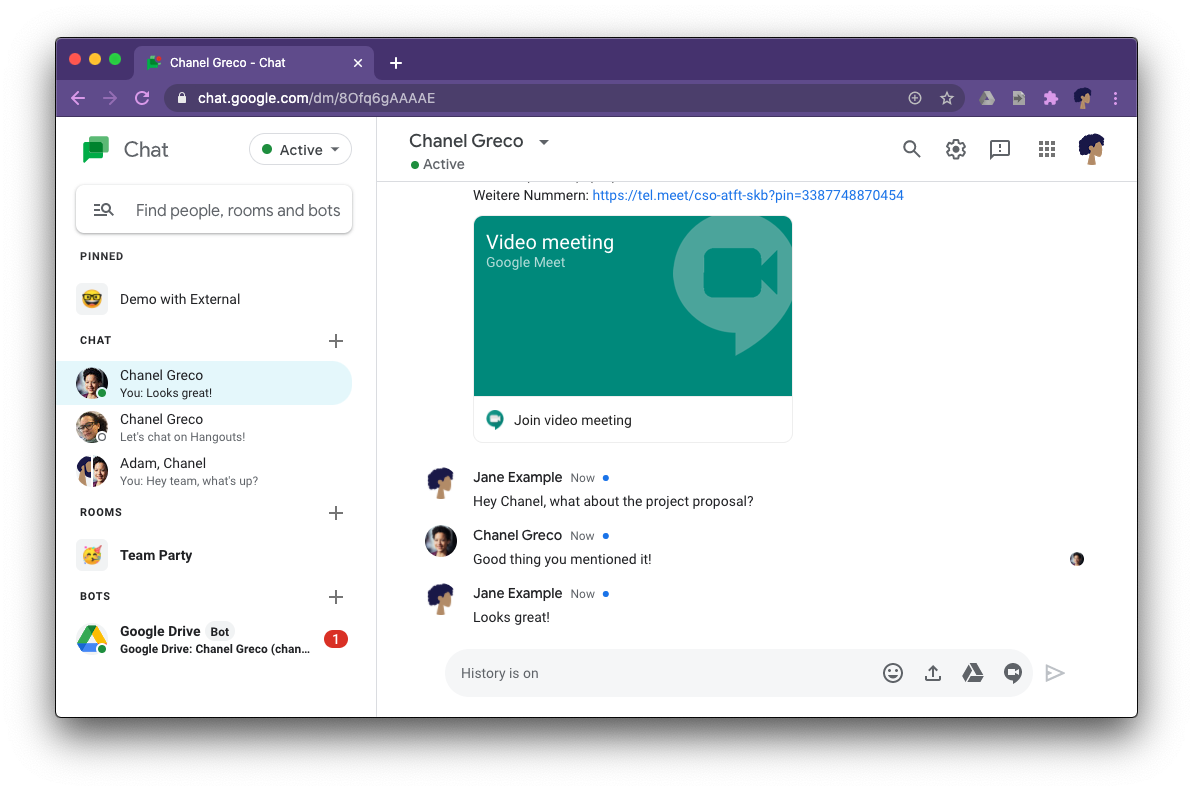
Google Workspace includes tools like Gmail, Google Chat, and Google Meet. These tools support messaging, video calls, and document collaboration.
Teams can work together on files while discussing changes in real time. It is useful for teams that rely on shared documents. Communication stays connected to daily work.
Pros
- Strong document collaboration.
- Easy sharing and communication.
Cons
- Messaging is spread across tools.
- Less focused on team chat structure.
Best for
- Teams that collaborate heavily on documents.
11. Discord
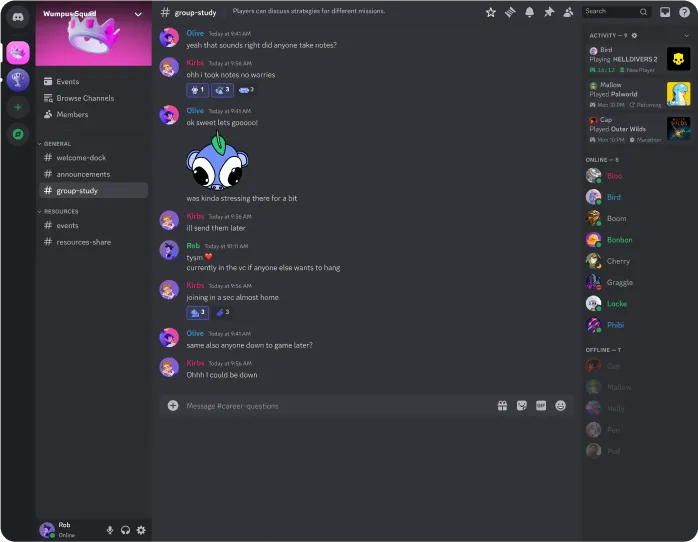
Discord started as a community chat platform but is now used by many teams. It supports voice chat, video calls, and text channels.
Teams use it for casual communication and quick discussions. It works well for creative teams or small remote groups. Organization comes from separate servers and channels.
Pros
- Strong voice and chat features.
- Easy to create organized channels.
Cons
- Less professional structure.
- Not built for business workflows.
Best for
- Creative or casual teams.
12. Trello
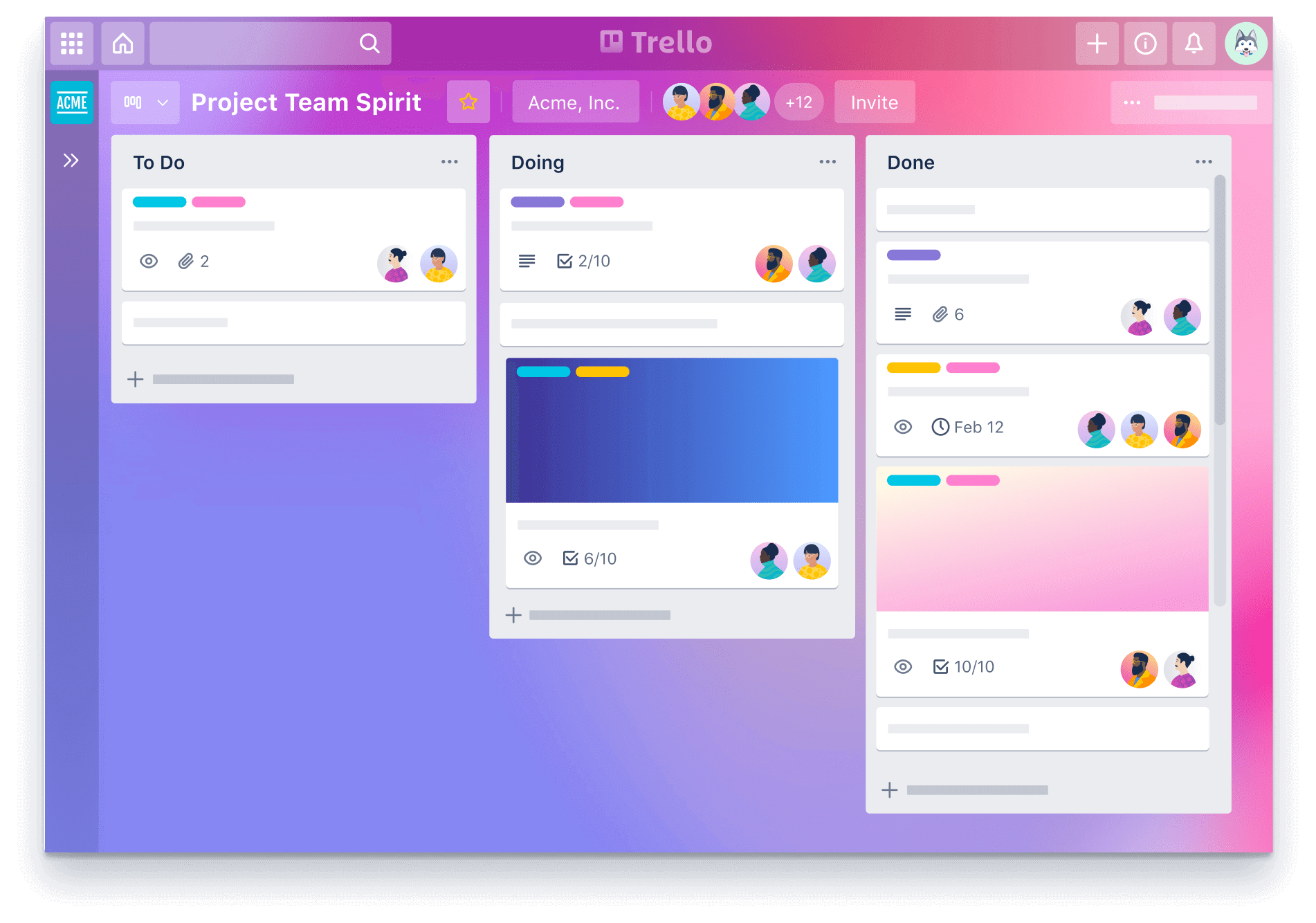
Trello is mainly a task management tool but also supports team communication. Teams leave comments on cards to discuss work. This keeps conversations tied directly to tasks.
It helps reduce confusion about what messages relate to which projects. Trello works well for visual project tracking.
Pros
- Keeps communication tied to tasks.
- Easy to visualize projects.
Cons
- Limited real-time chat.
- Not ideal for long conversations.
Best for
- Teams that communicate through tasks.
13. Connecteam
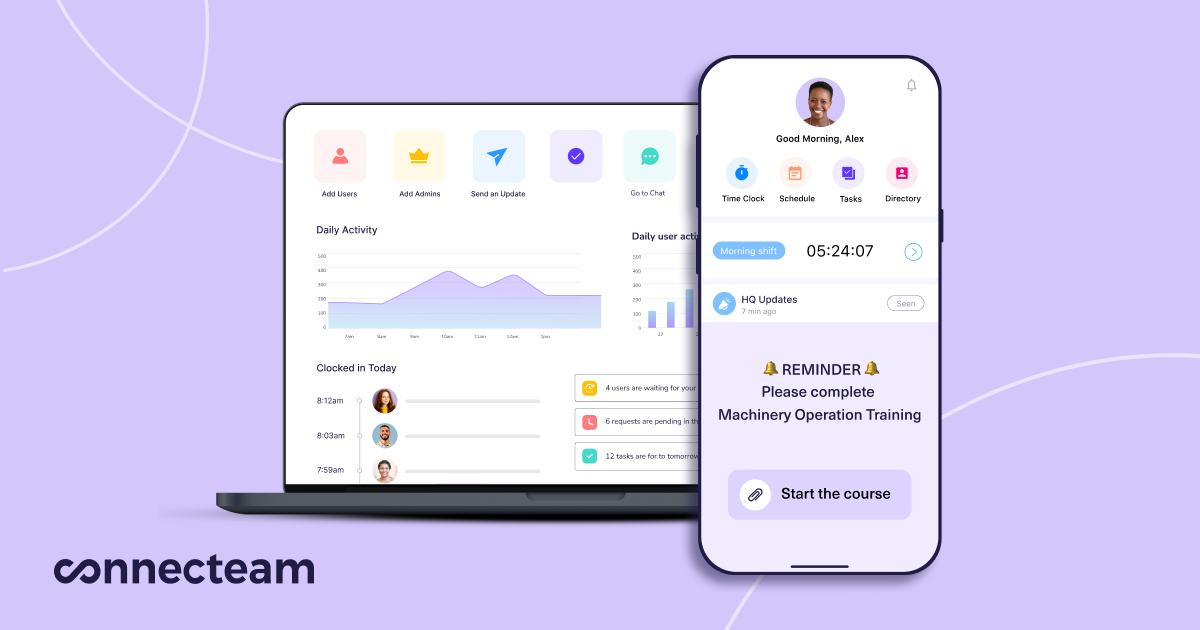
Connecteam is designed for team communication and workforce management. It supports messaging, updates, and task assignments.
It is often used by teams that work in the field or on shifts. Communication can be targeted to specific groups. This helps keep everyone informed without clutter.
Pros
- Good for team-wide updates.
- Supports structured communication.
Cons
- Less flexible for casual messaging.
- More focused on operations.
Best for
- Field teams and shift-based teams.
Want to save hours by automating repetitive typing & workflows?
Join over 700,000+ others who are automating workflows with Text Blaze.
14. Asana
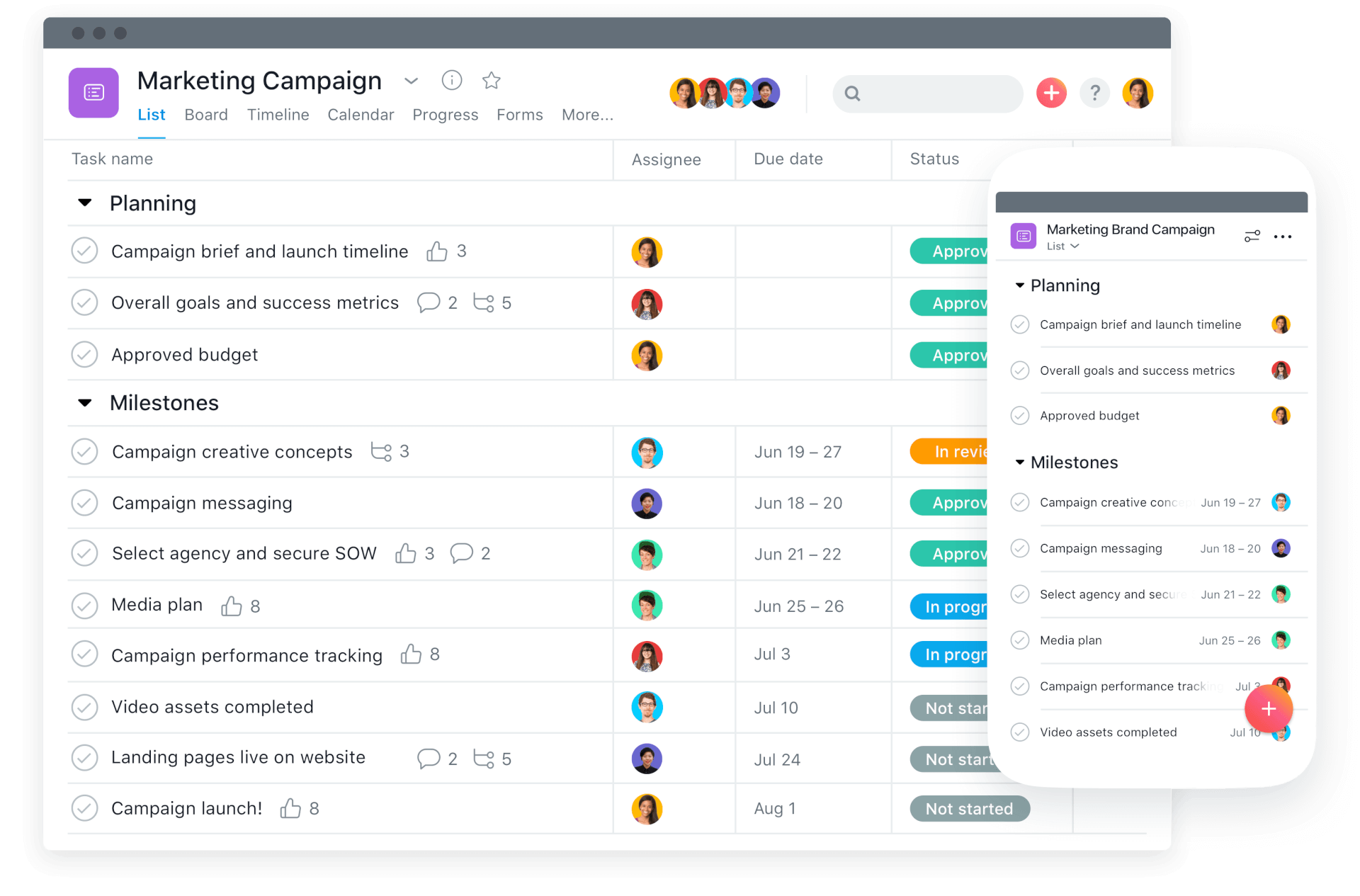
Asana focuses on task and project communication. Teams discuss work inside projects and tasks. This keeps conversations tied to action items.
It reduces the need for separate messaging tools for project updates. Asana works well when structure and clarity are important.
Pros
- Keeps conversations tied to work.
- Improves clarity around tasks.
Cons
- Not a real-time chat tool.
- Can feel rigid for quick messages.
Best for
- Teams that manage work through projects.
15. Front
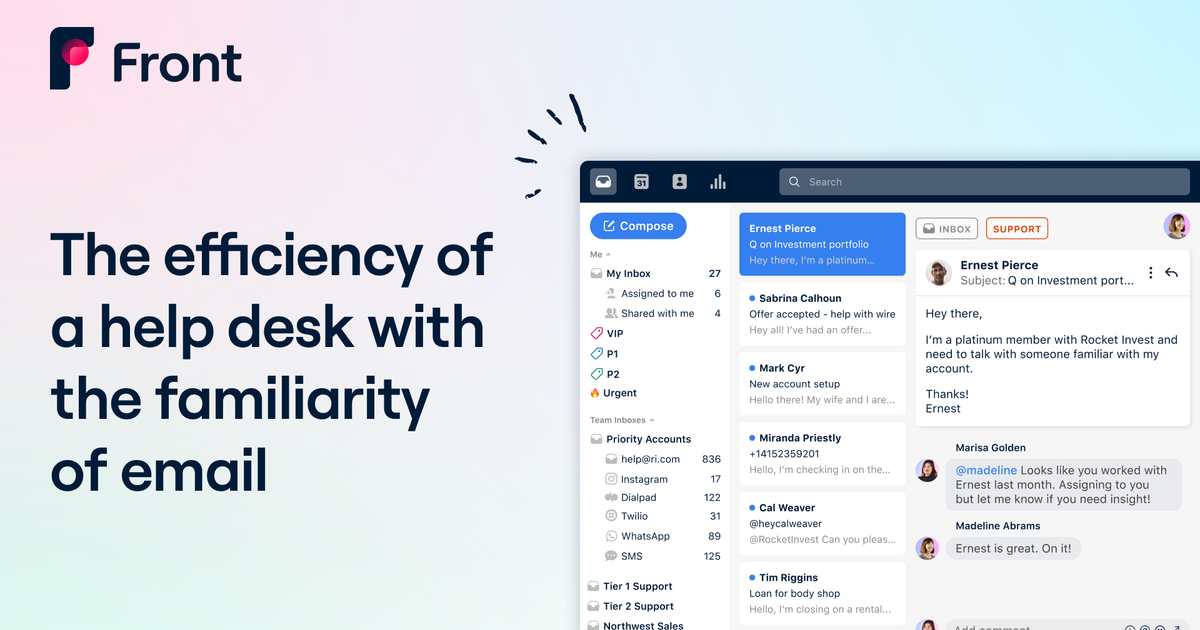
Front combines shared inboxes with team messaging. Teams can collaborate on emails and customer messages. It supports internal comments and assignments.
This helps boost sales team productivity and communication, and keeps the team organized. Front is useful when communication revolves around shared conversations.
Pros
- Strong shared inbox features.
- Improves team visibility.
Cons
- Mostly focused on messaging.
- Less useful for internal-only chat.
Best for
- Sales and support teams managing customer communication.
What is the Best Team Communication Tool?
The best team communication tool really depends on what kind of conversations your team needs to have most. Not the most exciting answer, but it really is true.
Some teams mainly need help with internal communication, like sharing updates, staying aligned, and keeping projects organized.
Other teams need tools that focus more on customer communication, such as managing support messages, sales conversations, or client follow-ups. Both are important, but they serve different purposes.
If your biggest challenge is keeping your team consistent internally, then you want something that makes daily communication clear and easy to follow.
On the other hand, if your focus is communicating with customers, then having a system that keeps those conversations organized and visible to the whole team matters more. Many teams find that they eventually need a mix of both.
To recap, our suggestion for the best team communication tool is Text Blaze. Text Blaze helps you automate repetitive typing, data transfer, form-filling, and workflows on any website. Plus, Text Blaze is free forever!
Give Text Blaze a try today!