Physical Therapy Goals Bank

Blaze Team
About this snippets template
What's inside the physical therapy goals examples pack
The goals section:
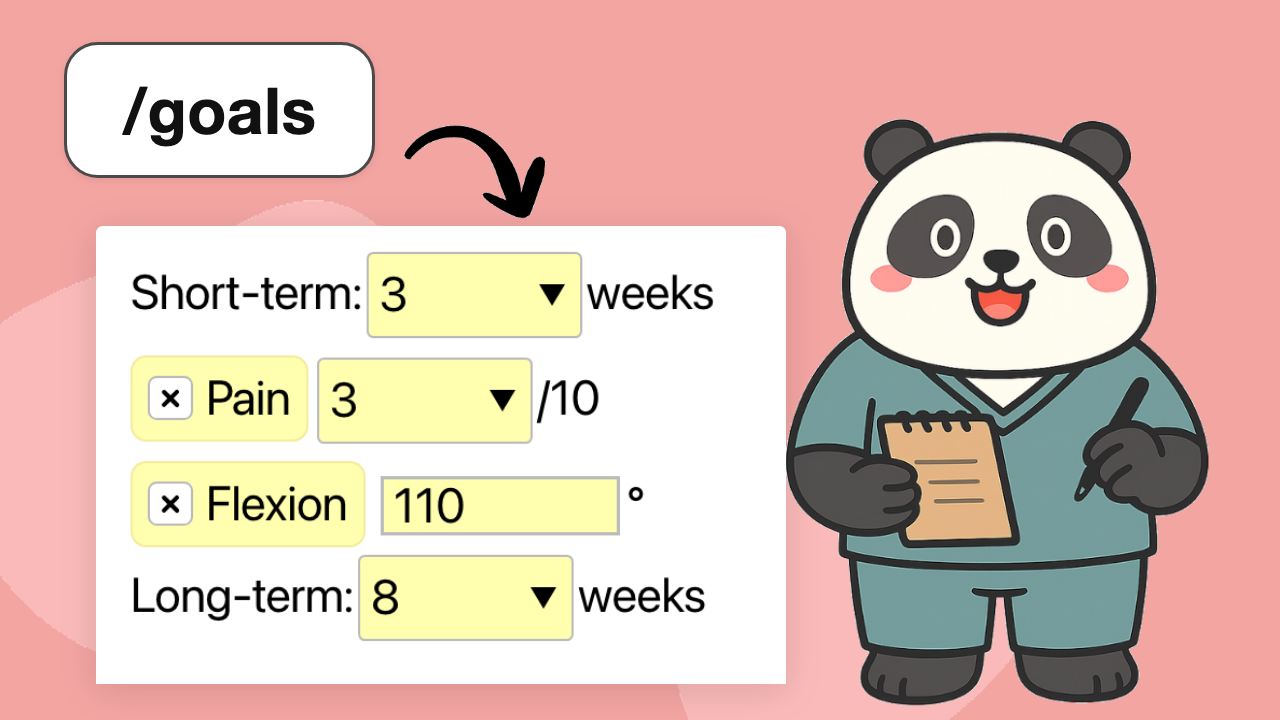
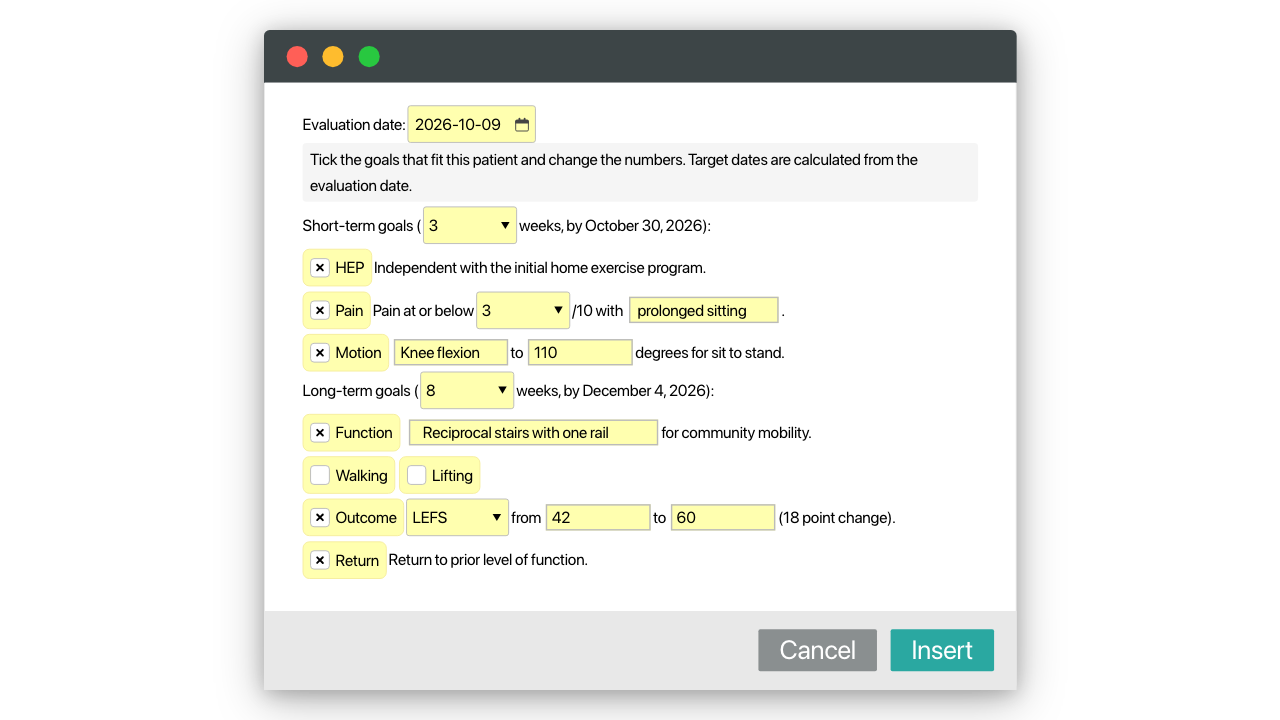
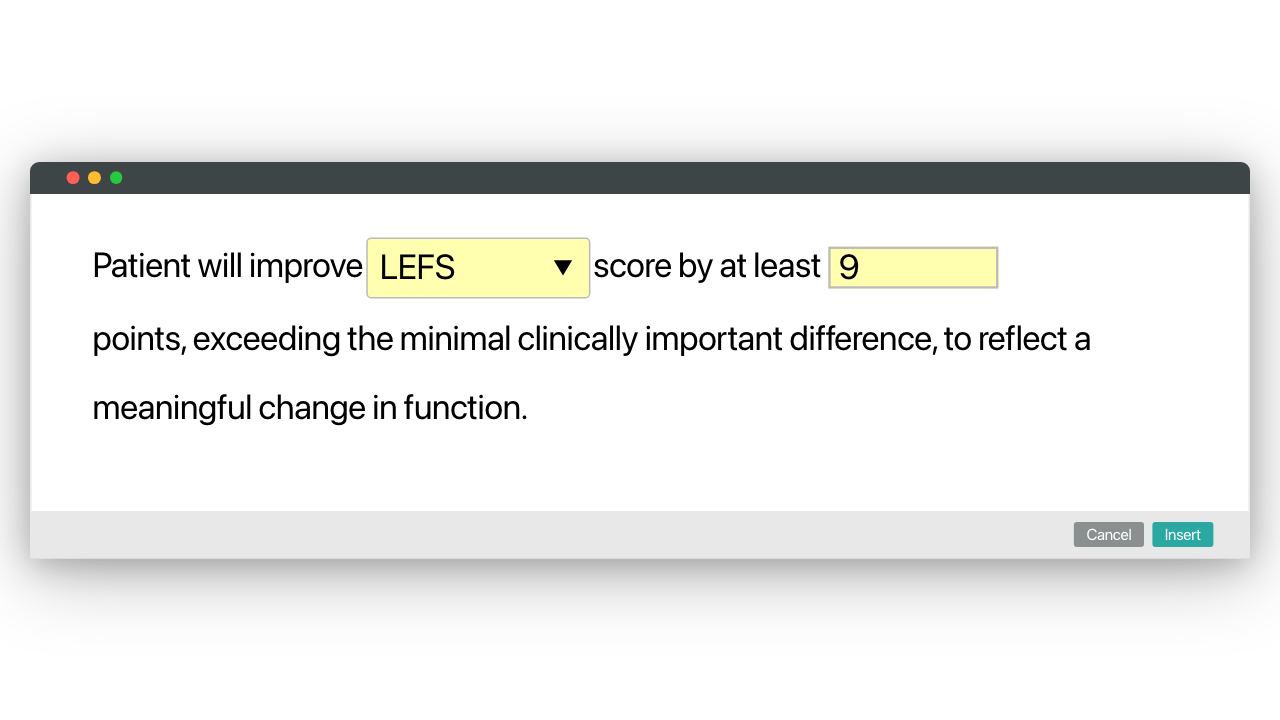
- /goals: short- and long-term goals for the eval. Pick the time frames from drop-down menus and the target dates are worked out from the evaluation date. Tick the goals that fit (home program, pain, range of motion, function, walking, lifting, outcome measure, prior level of function) and type the numbers. For an outcome measure, enter the starting and target score and the point change is calculated
Shorter snippets, one goal each:
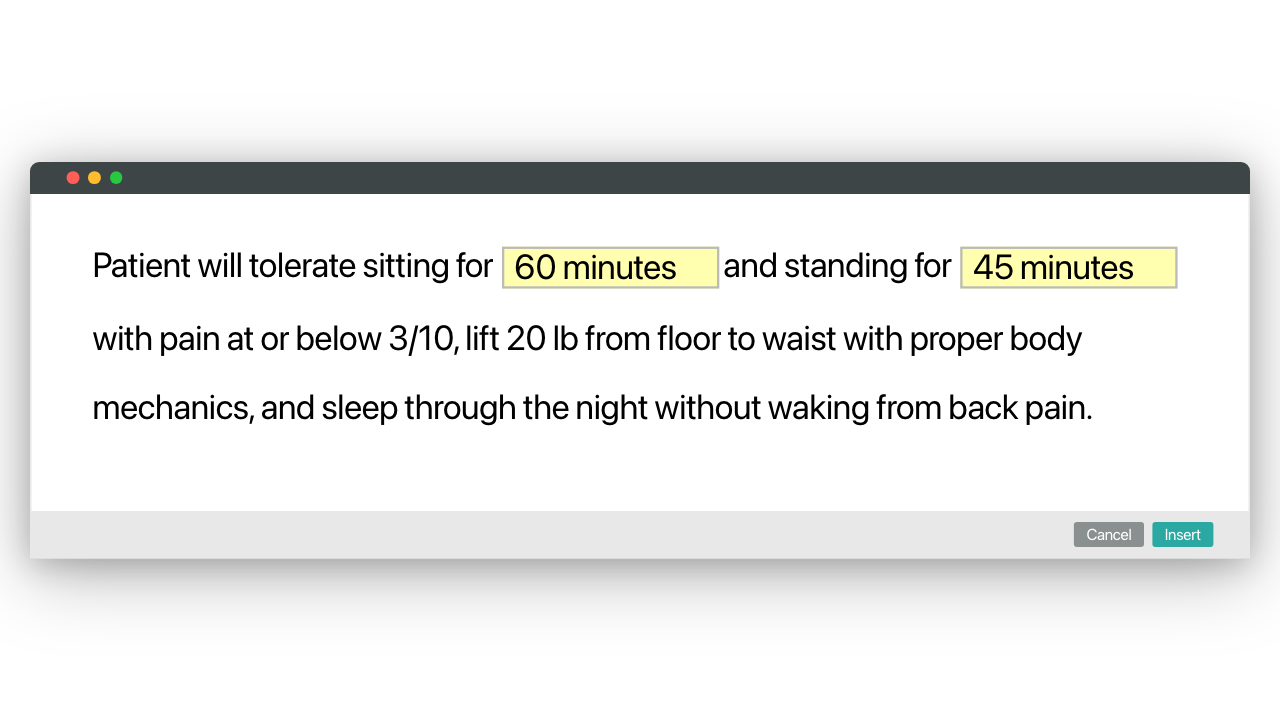
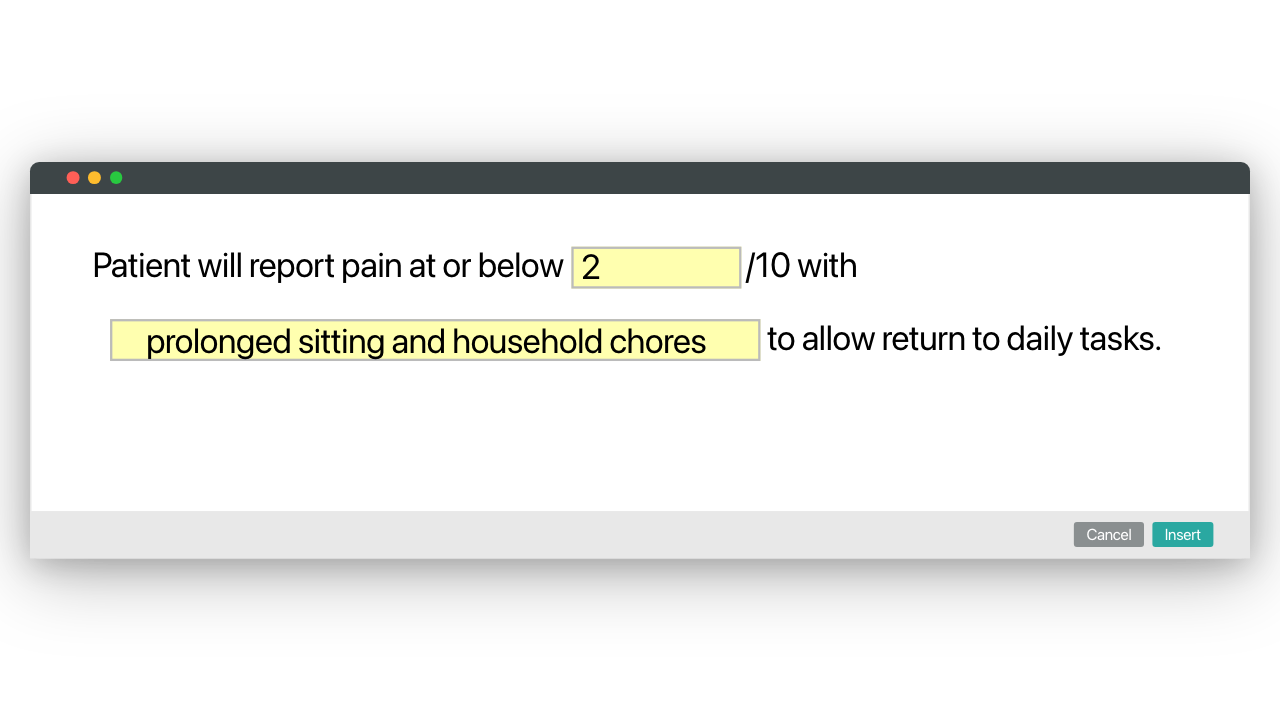
- /gpain pain at or below a number out of 10 with a named activity
- /gwalk walking distance without an assistive device, /glift floor-to-waist lifting
- /greach overhead reaching, /grun return to running, /gthrow return to throwing
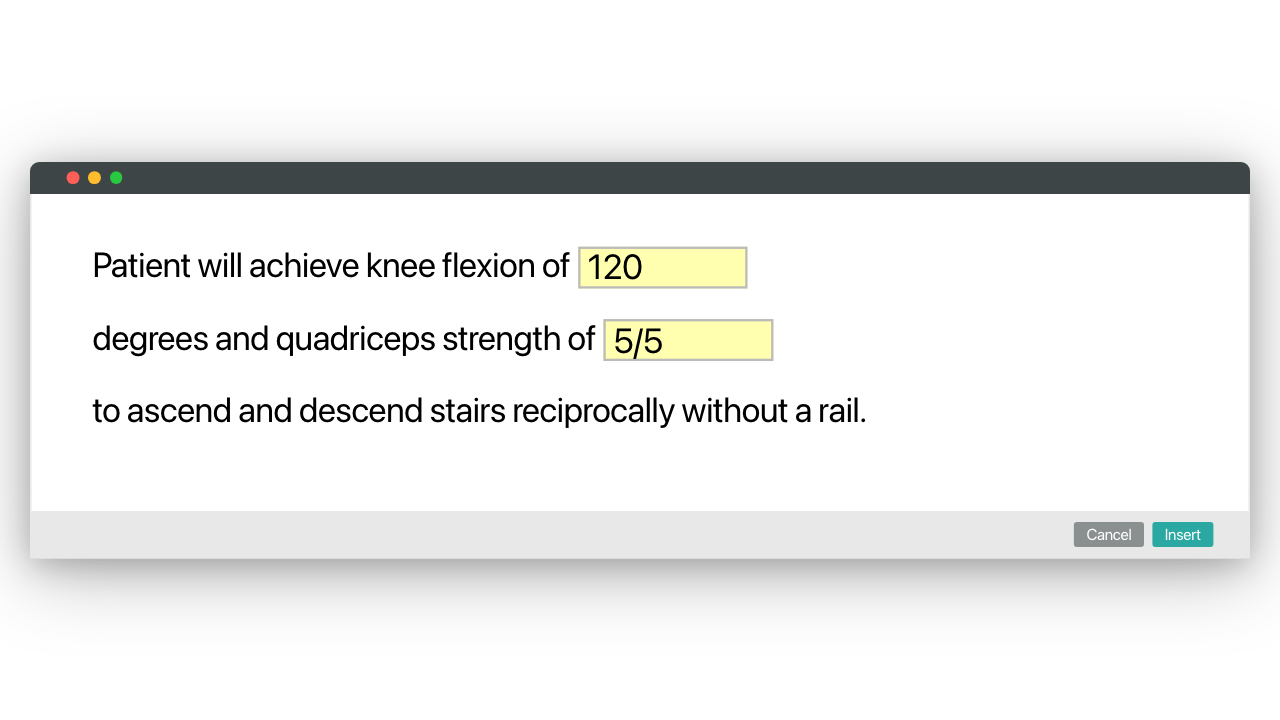
- /gknee, /gshld and /glbp goals for the knee, shoulder and low back
- /gom an outcome measure goal with a menu for LEFS, ODI, NDI, QuickDASH or PSFS
Each one follows the shape of physical therapy smart goals examples: an activity, a number, conditions and a functional reason. Use them as sample physical therapy goals, then change them to the patient's own words.
How it works
- Type a shortcut in WebPT, Prompt, Net Health or any browser EMR, or in installed programs through the desktop app
- Fill in the text boxes and pick from the menus as it inserts. Guidance notes show while you fill in the form, never in the note
- Physical therapy short term goals examples and long-term goals sit under their own headings, so the plan of care reads in order
Start here
Free to install. Use /goals on your next eval. Then save one goal you write often as your own snippet: /gpain is a good first one, and it saves a minute on every eval.
Other templates by Blaze Team
Wound Care Documentation Templates
Blaze Team
Free
Wound care documentation templates you can insert anywhere with a keyboard shortcut: wound assessment with staging and a wound care visit note, plus shorter snippets for teaching. Fill in text boxes and drop-down menus, so a wound note takes minutes, not an evening.
Speech Therapy SOAP & Session Note Templates
Blaze Team
Free
SOAP notes speech therapy templates you can insert anywhere with a keyboard shortcut, plus a one-sentence school Medicaid note and shorter snippets for commonly typed sentences. Fill in accuracy and cue levels with text boxes and drop-down menus, so each note takes minutes.
Outcome Measure Calculators
Blaze Team
Free
A QuickDASH calculator plus Oswestry, NDI, LEFS, DHI and PSFS scoring you can insert anywhere with a keyboard shortcut. Enter each answer from the official form in drop-down menus and the score and result line appear in your note, so scoring takes seconds.